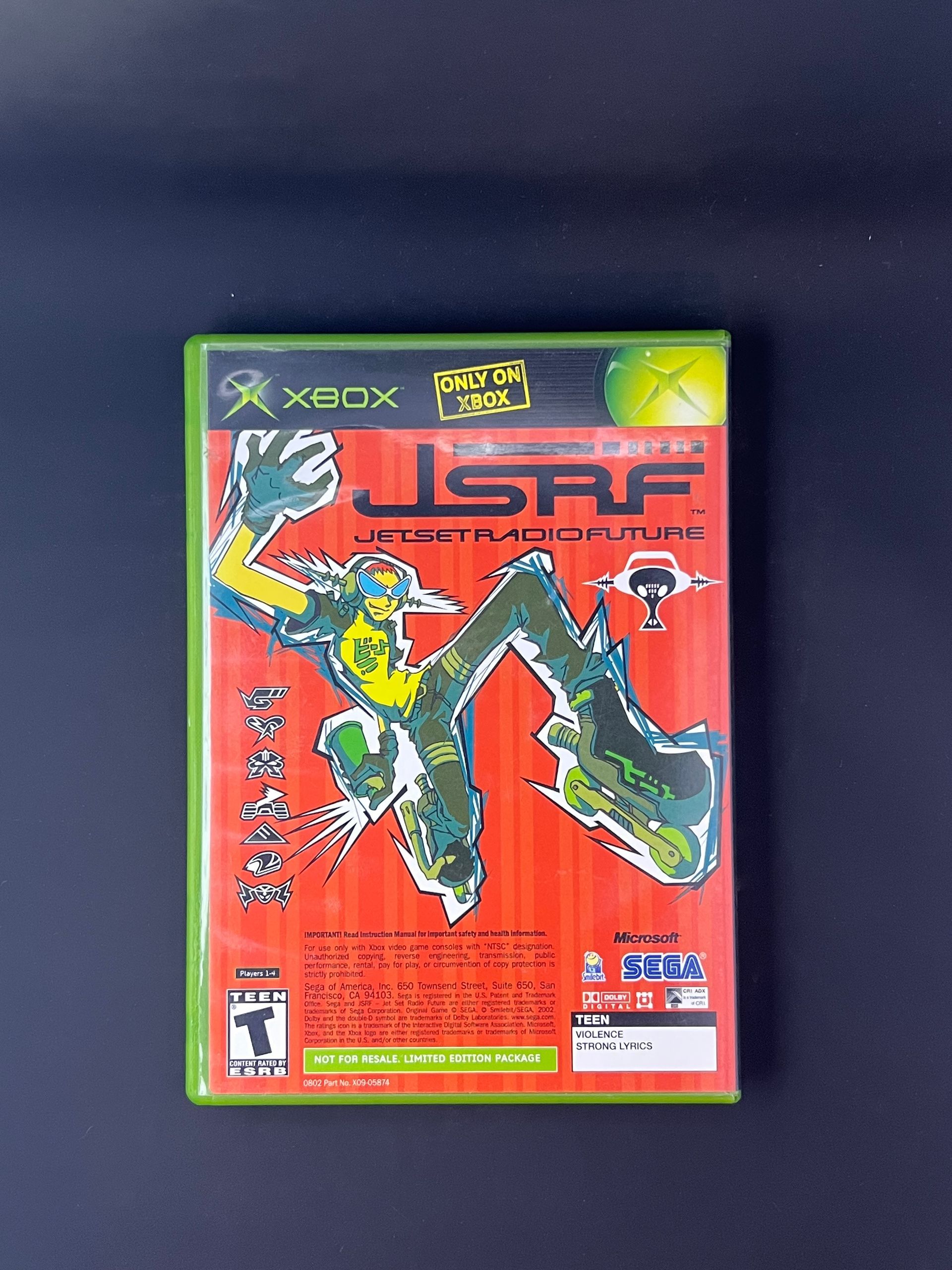
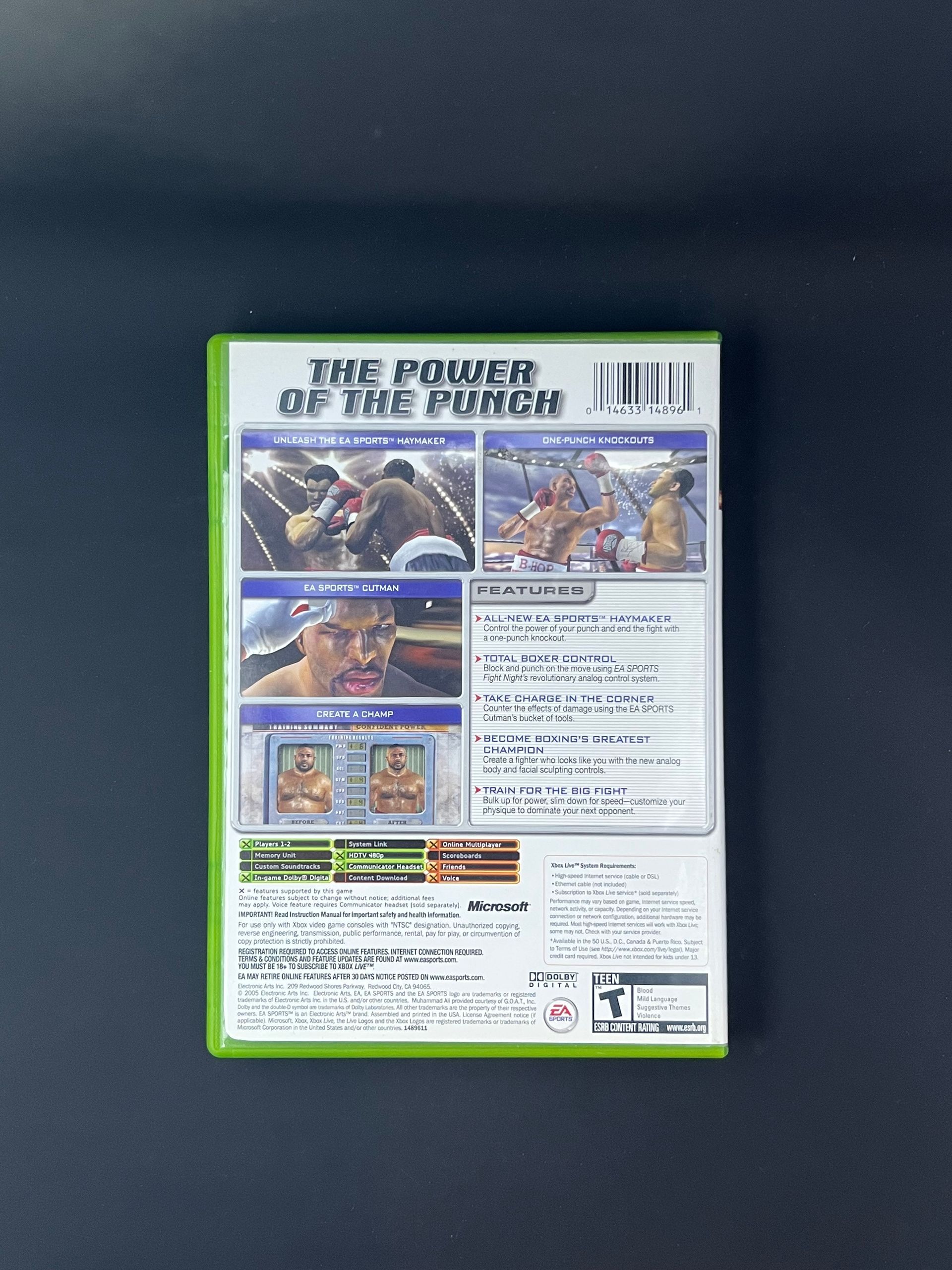
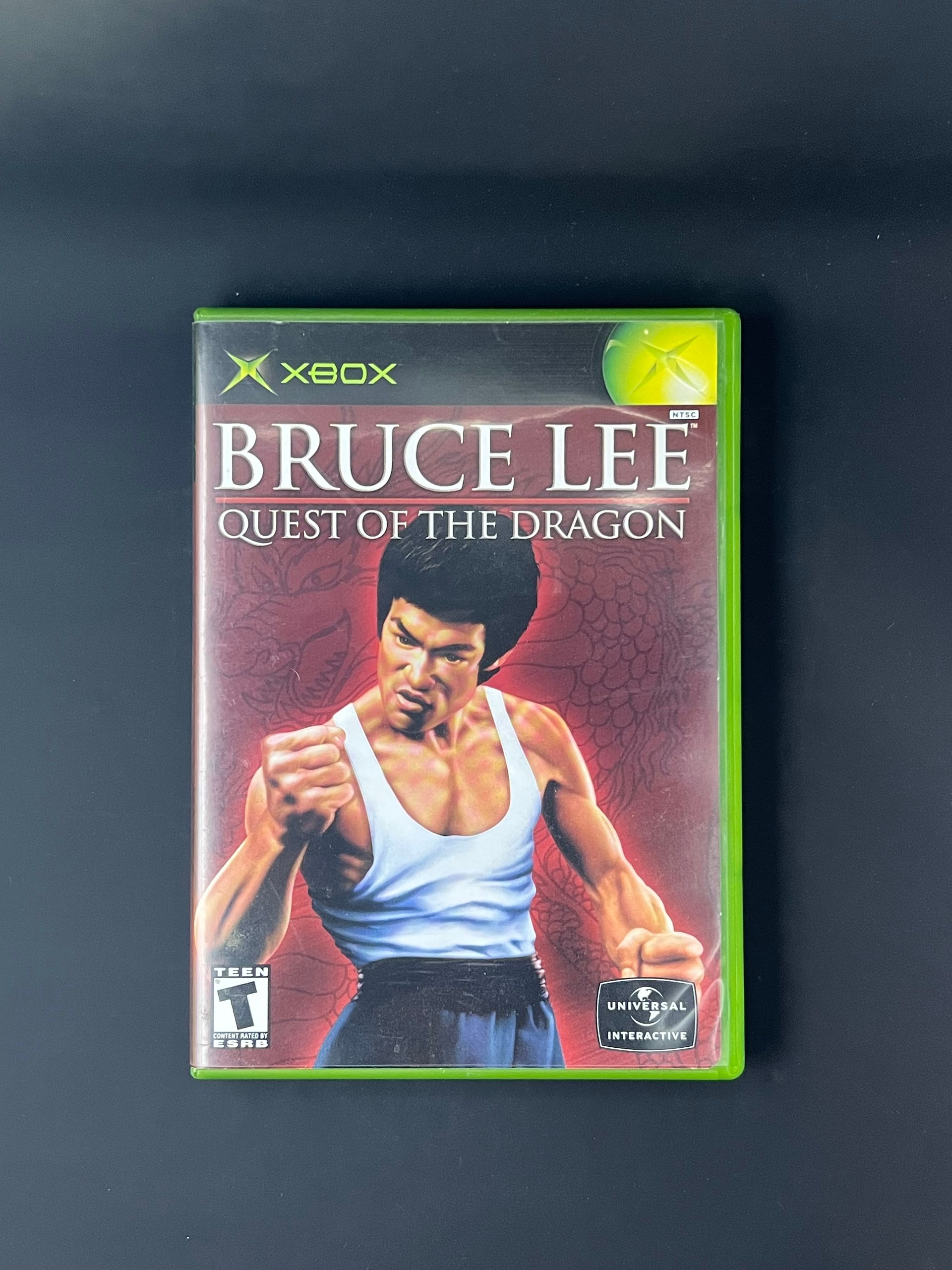
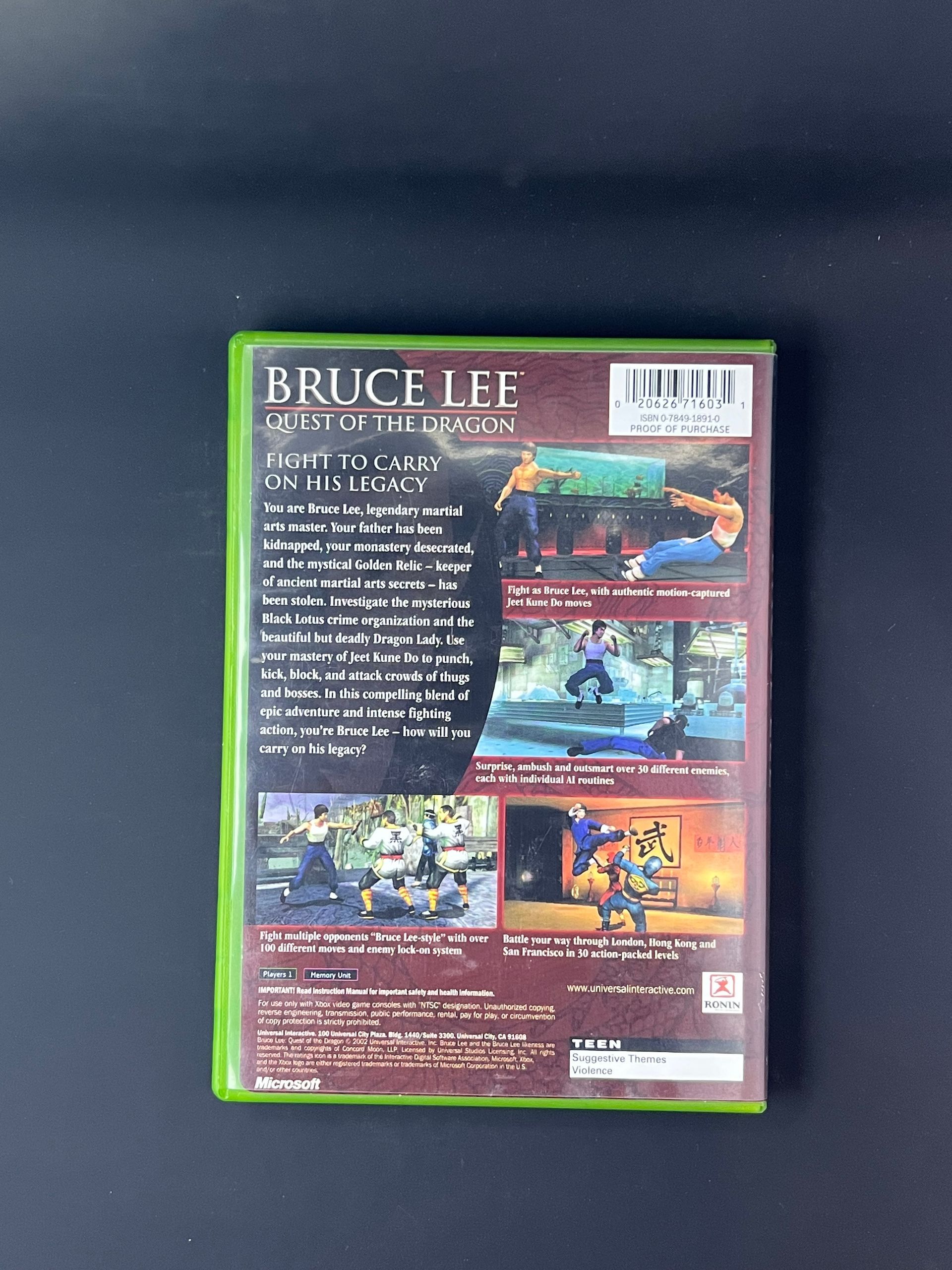
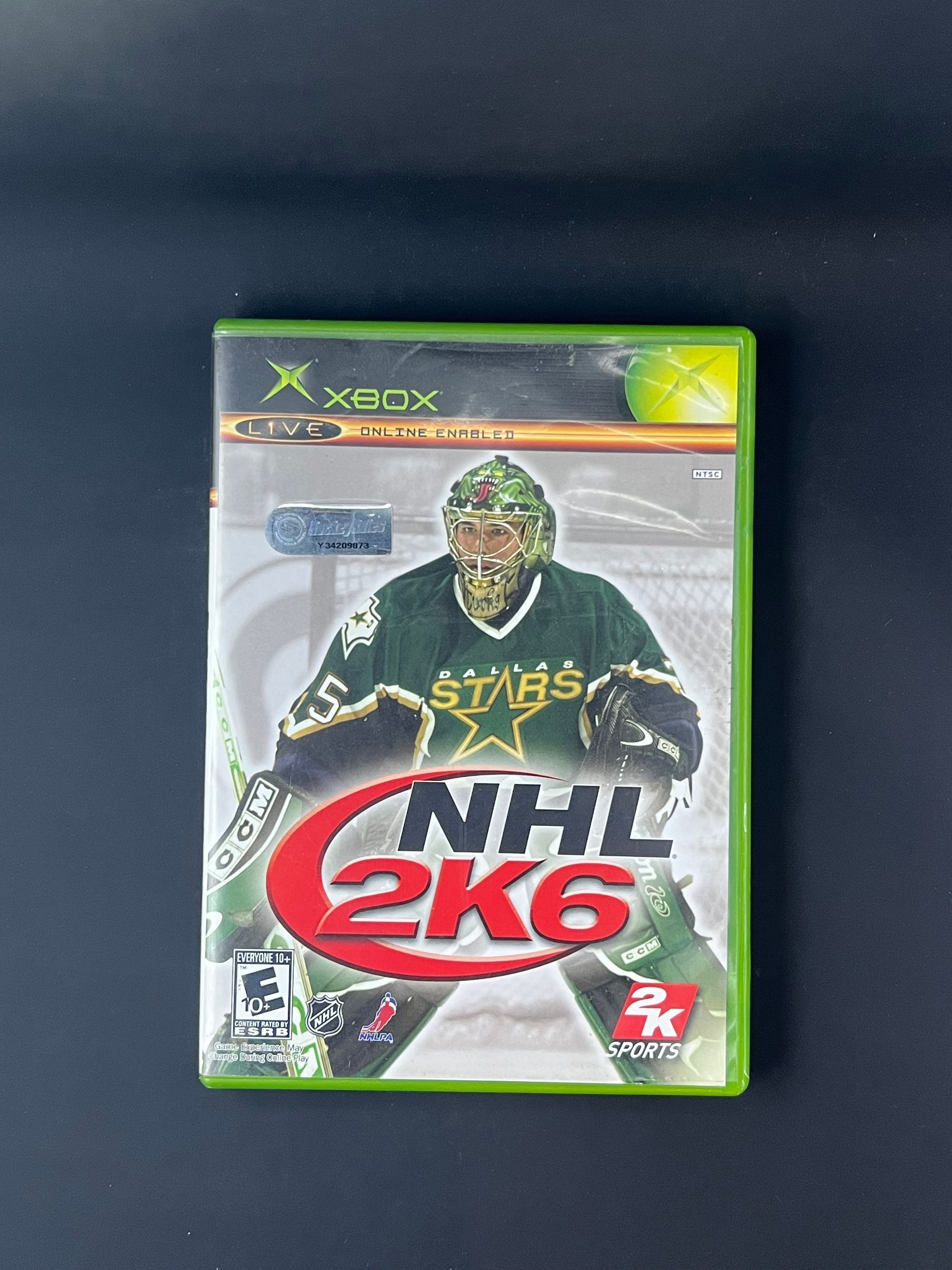
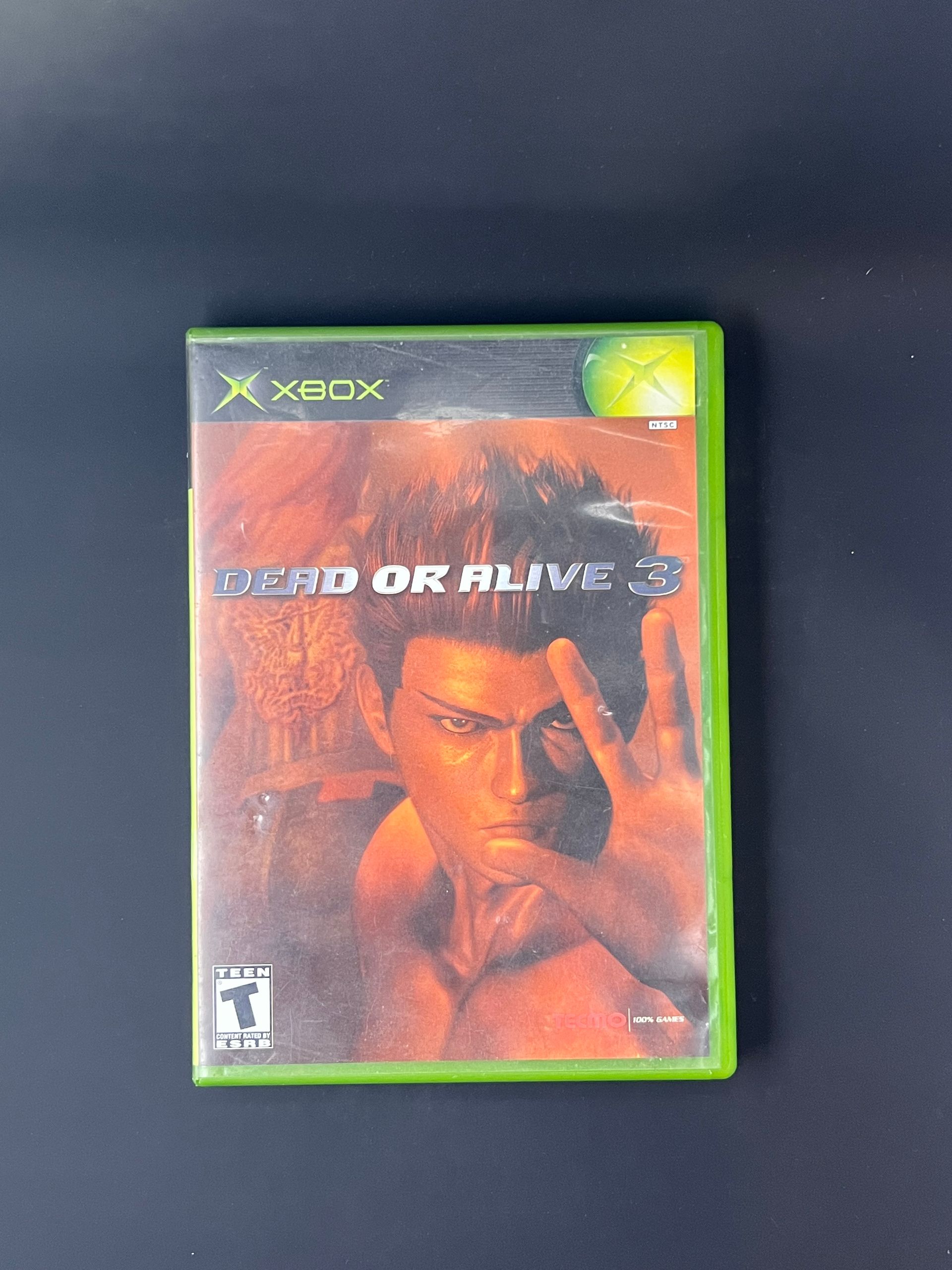
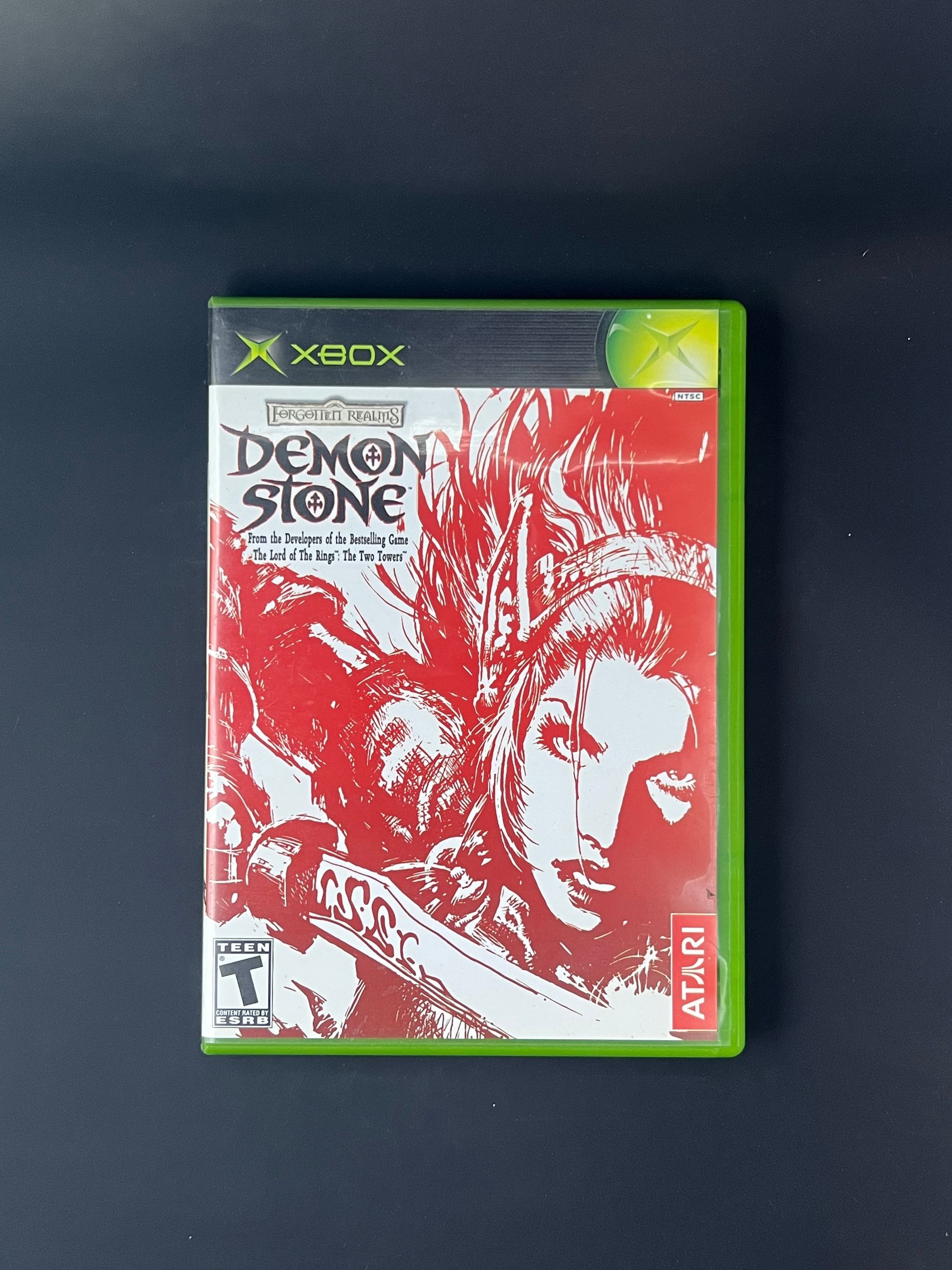
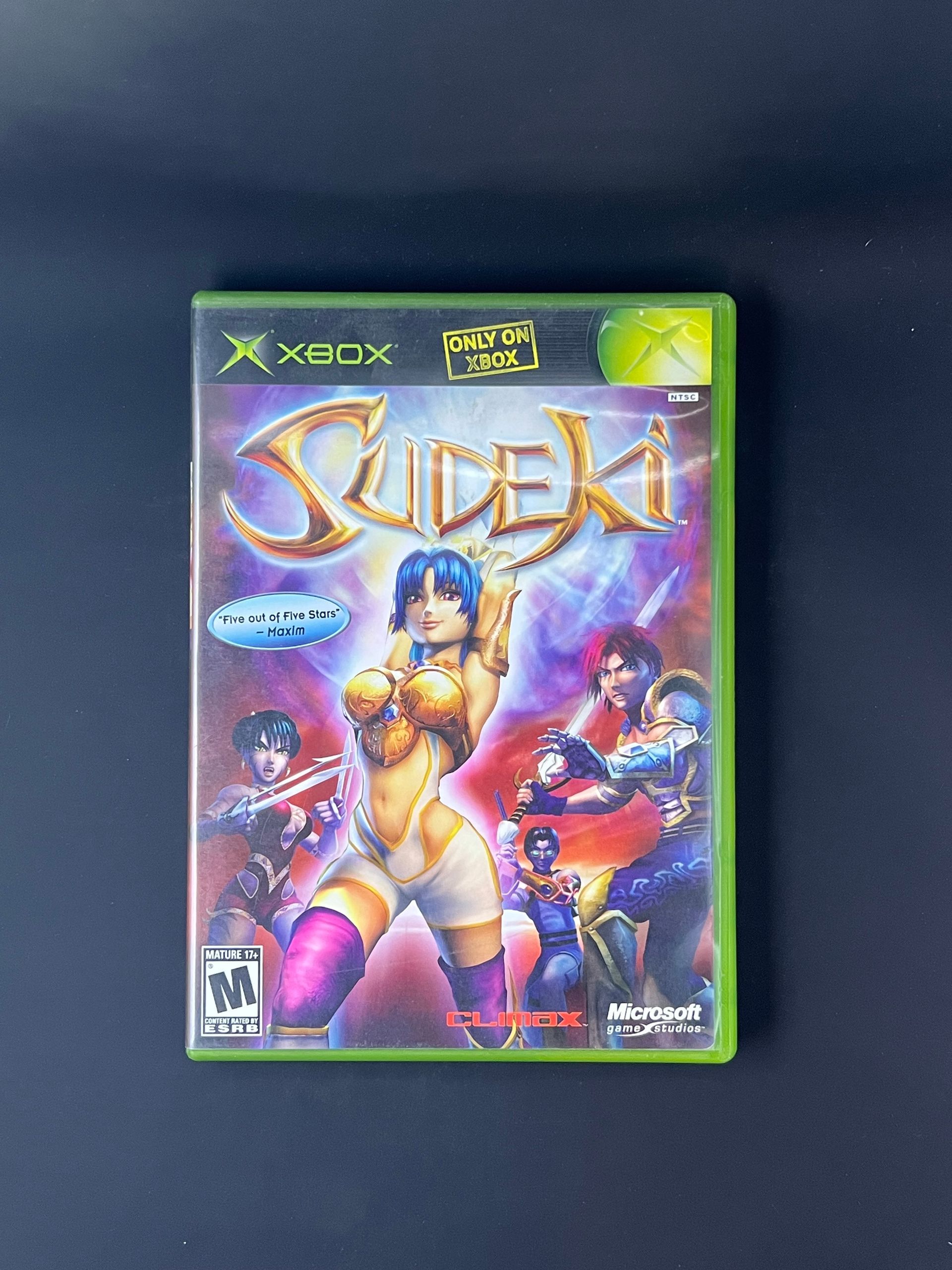
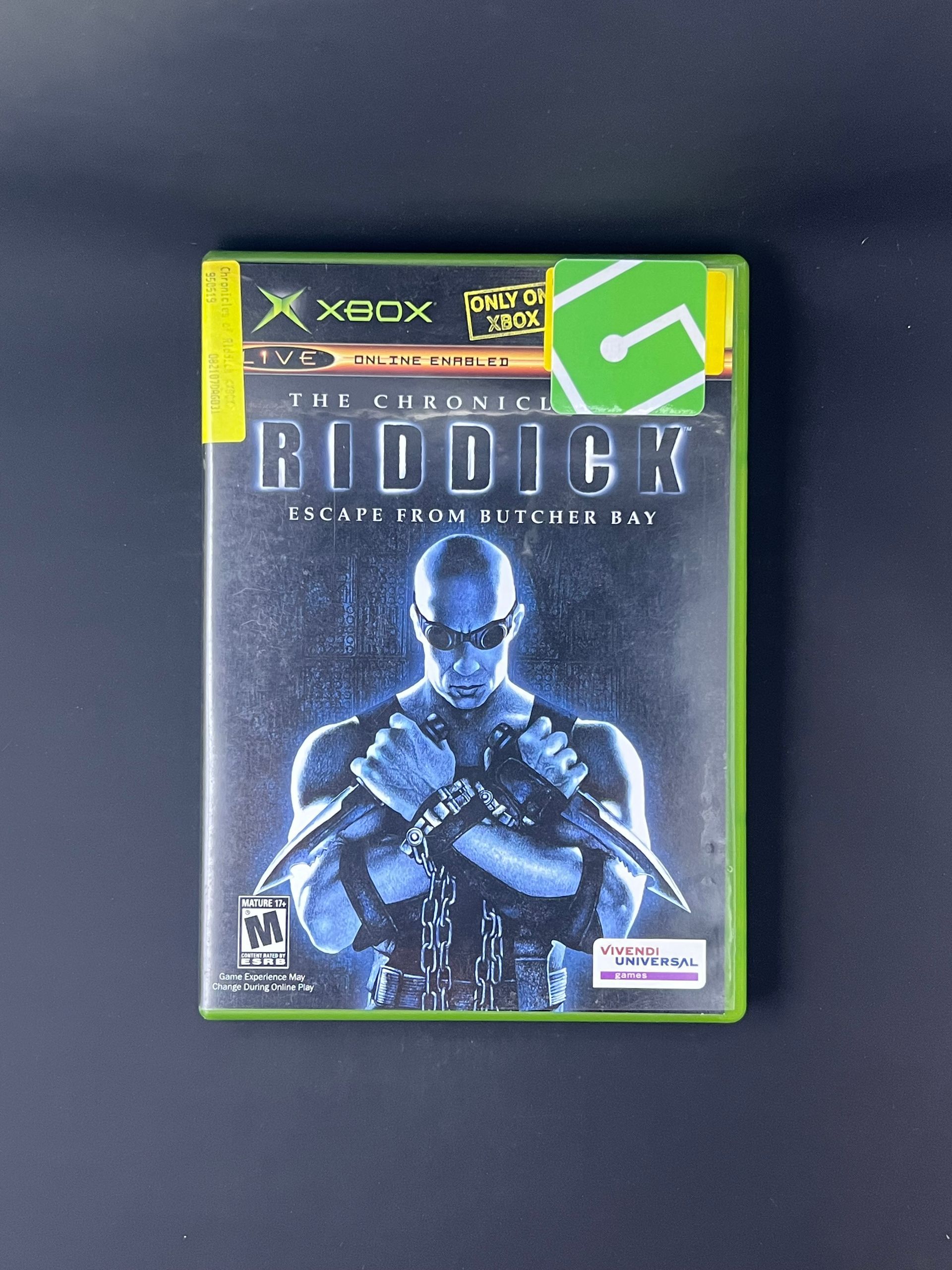
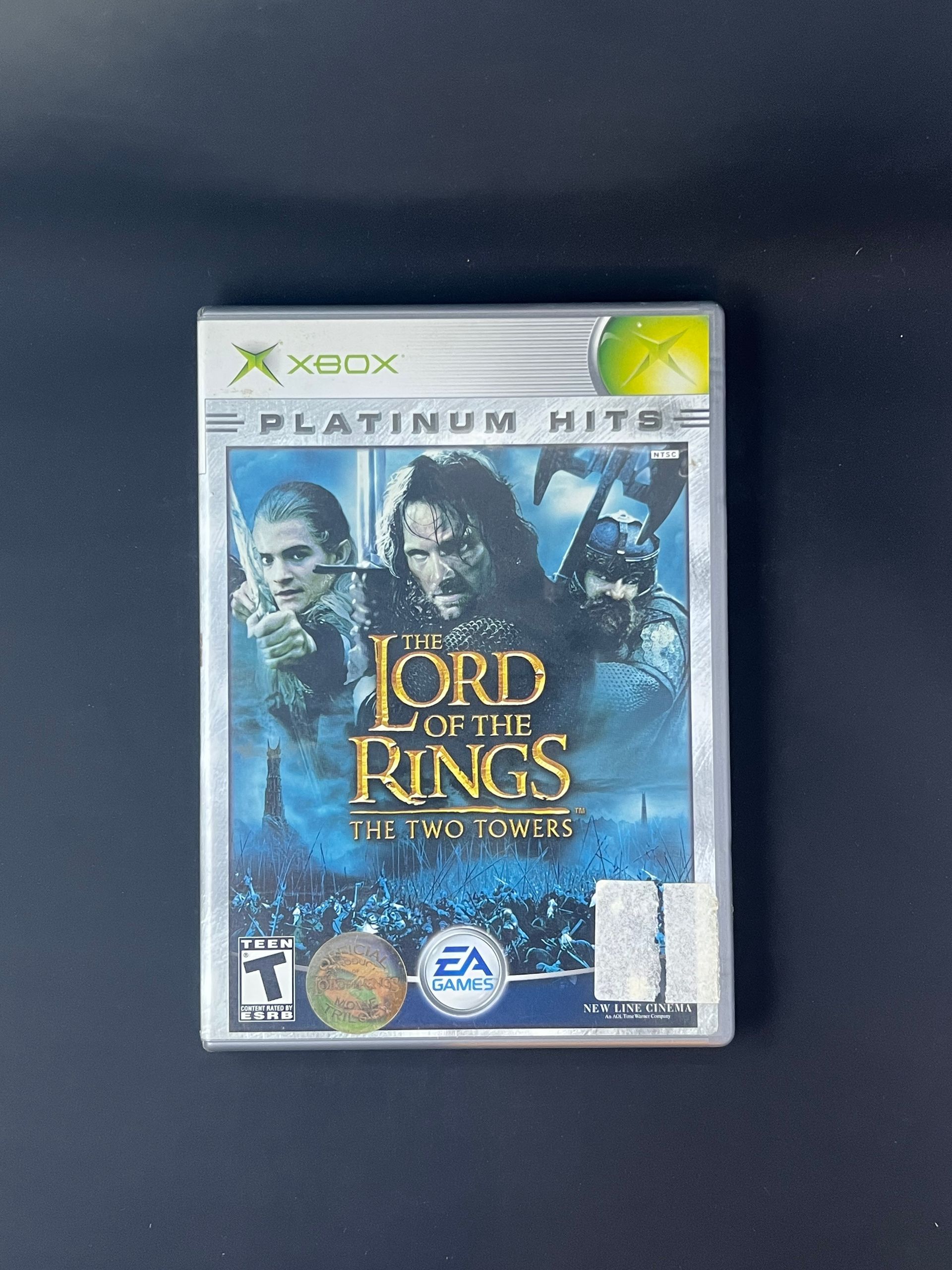
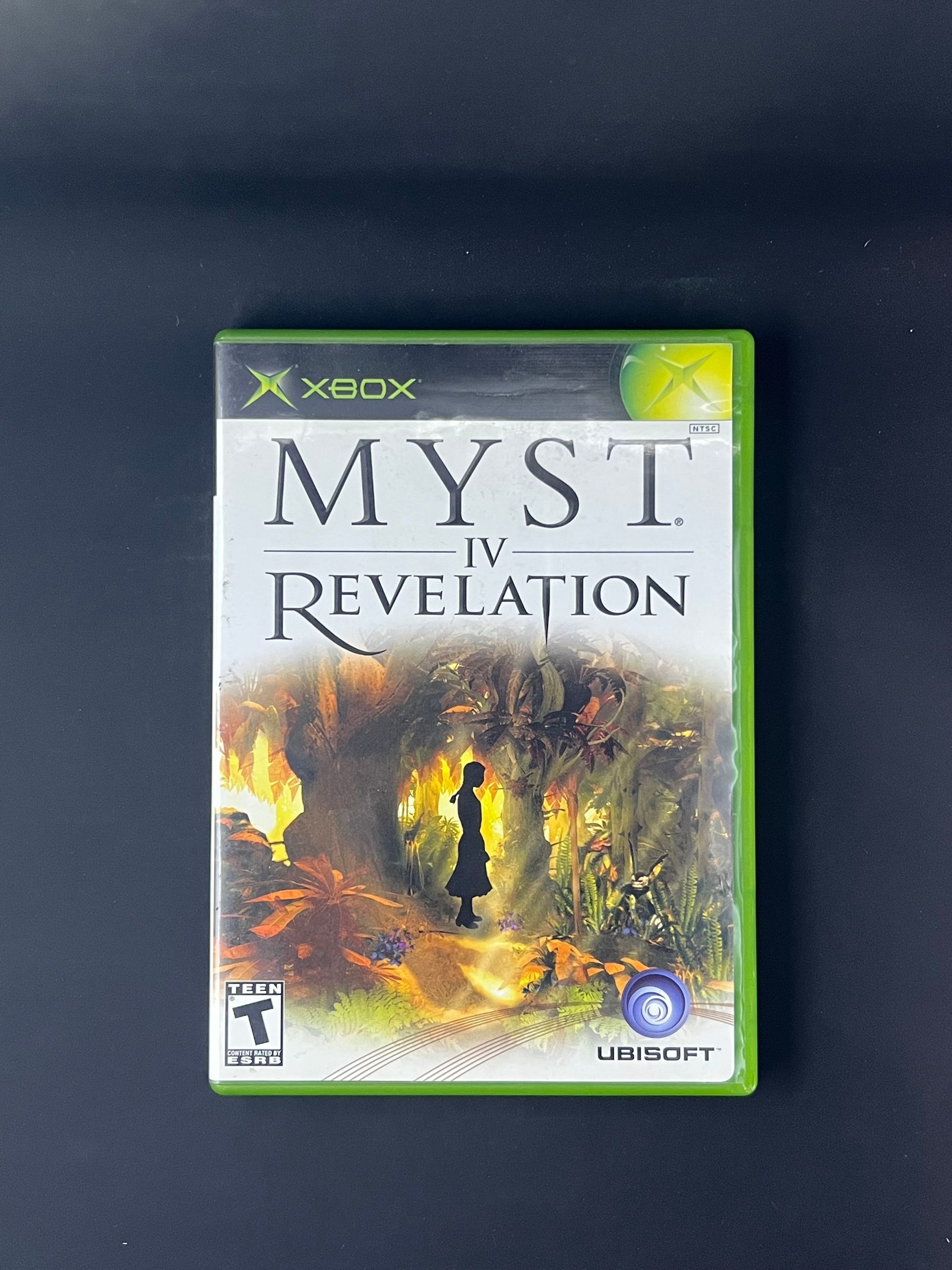
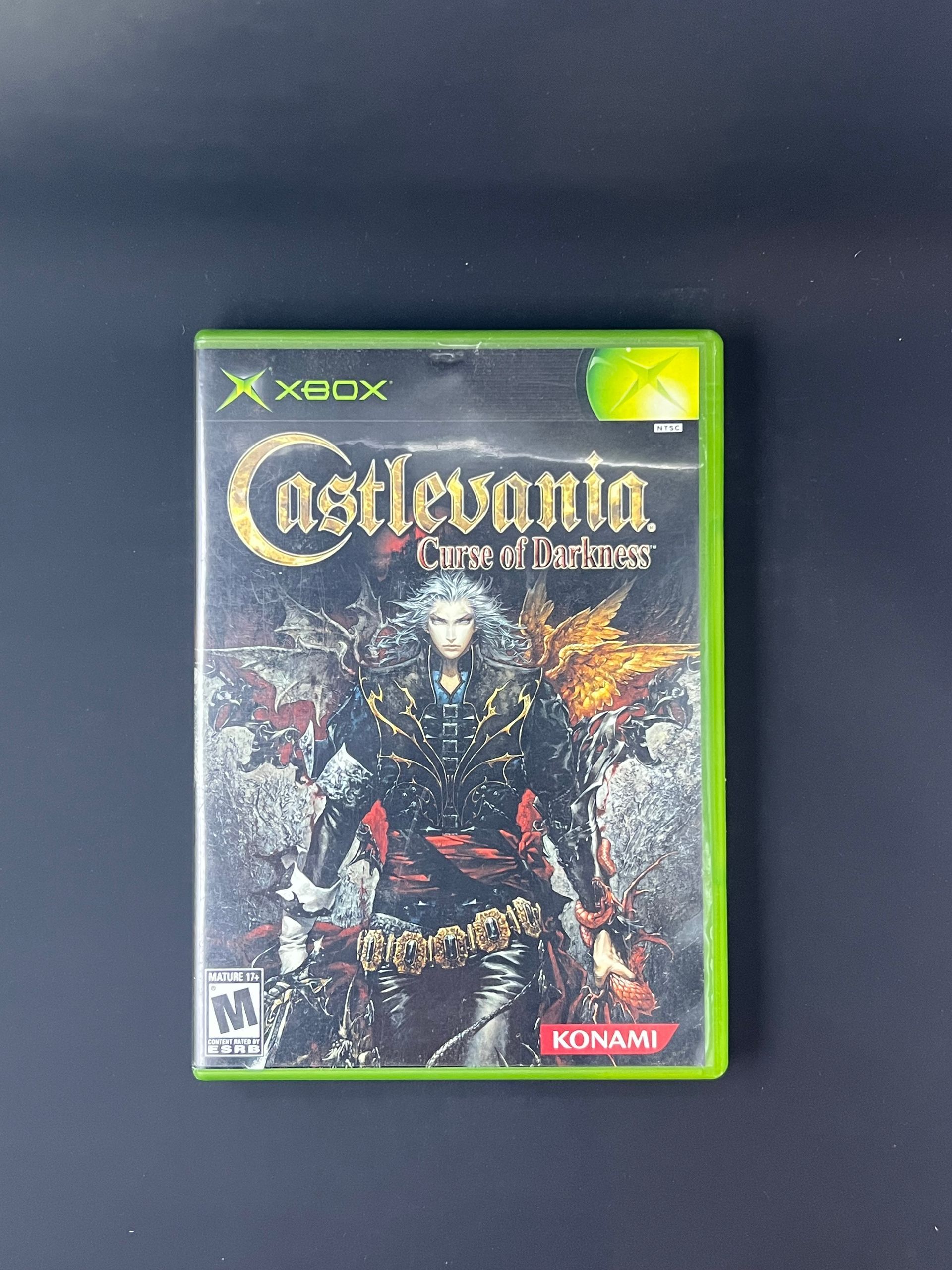
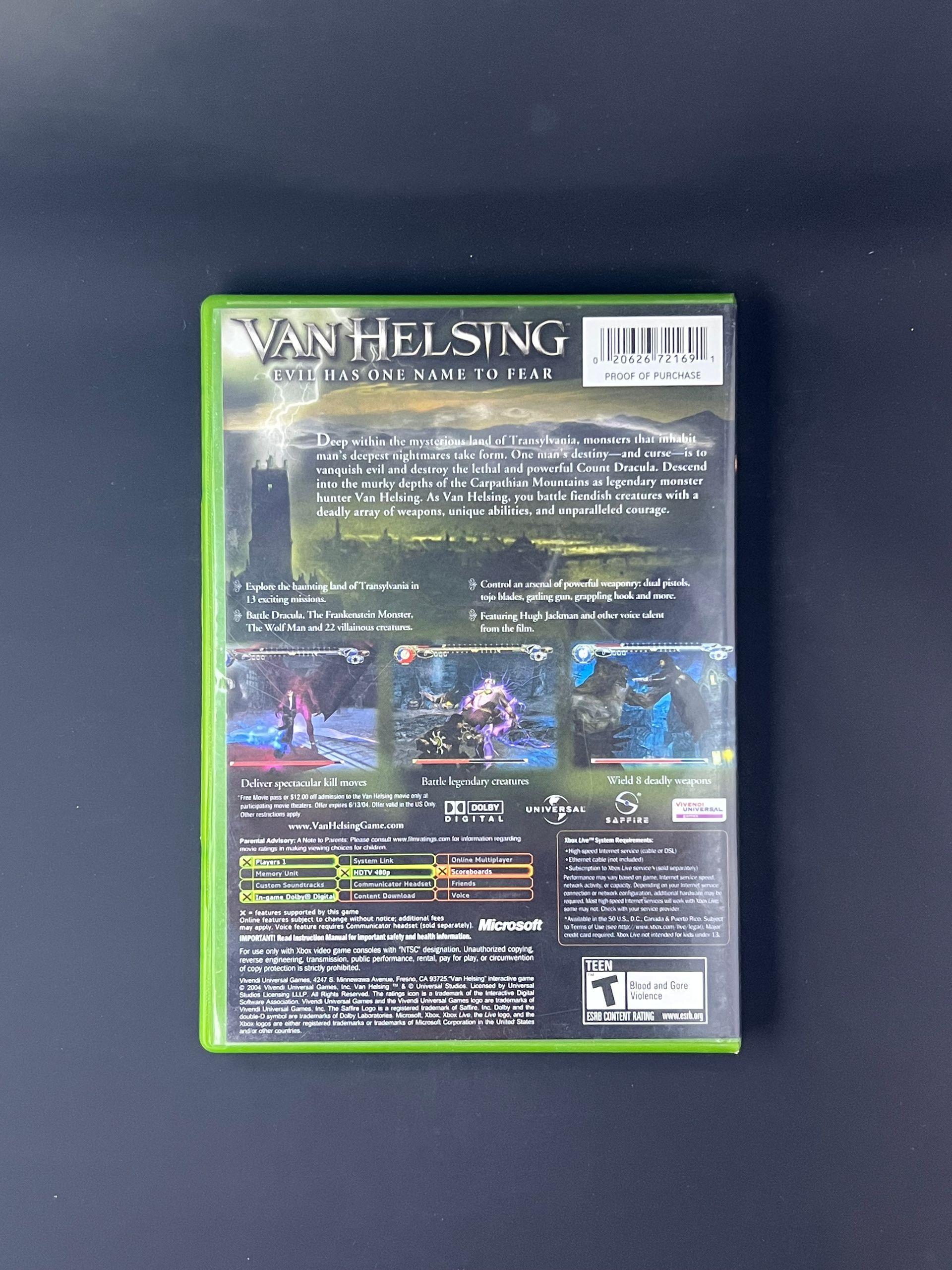
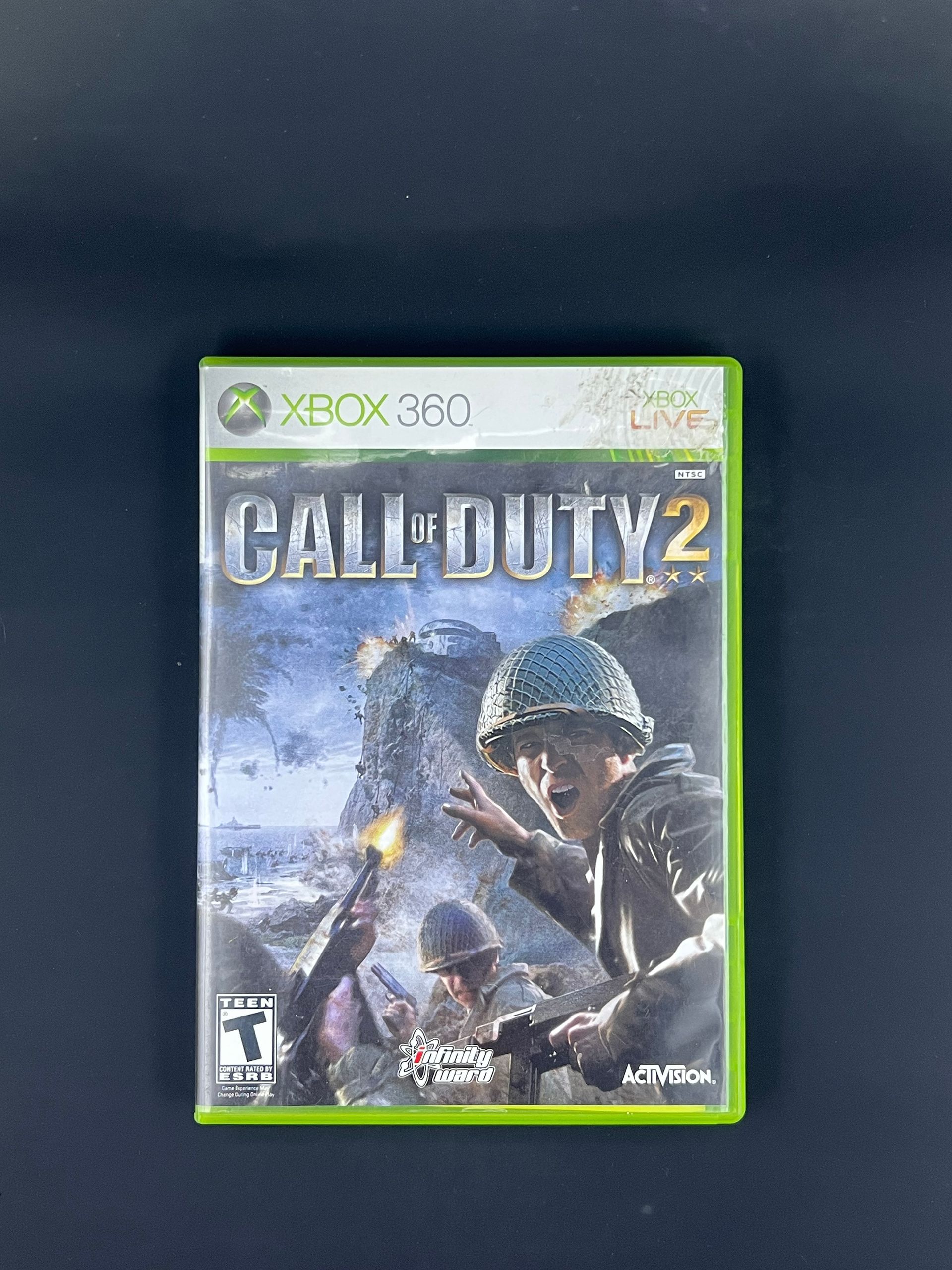
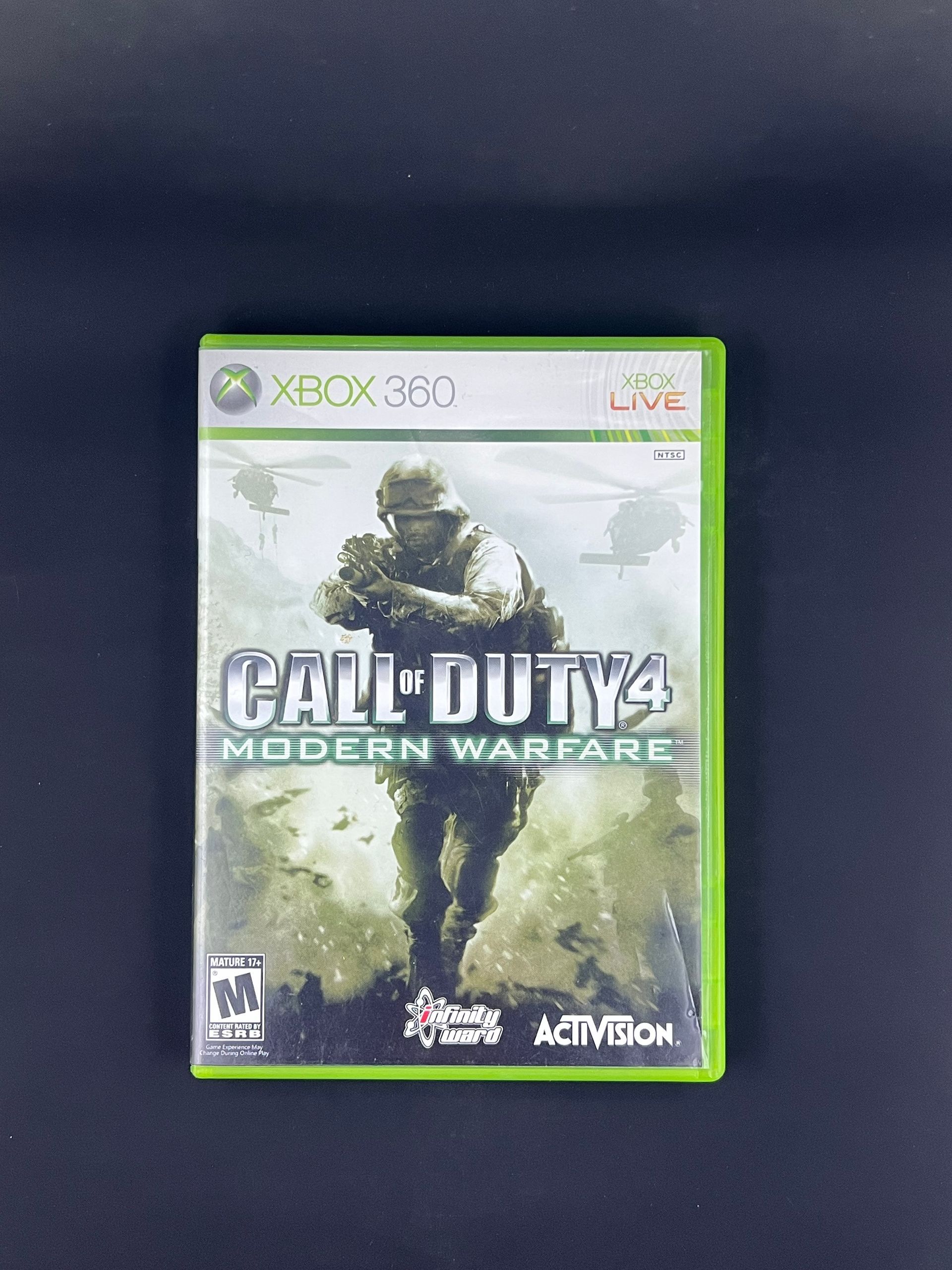
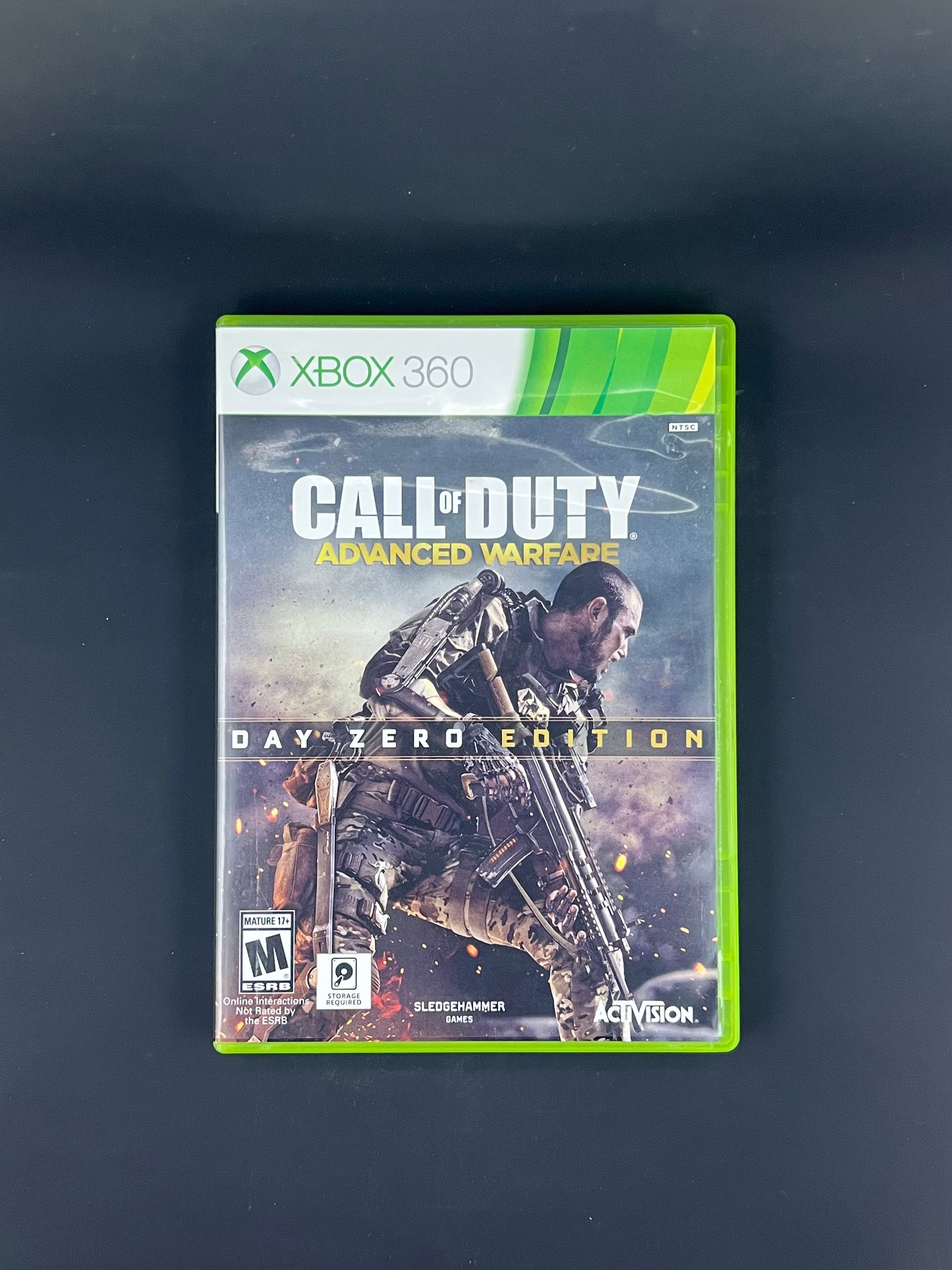
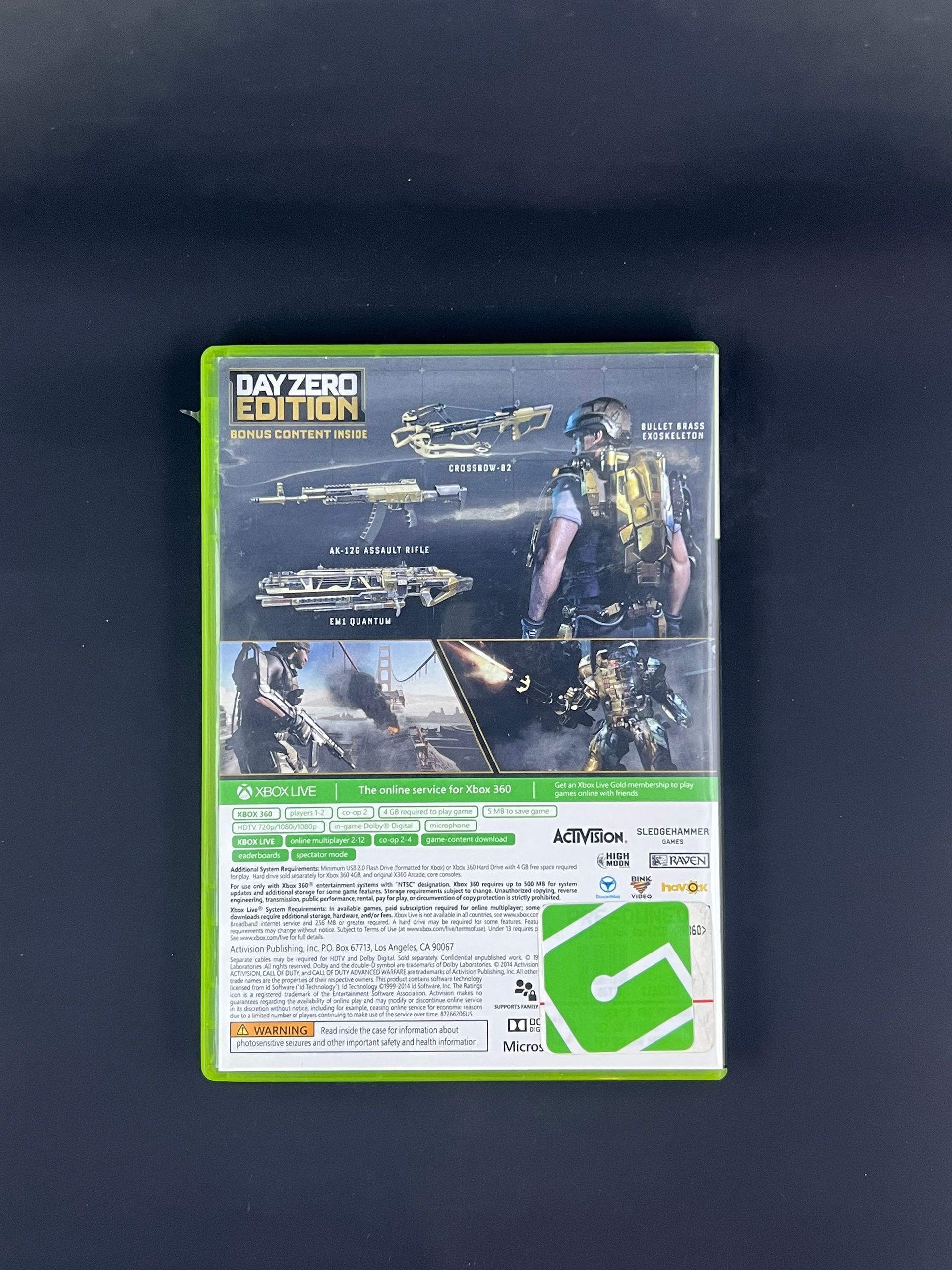
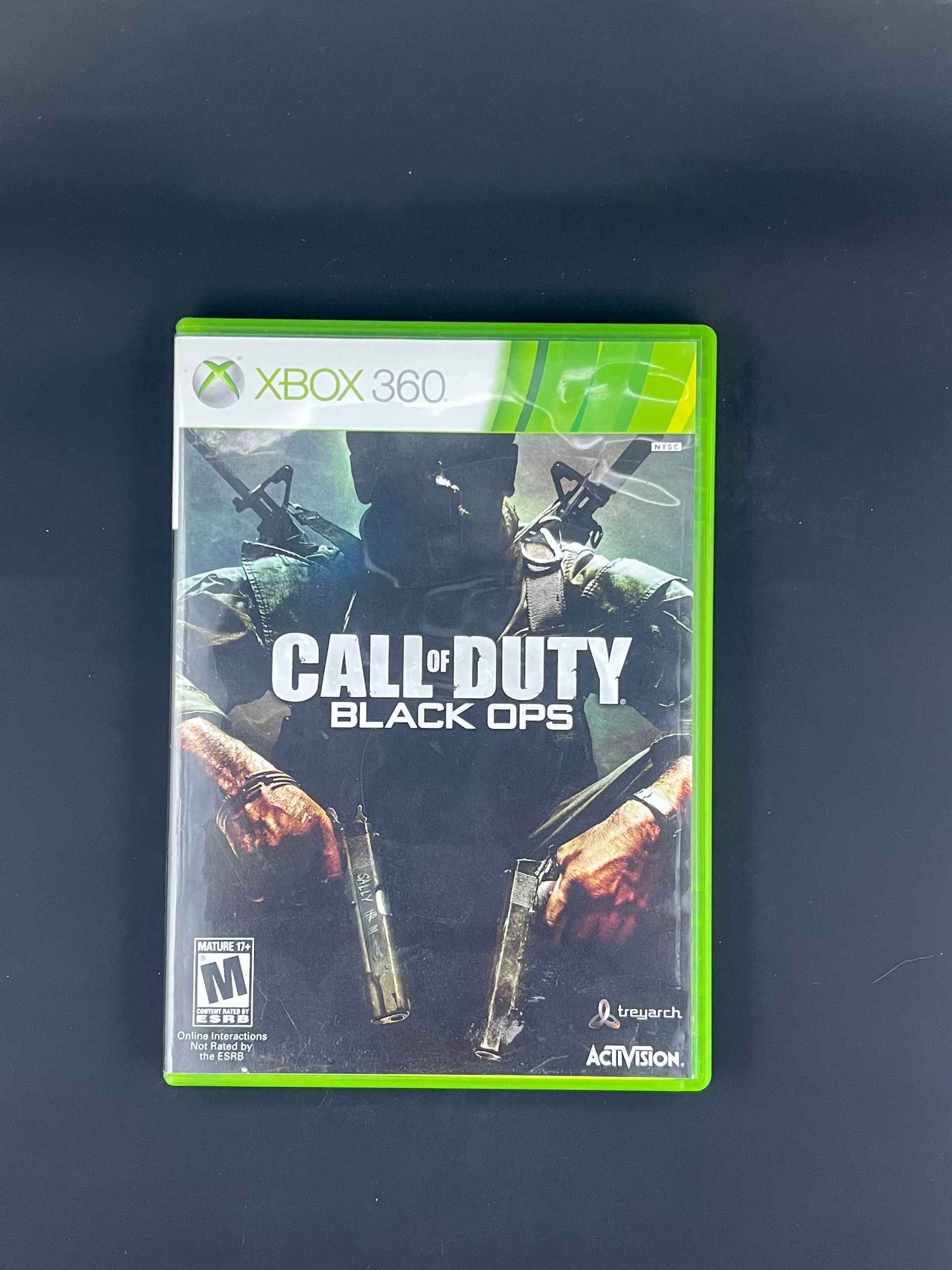
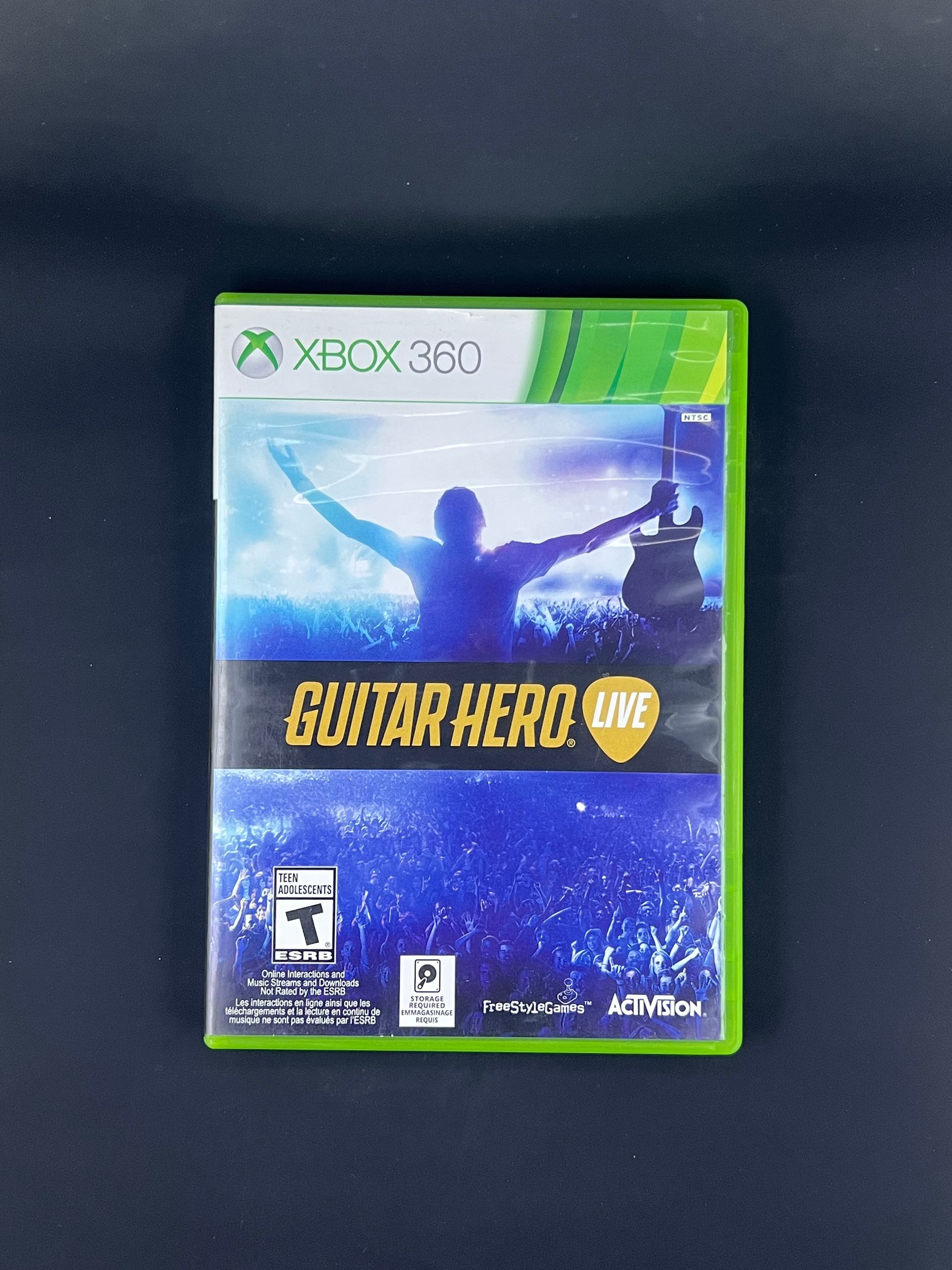
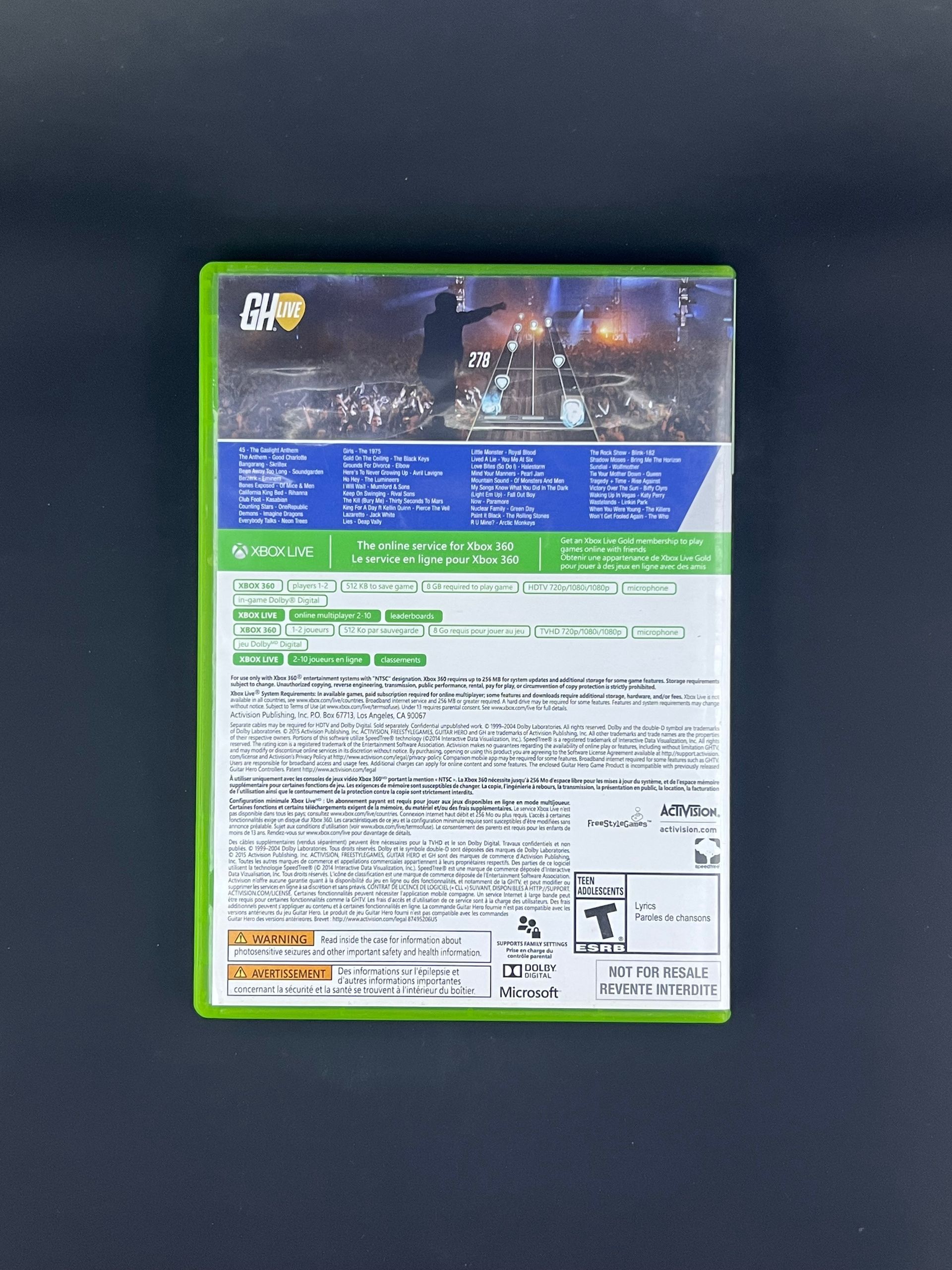
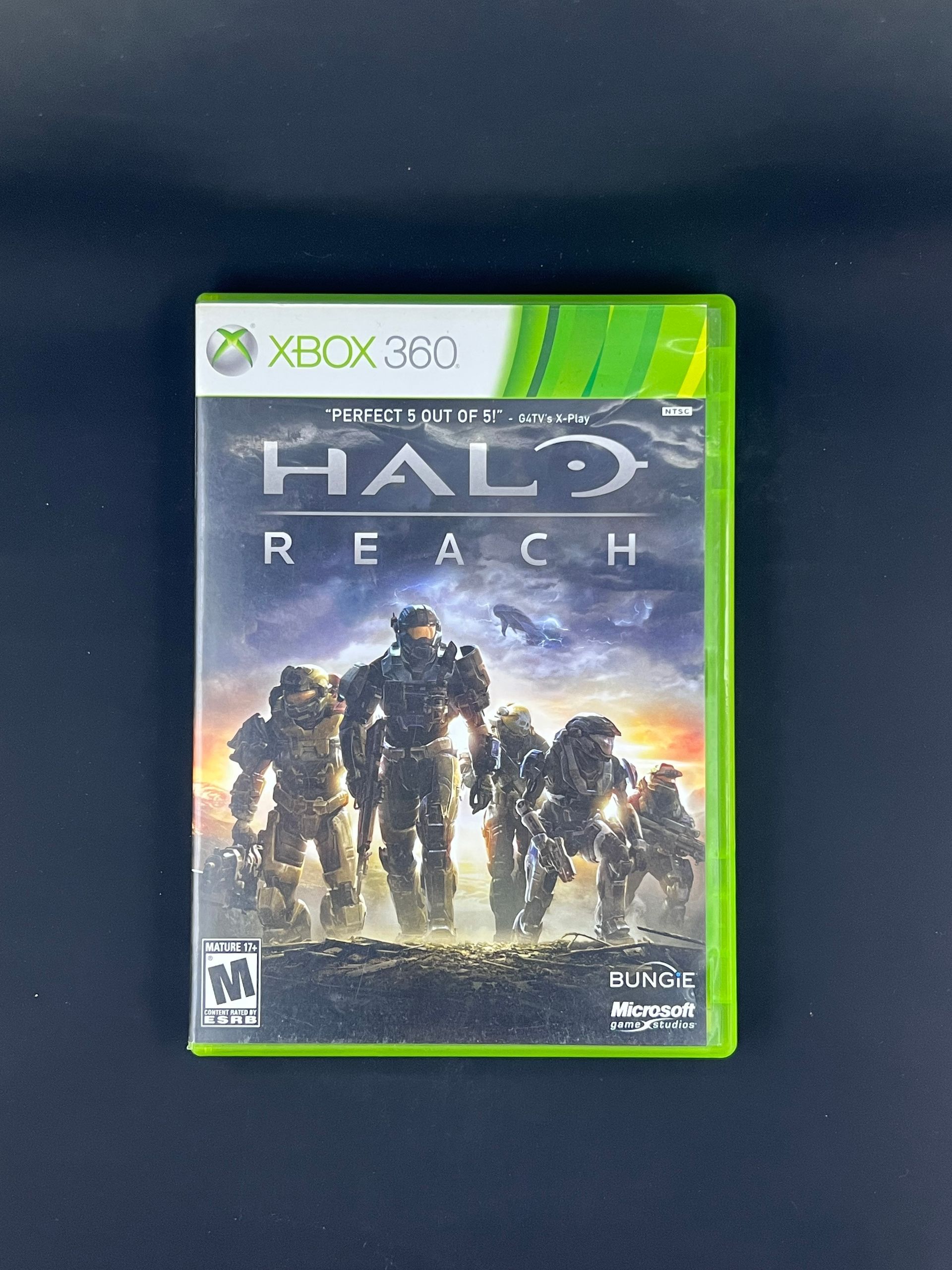
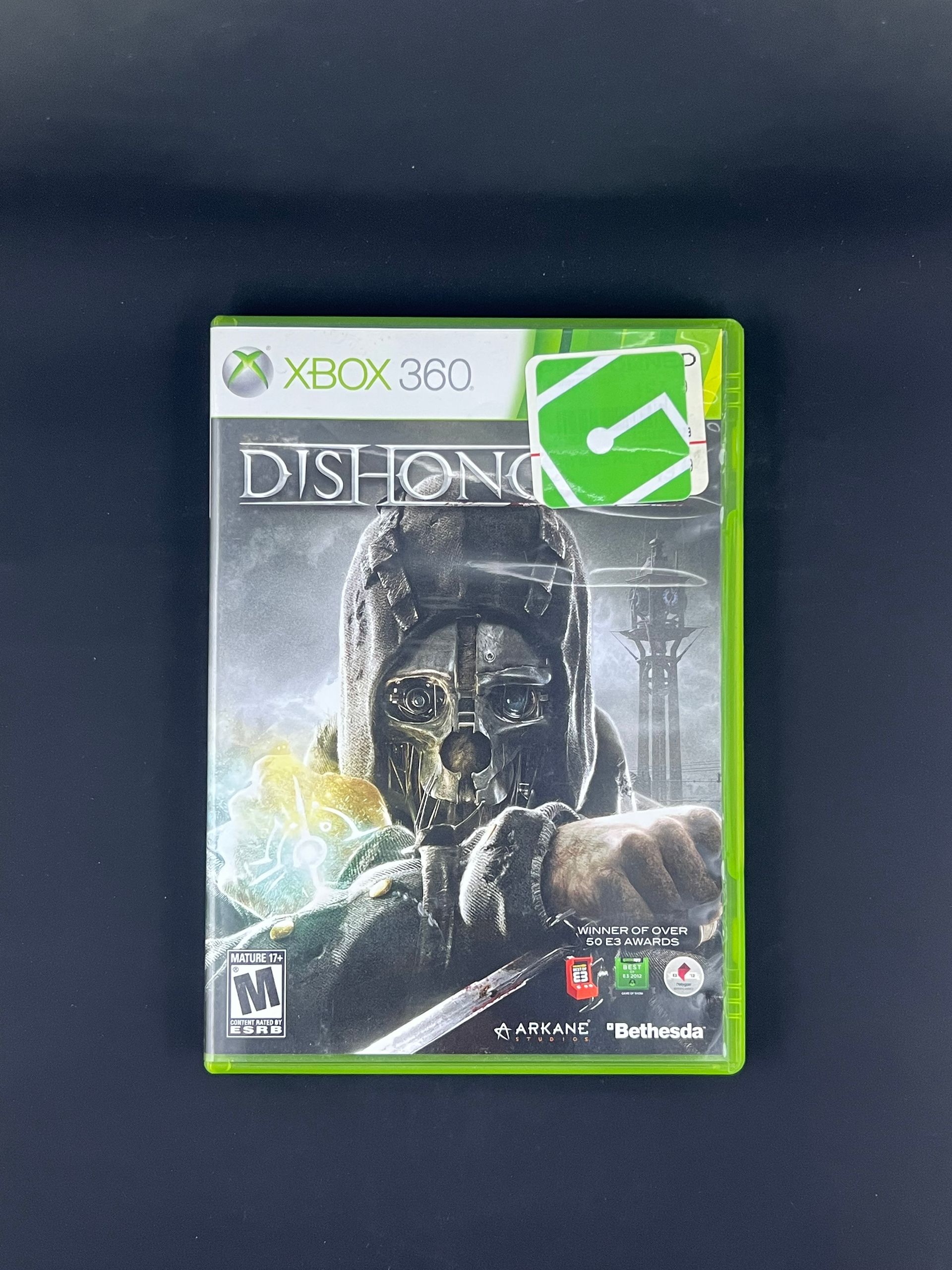
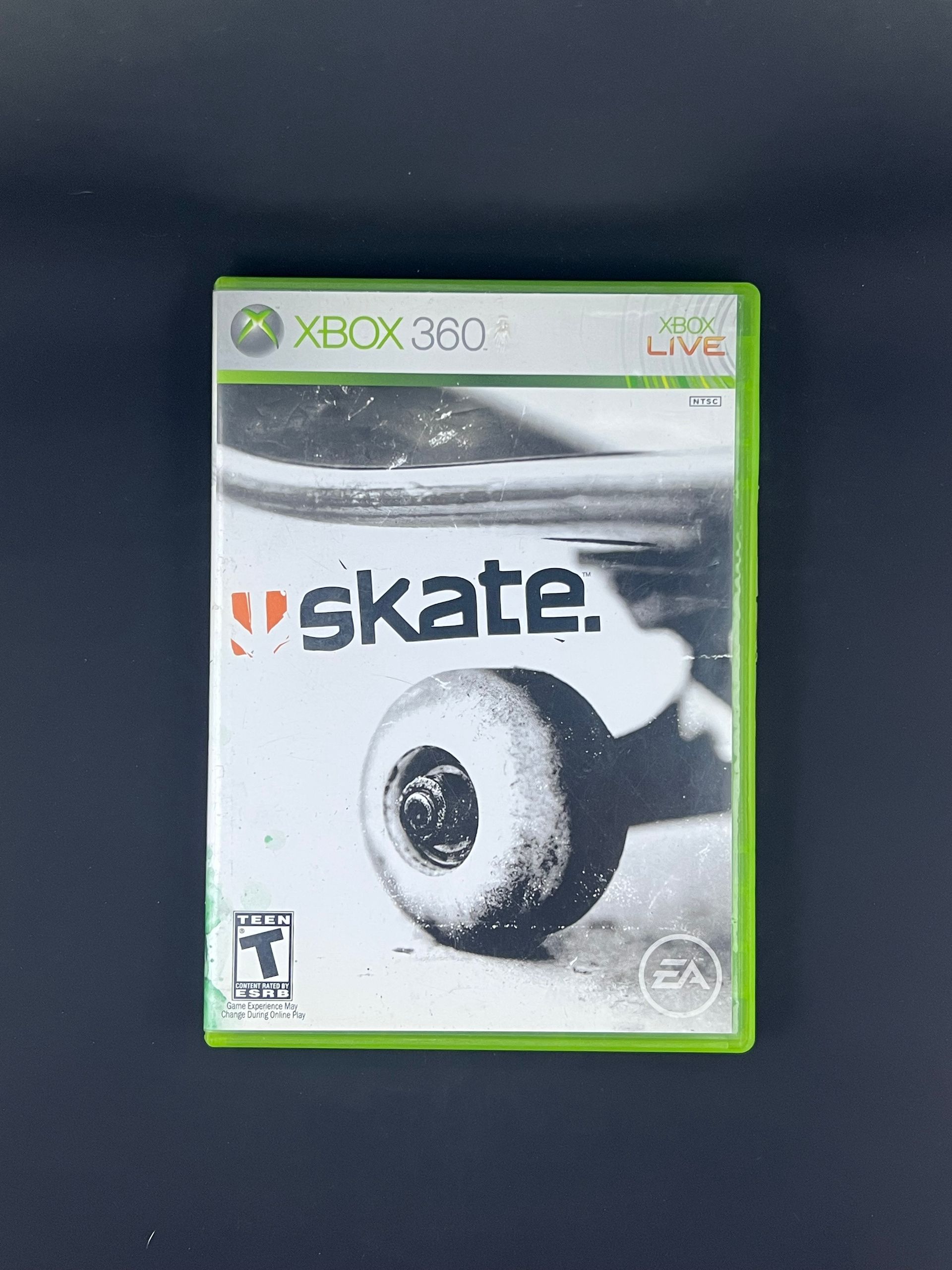
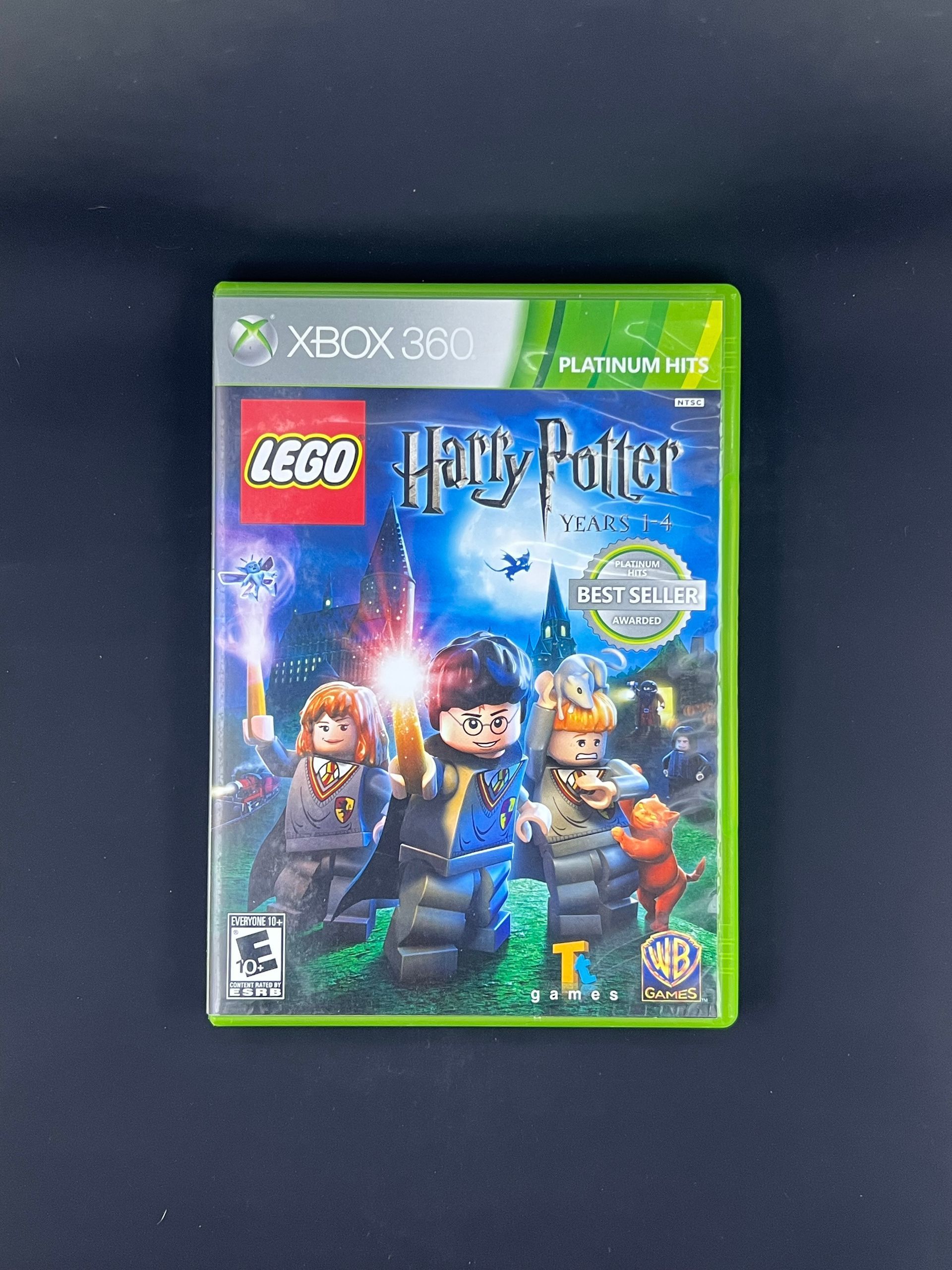
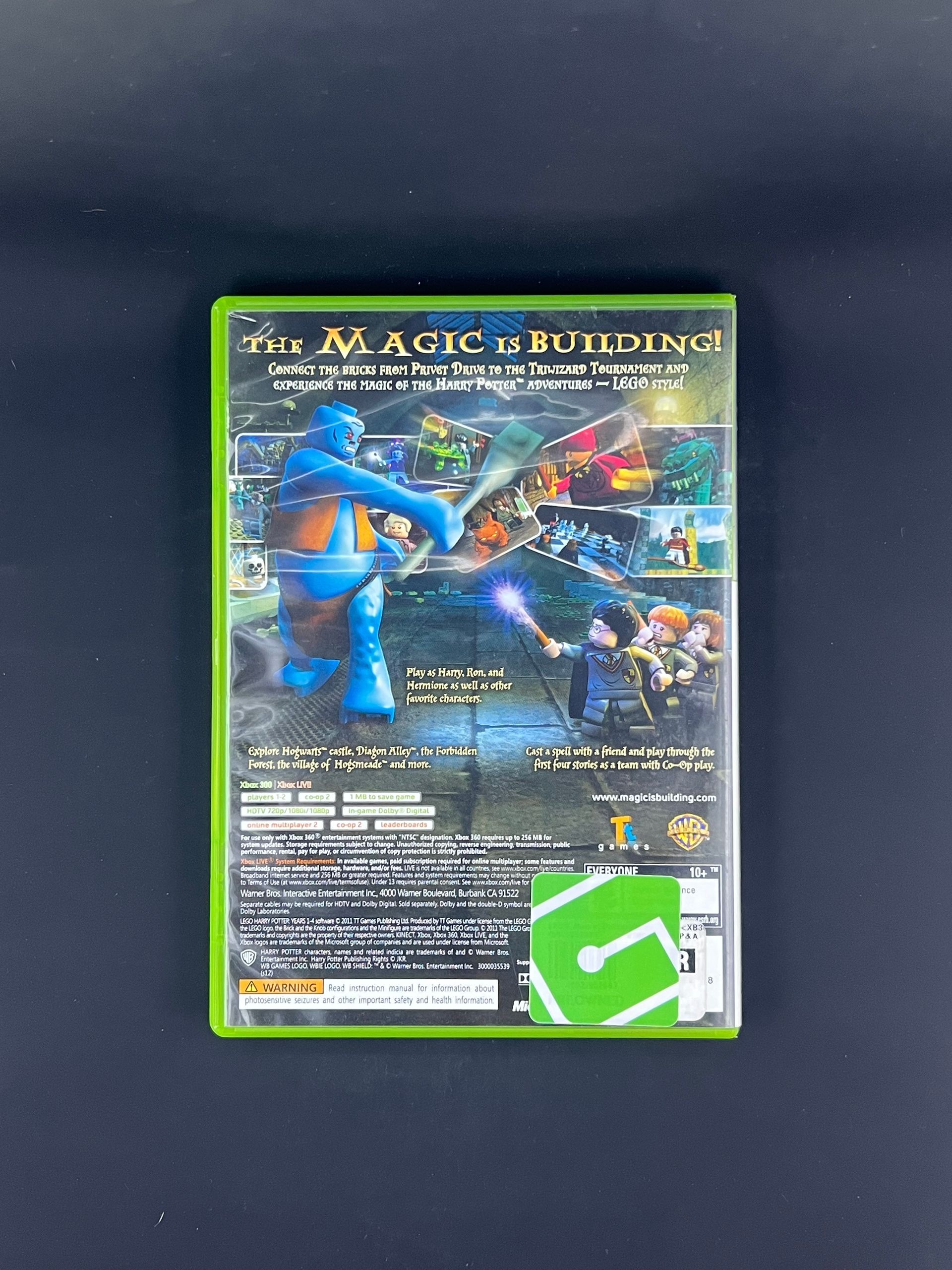
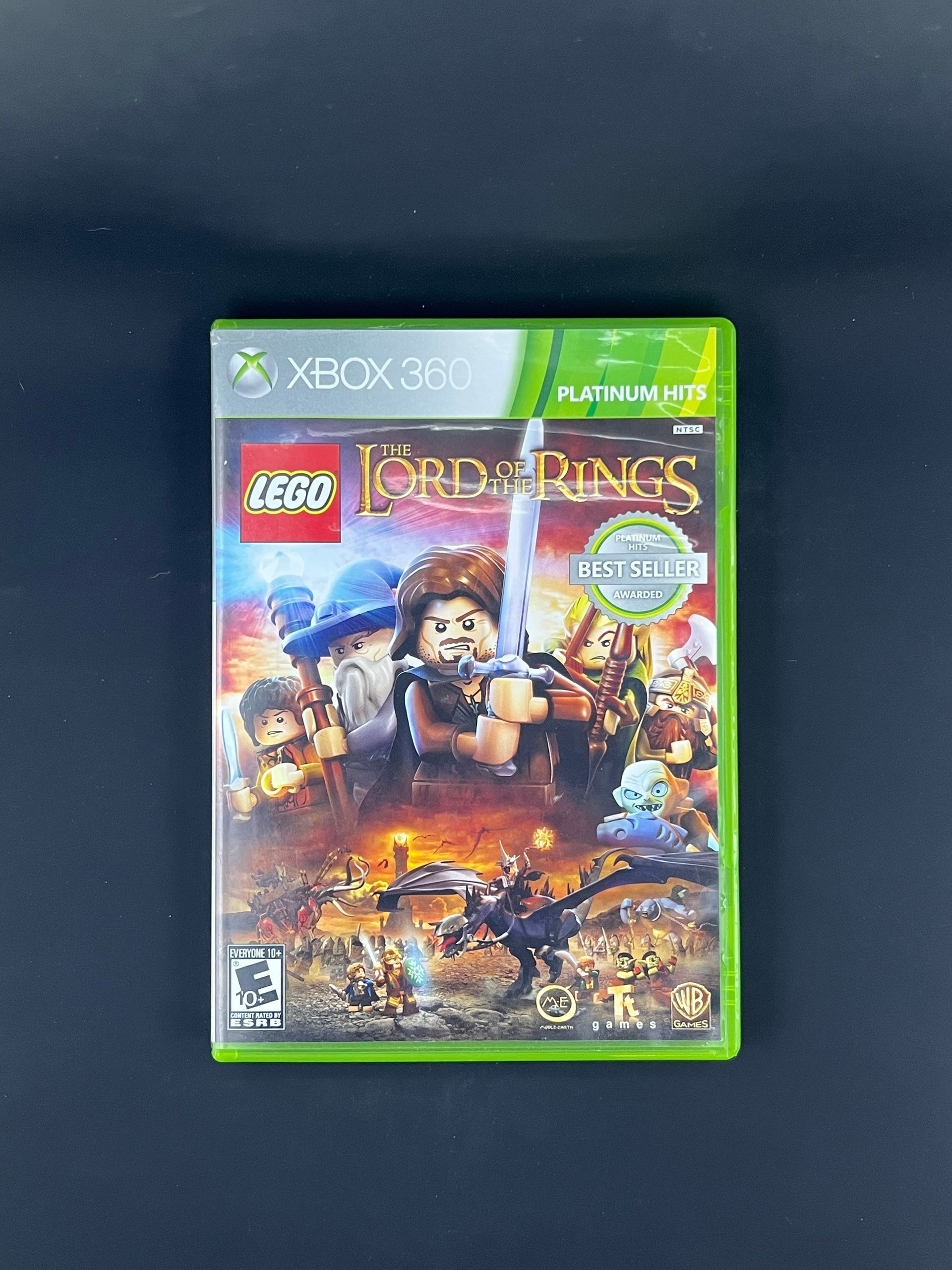
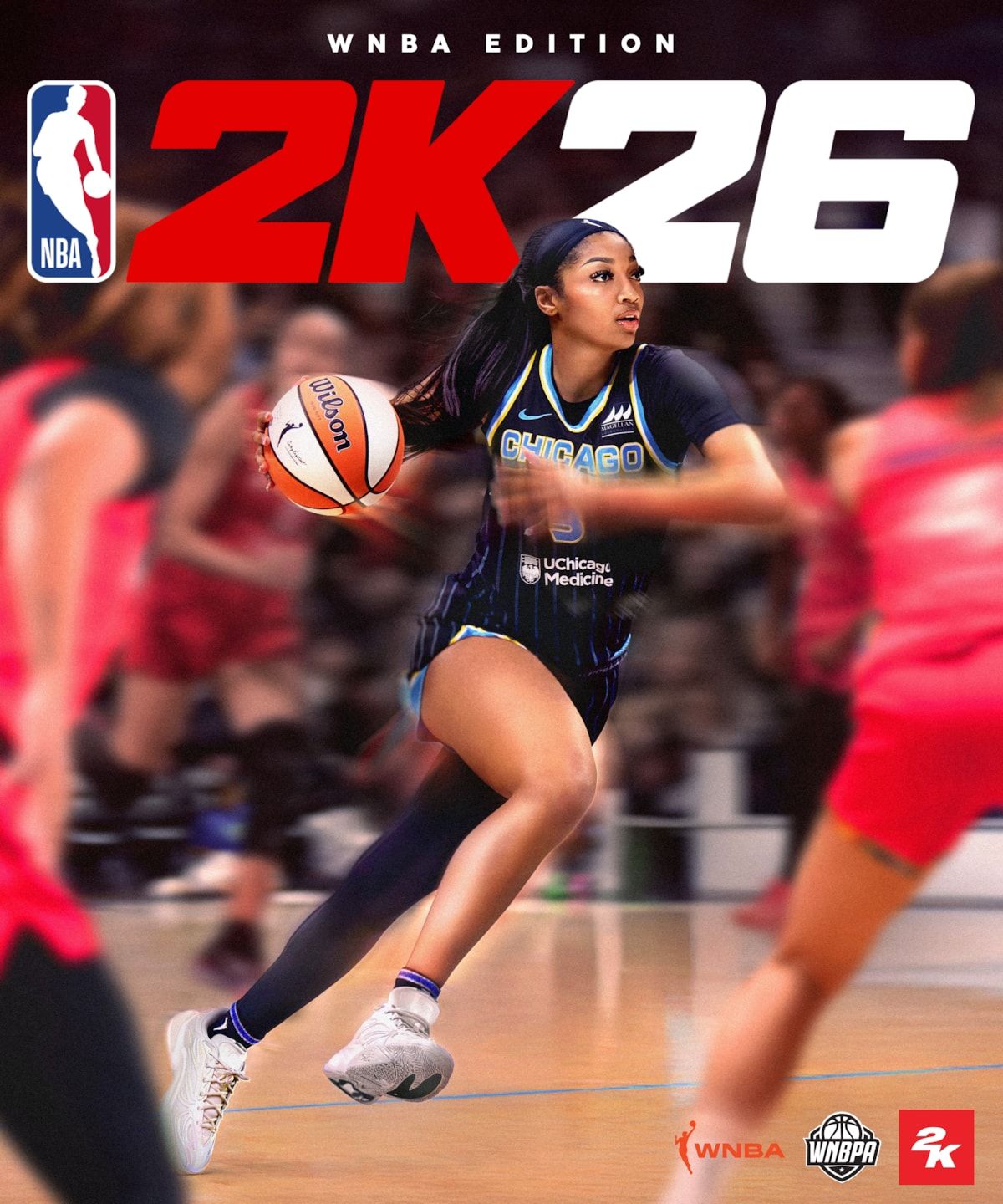
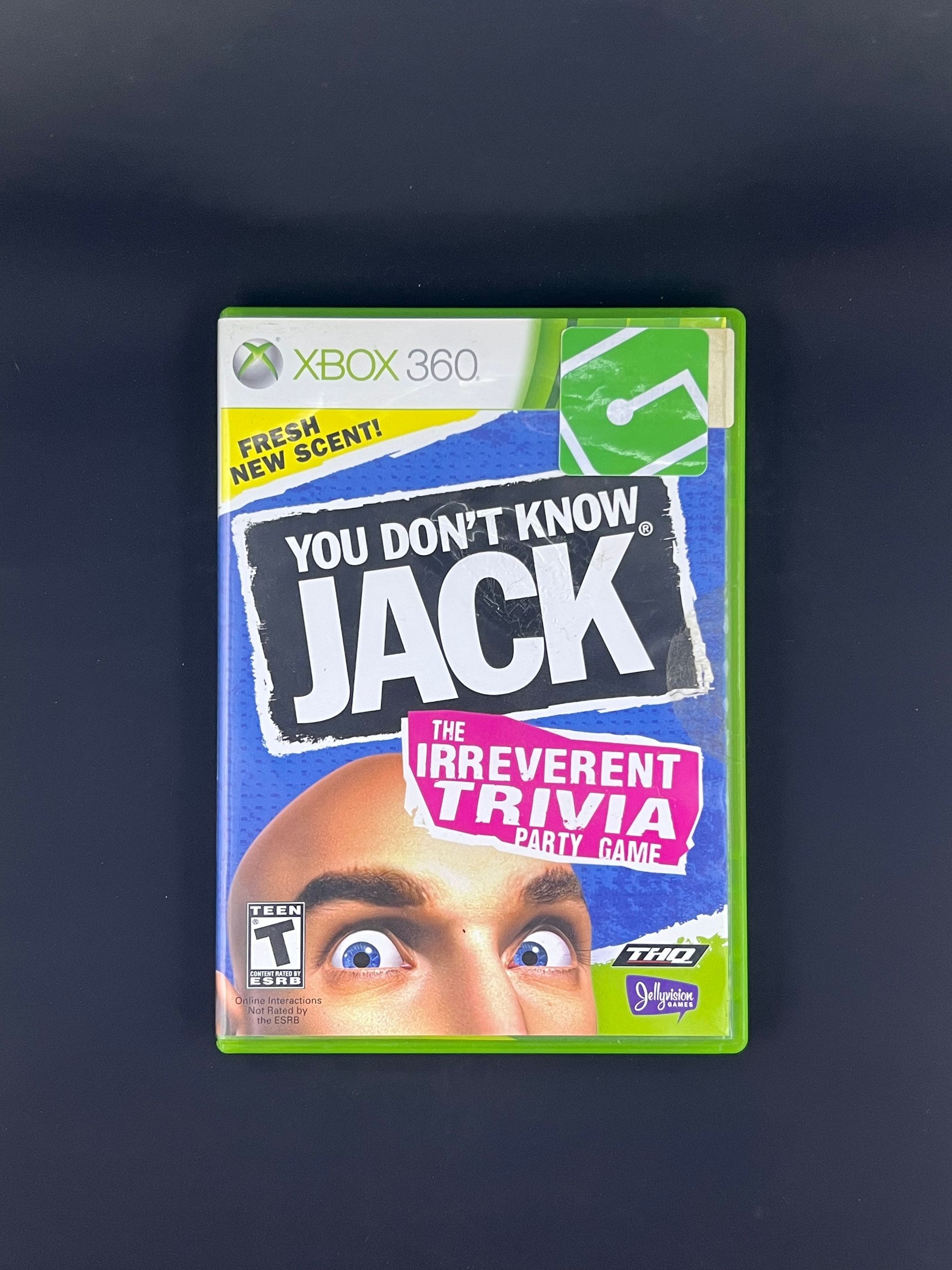
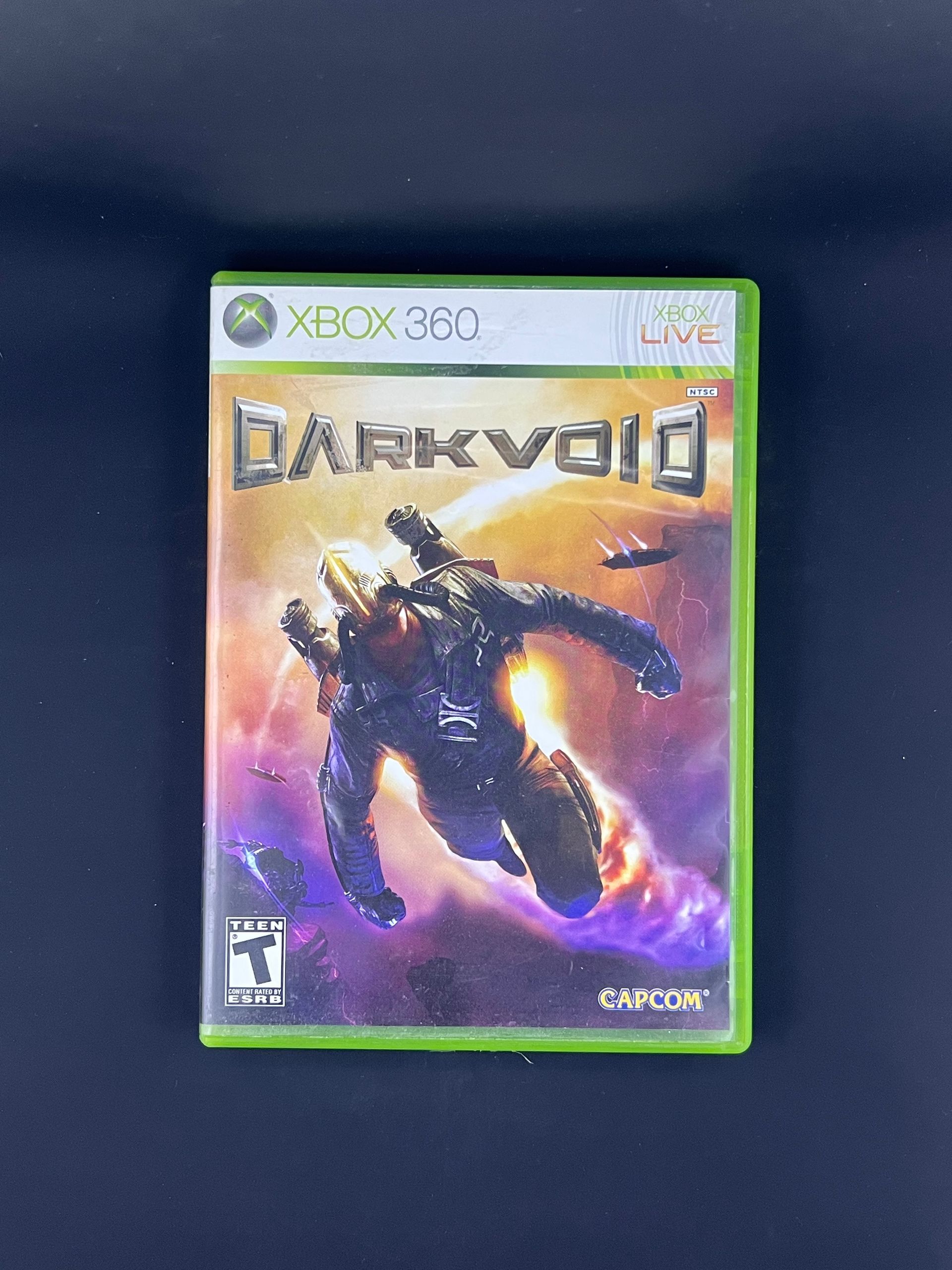
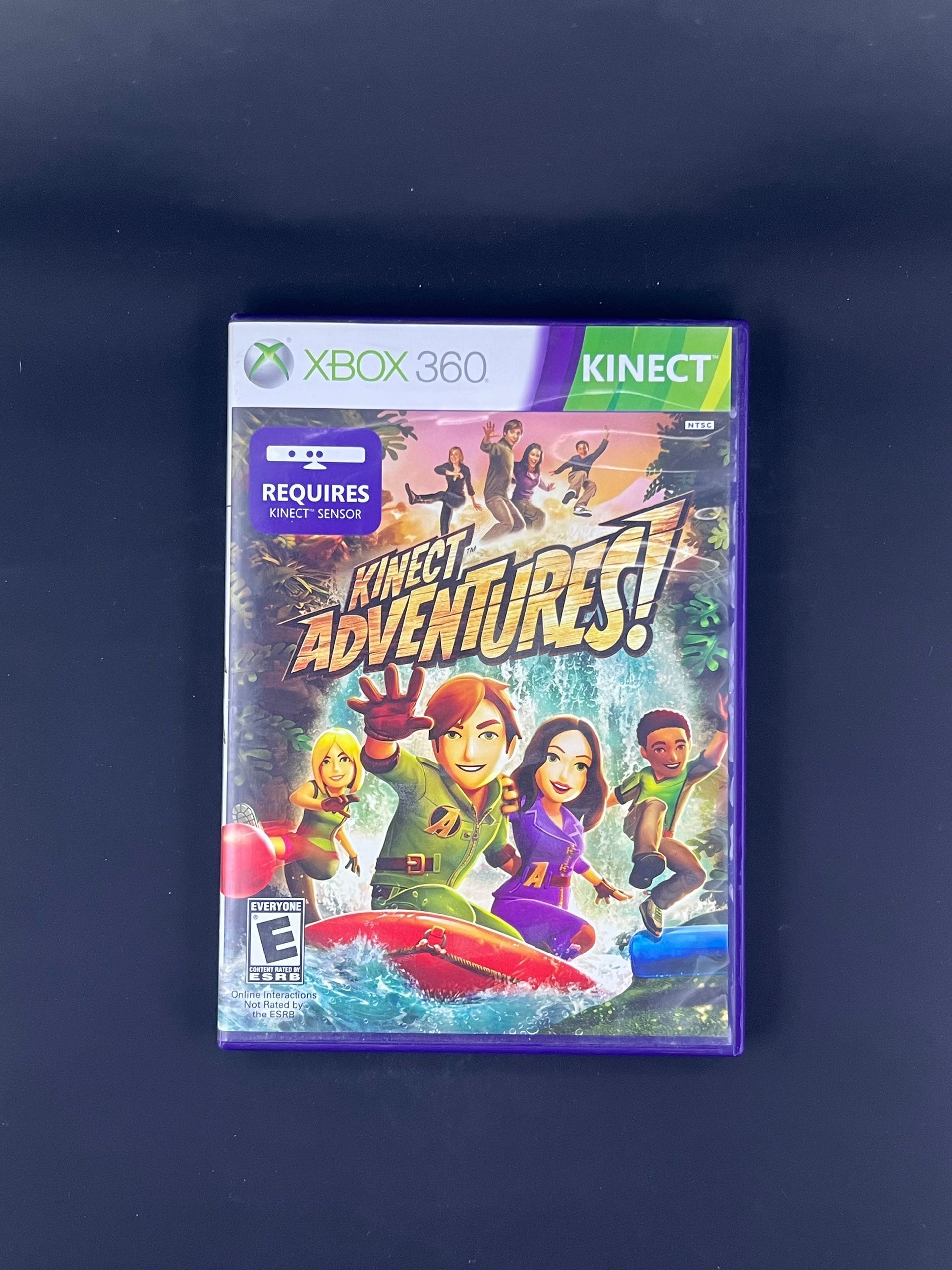
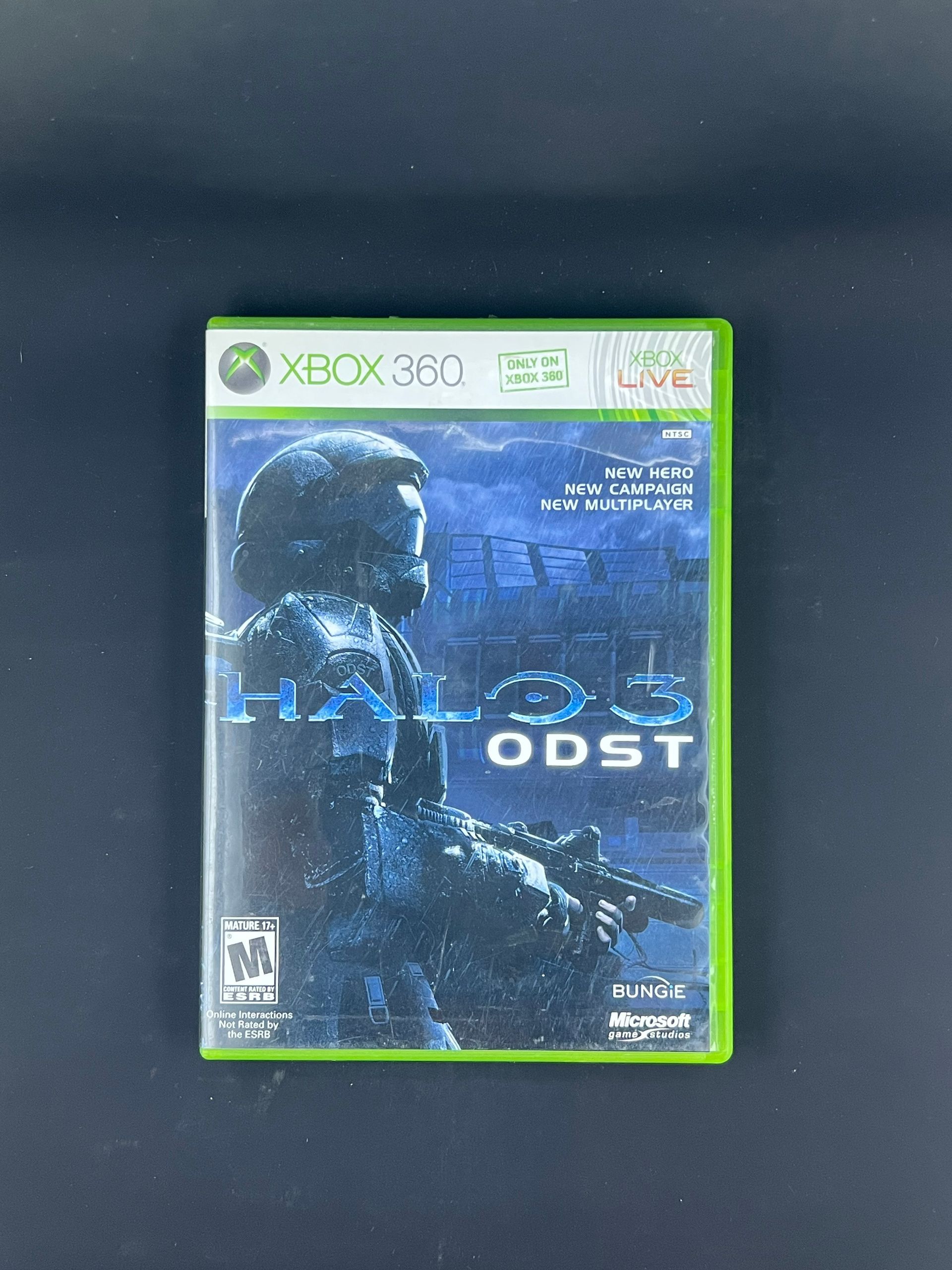
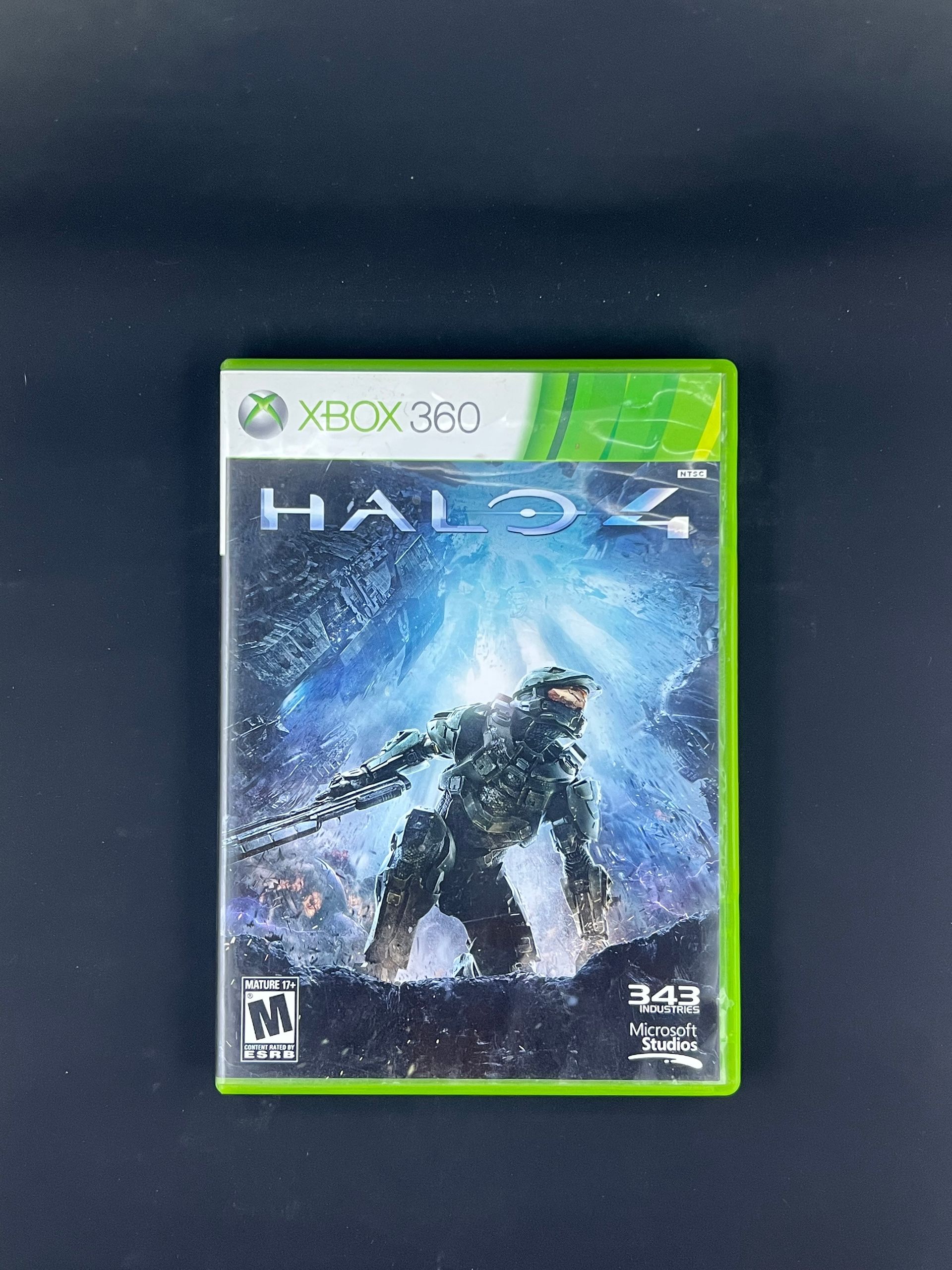
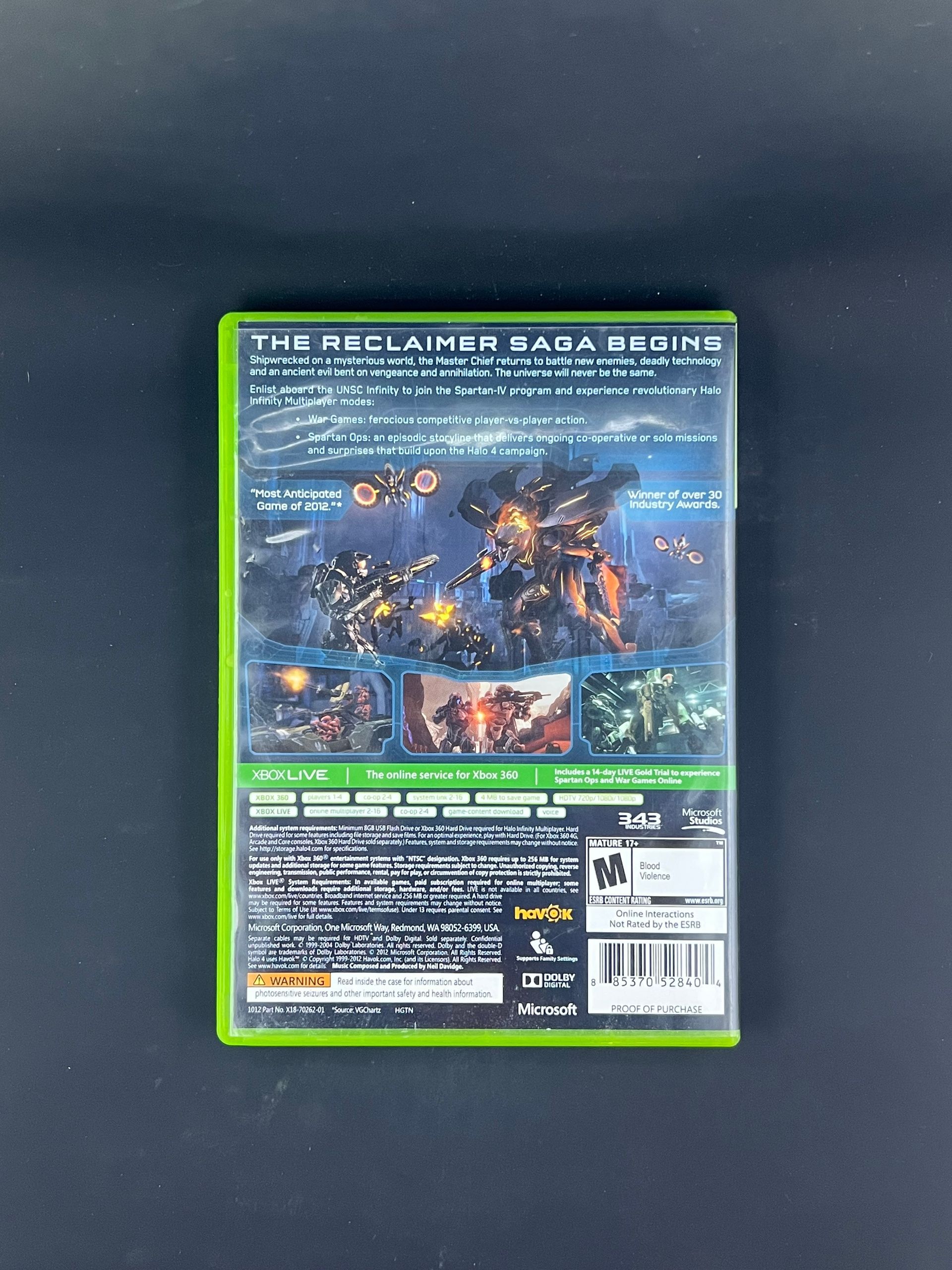
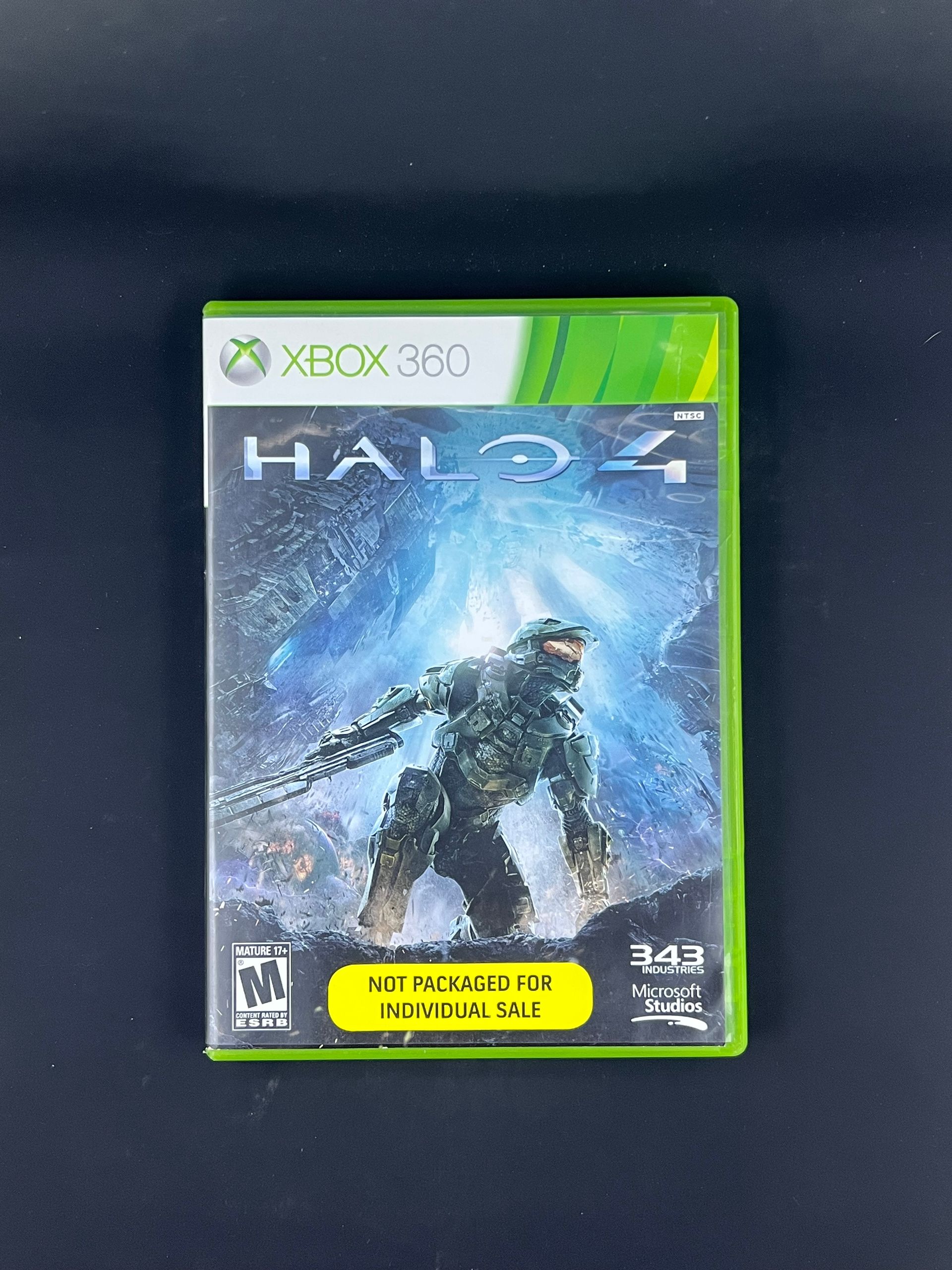
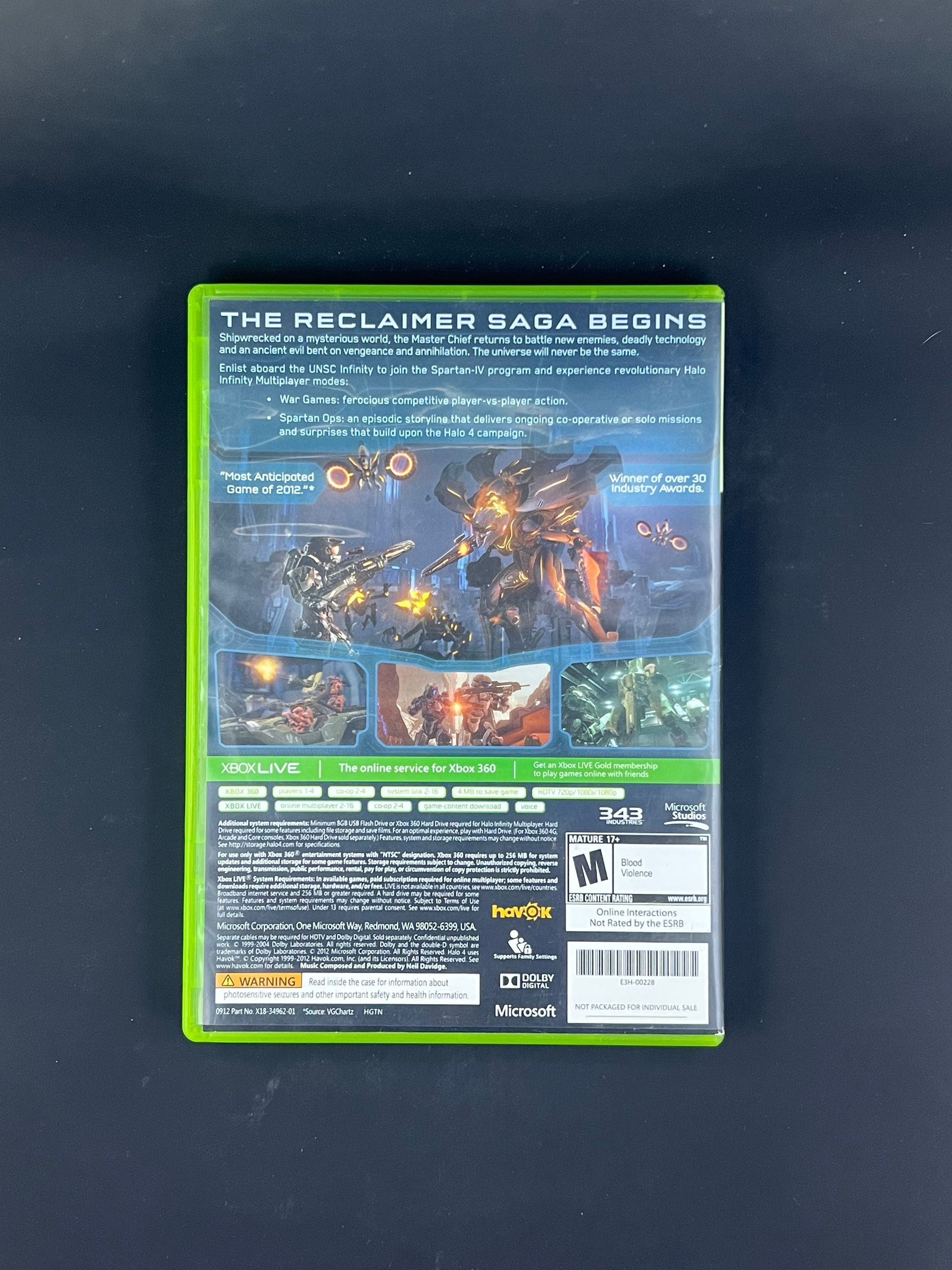
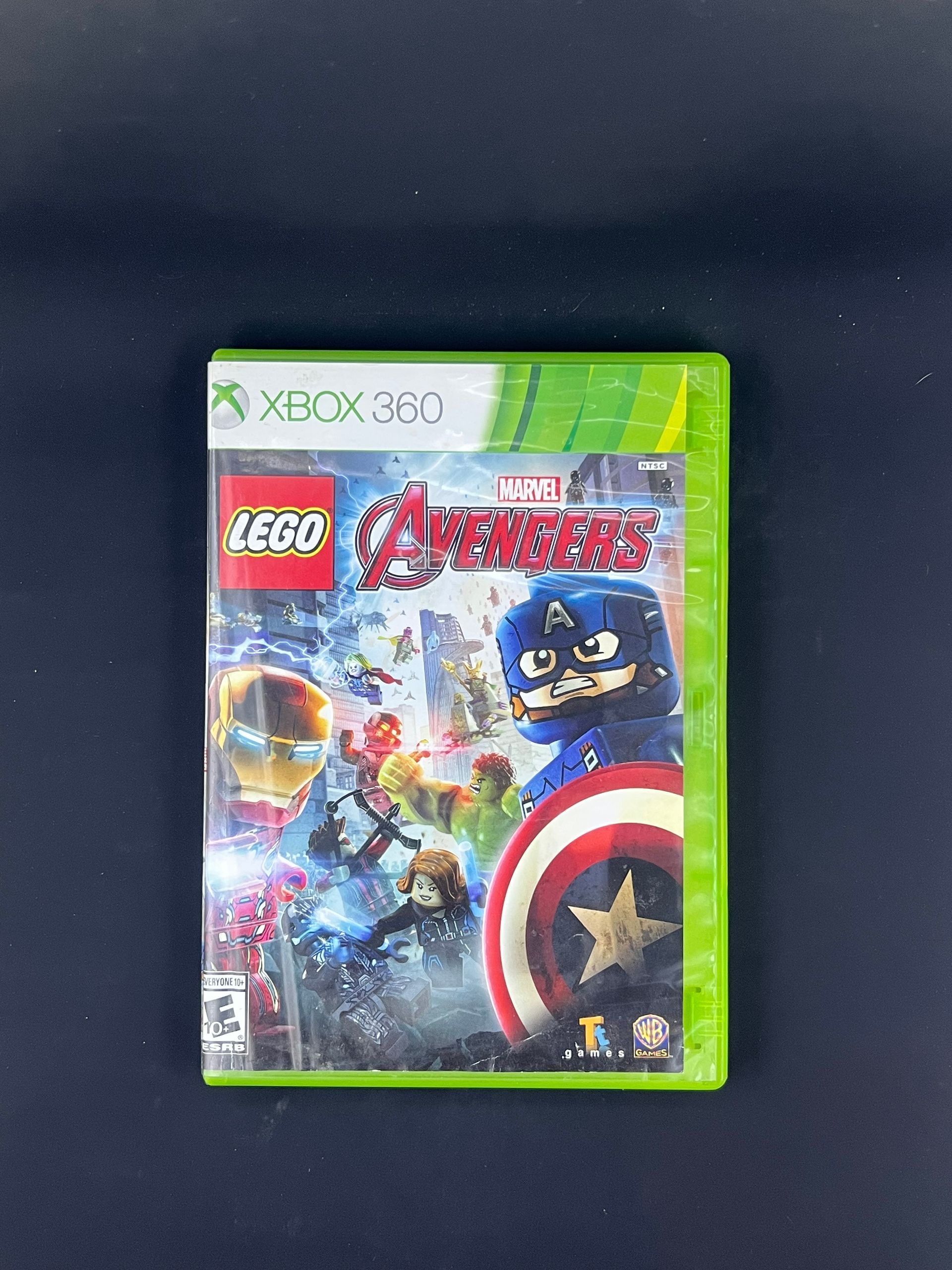
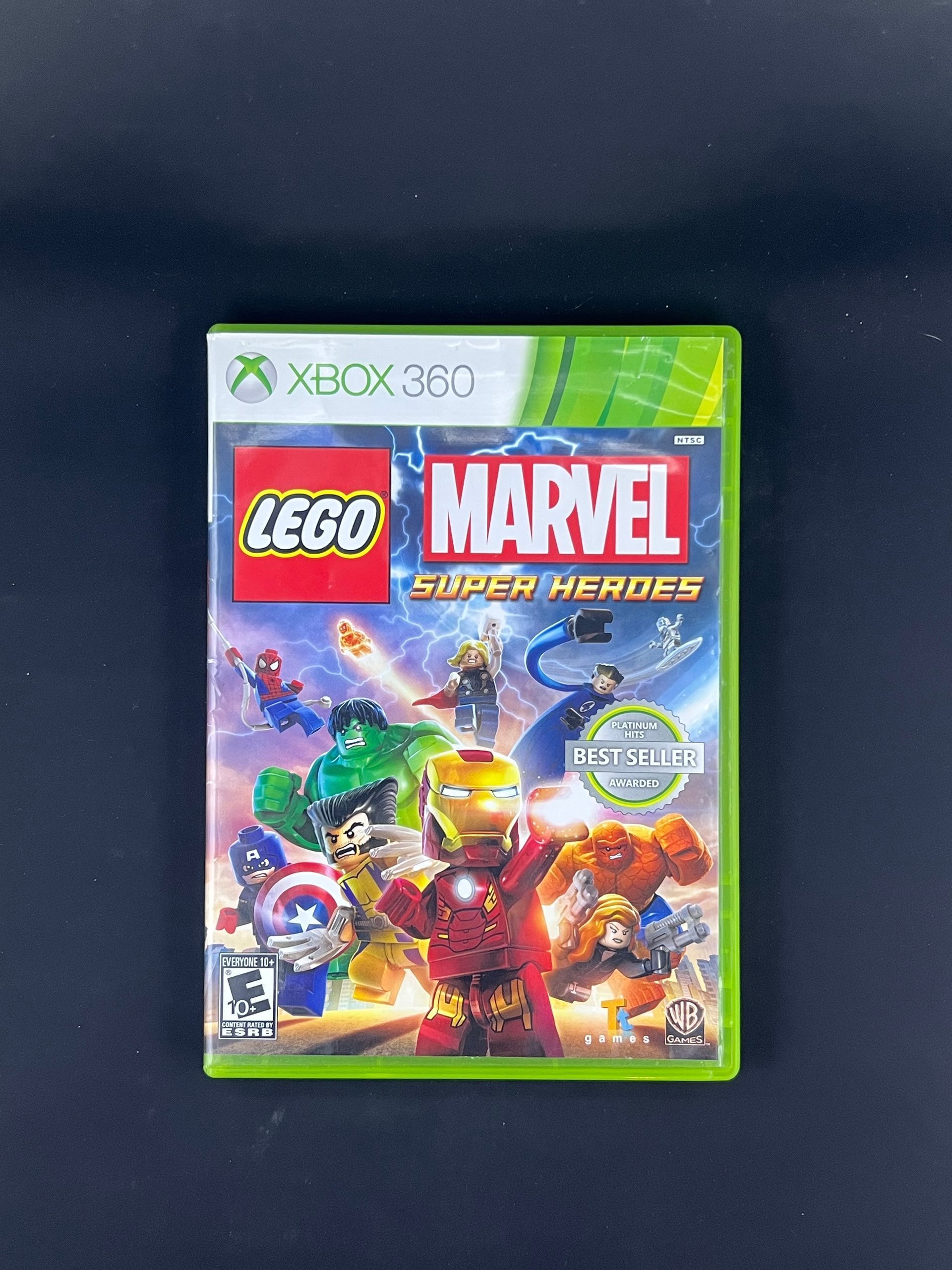
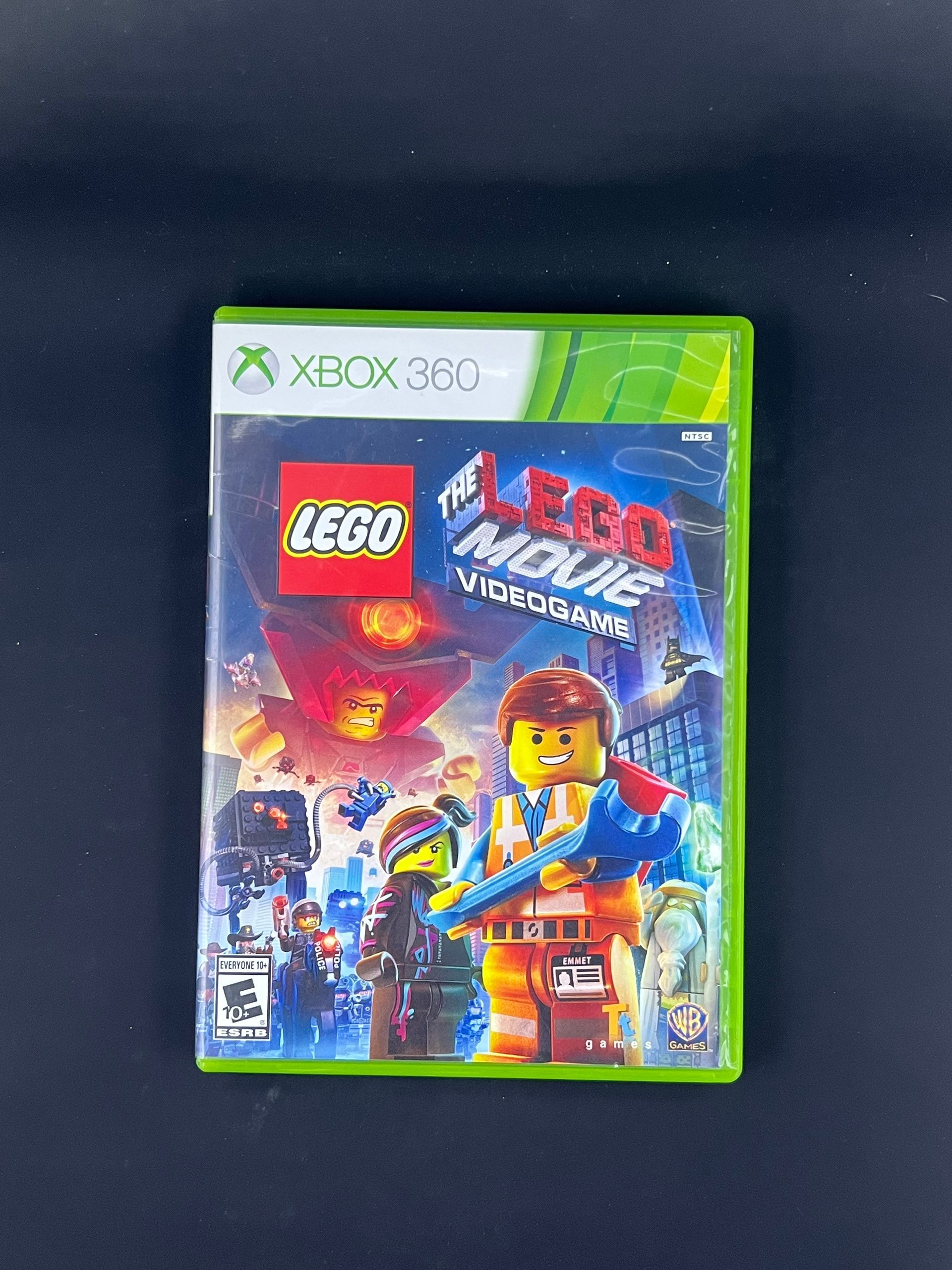
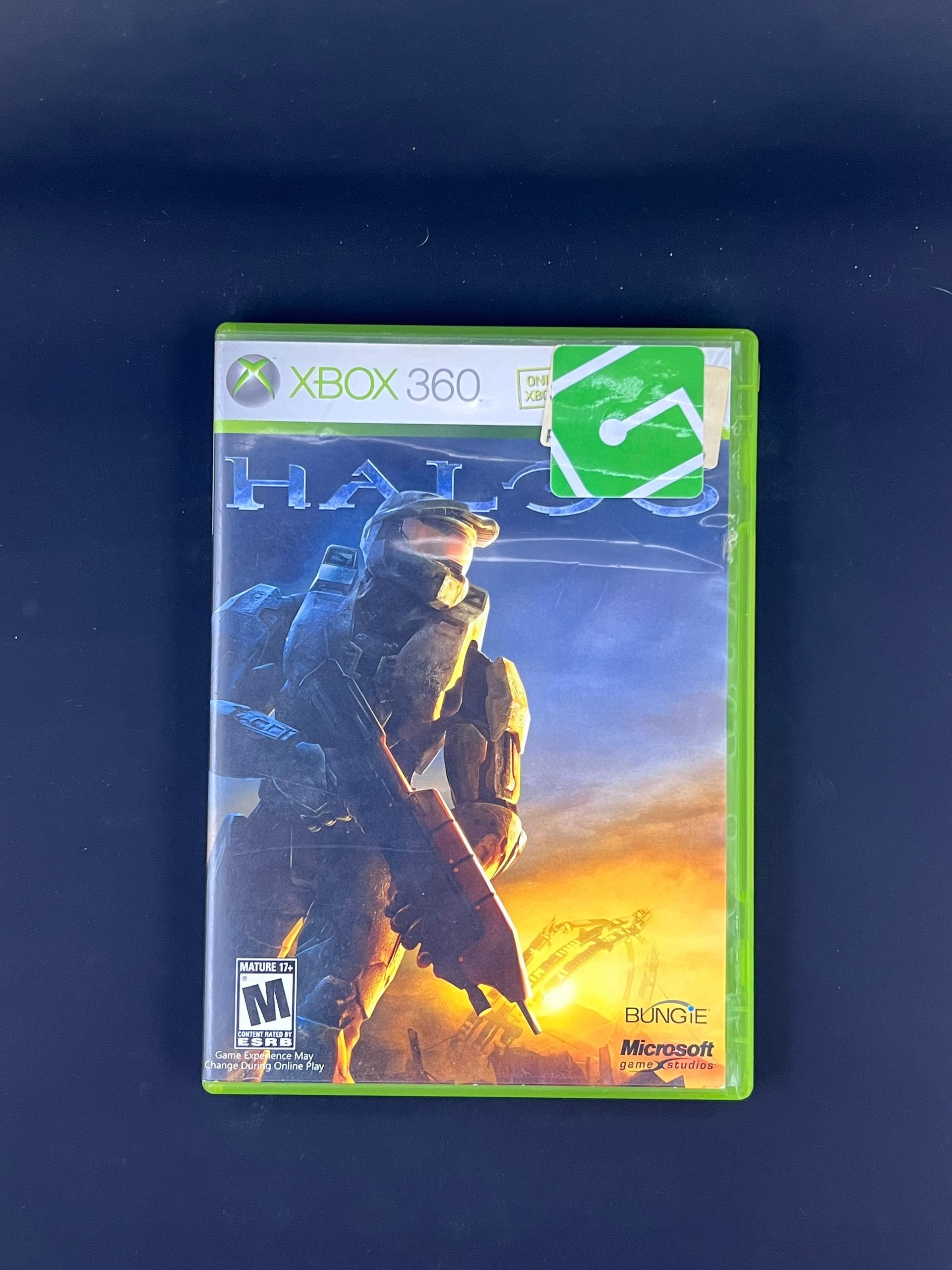
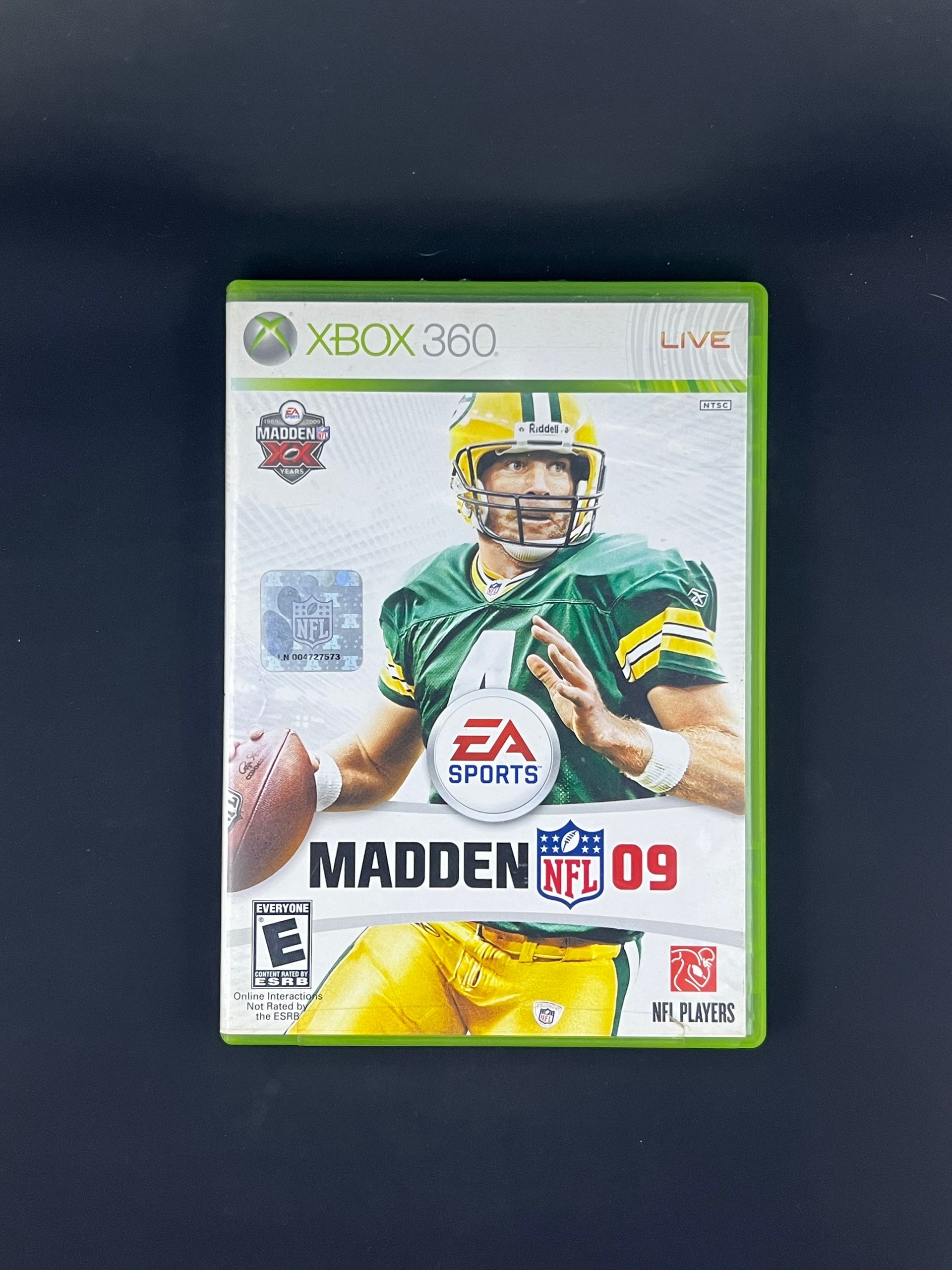
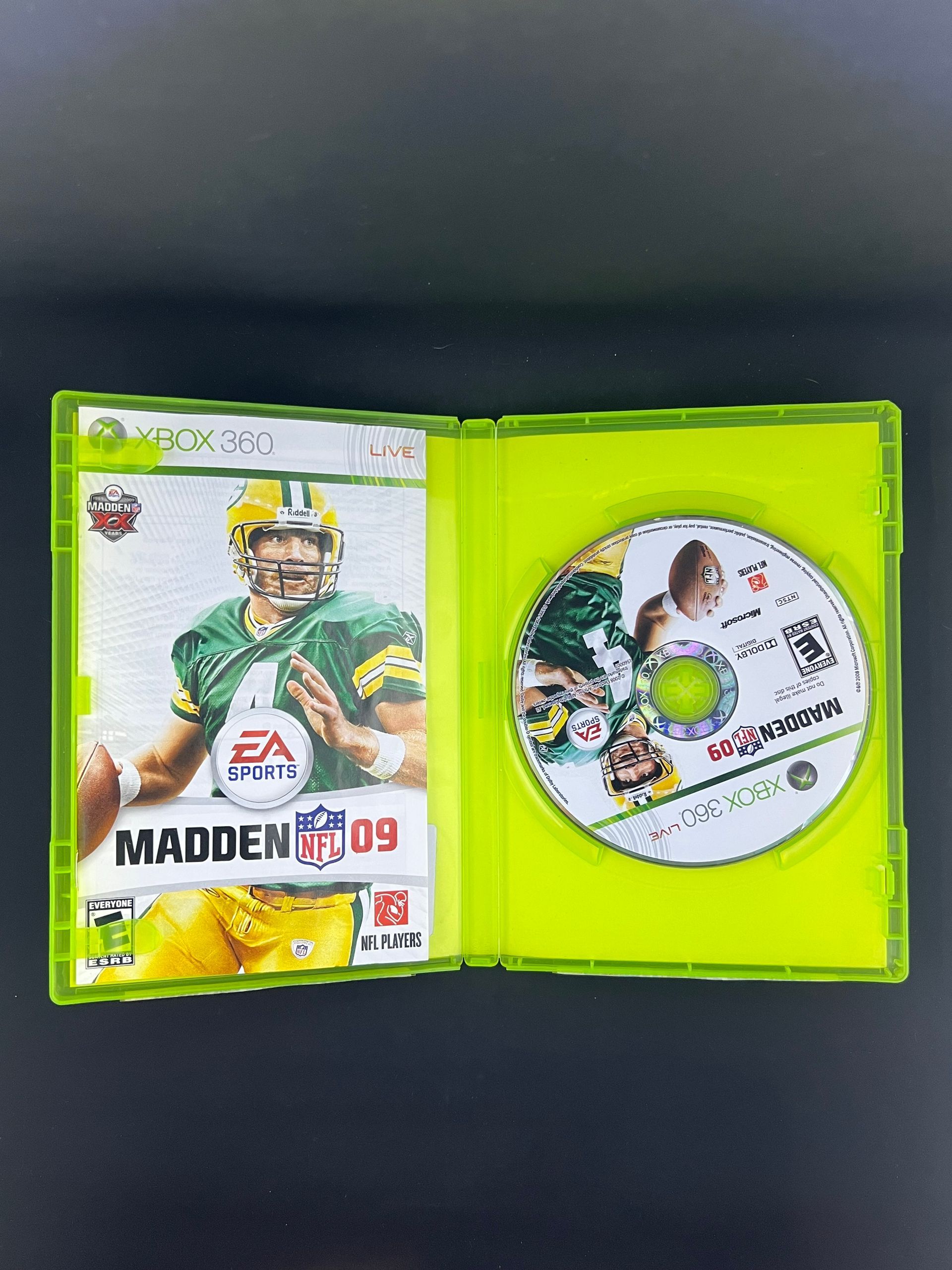
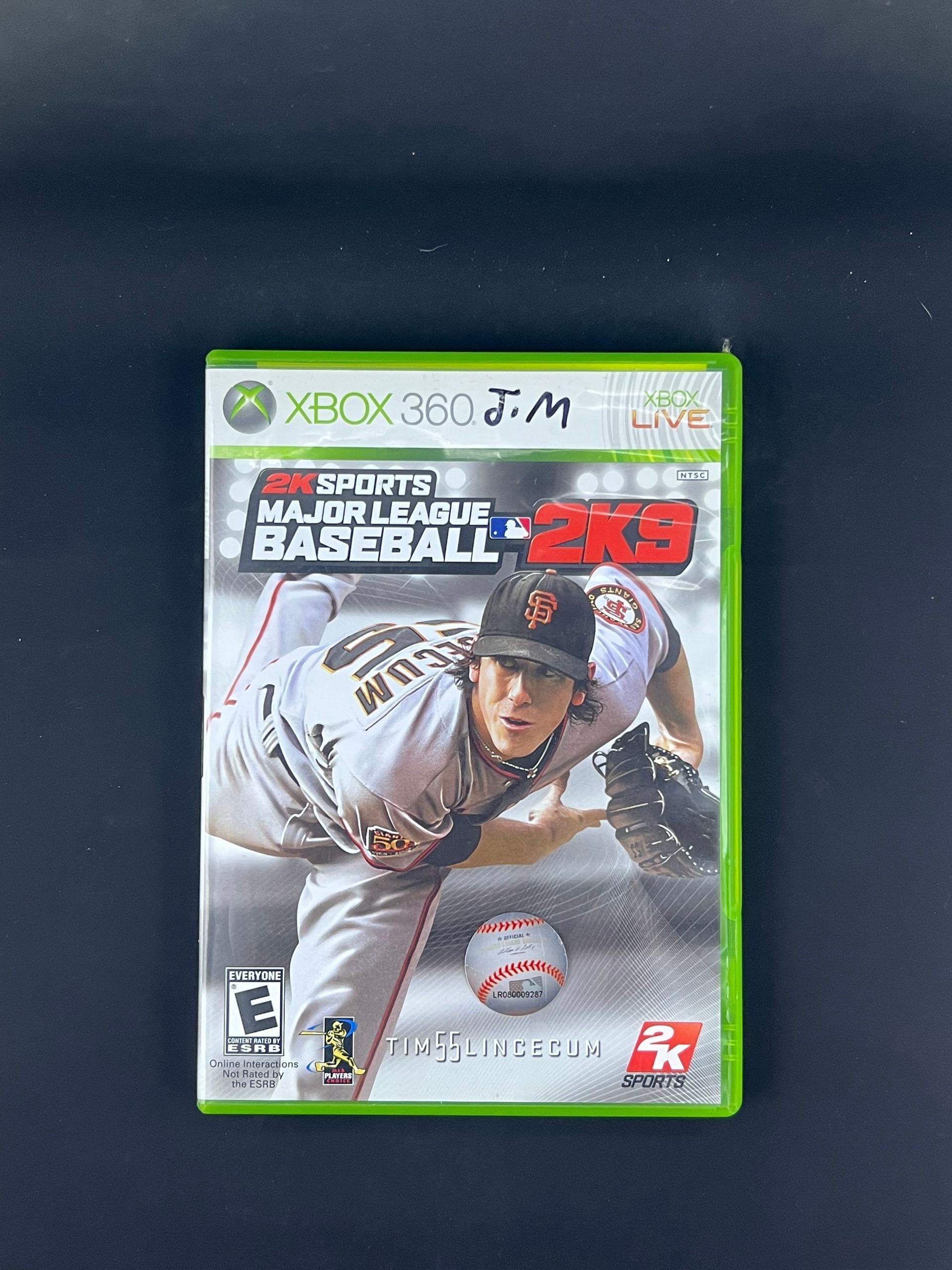
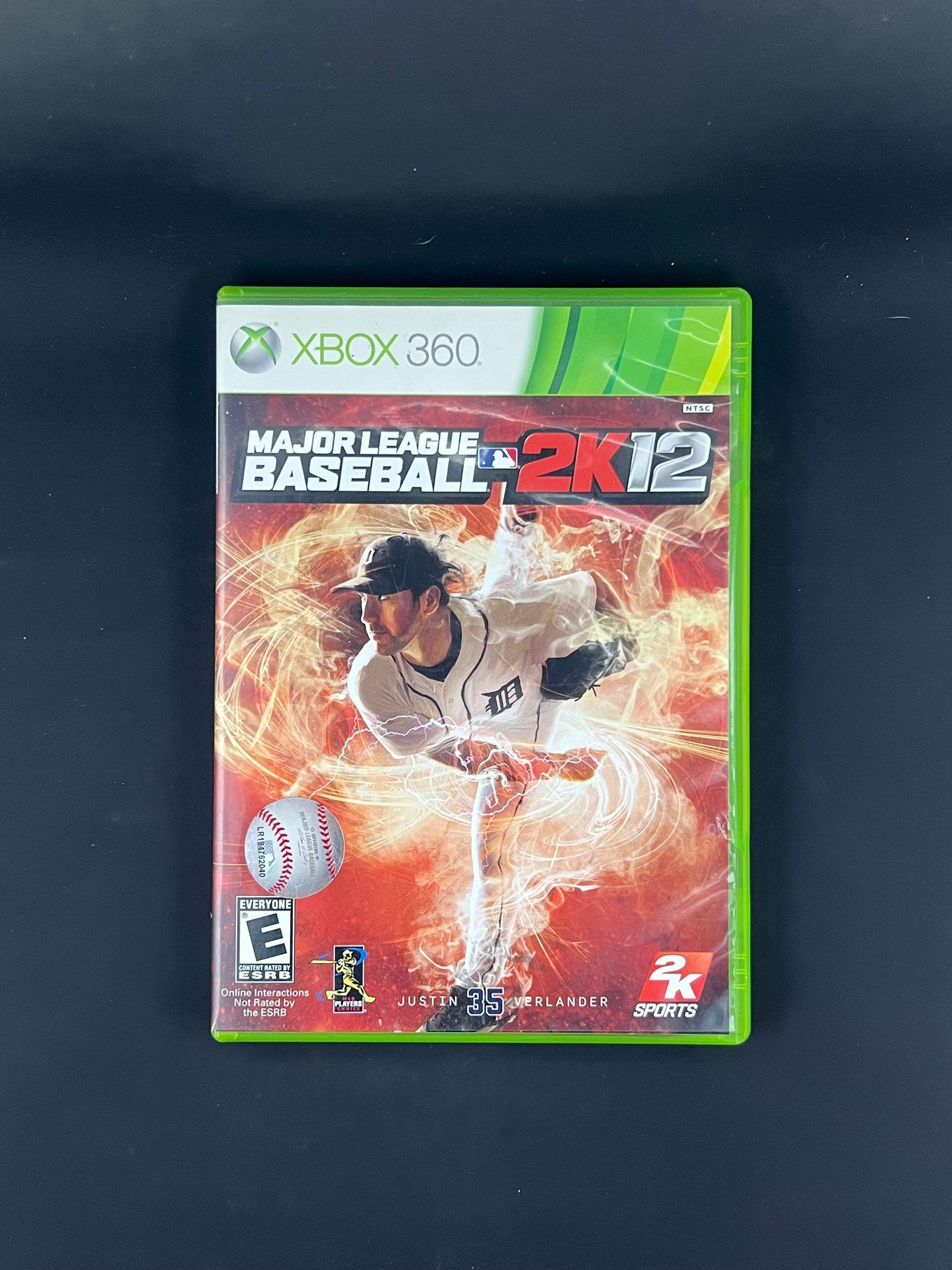
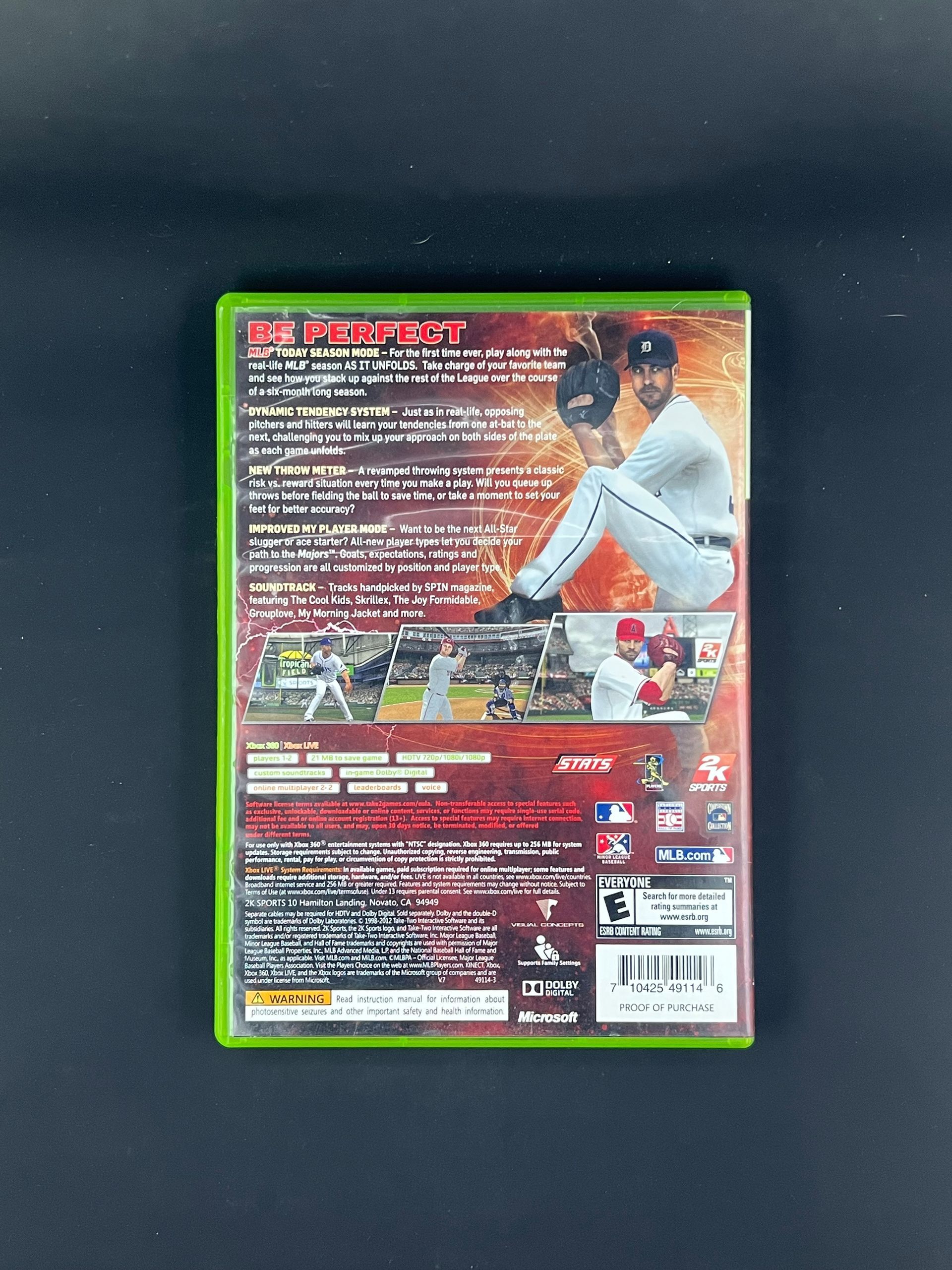
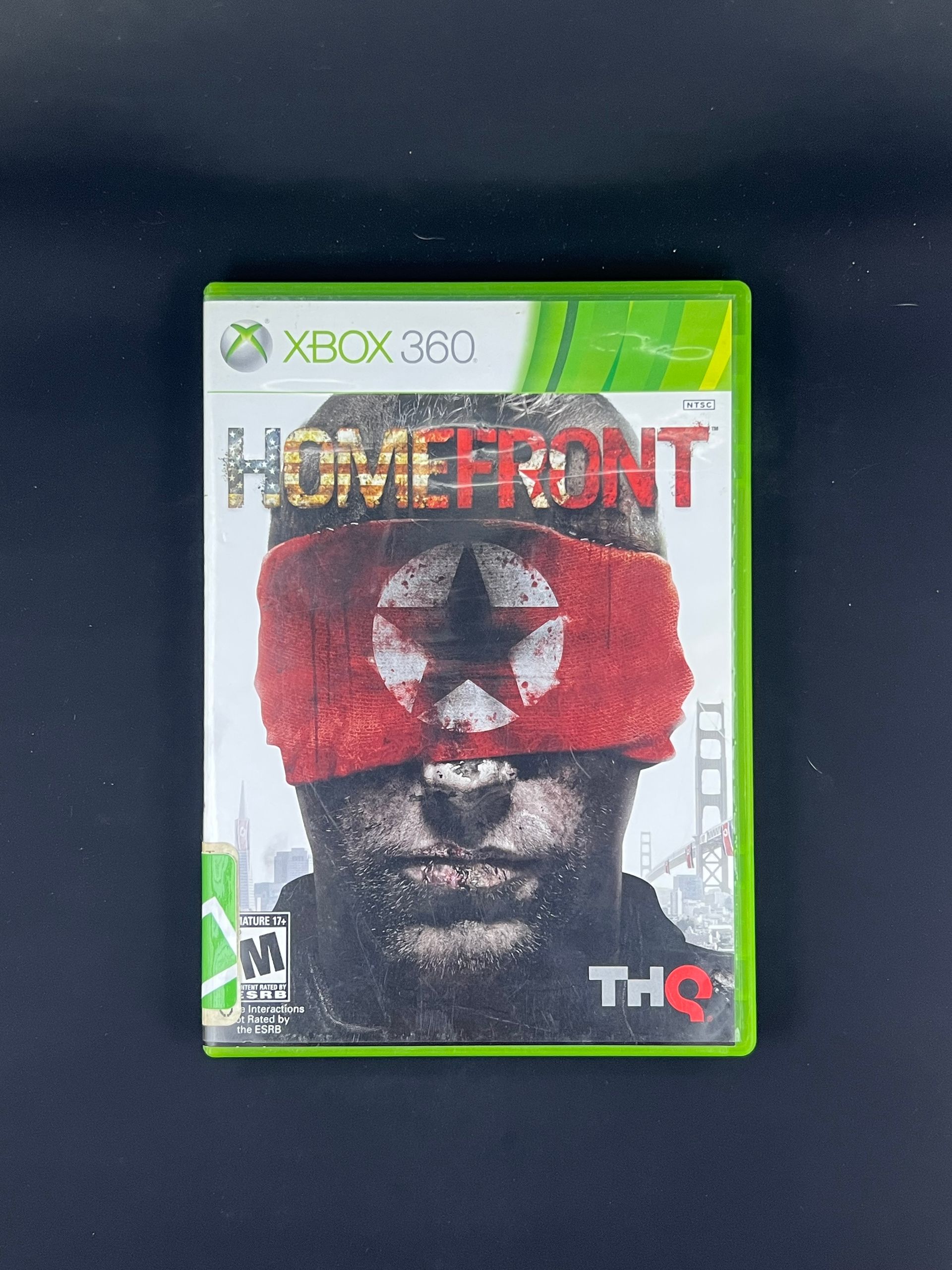
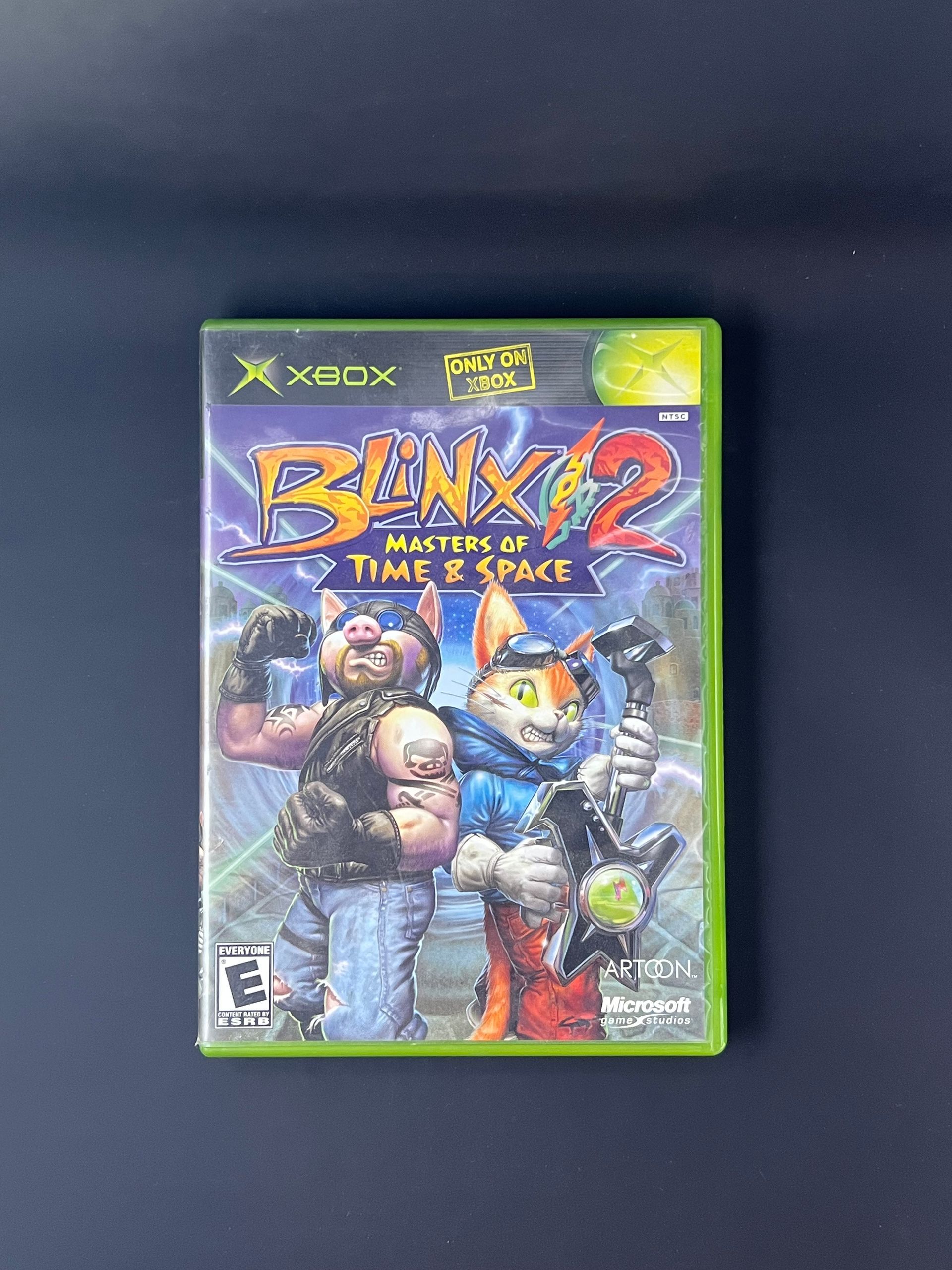
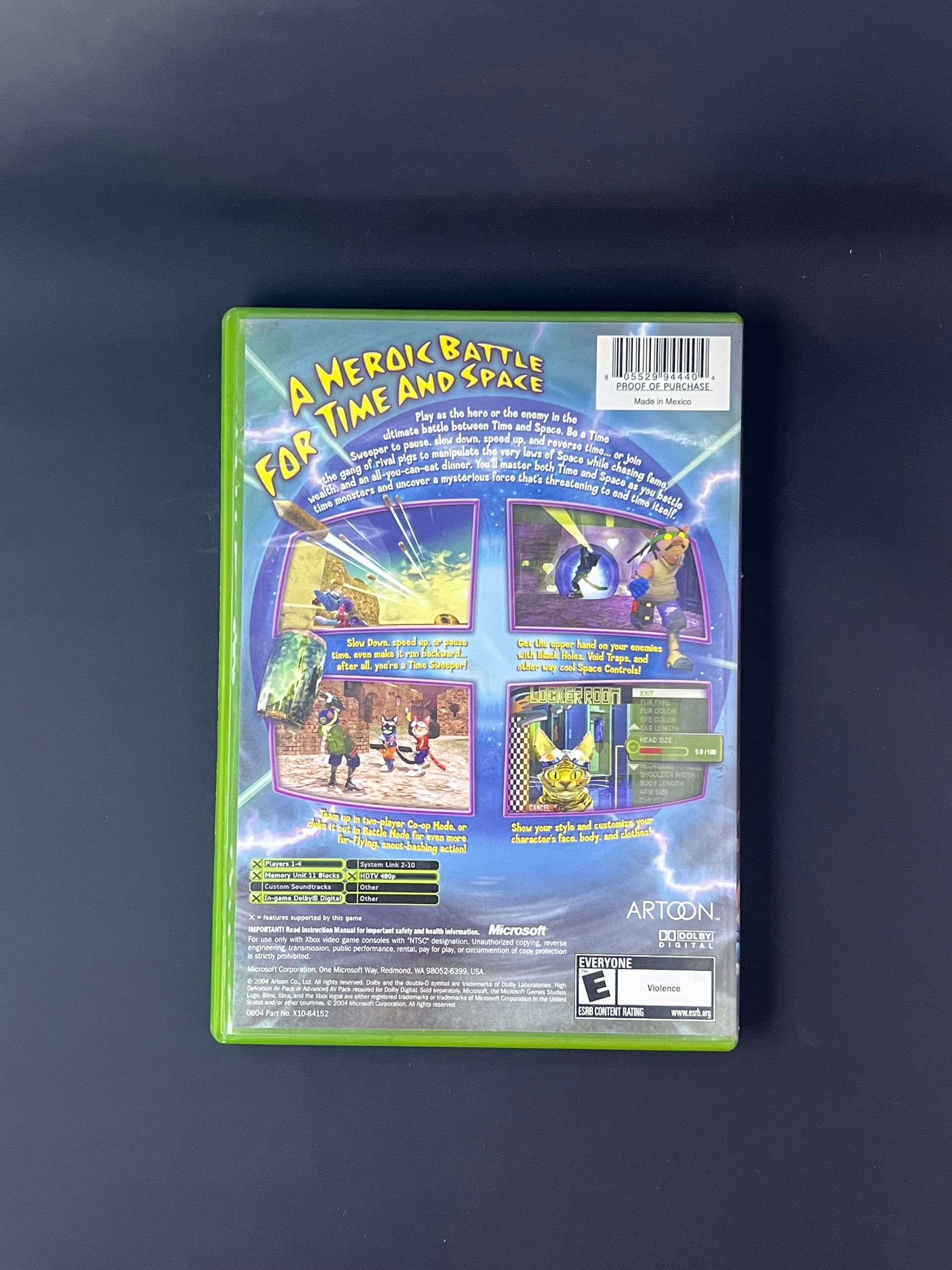
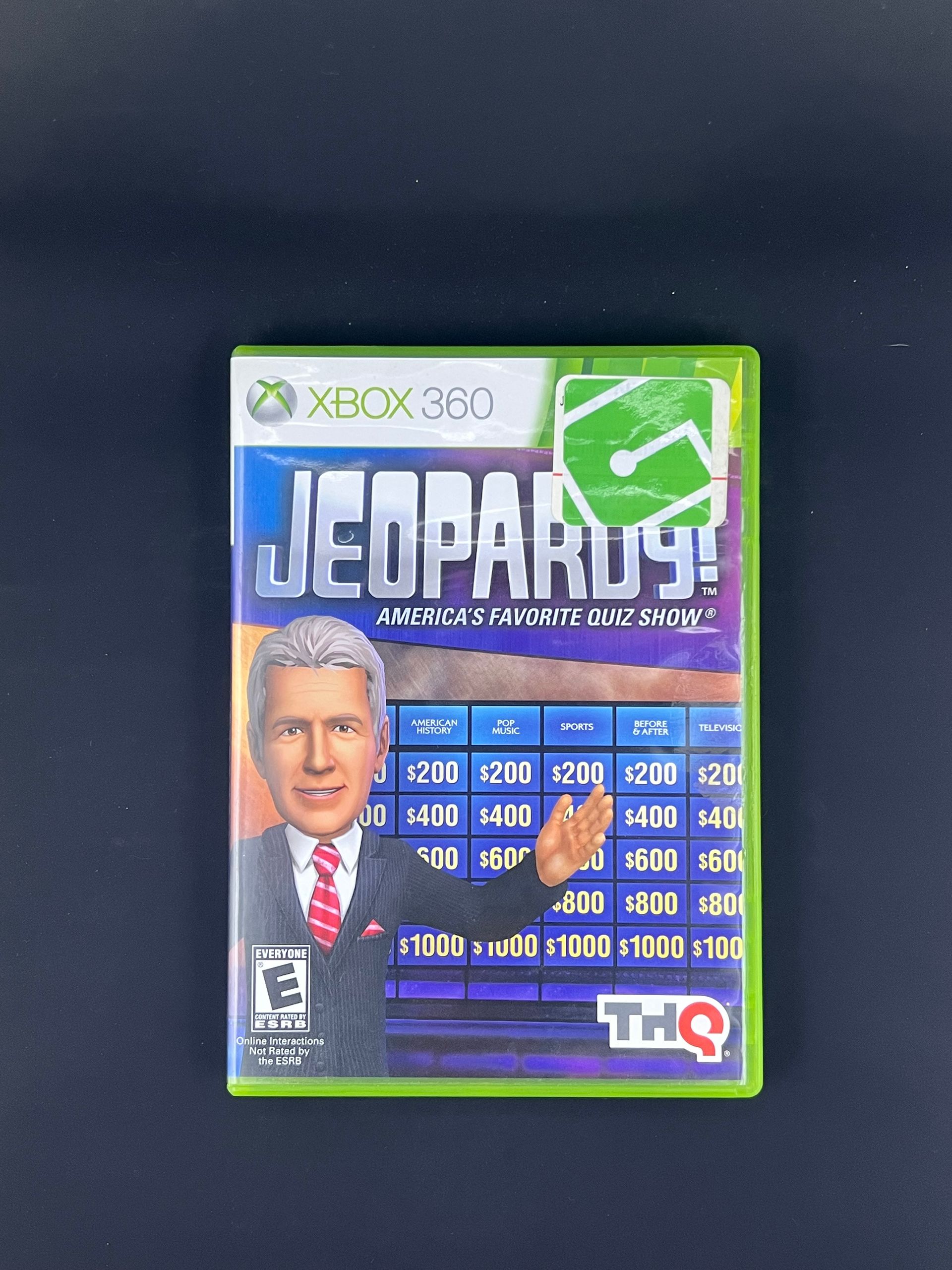
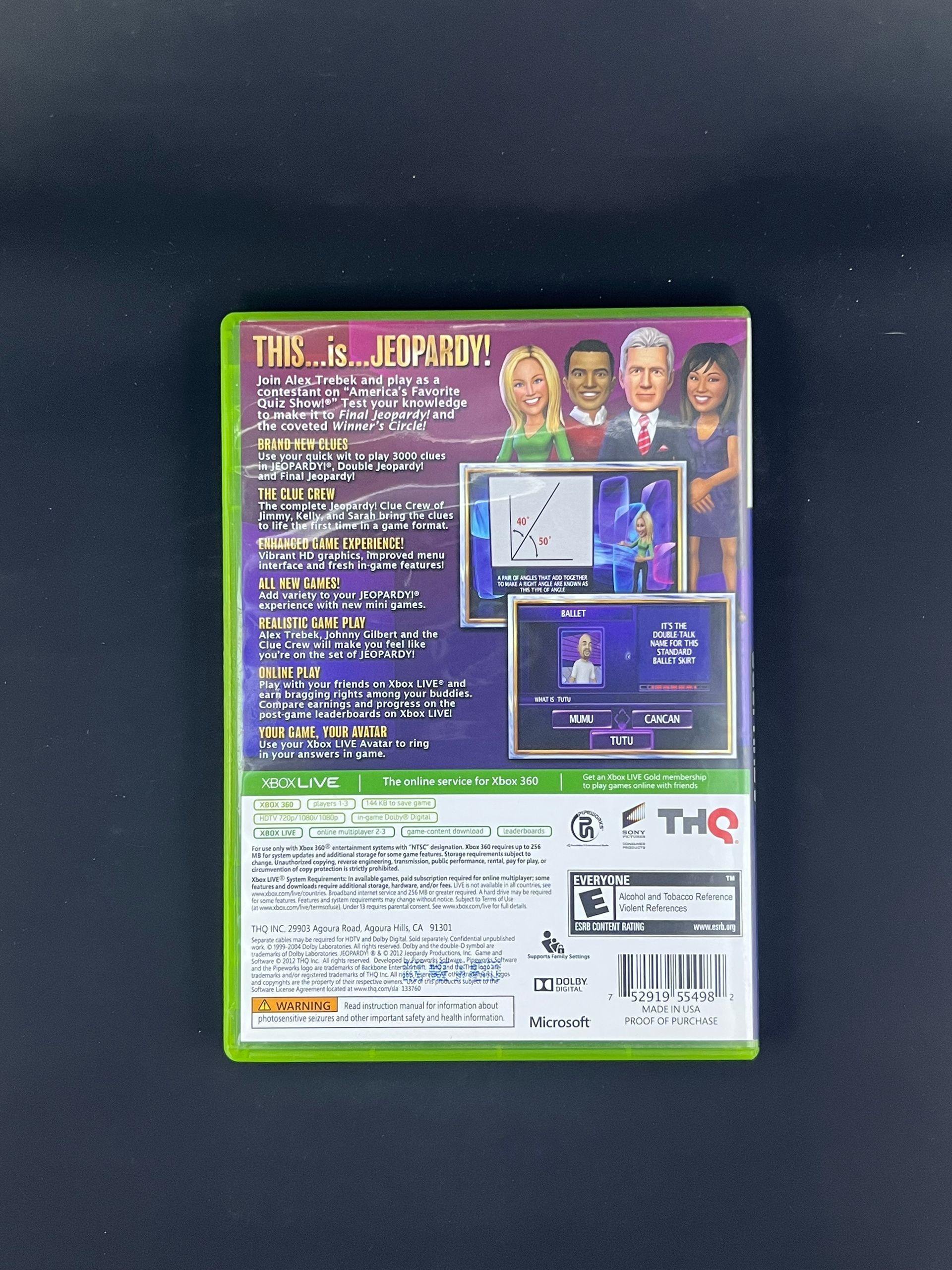
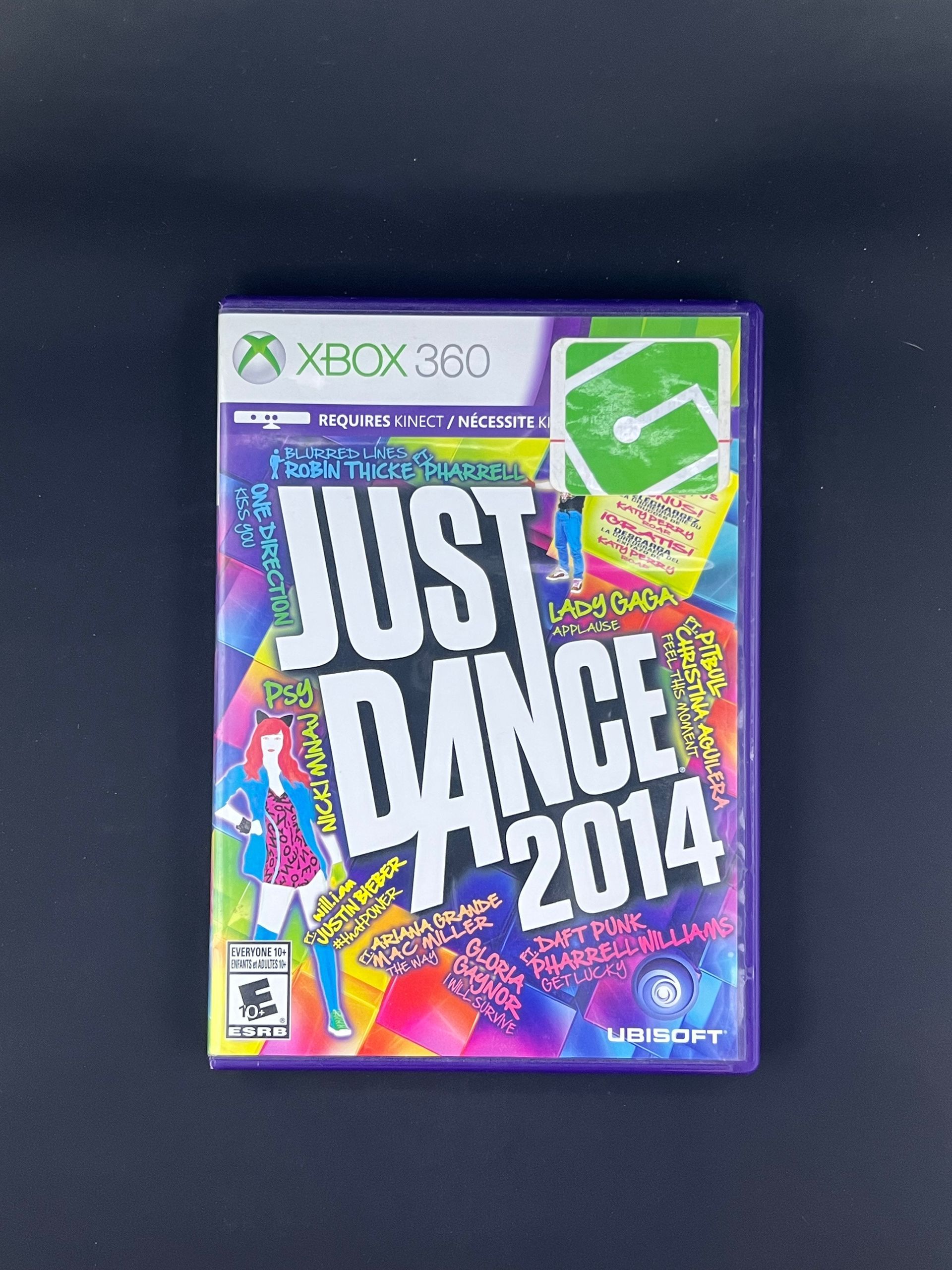
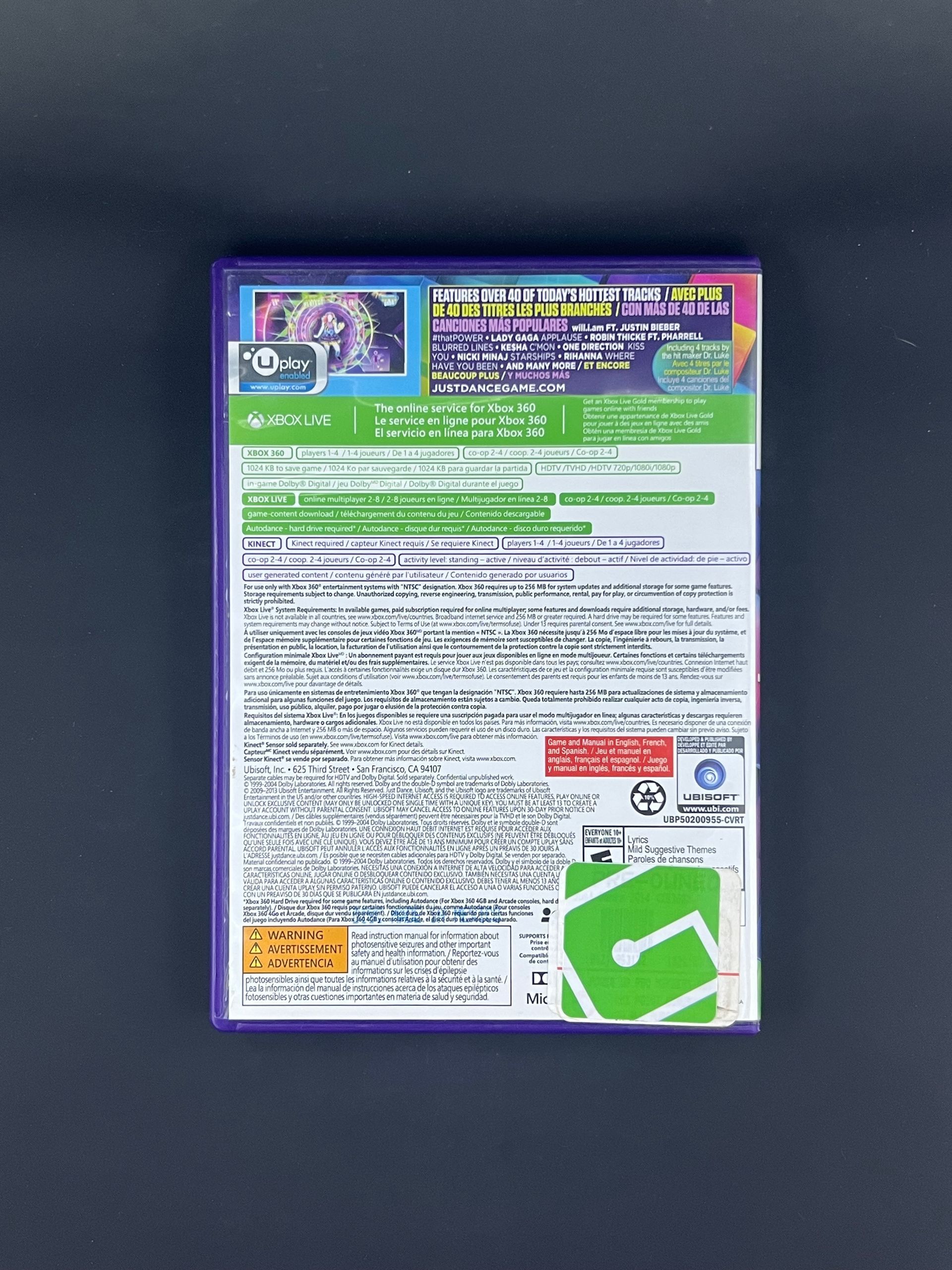
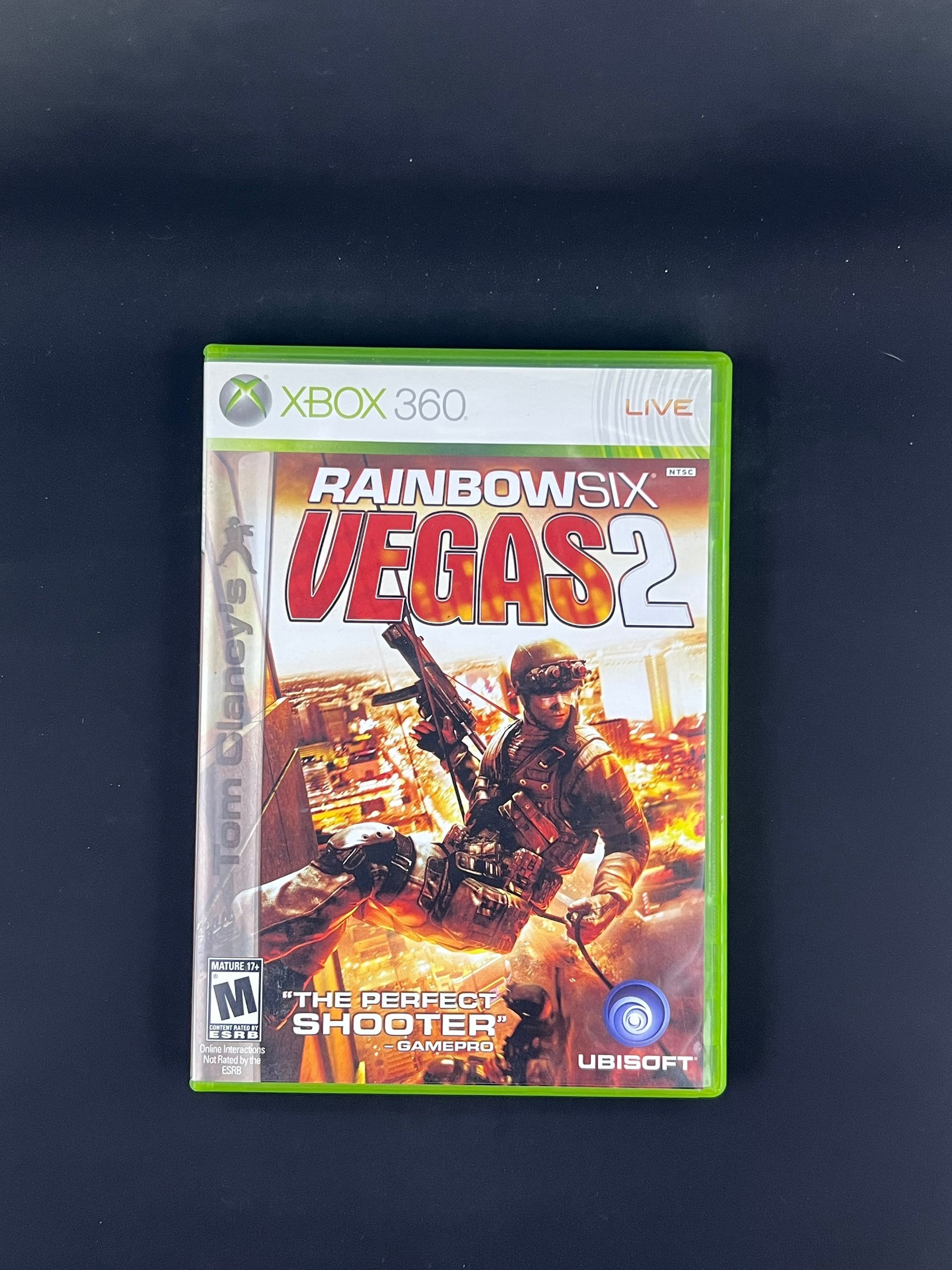
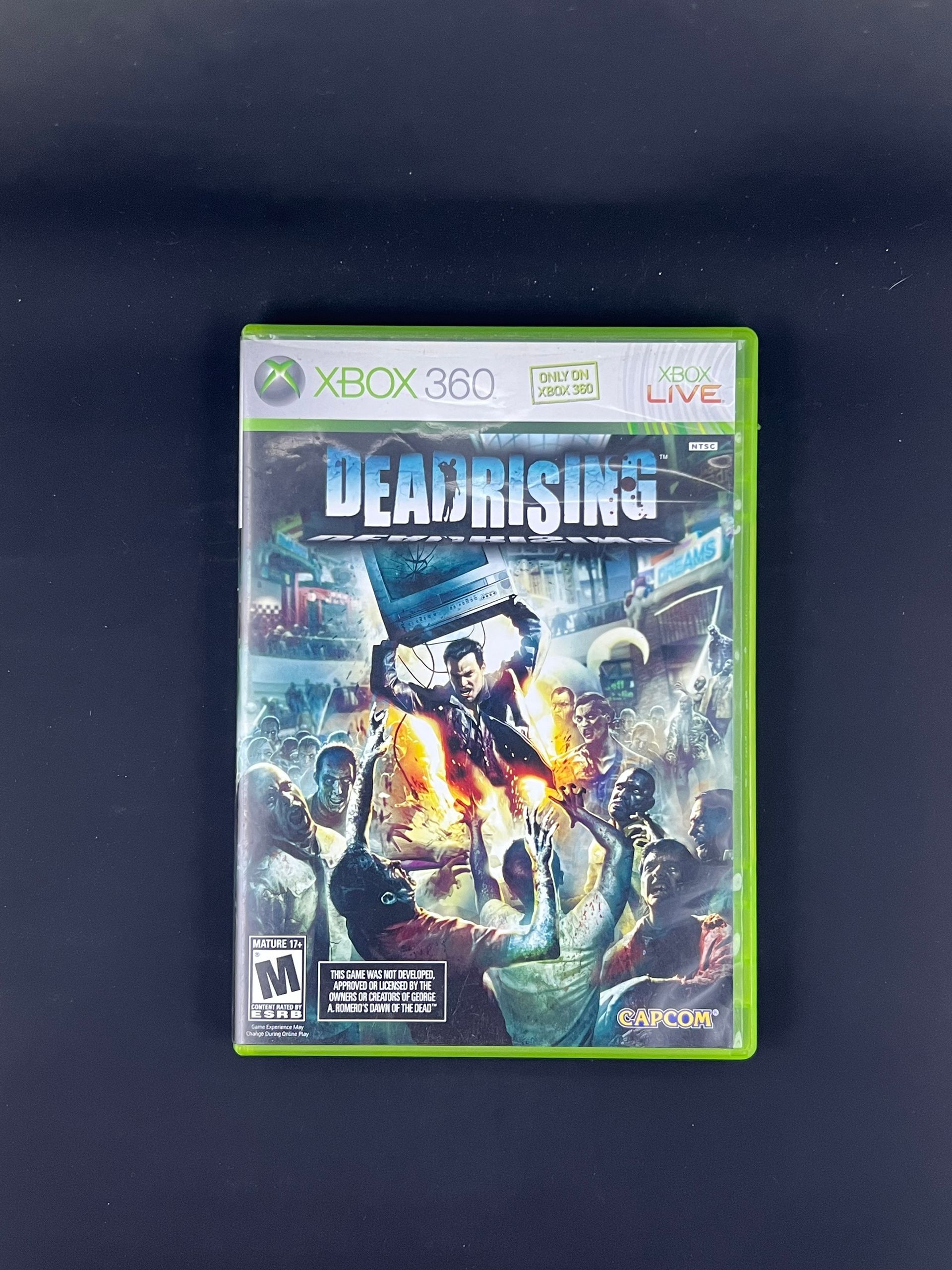
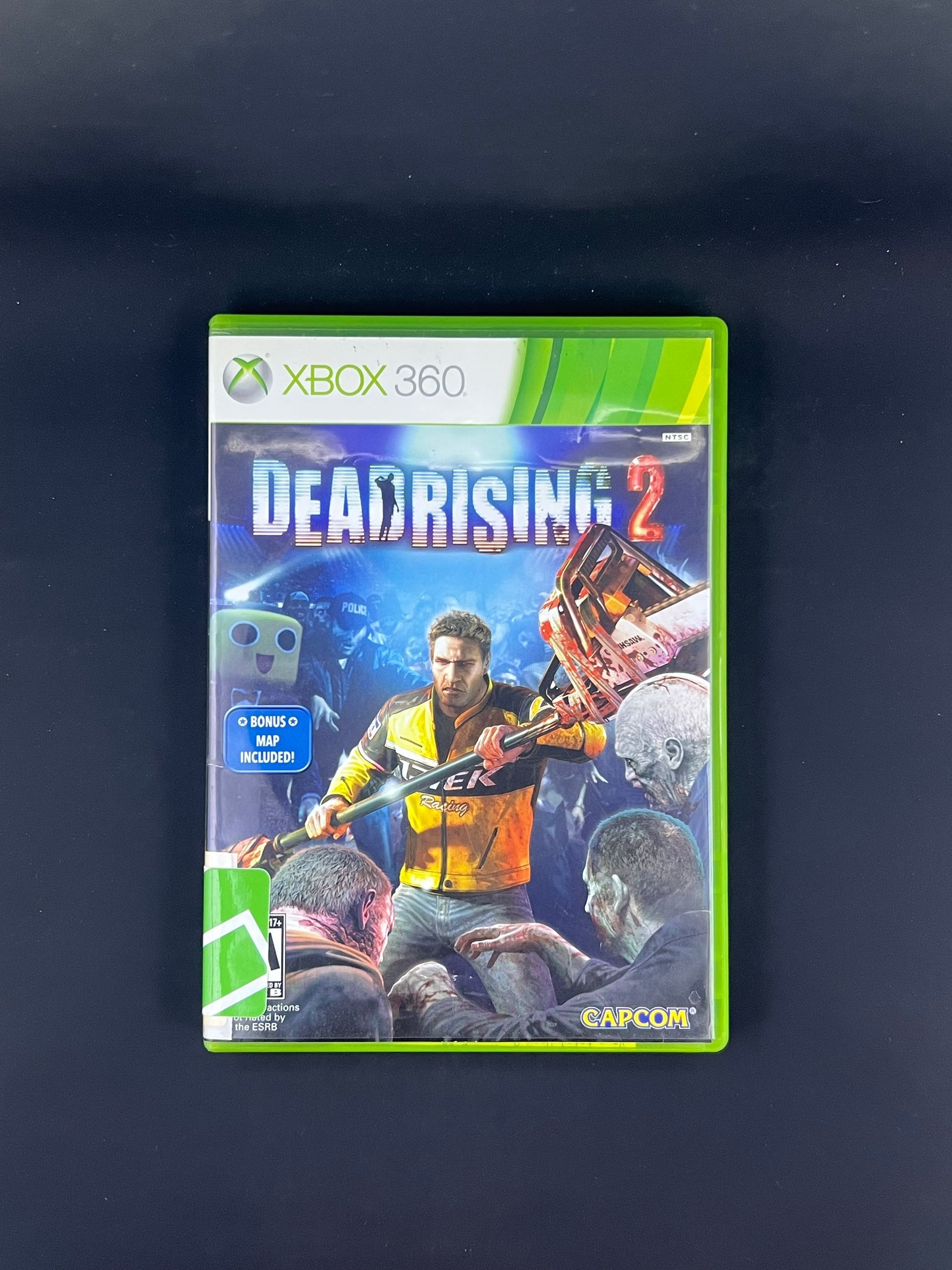
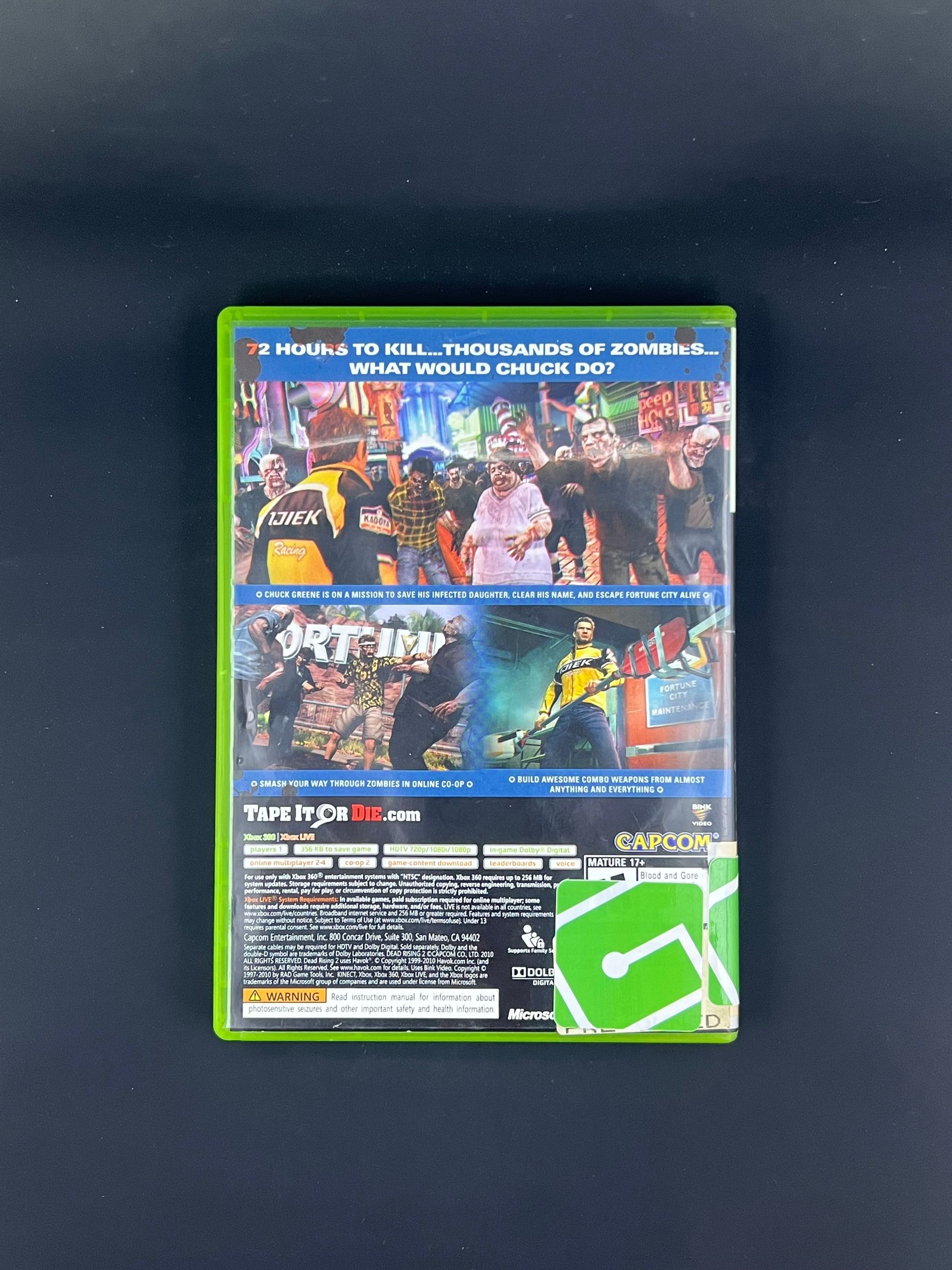
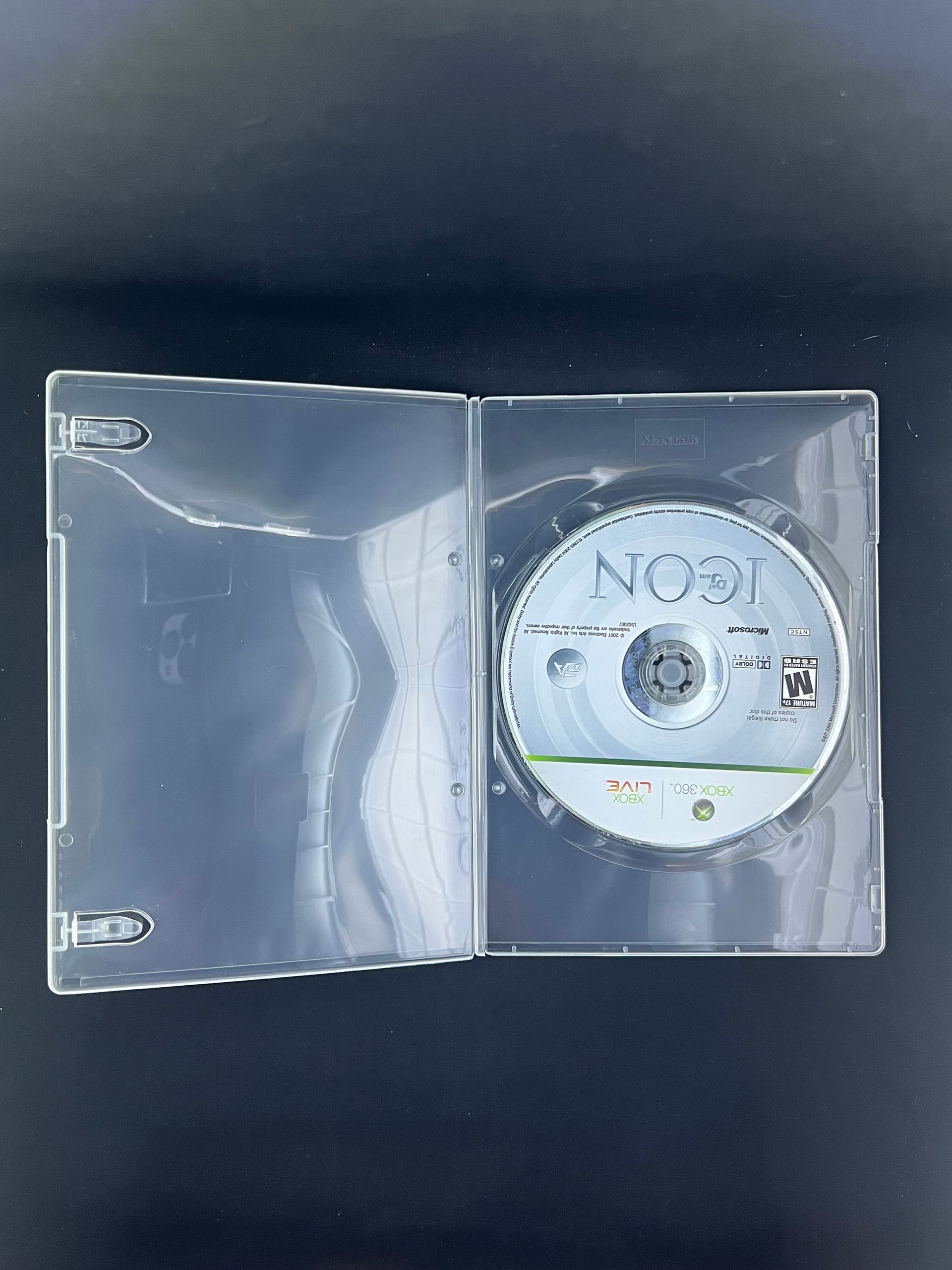
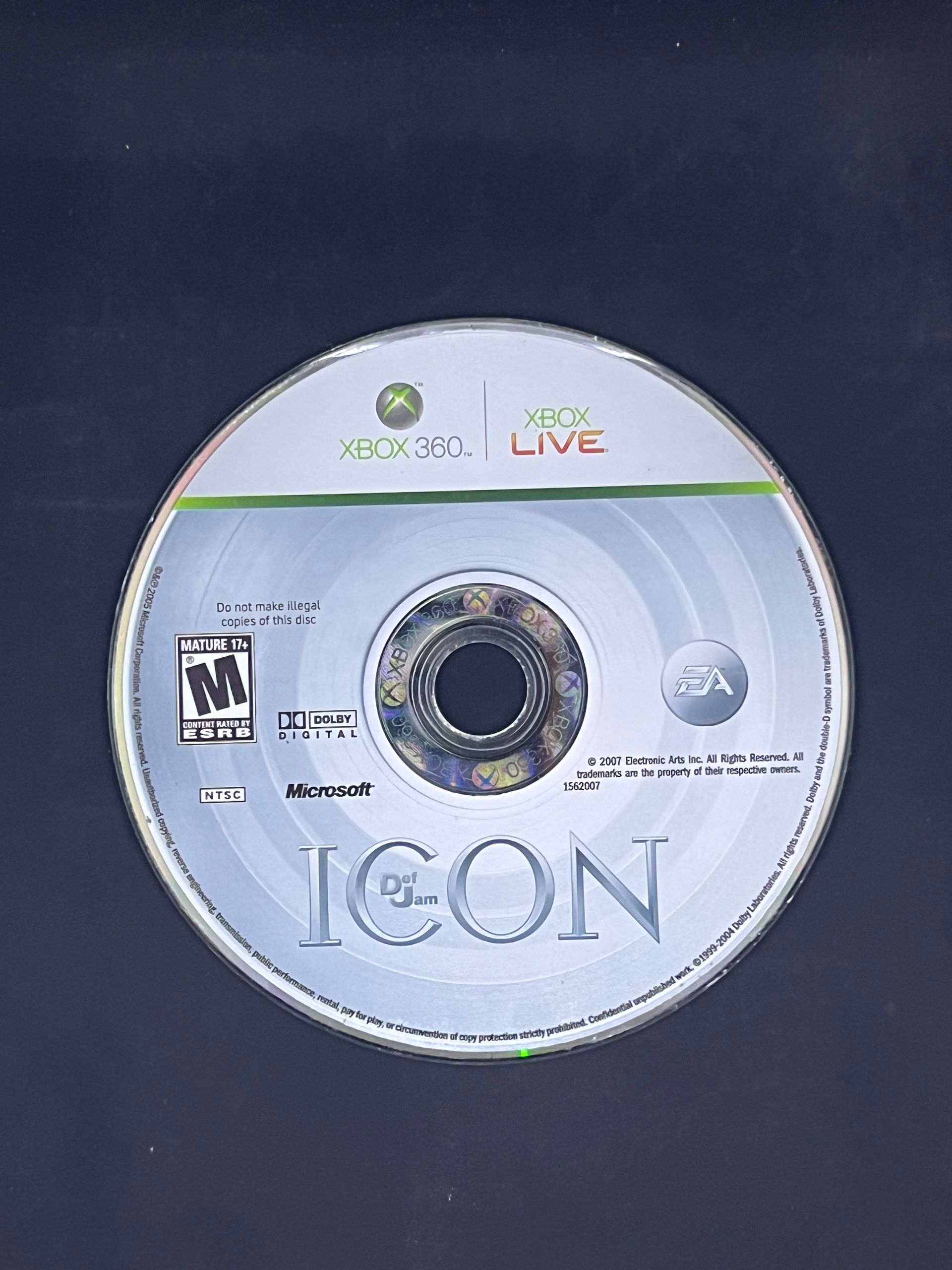
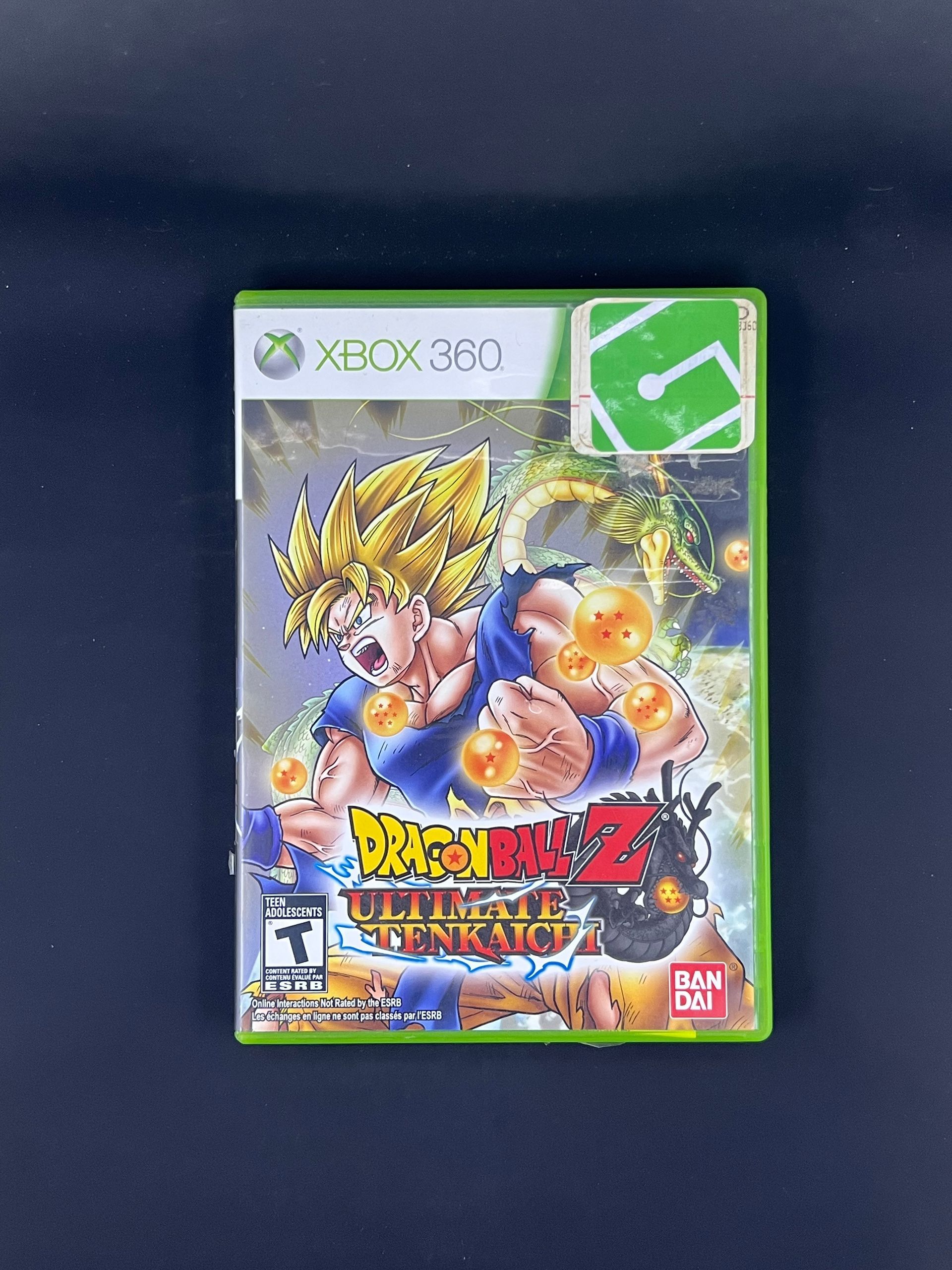
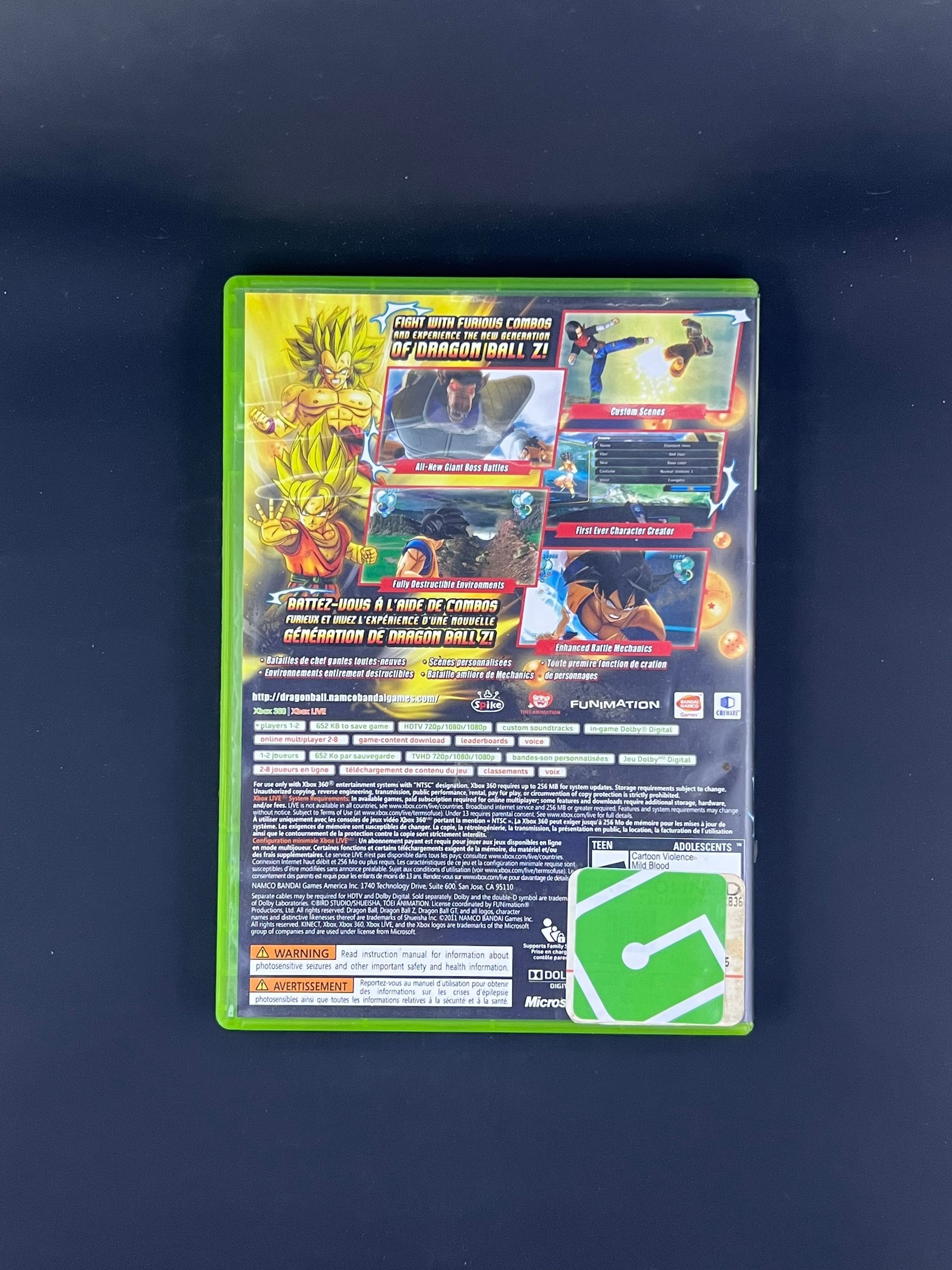
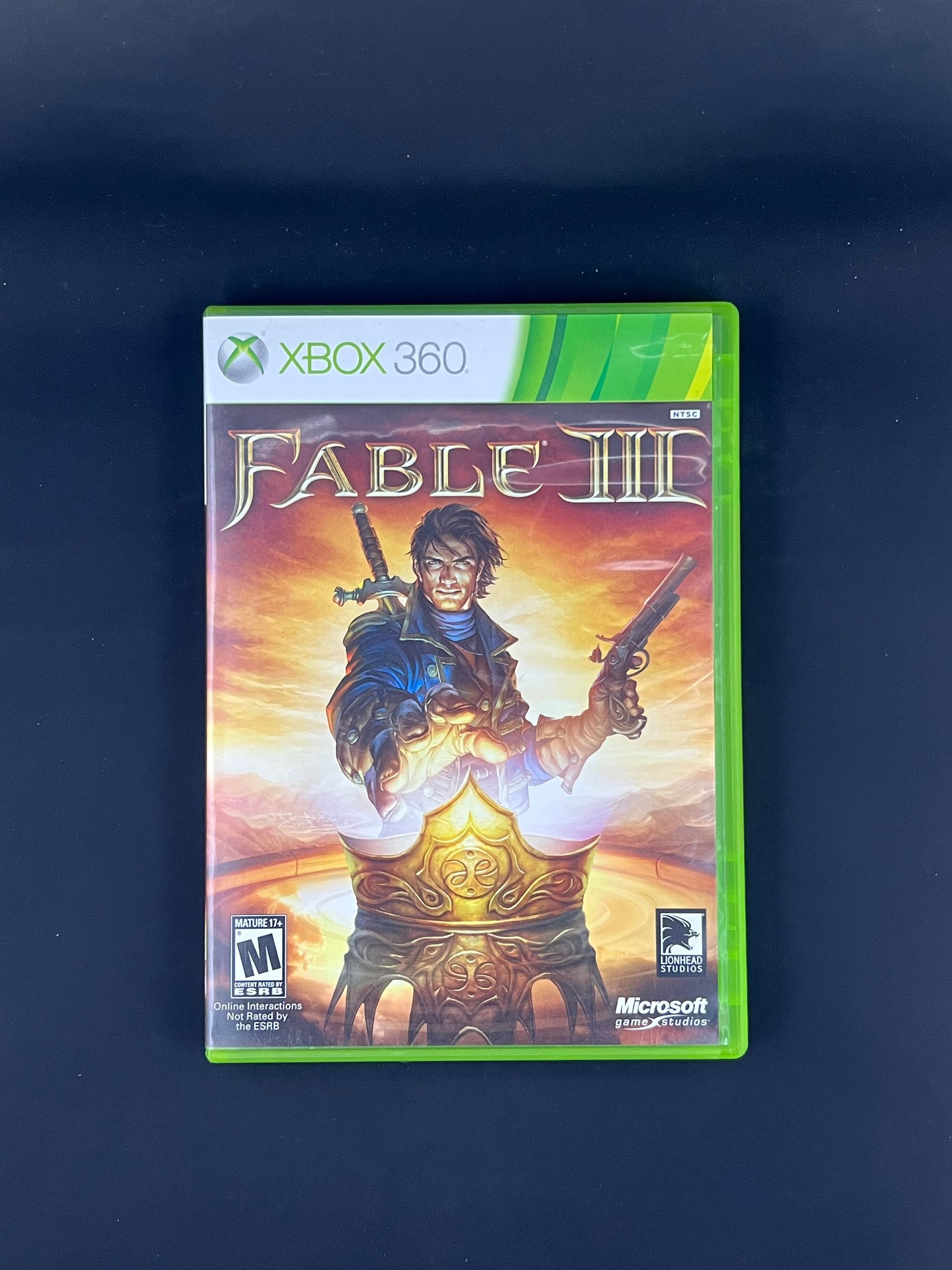
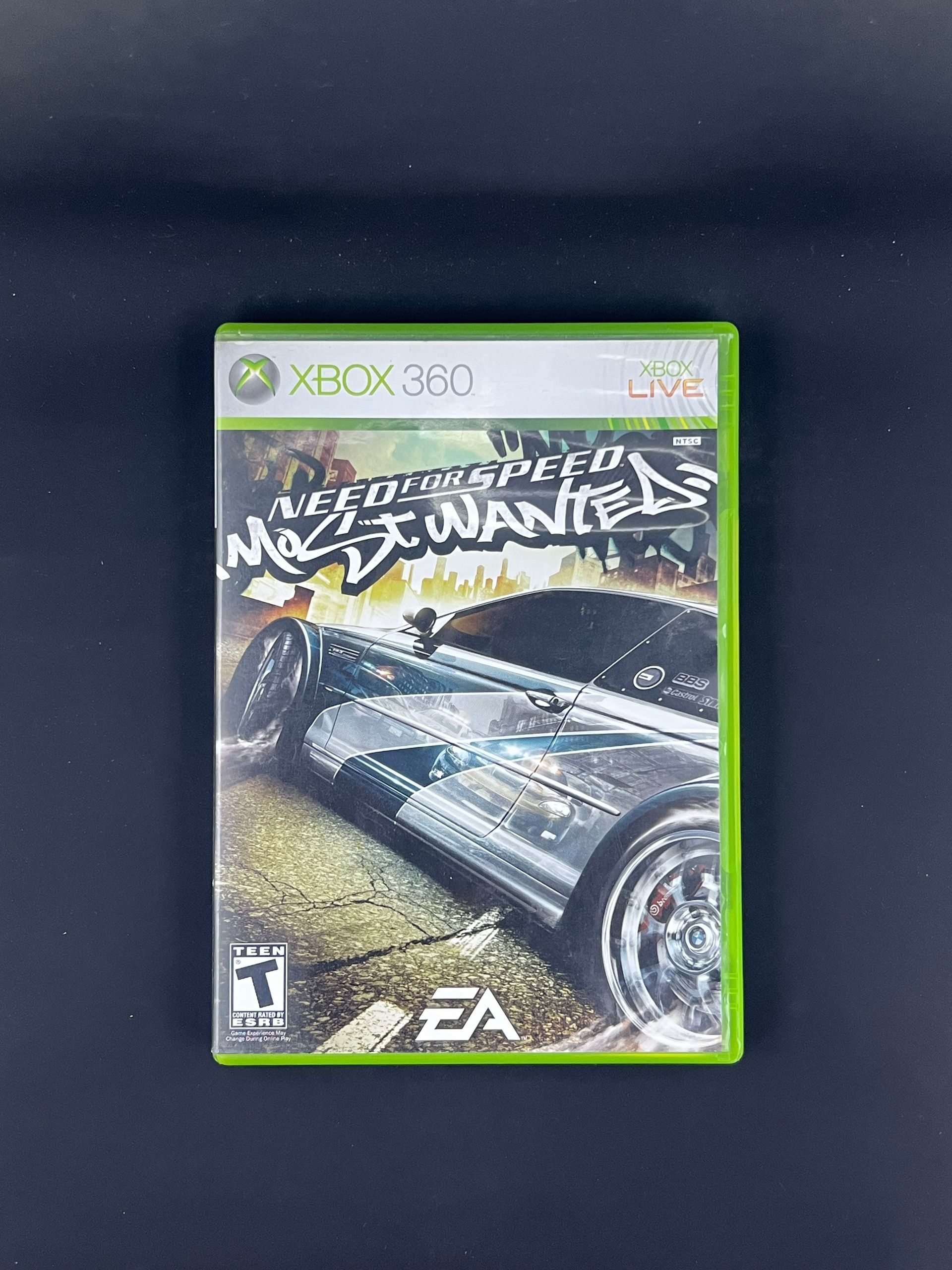
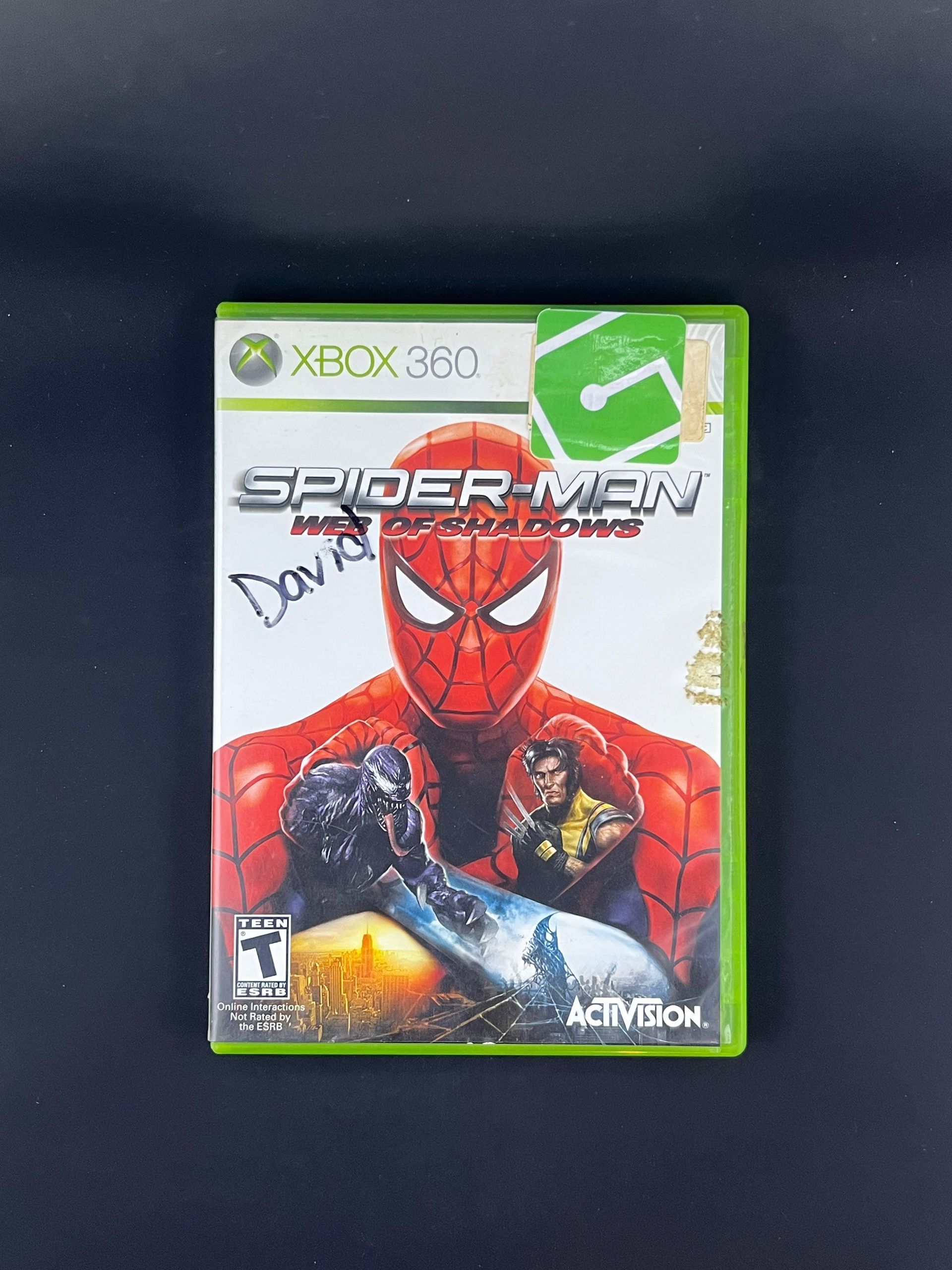
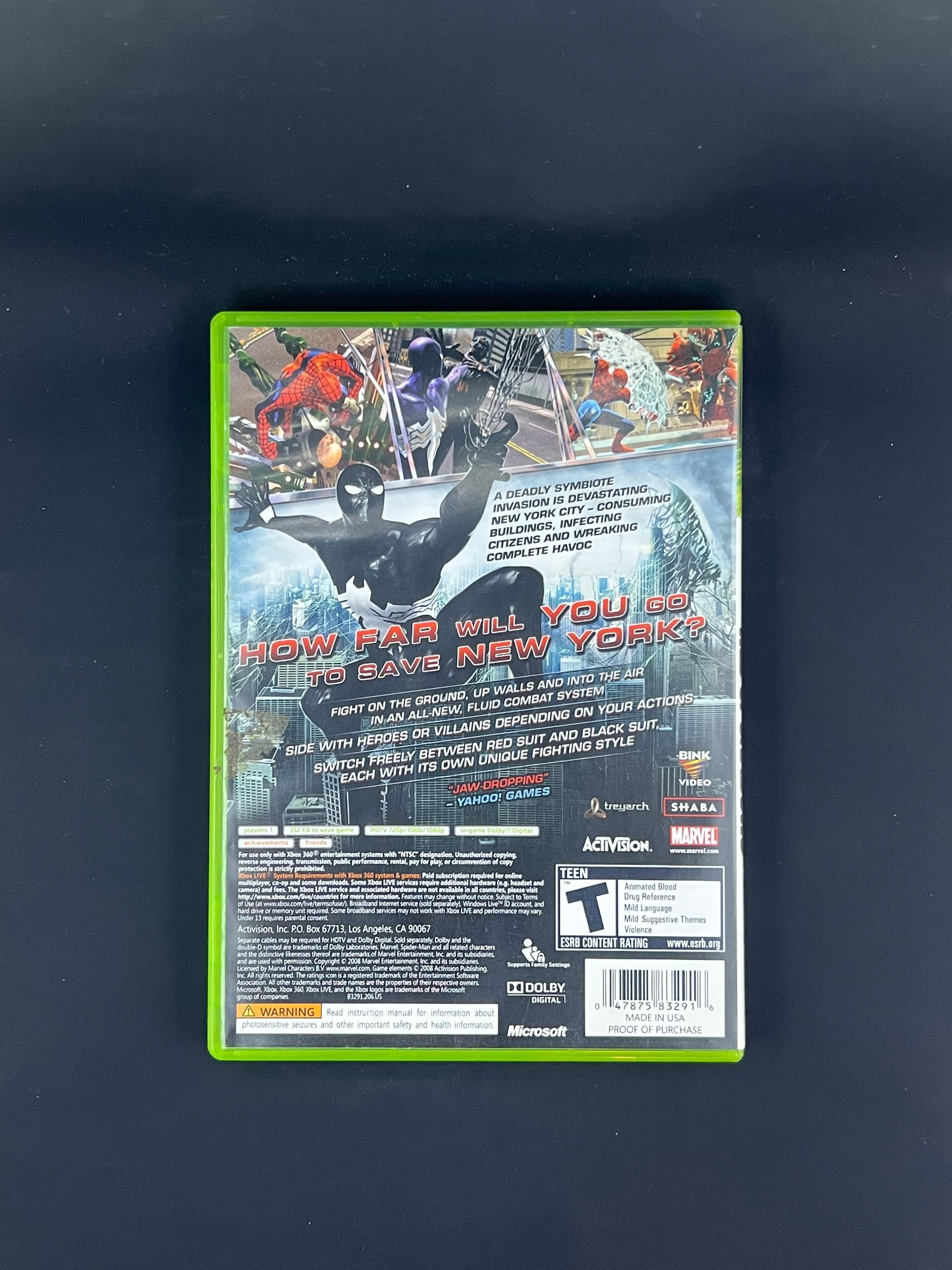
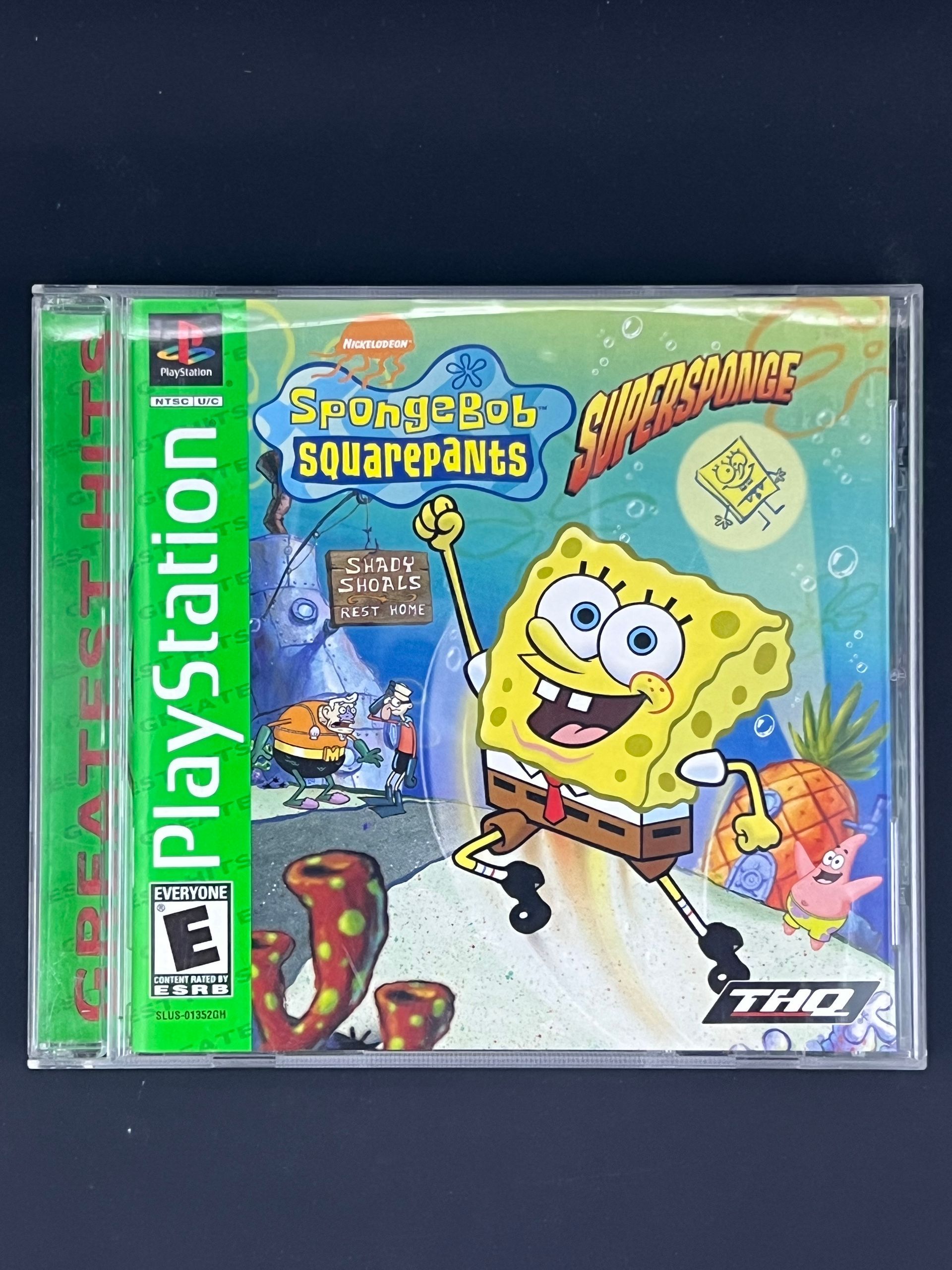
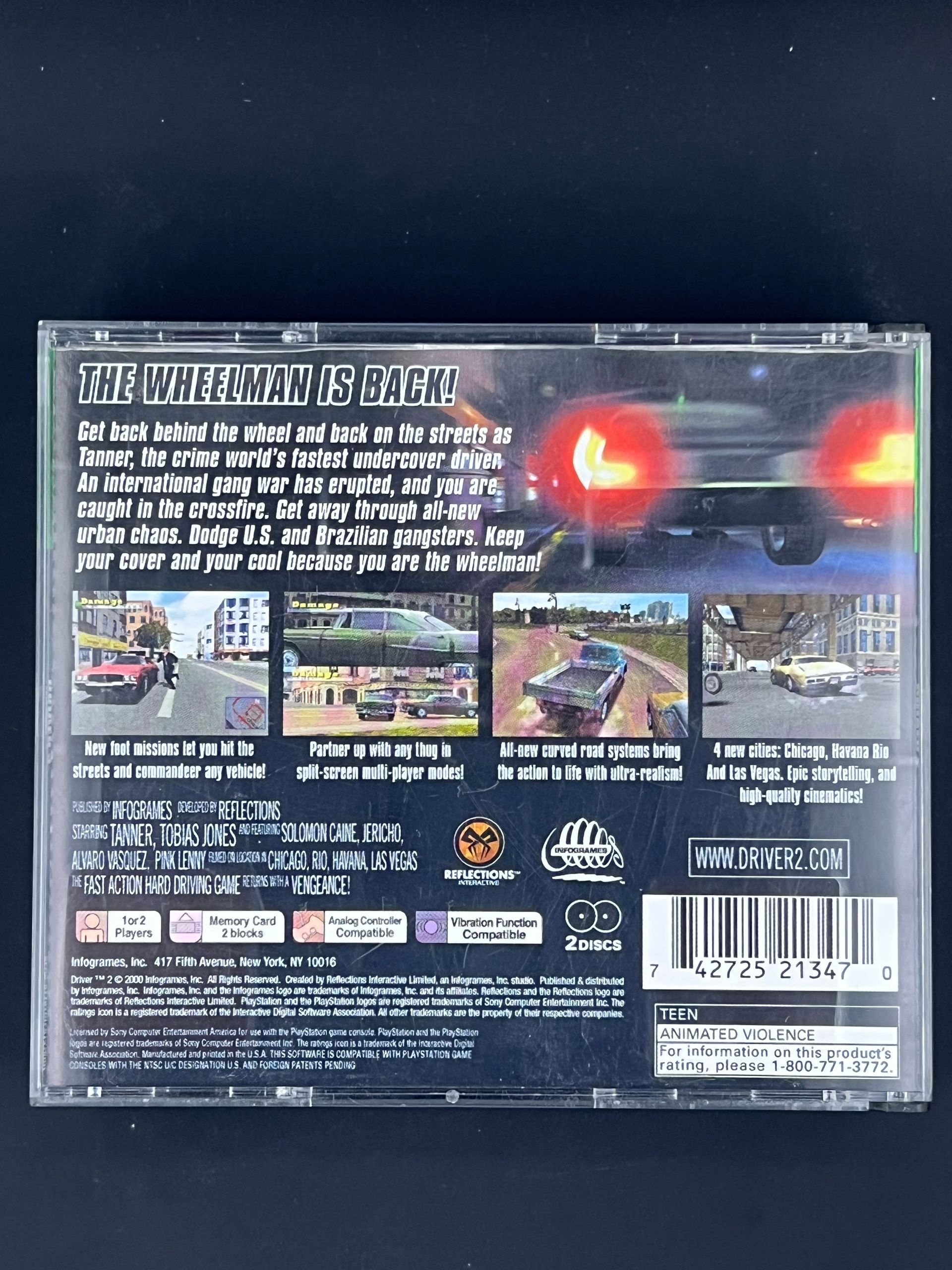
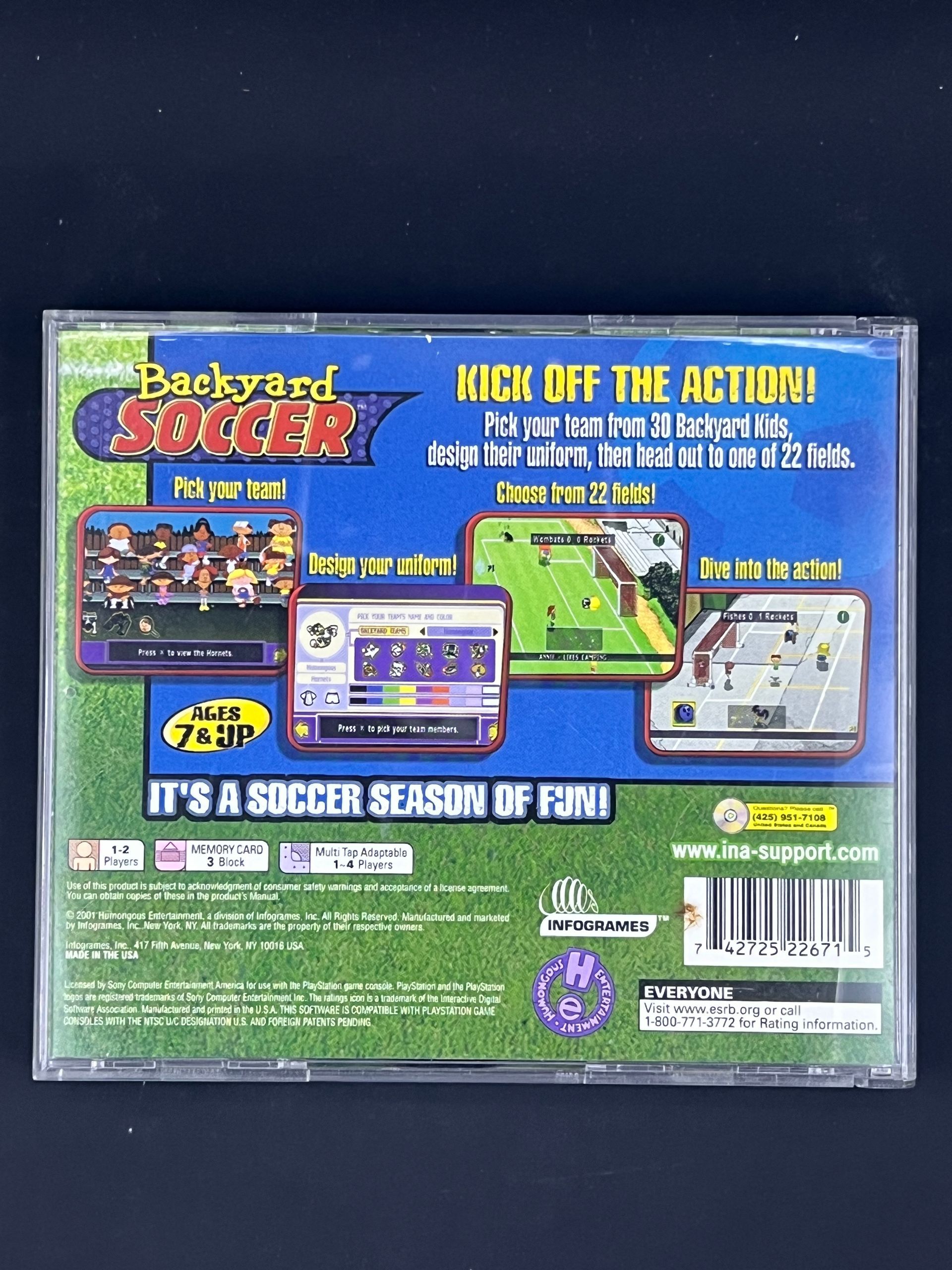
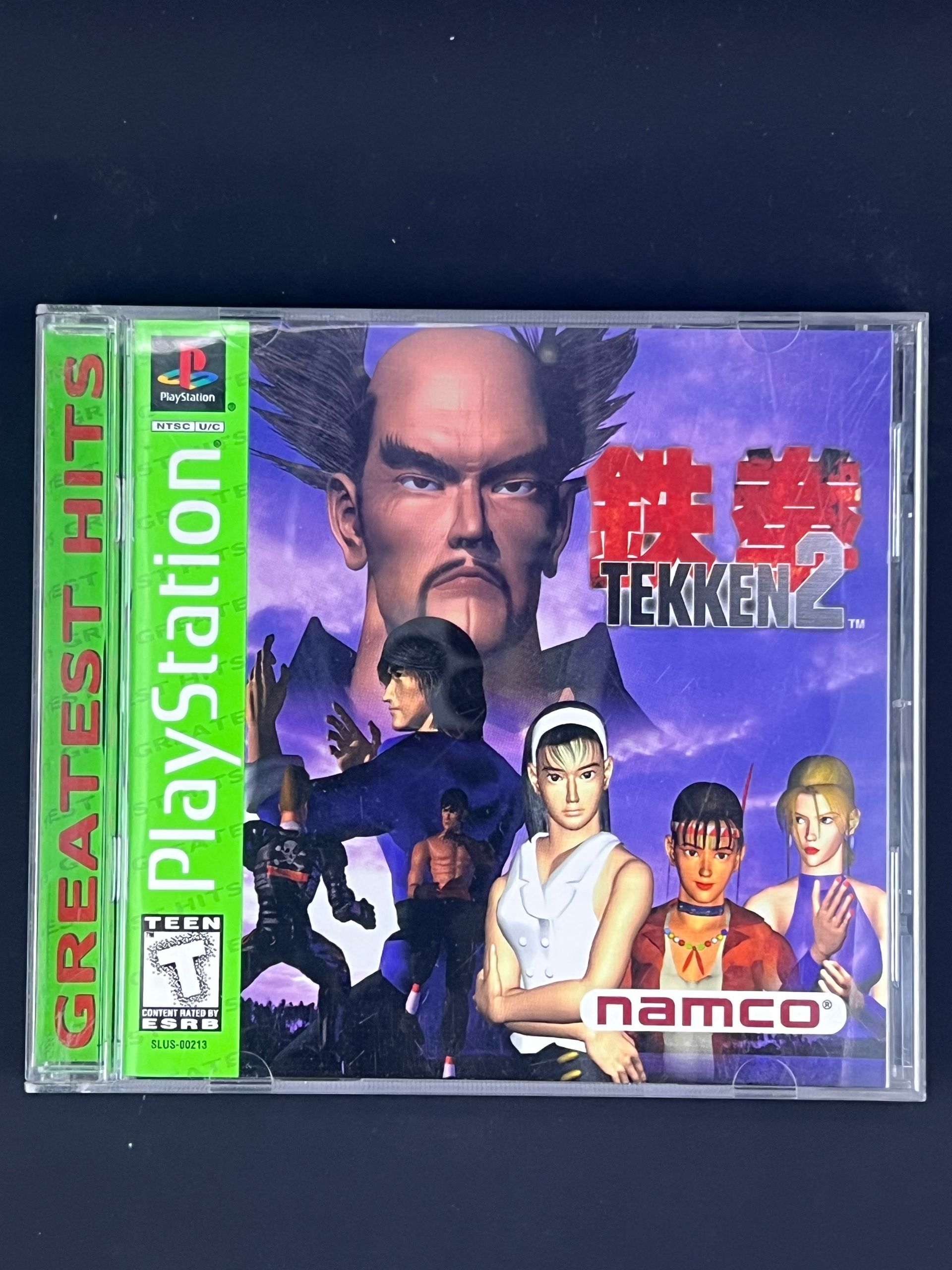
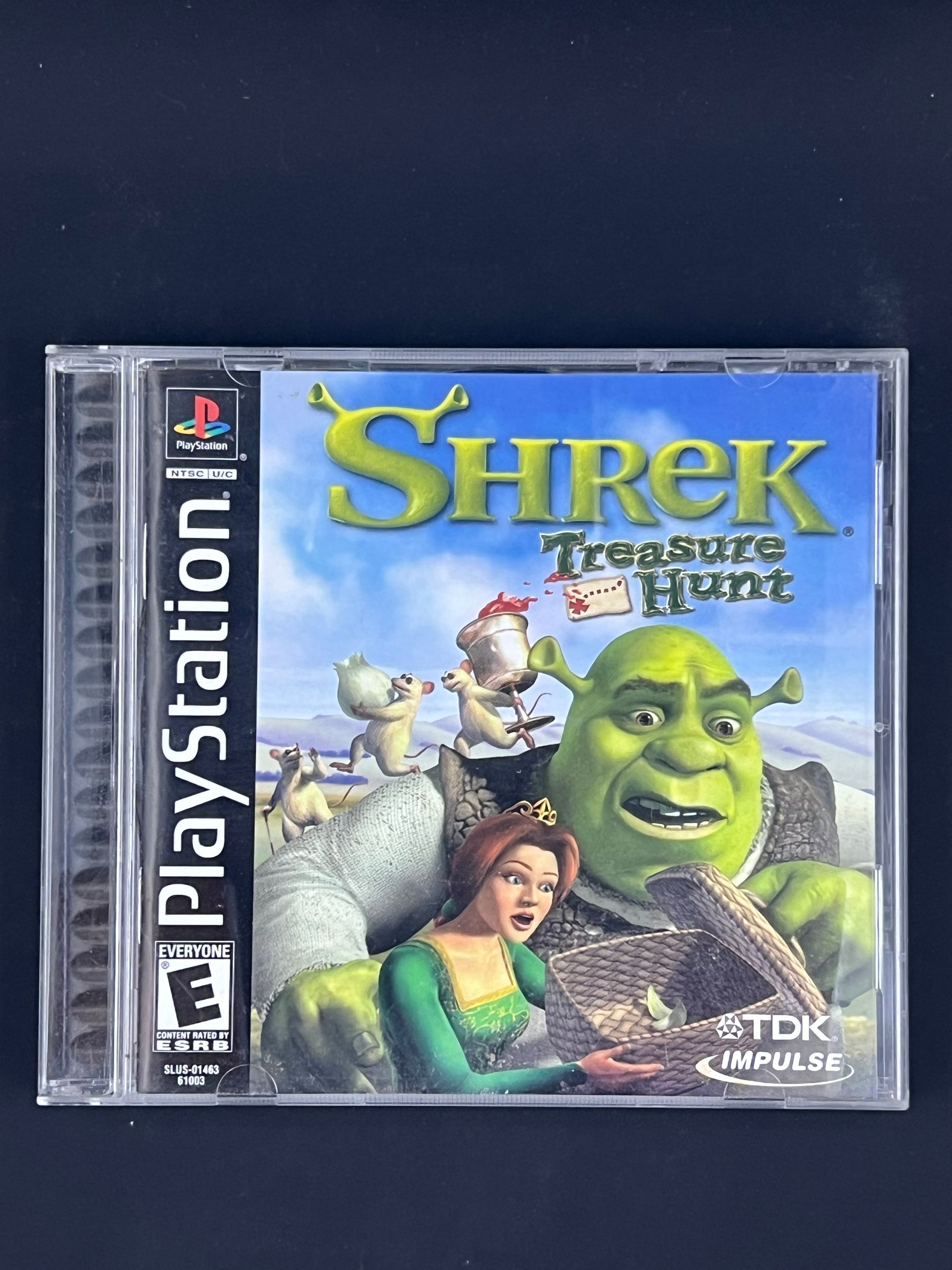
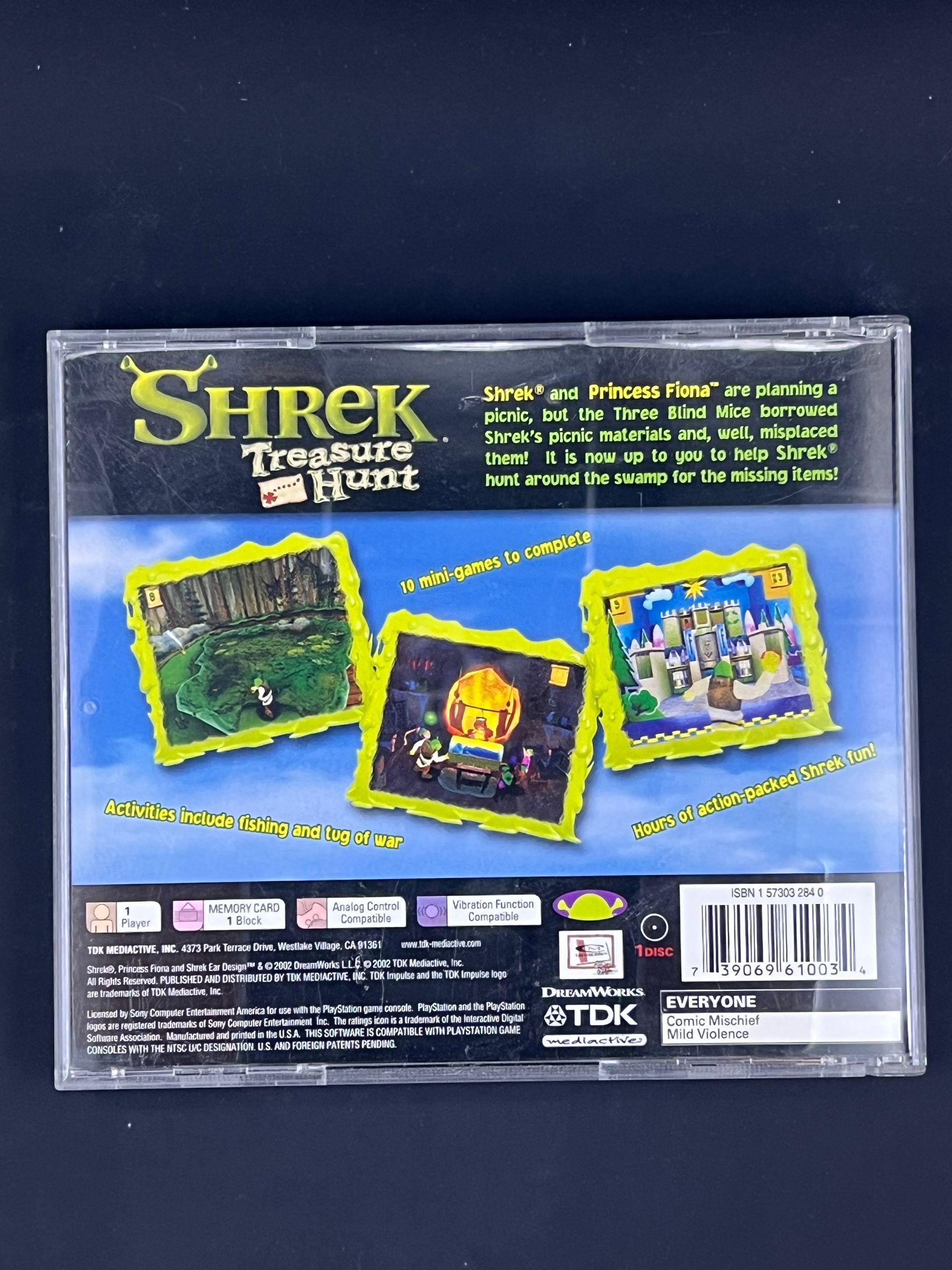
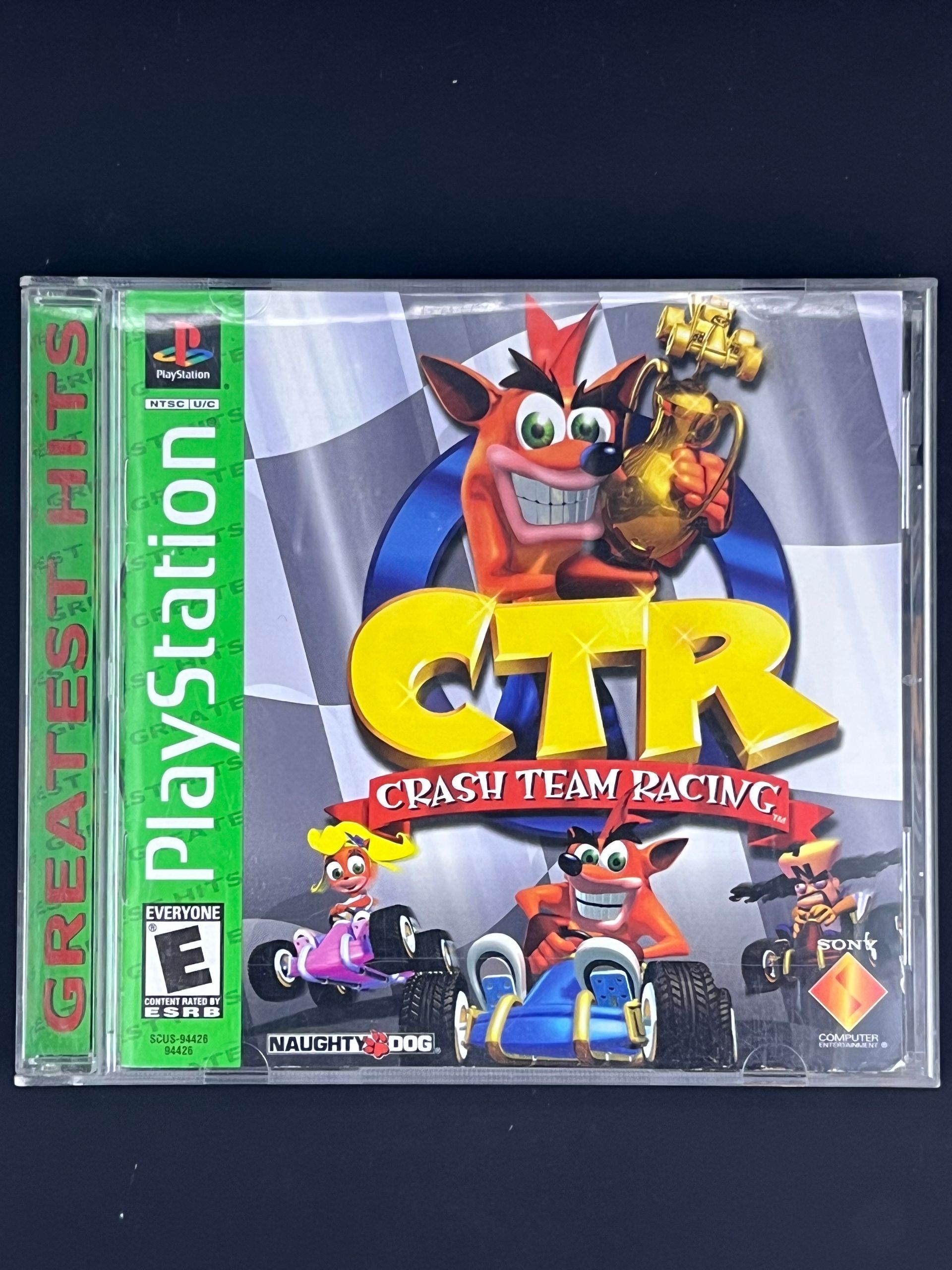
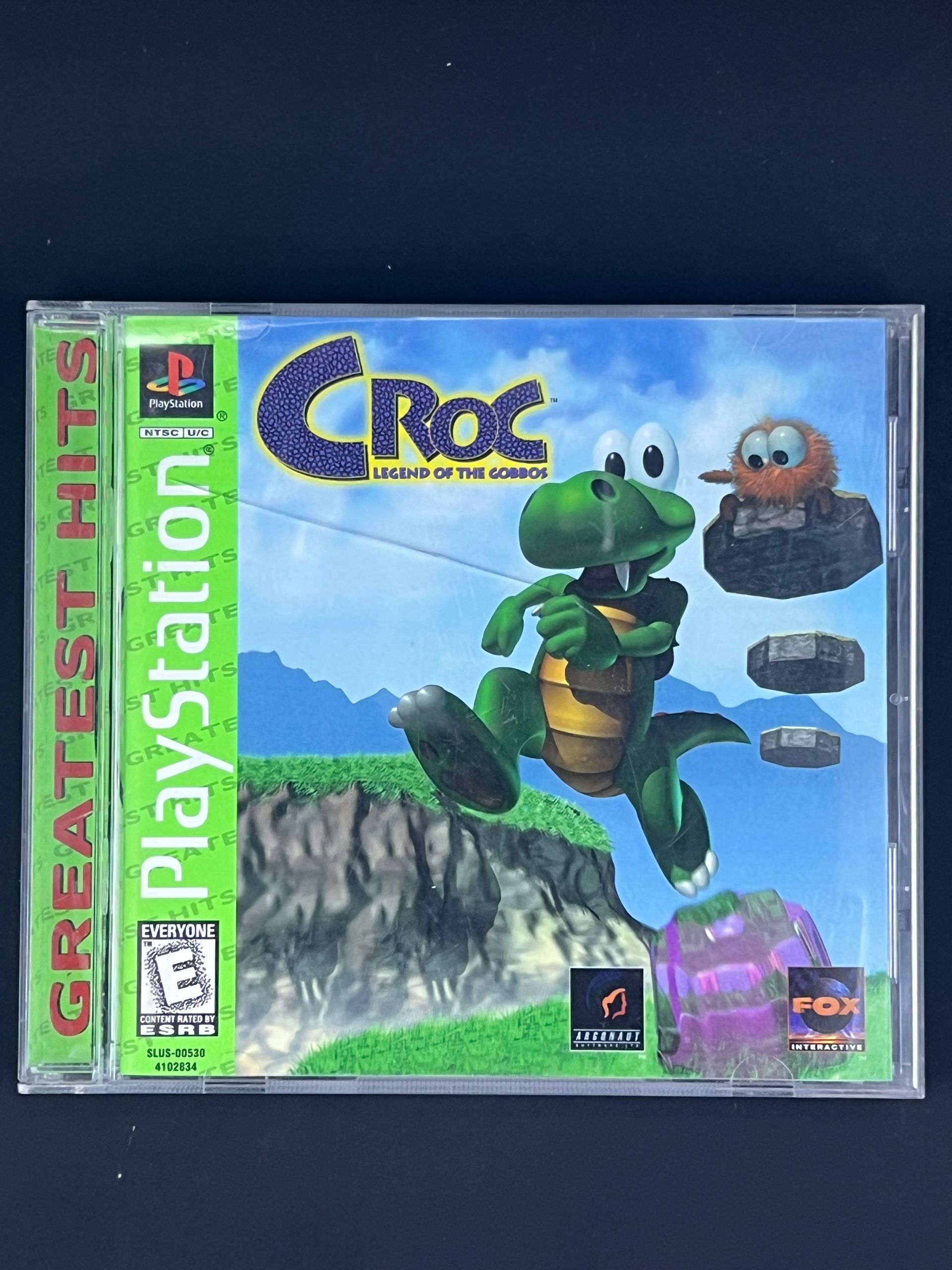
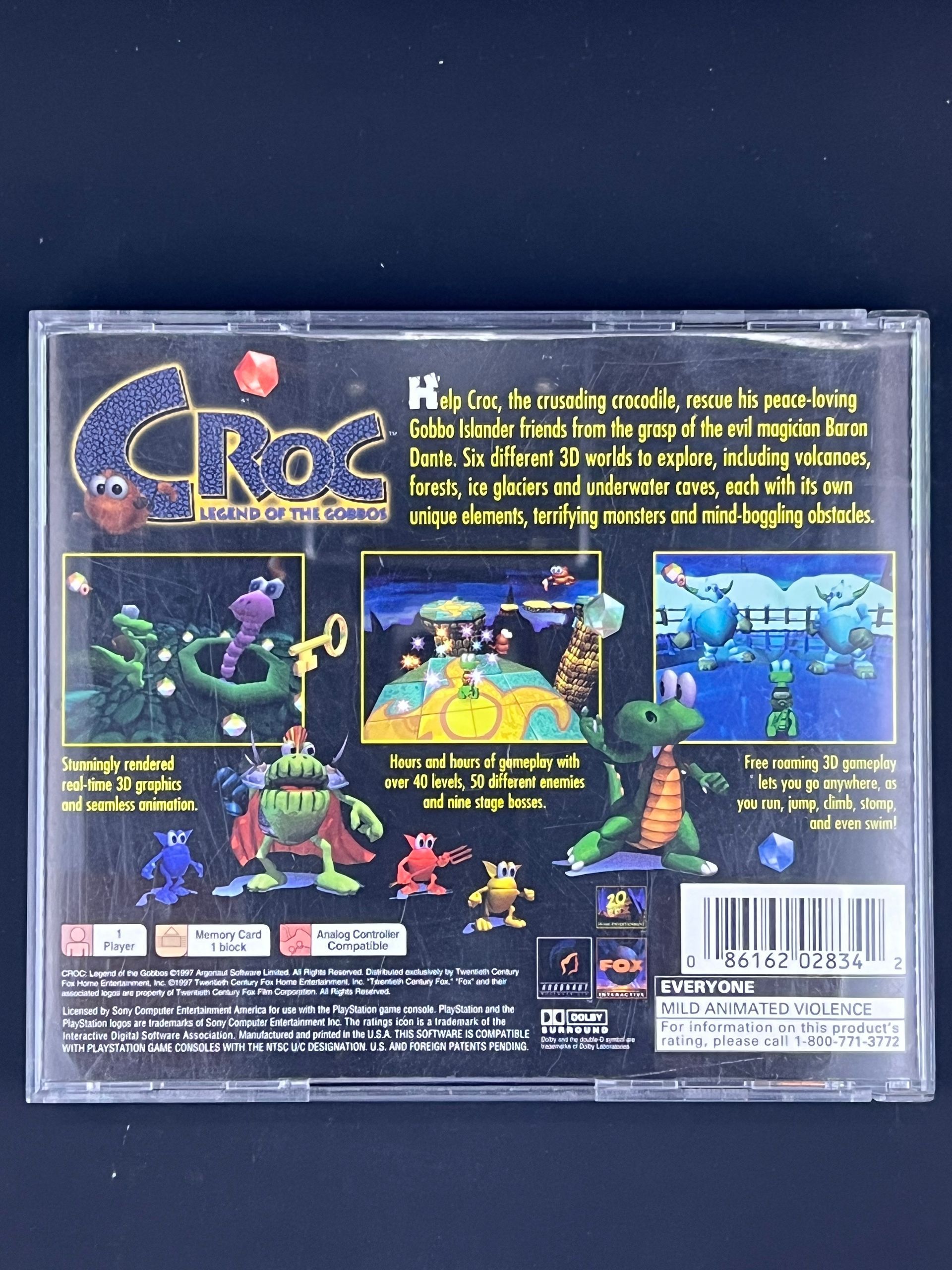
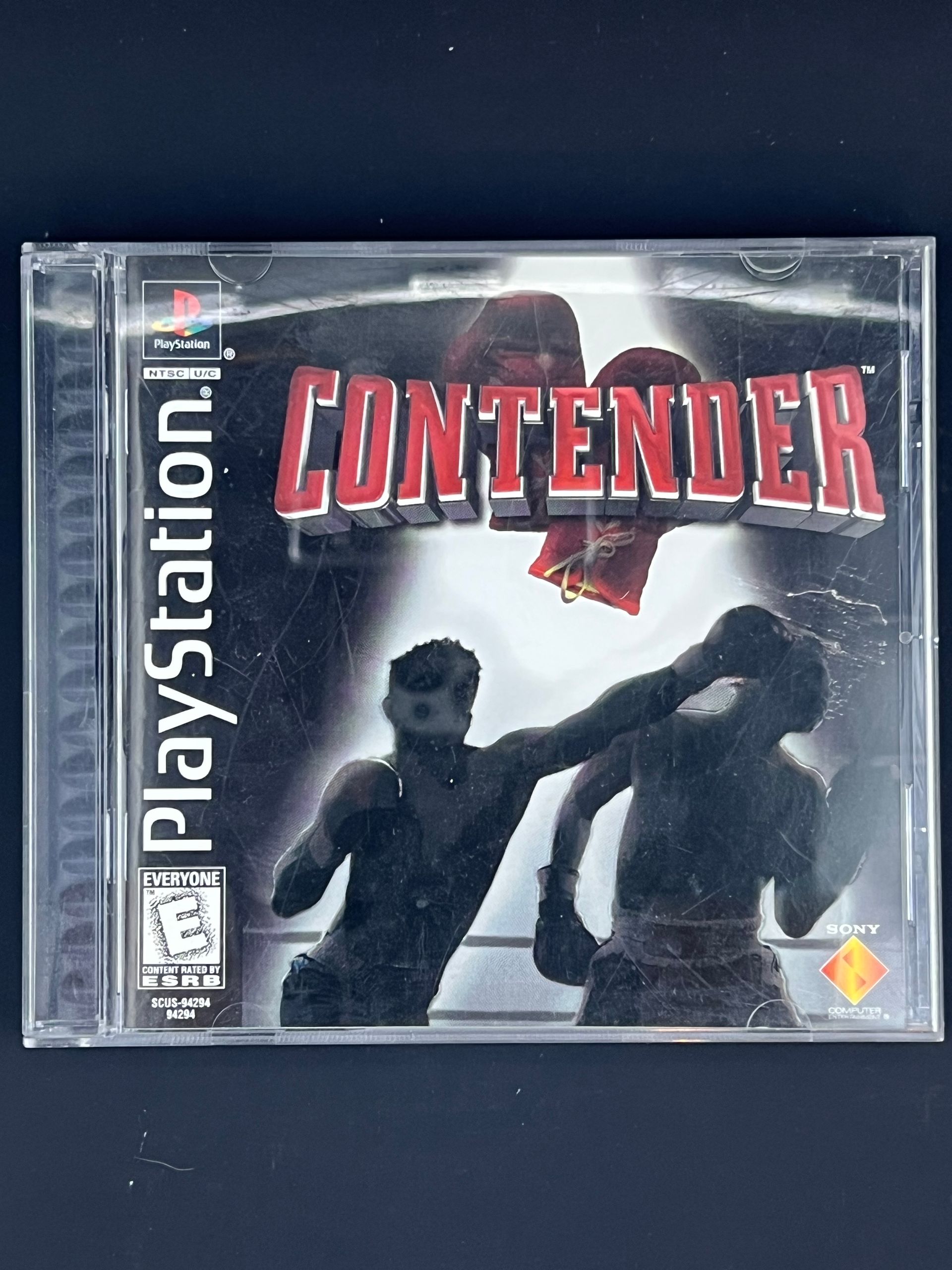
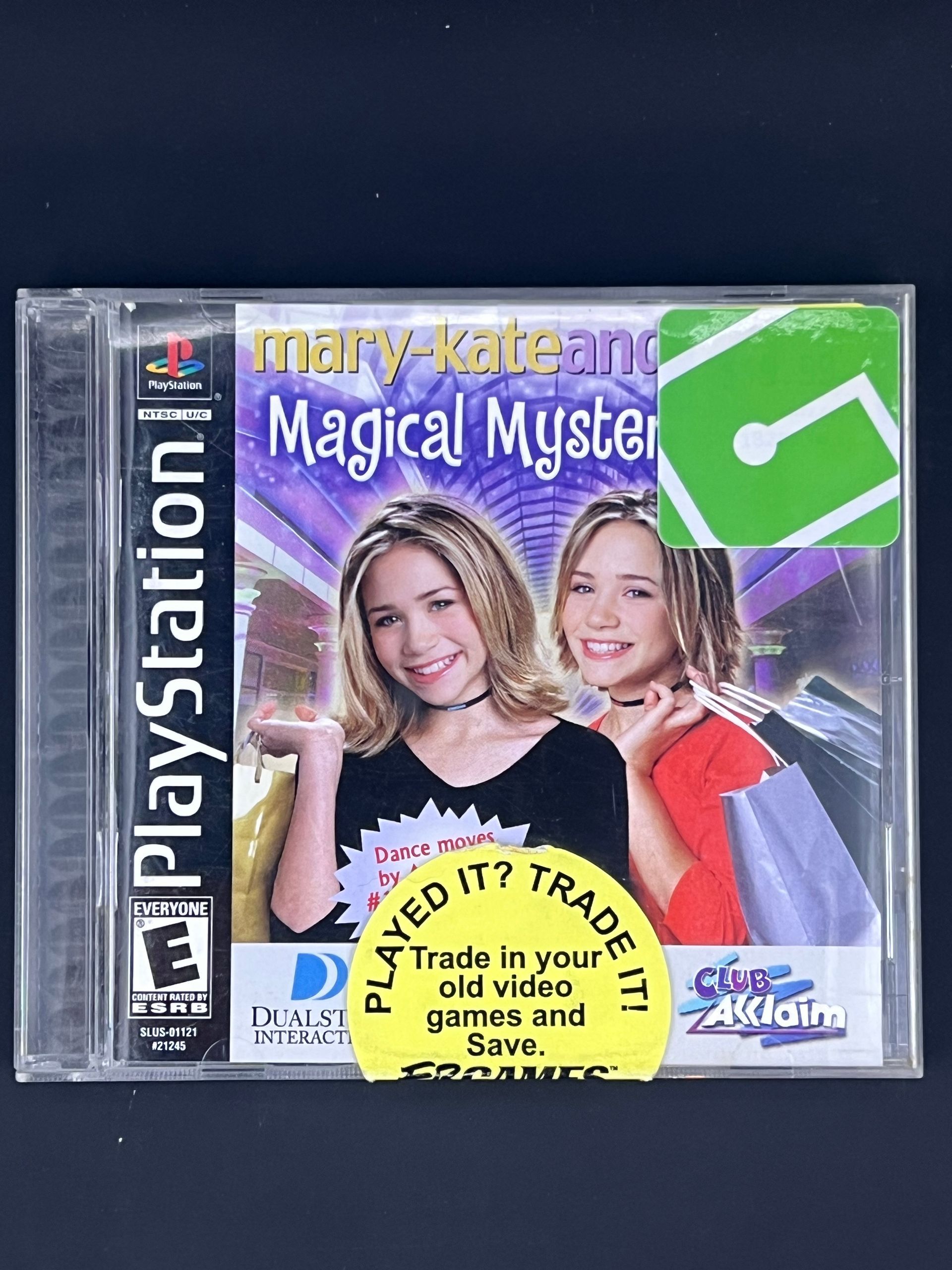
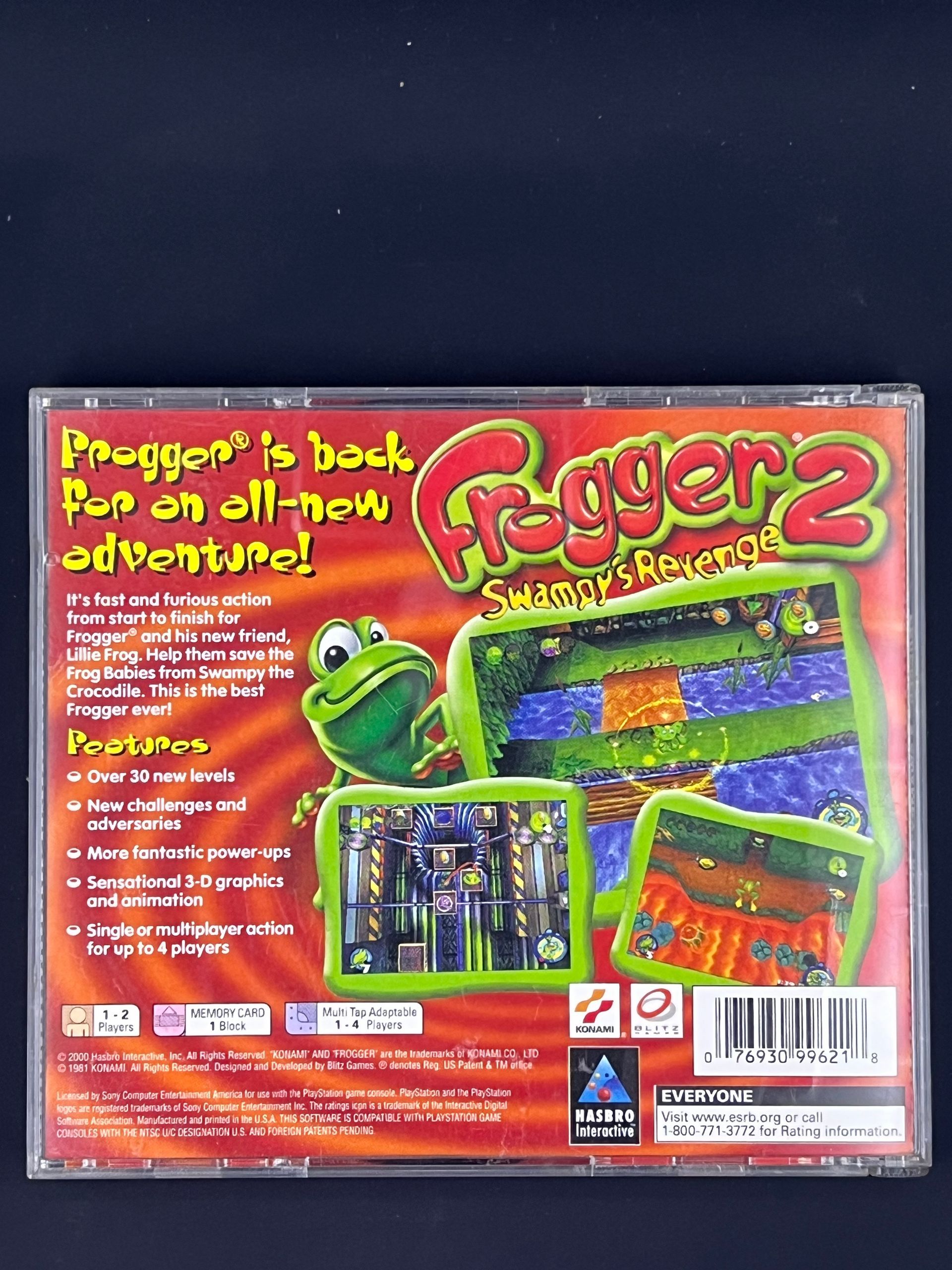
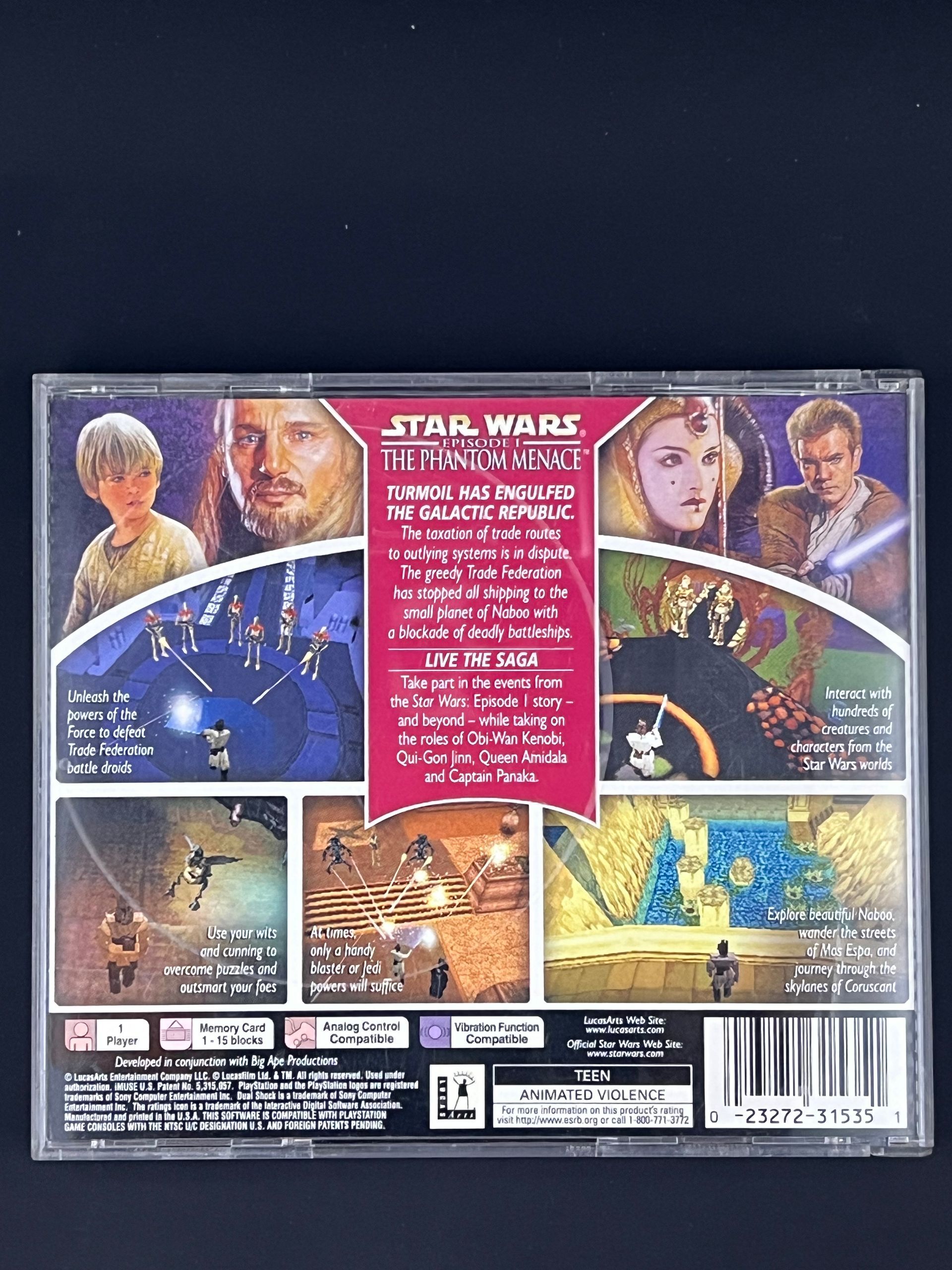
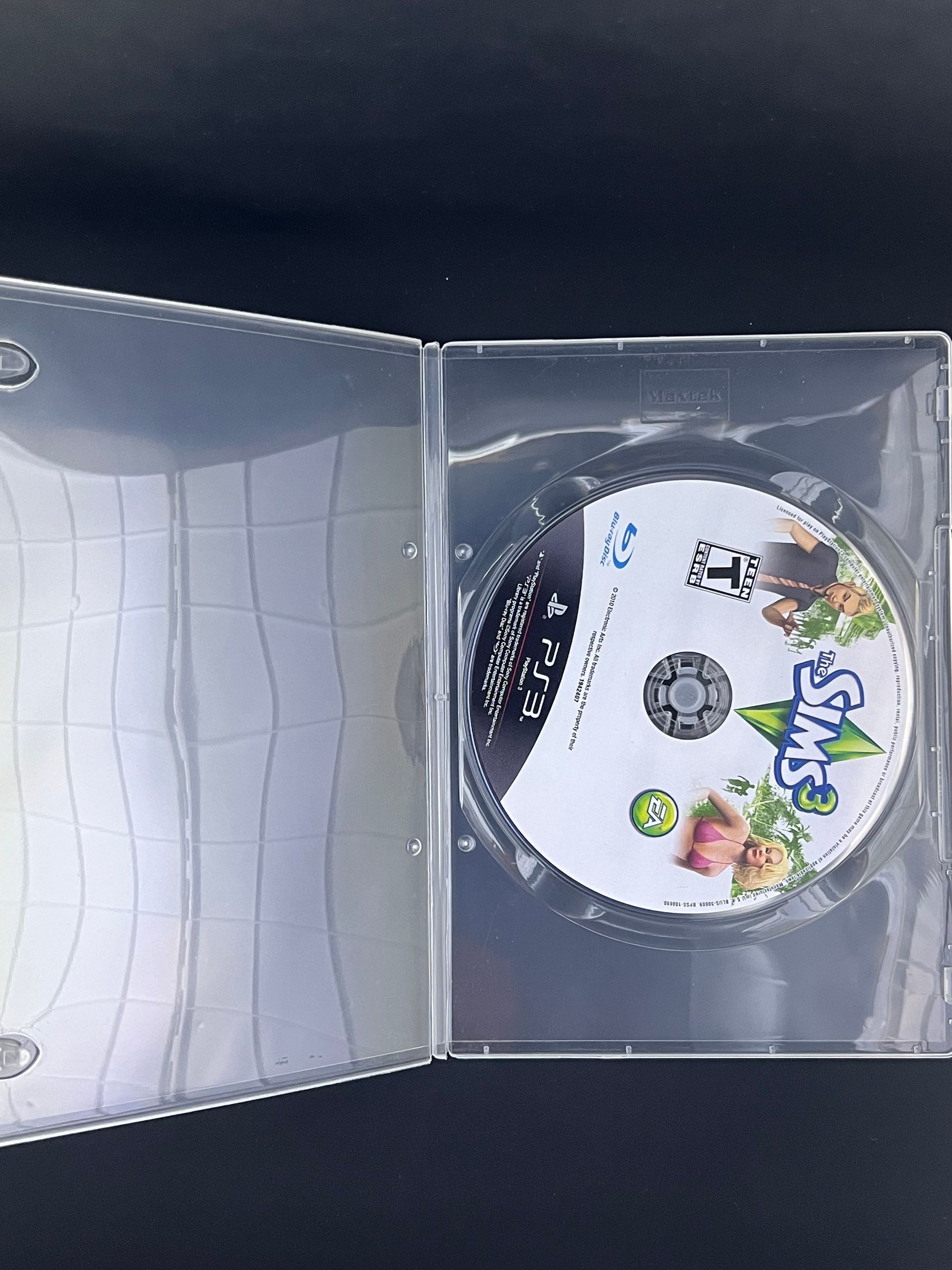
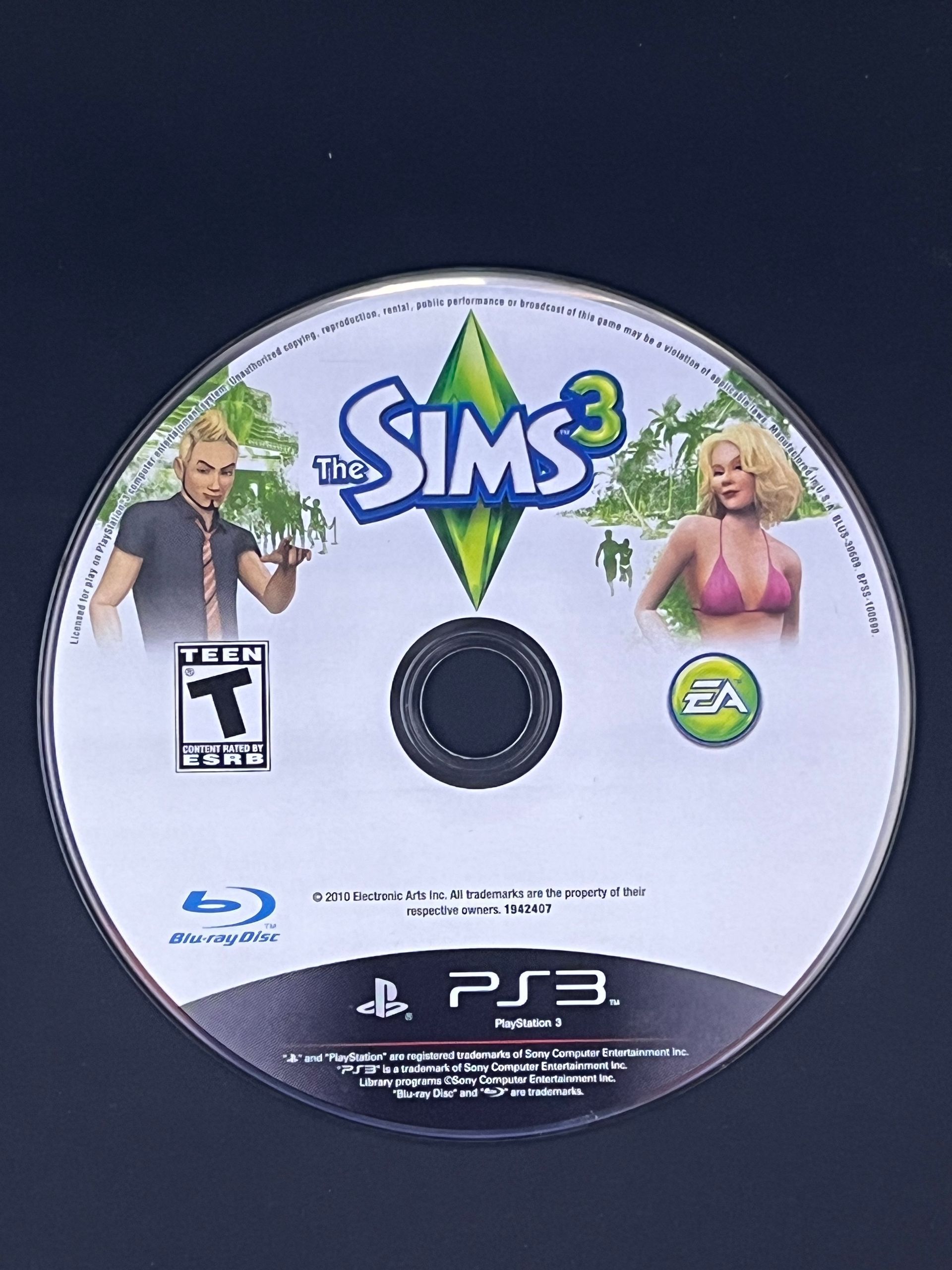
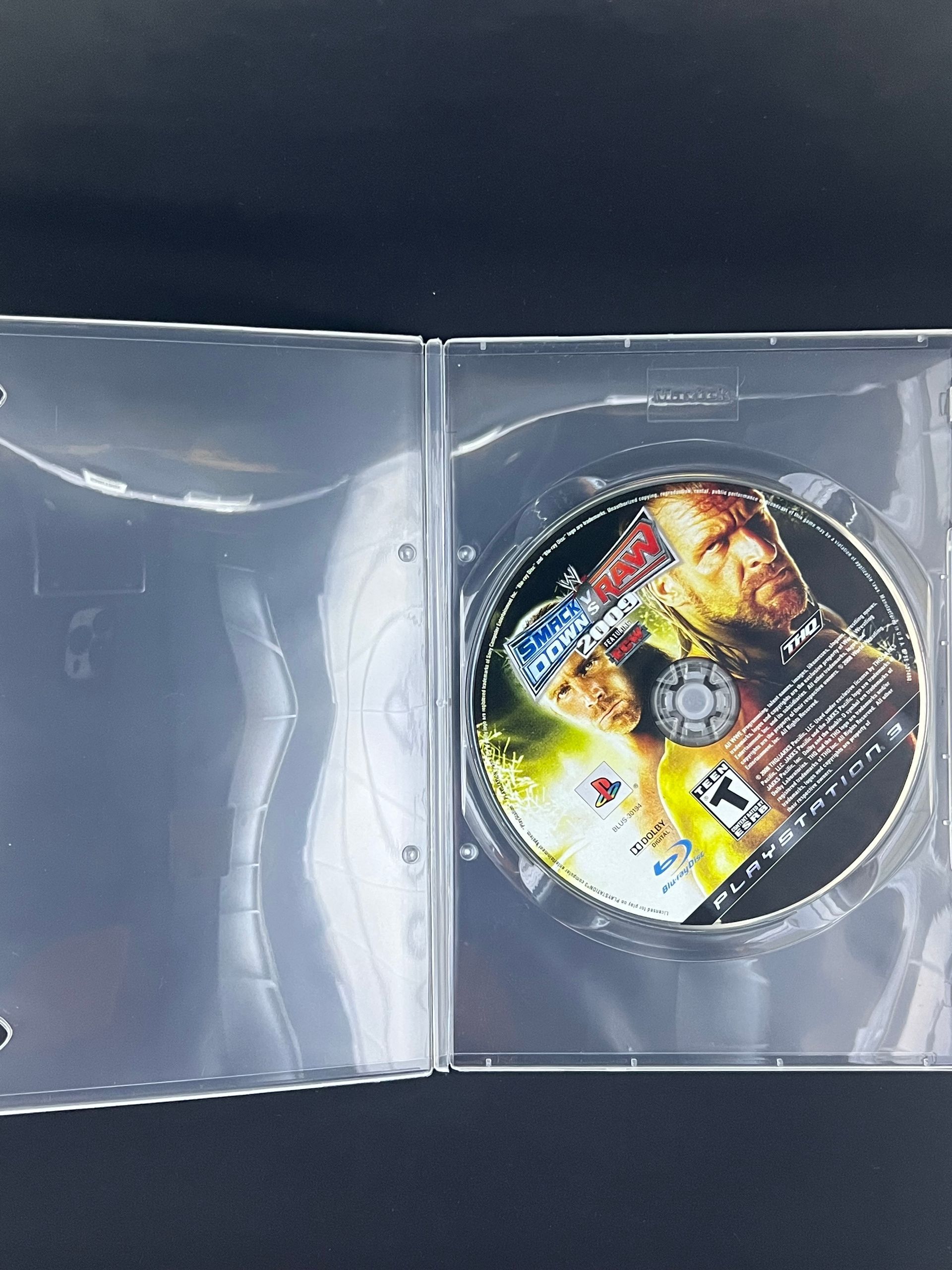
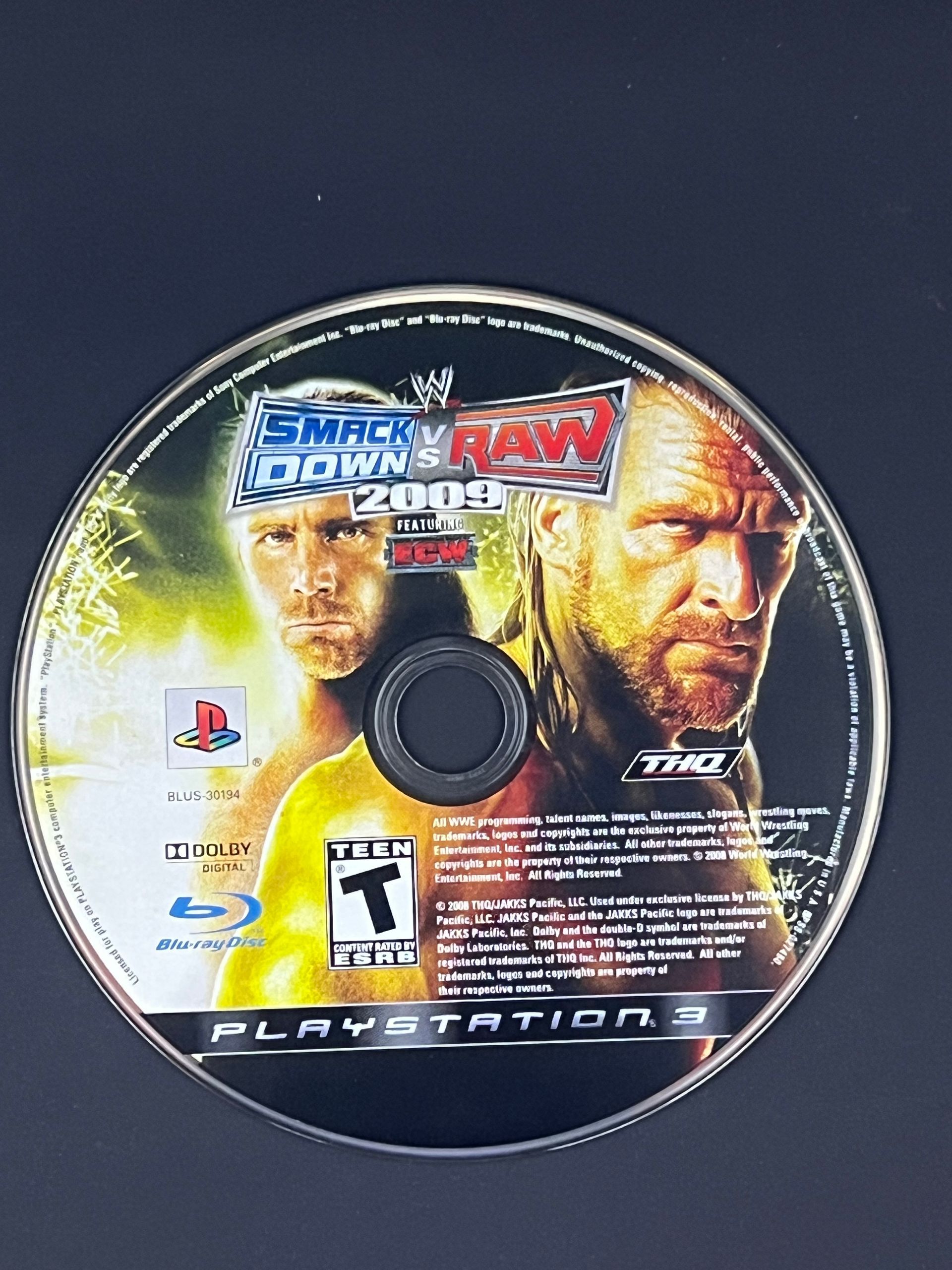
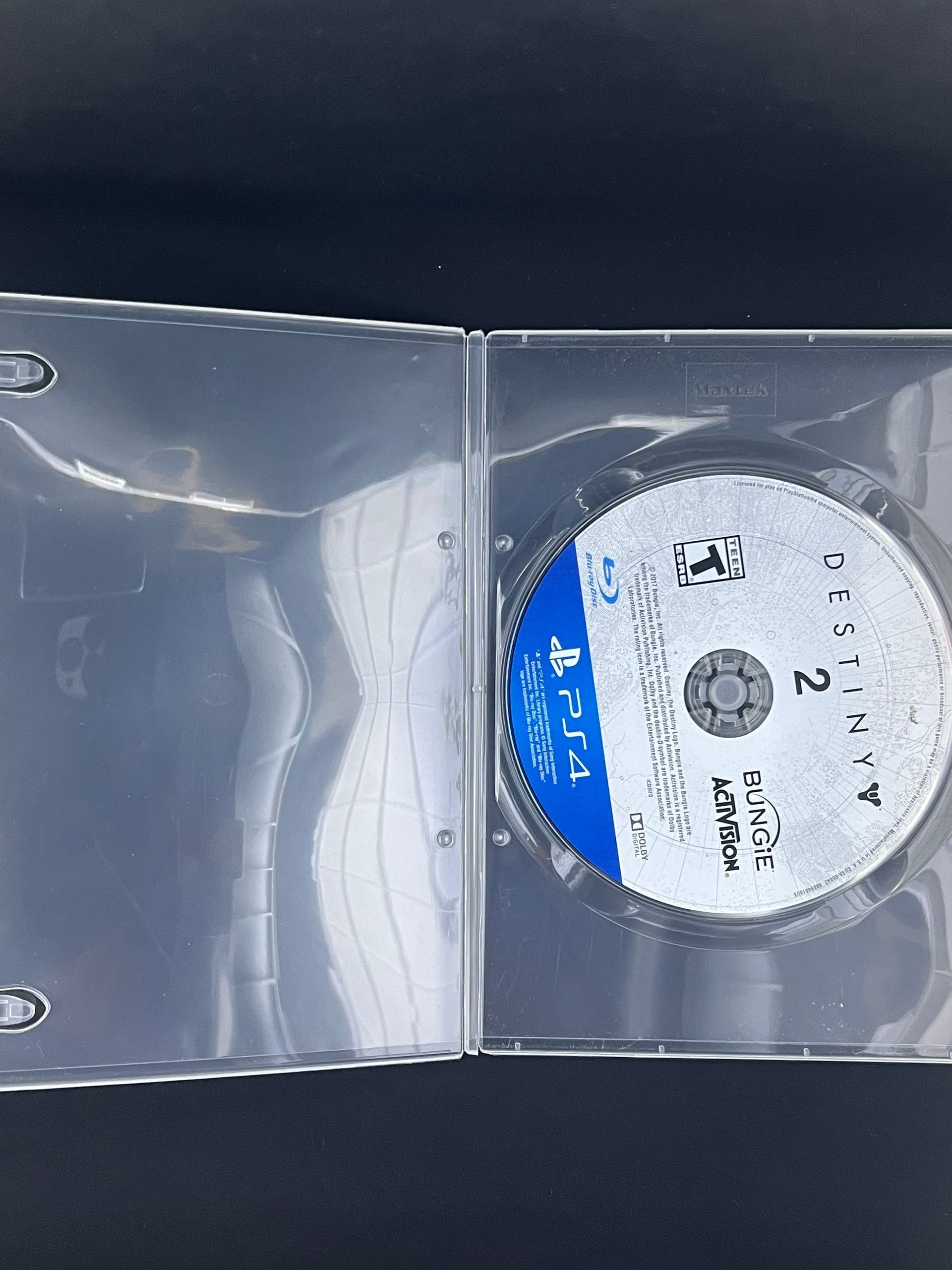
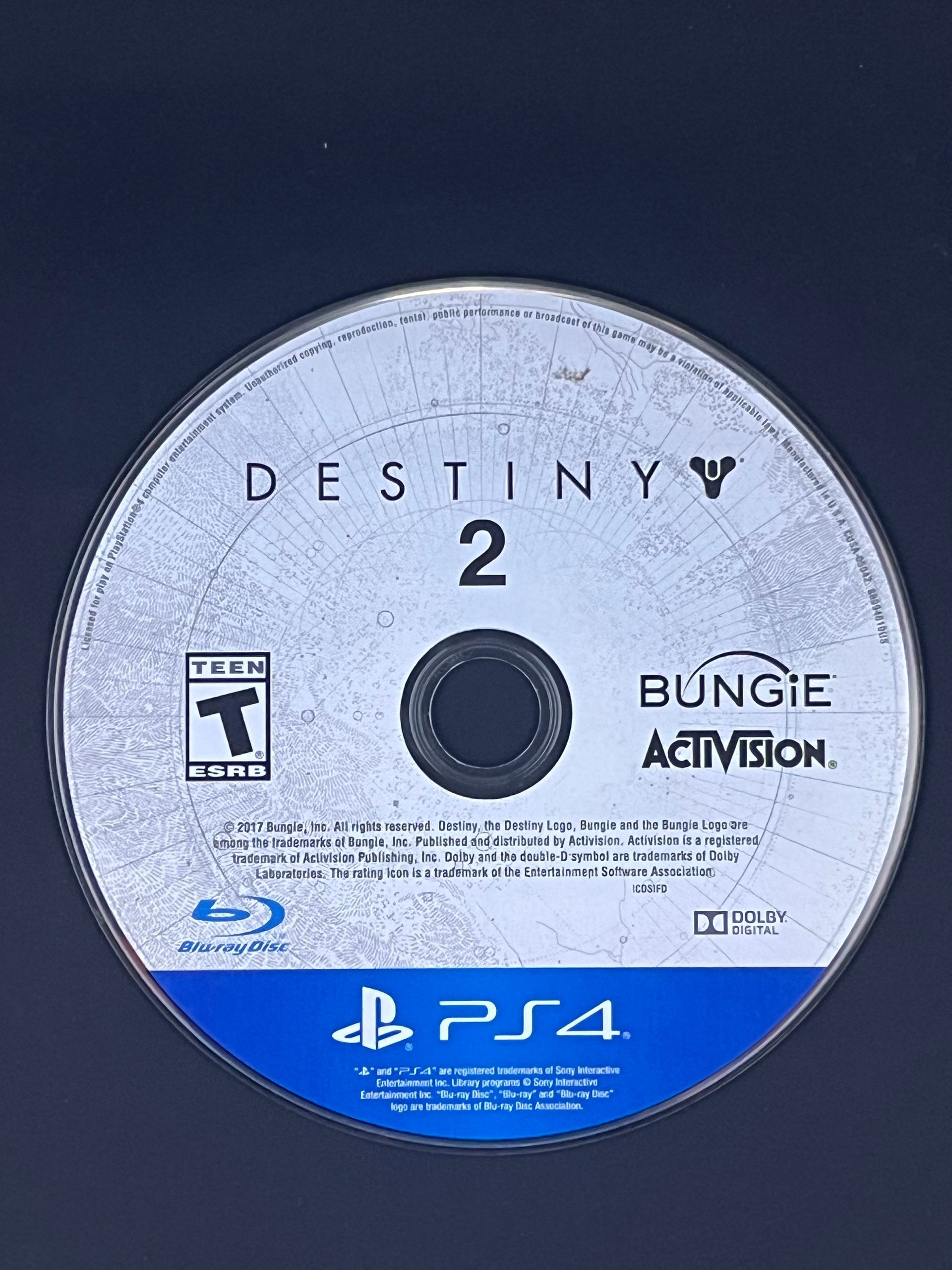
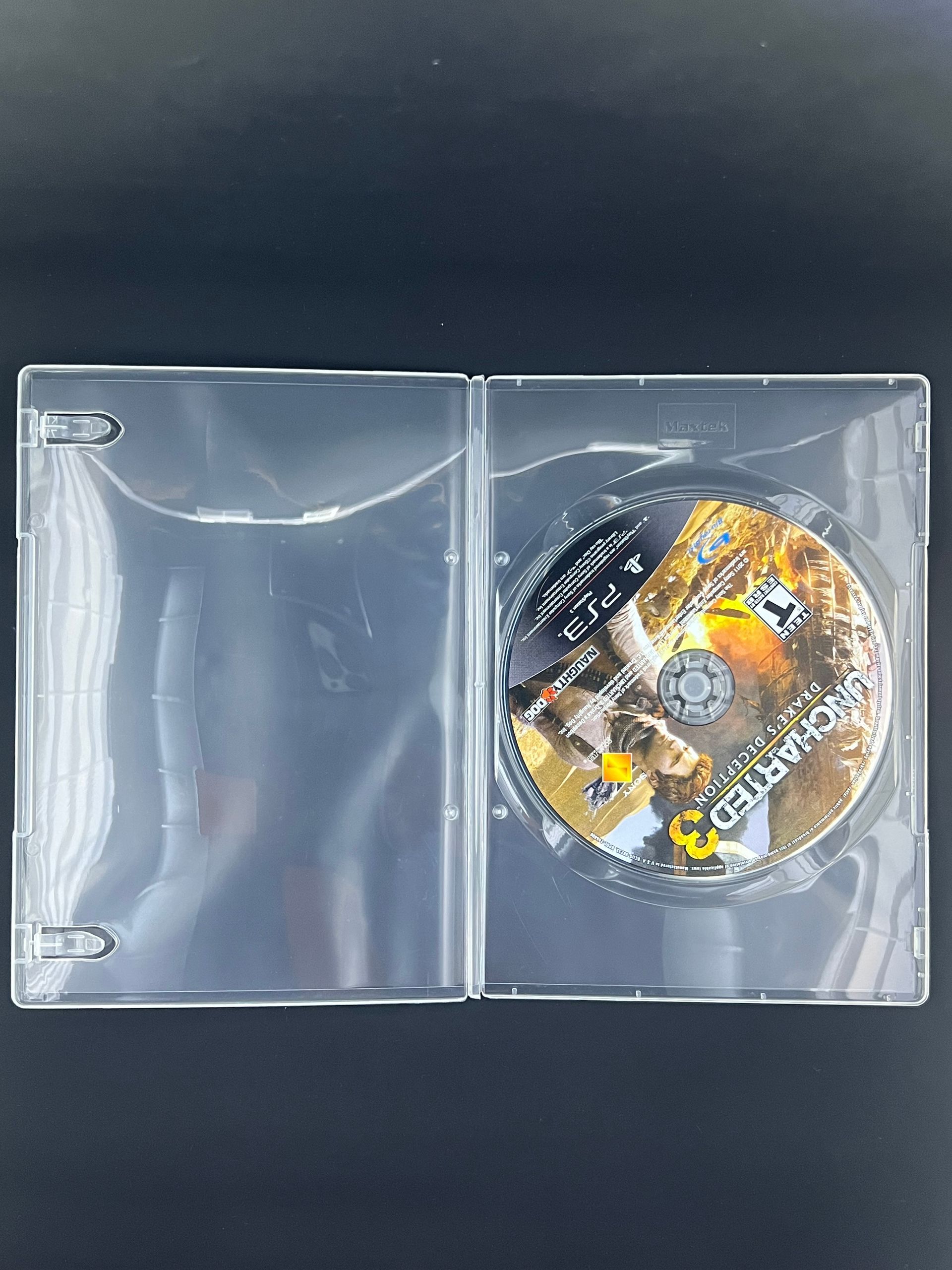
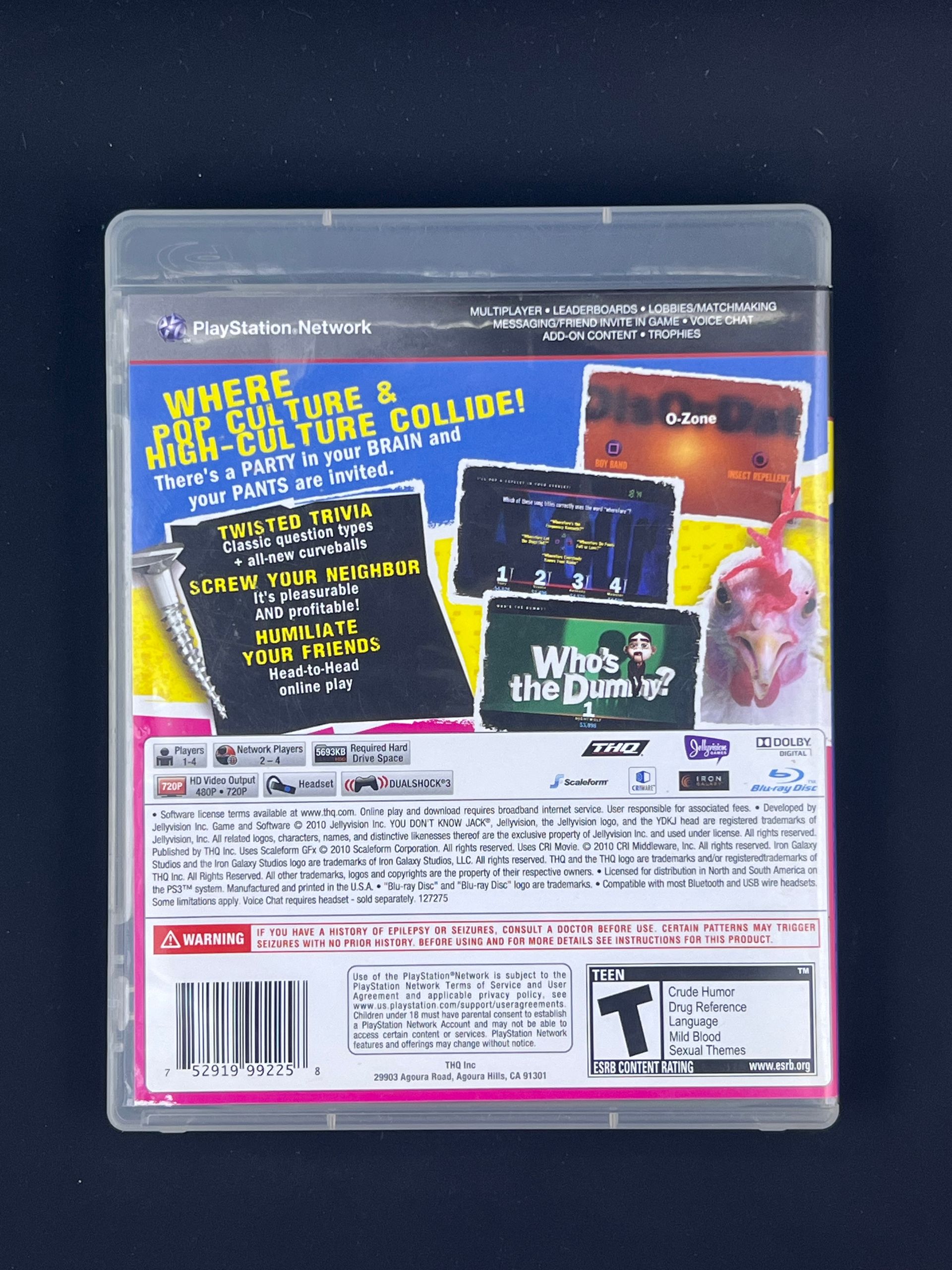
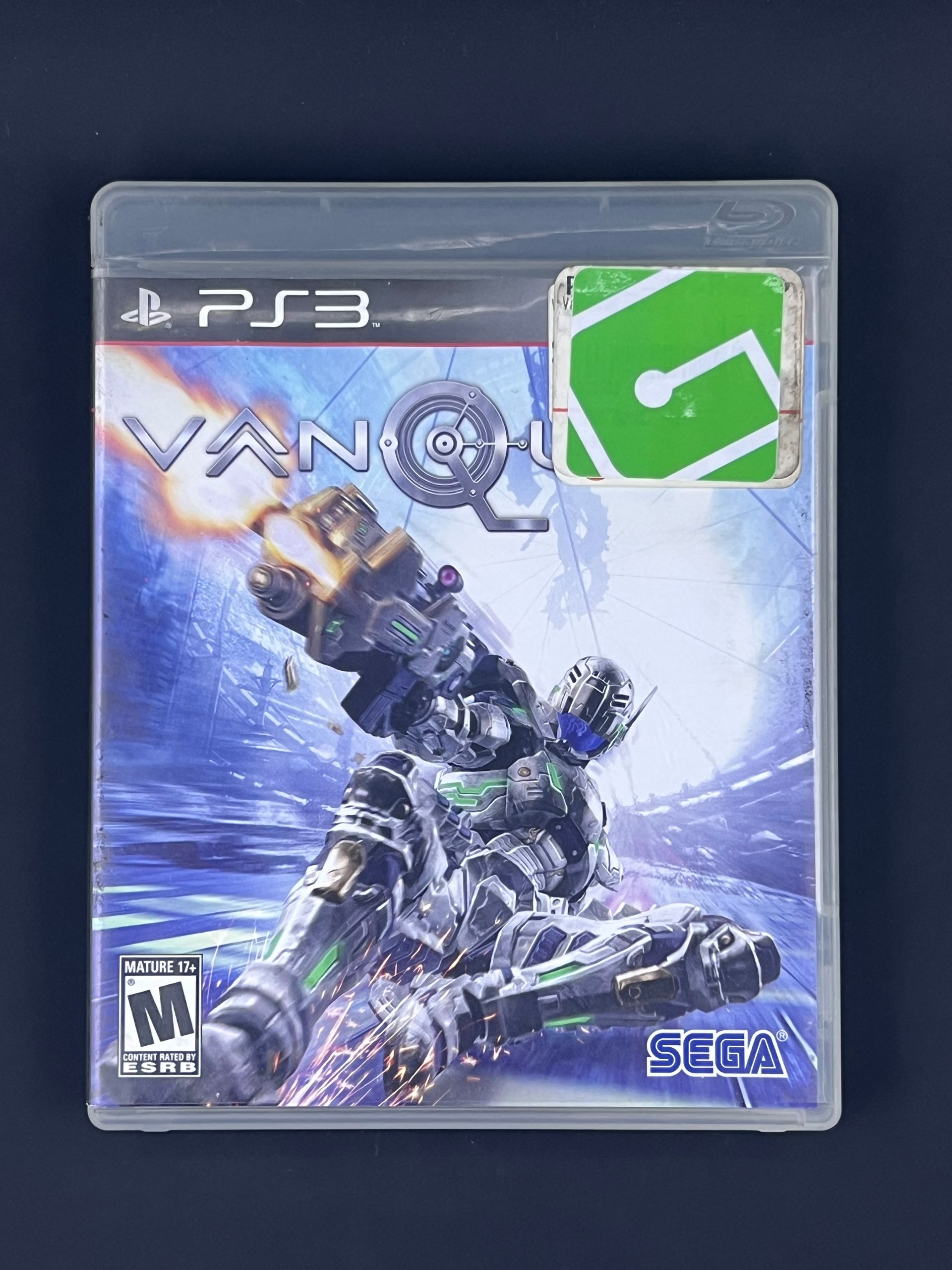
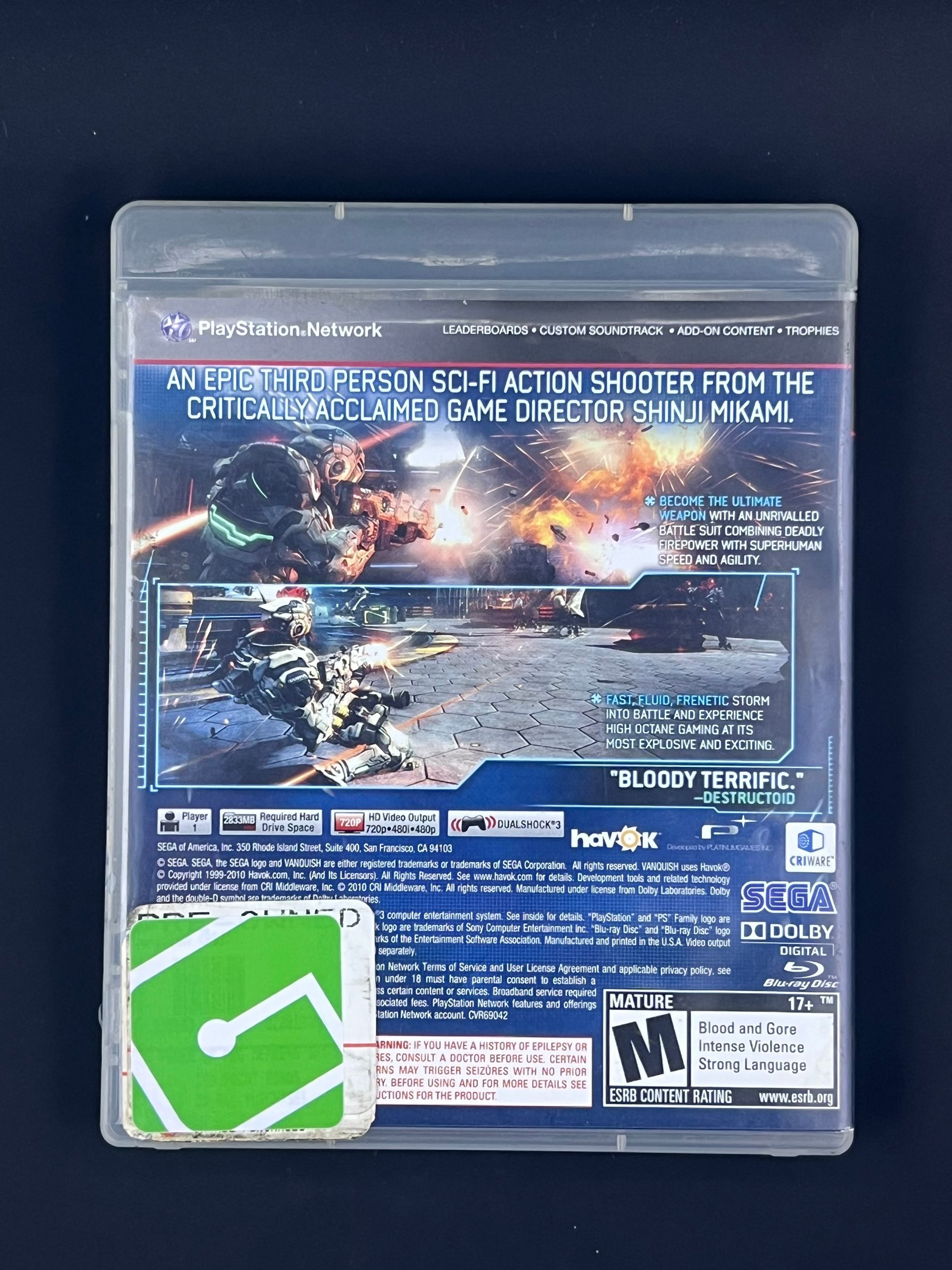
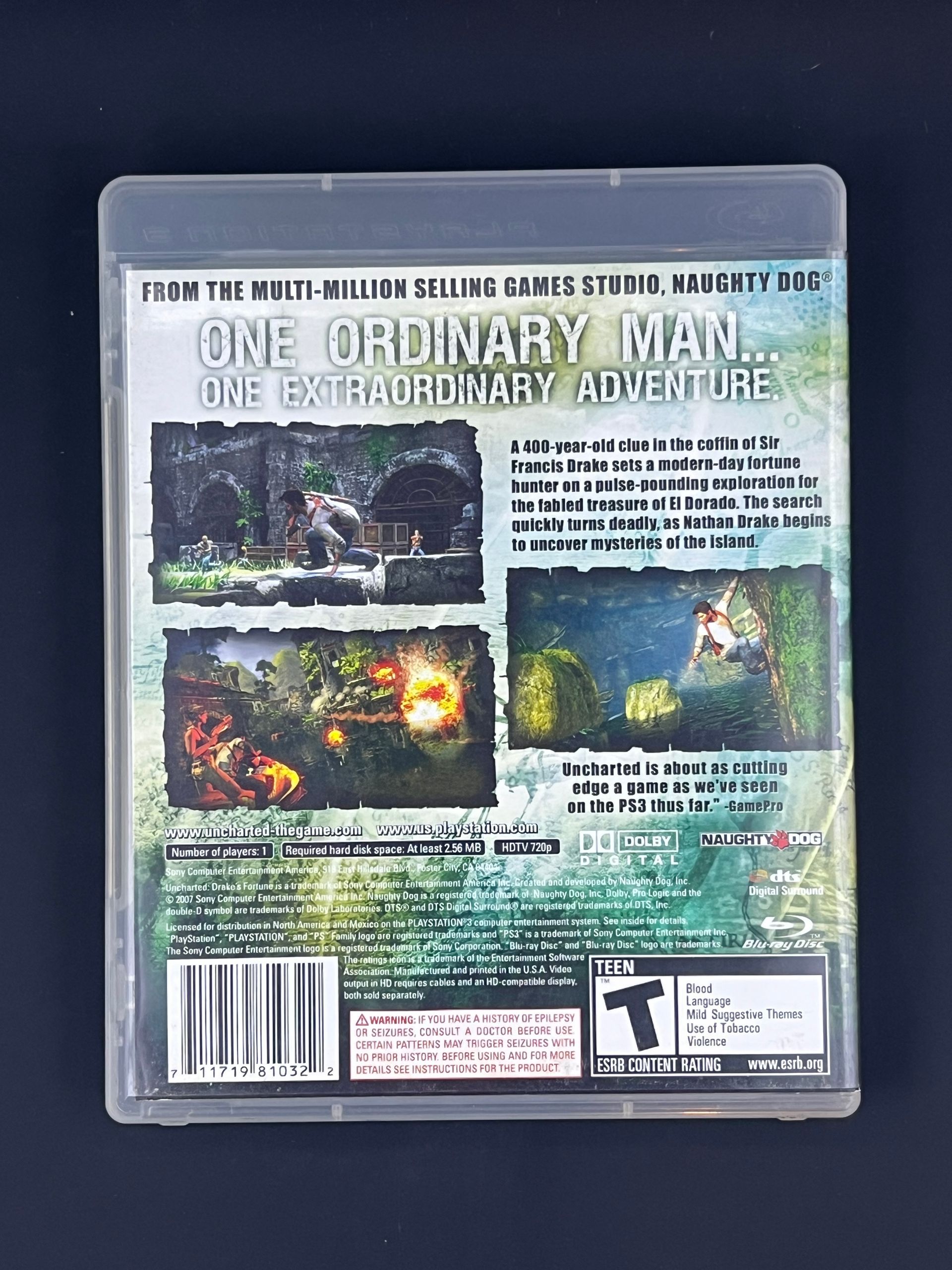
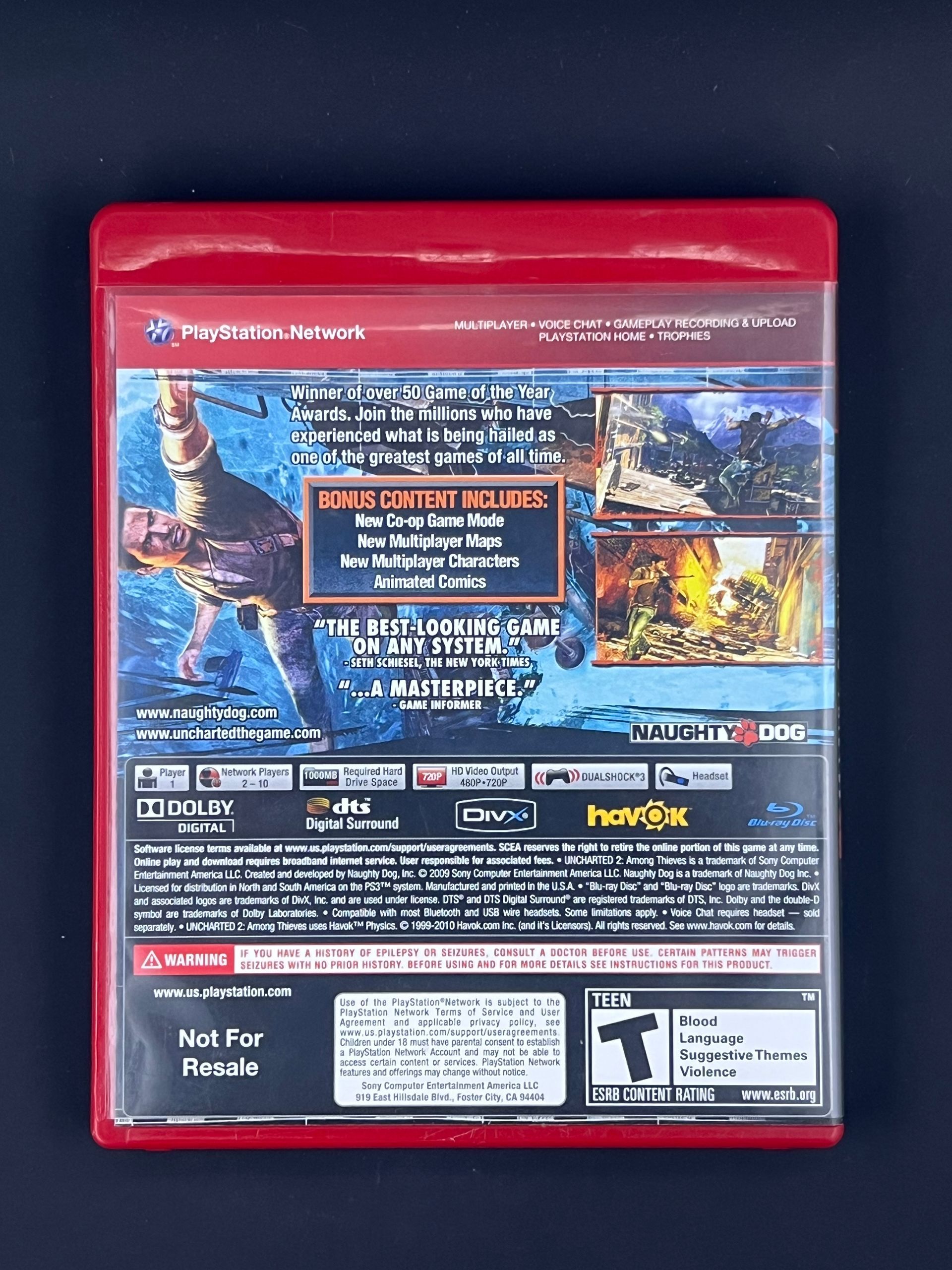
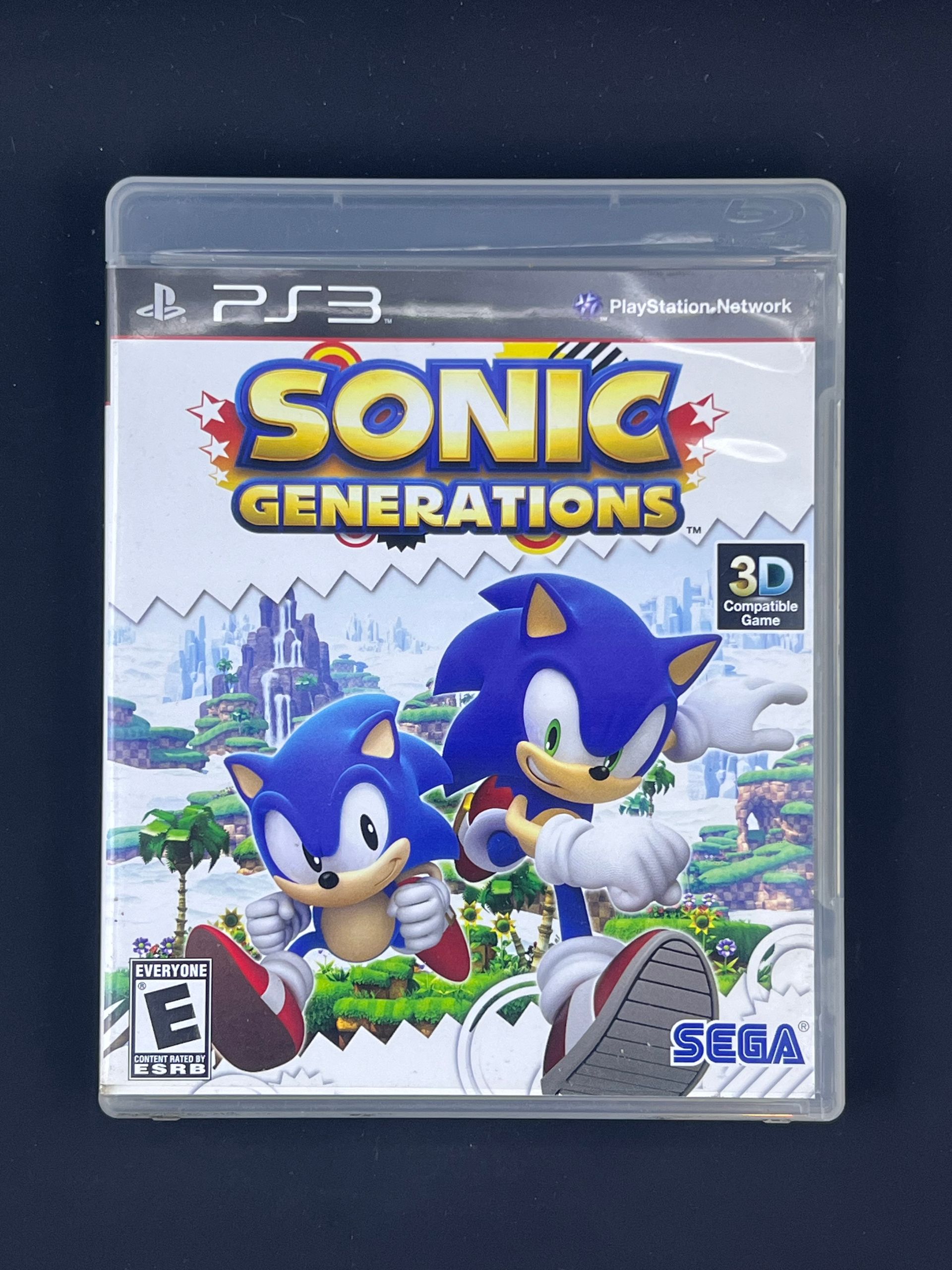
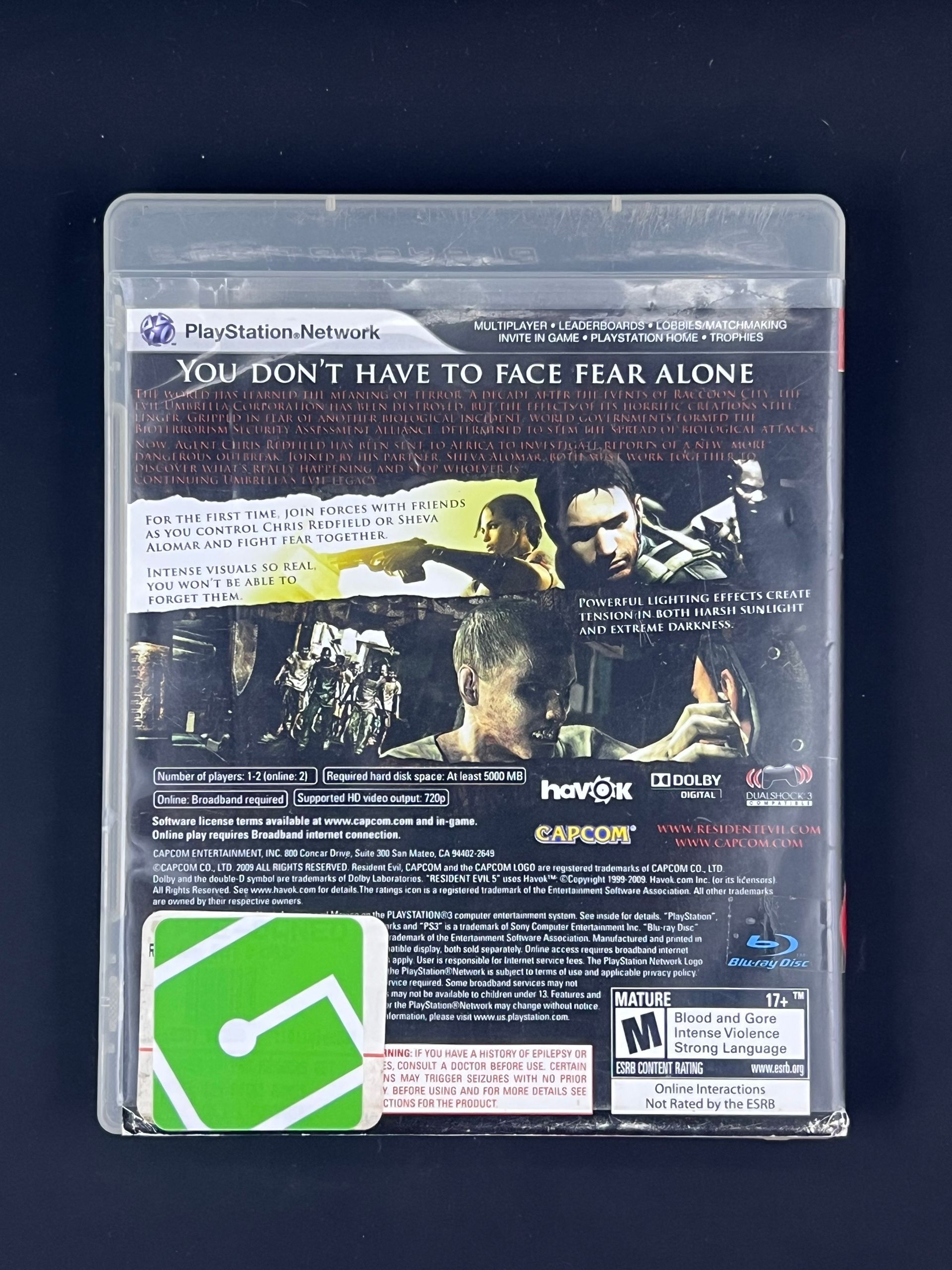
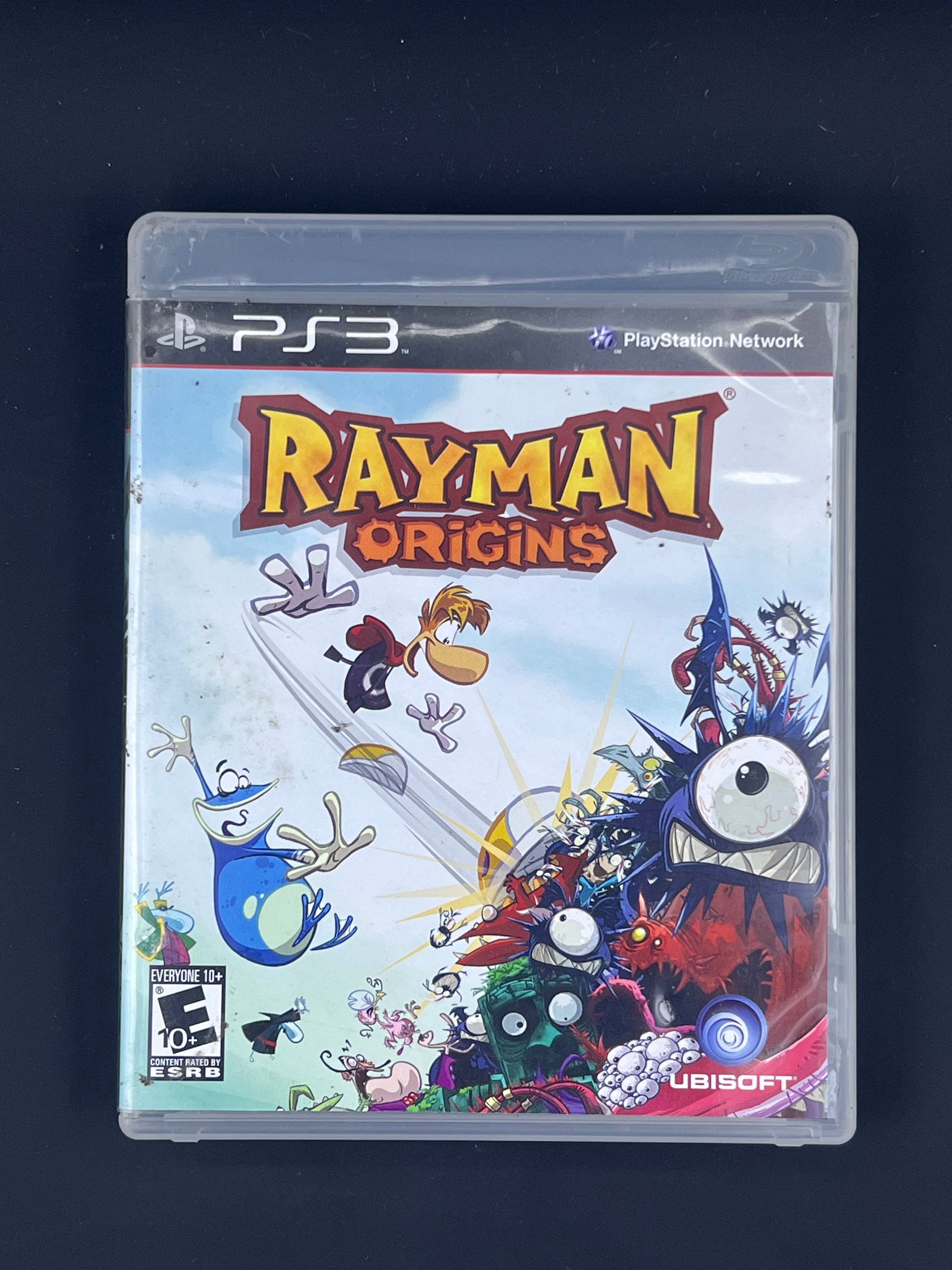
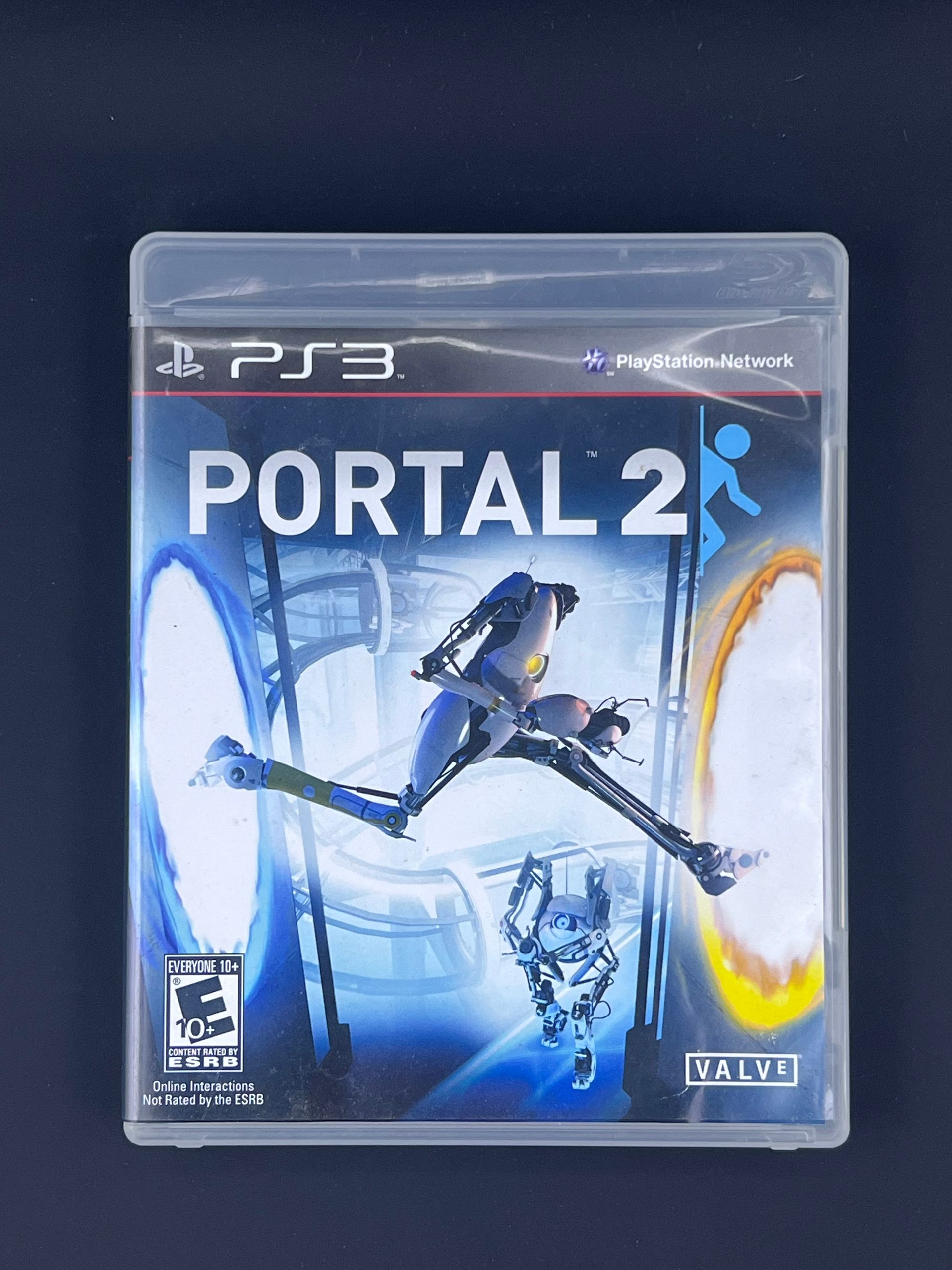
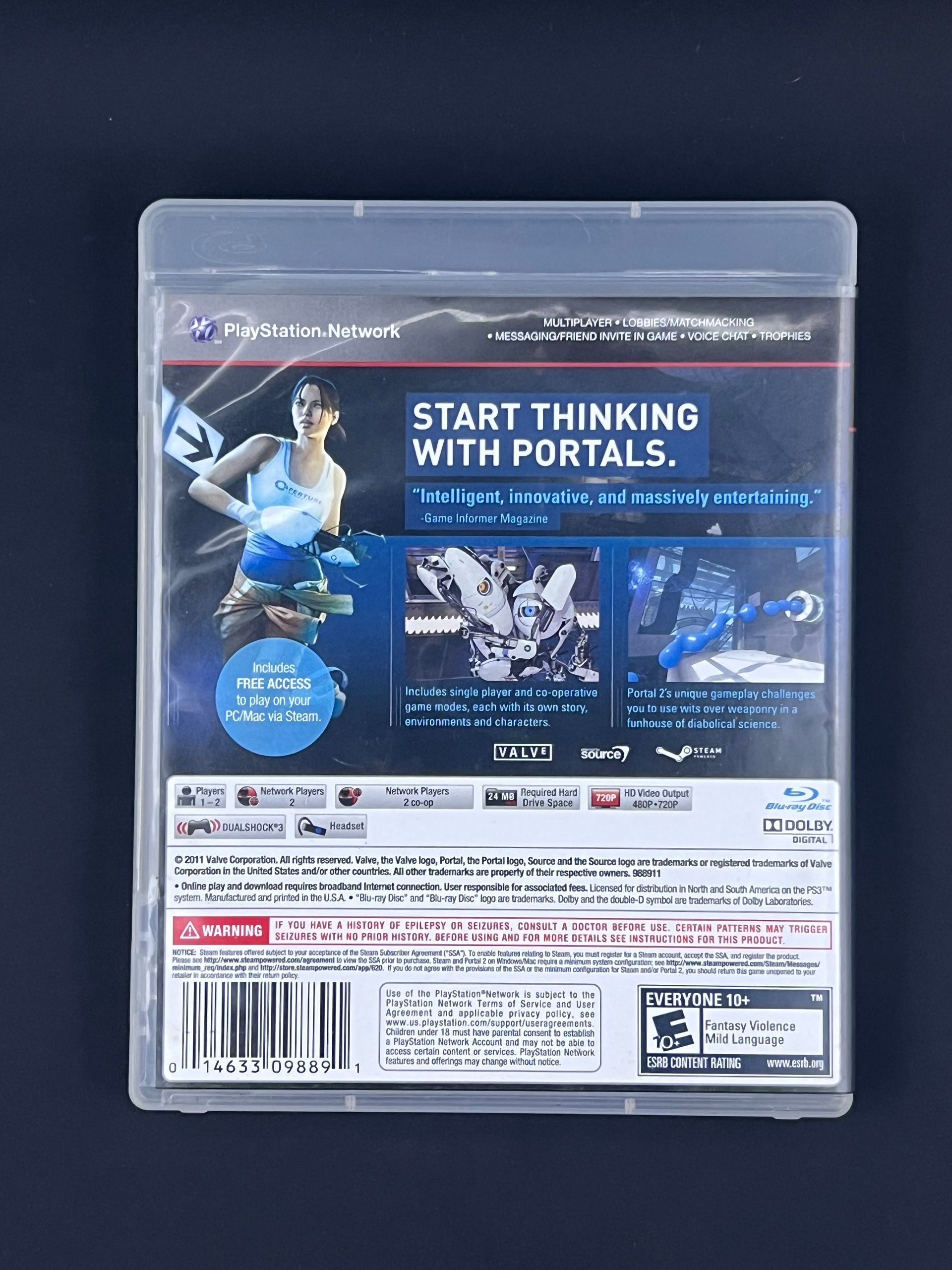
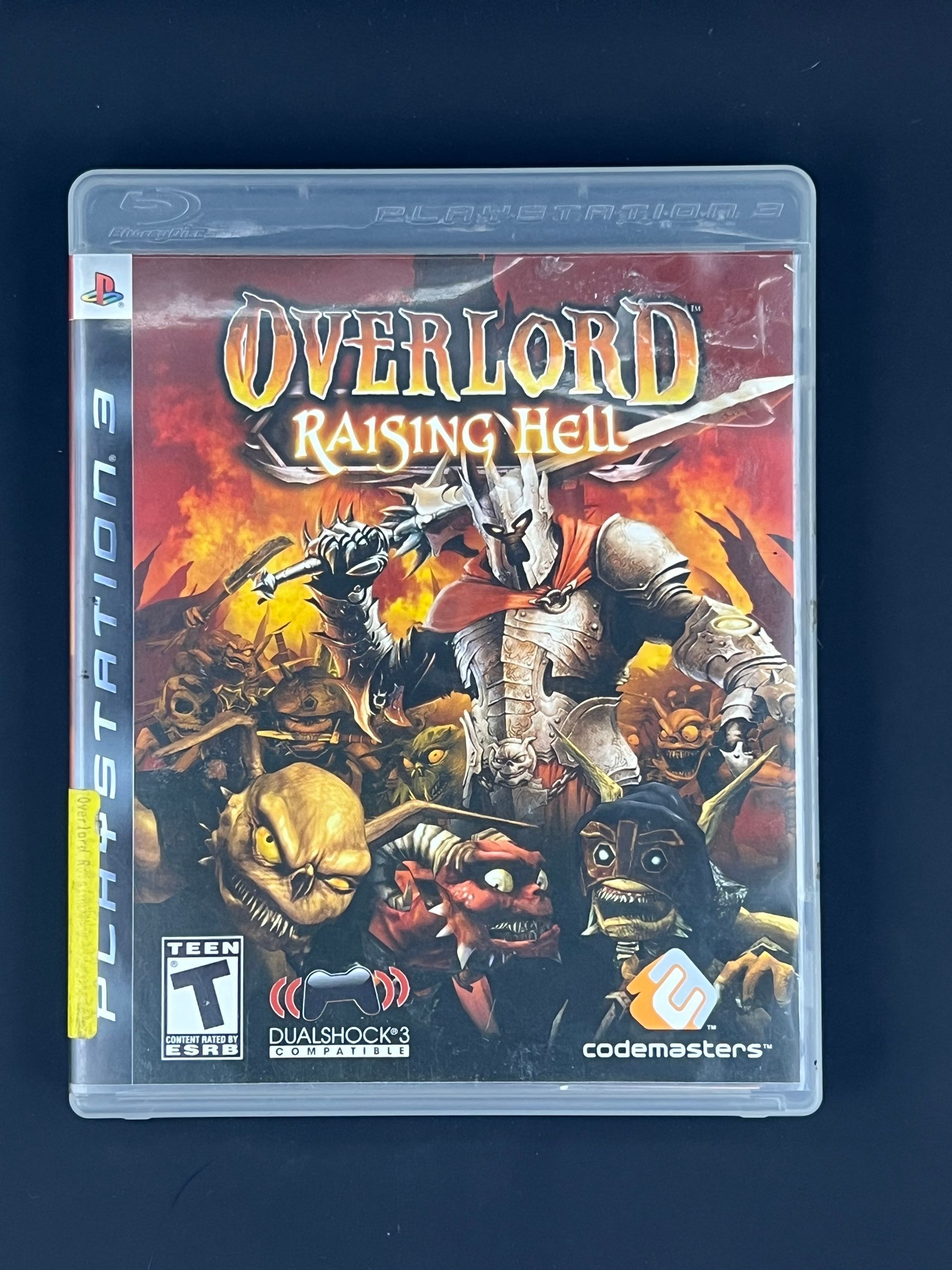
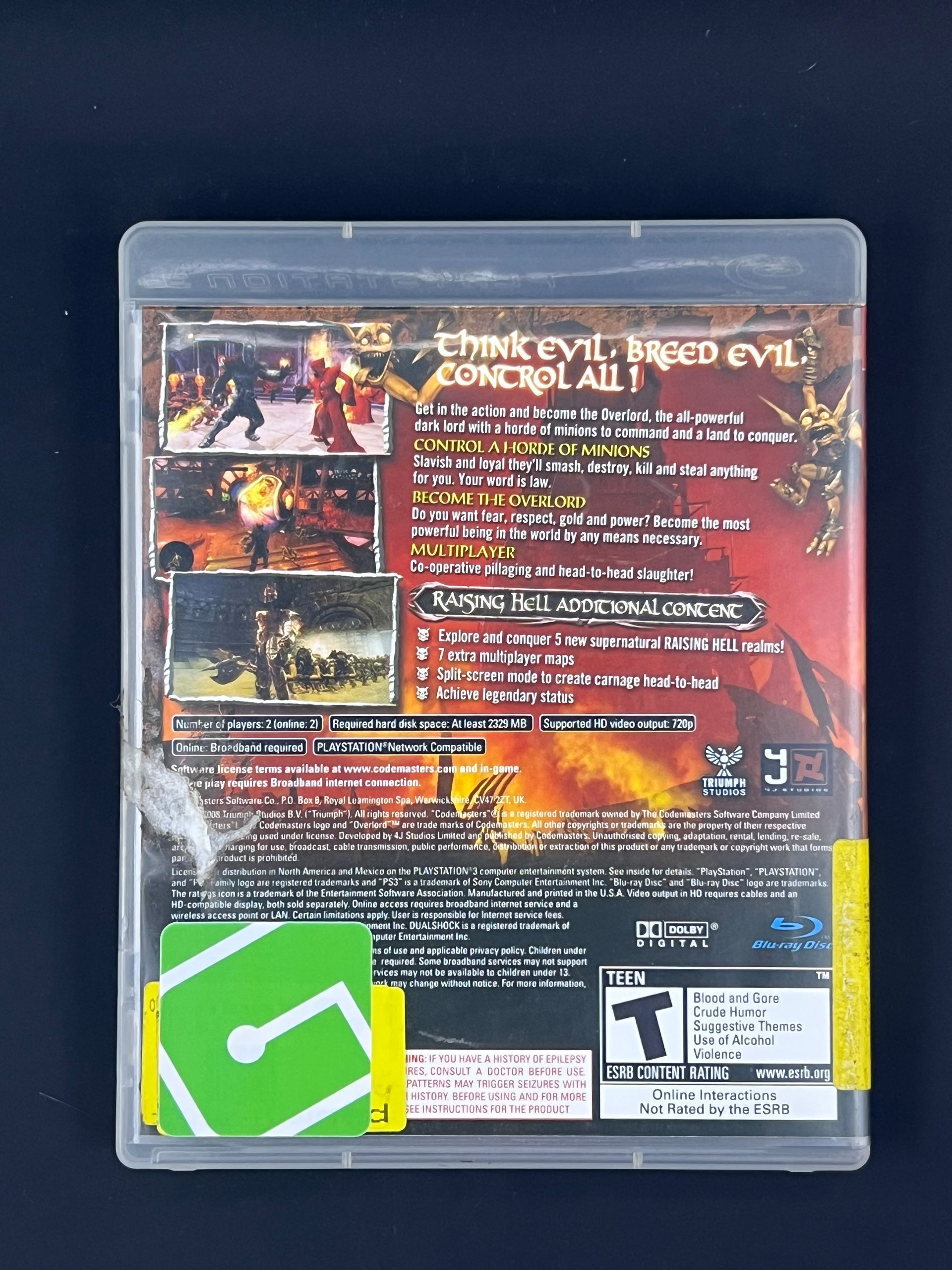
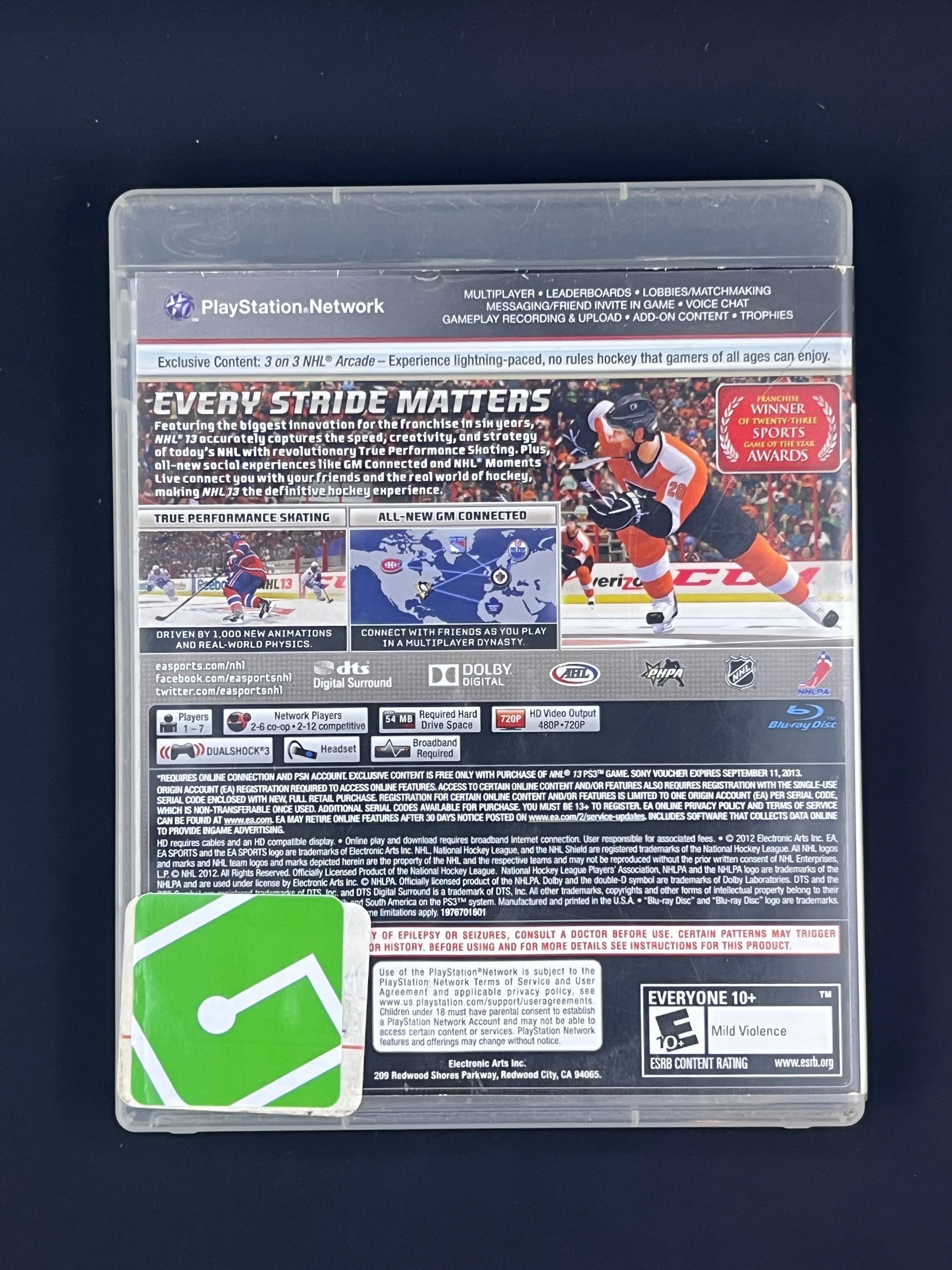
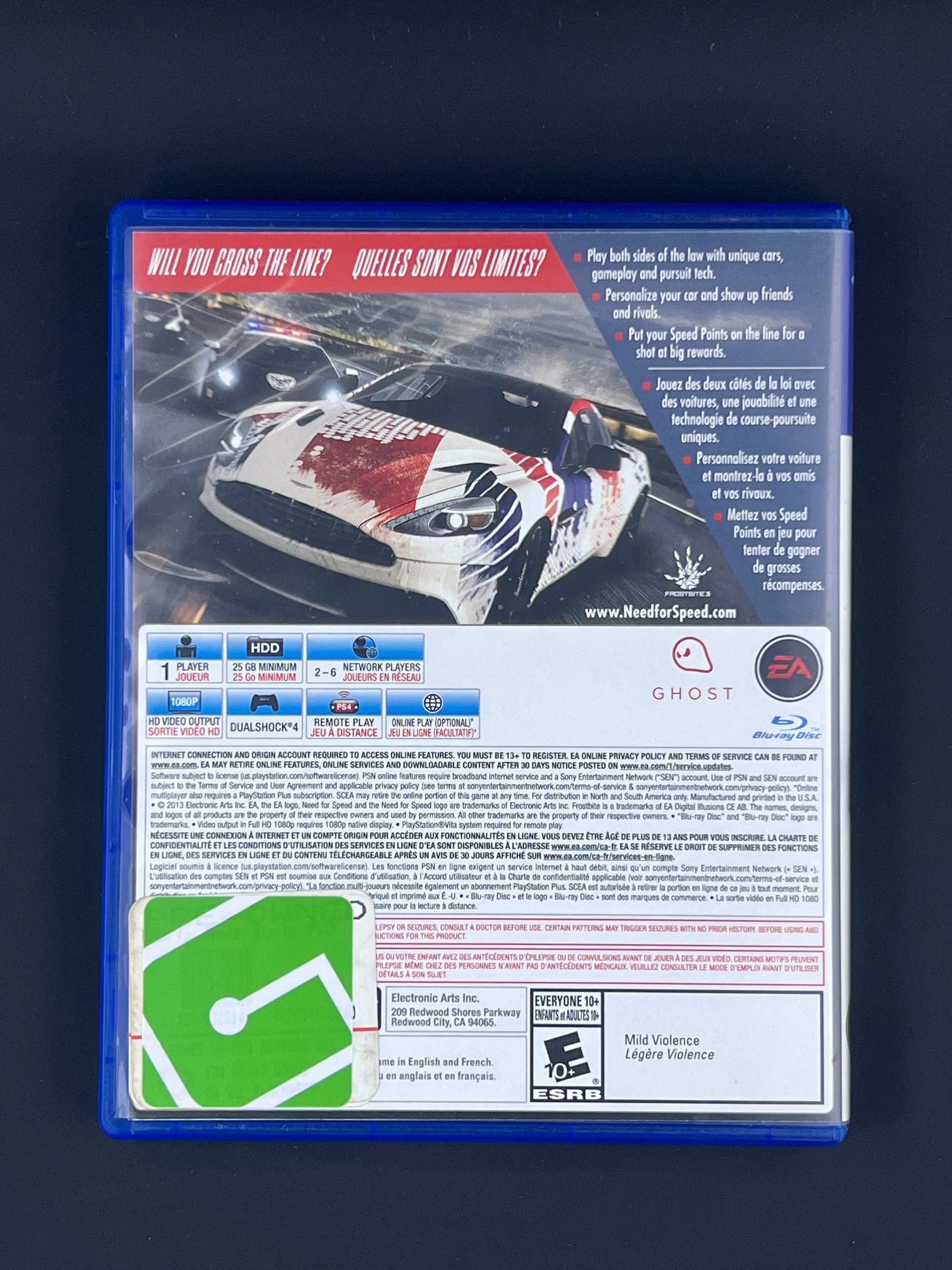
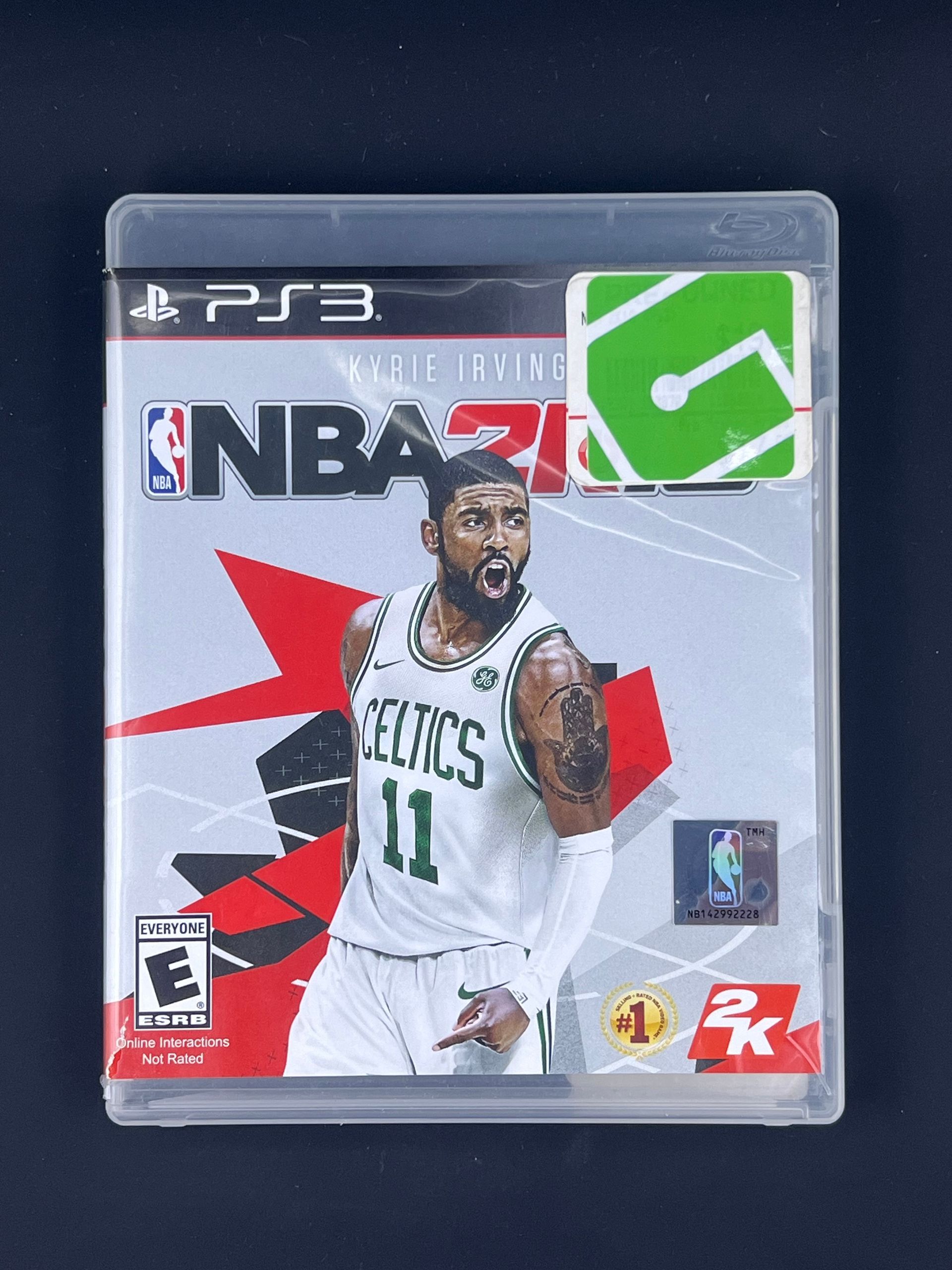
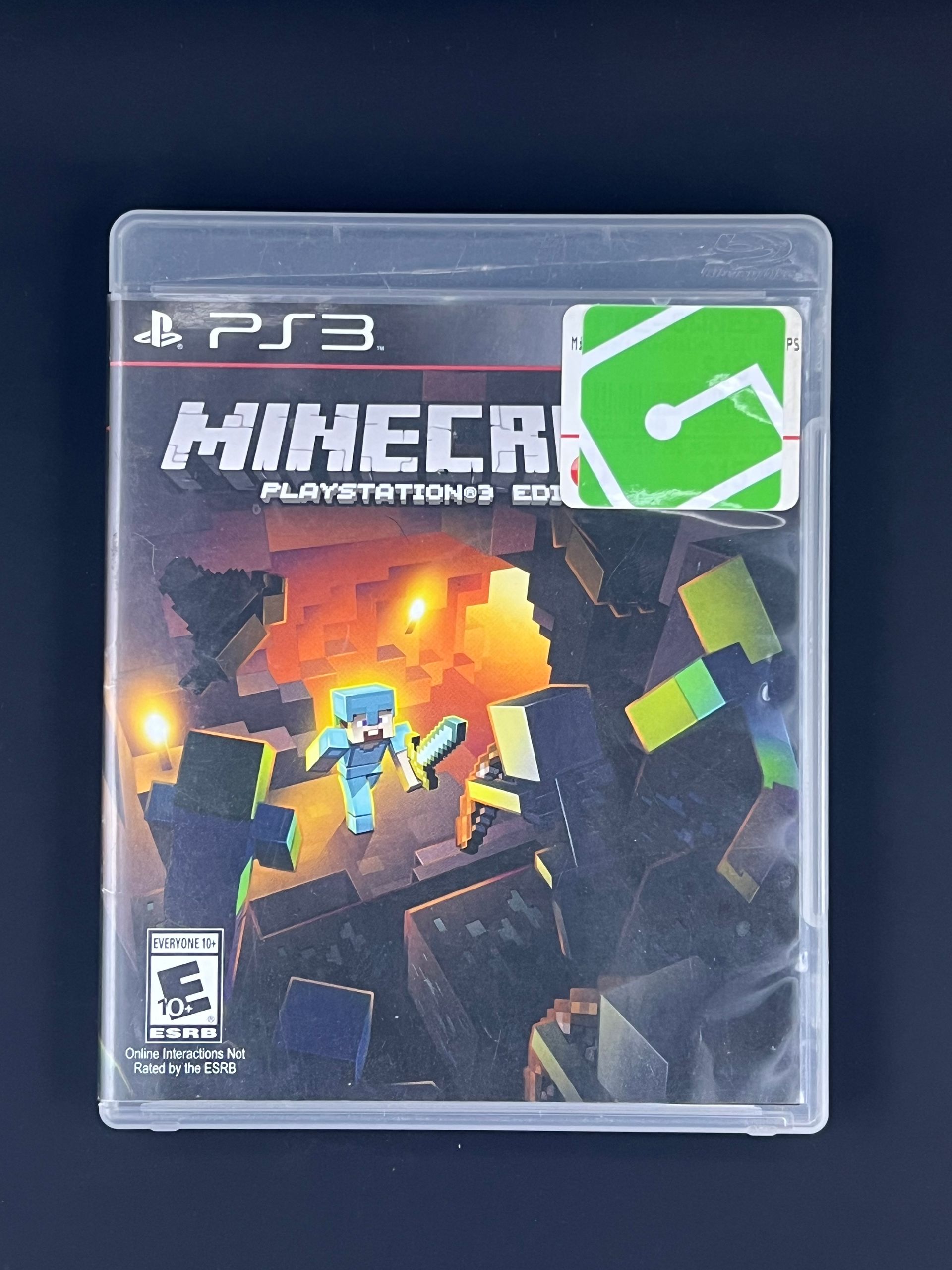
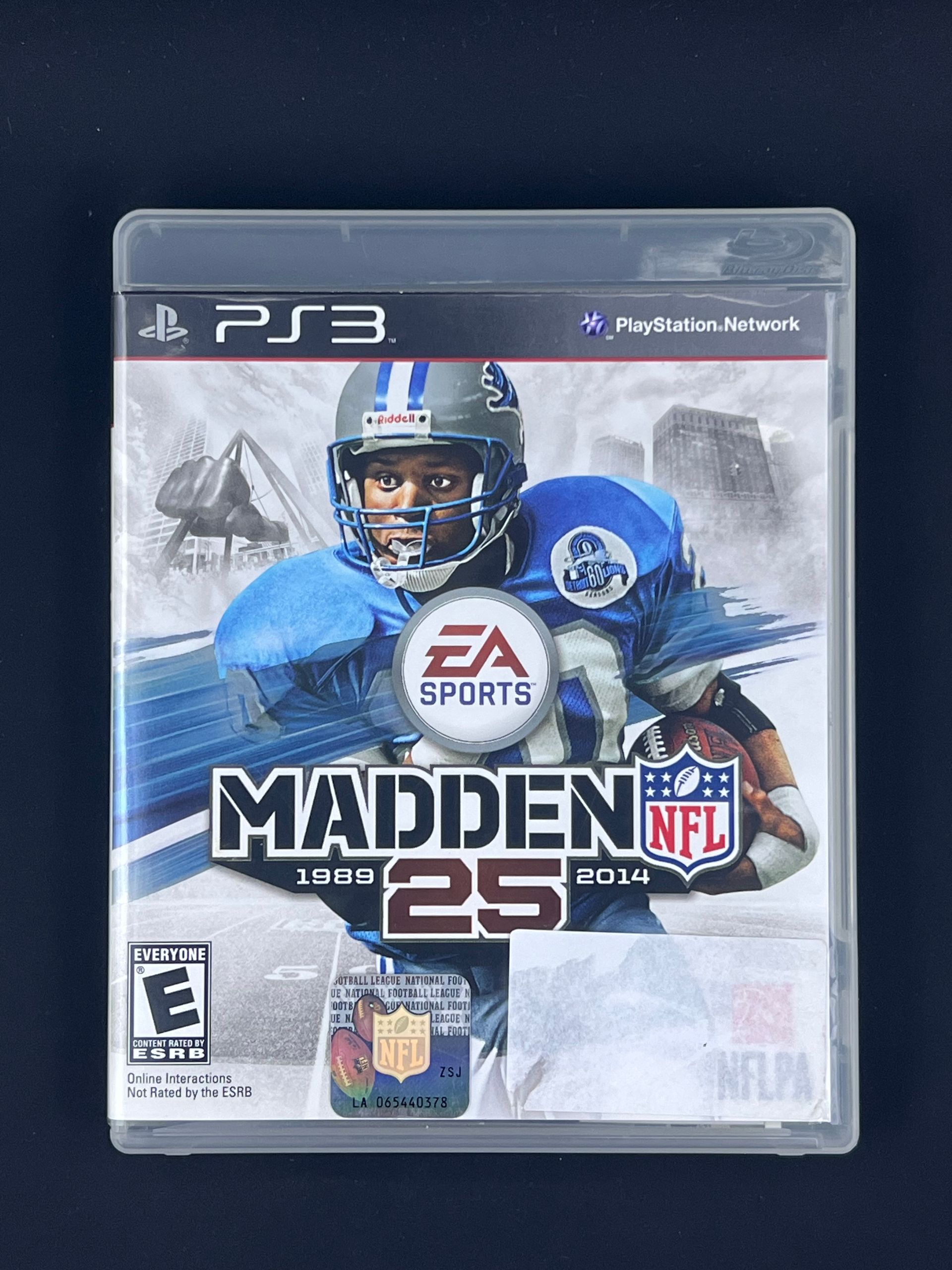
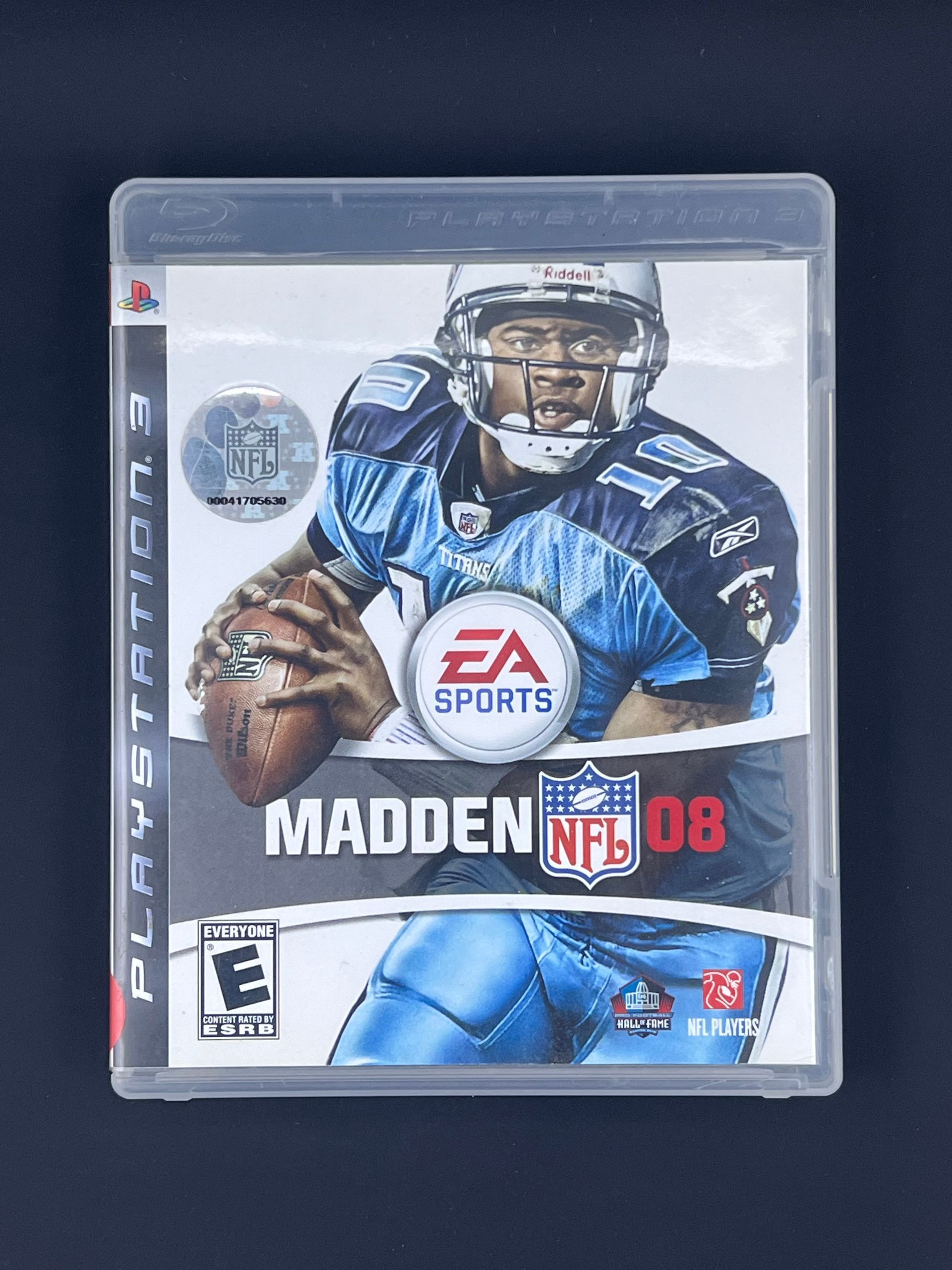
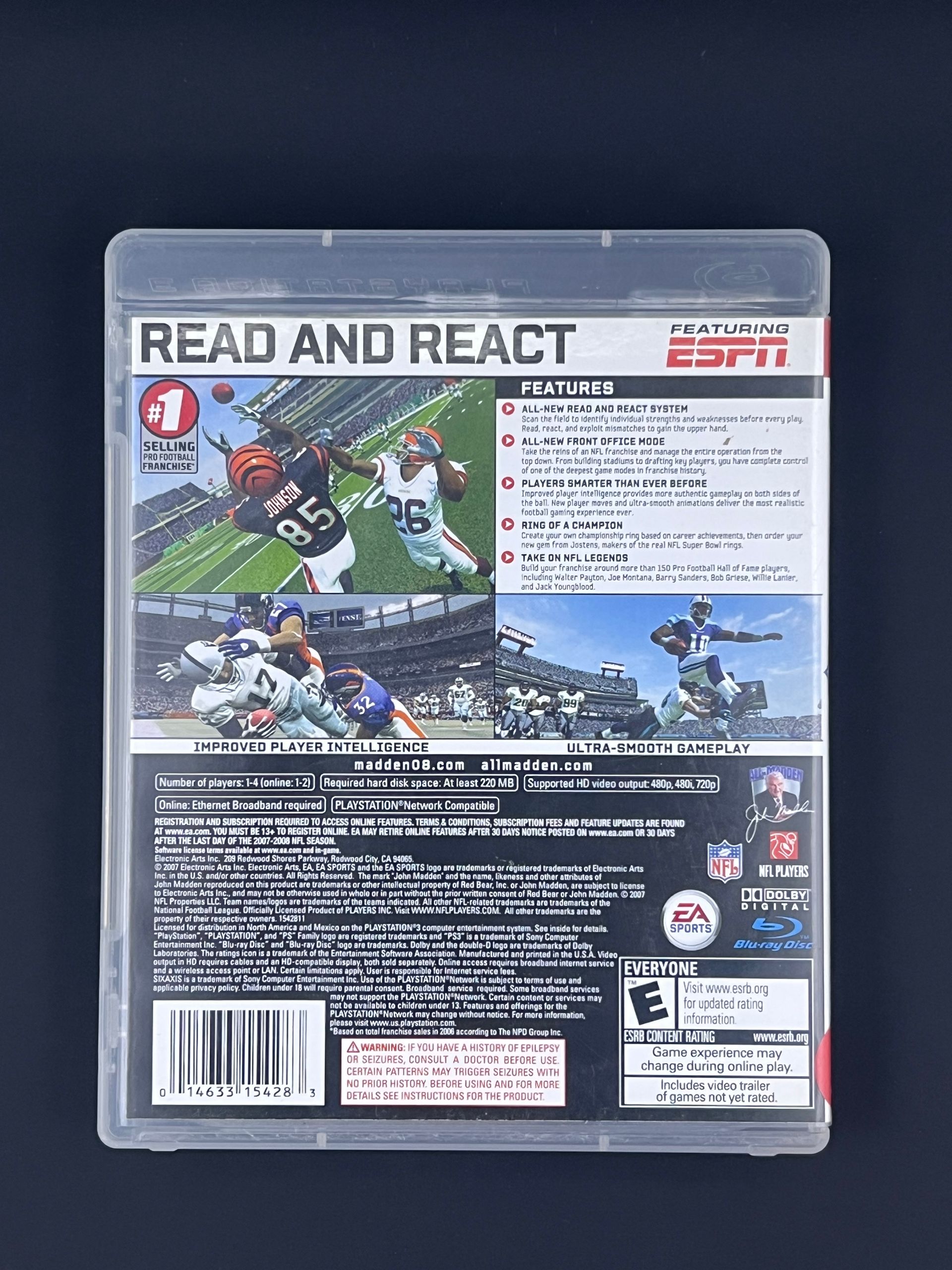
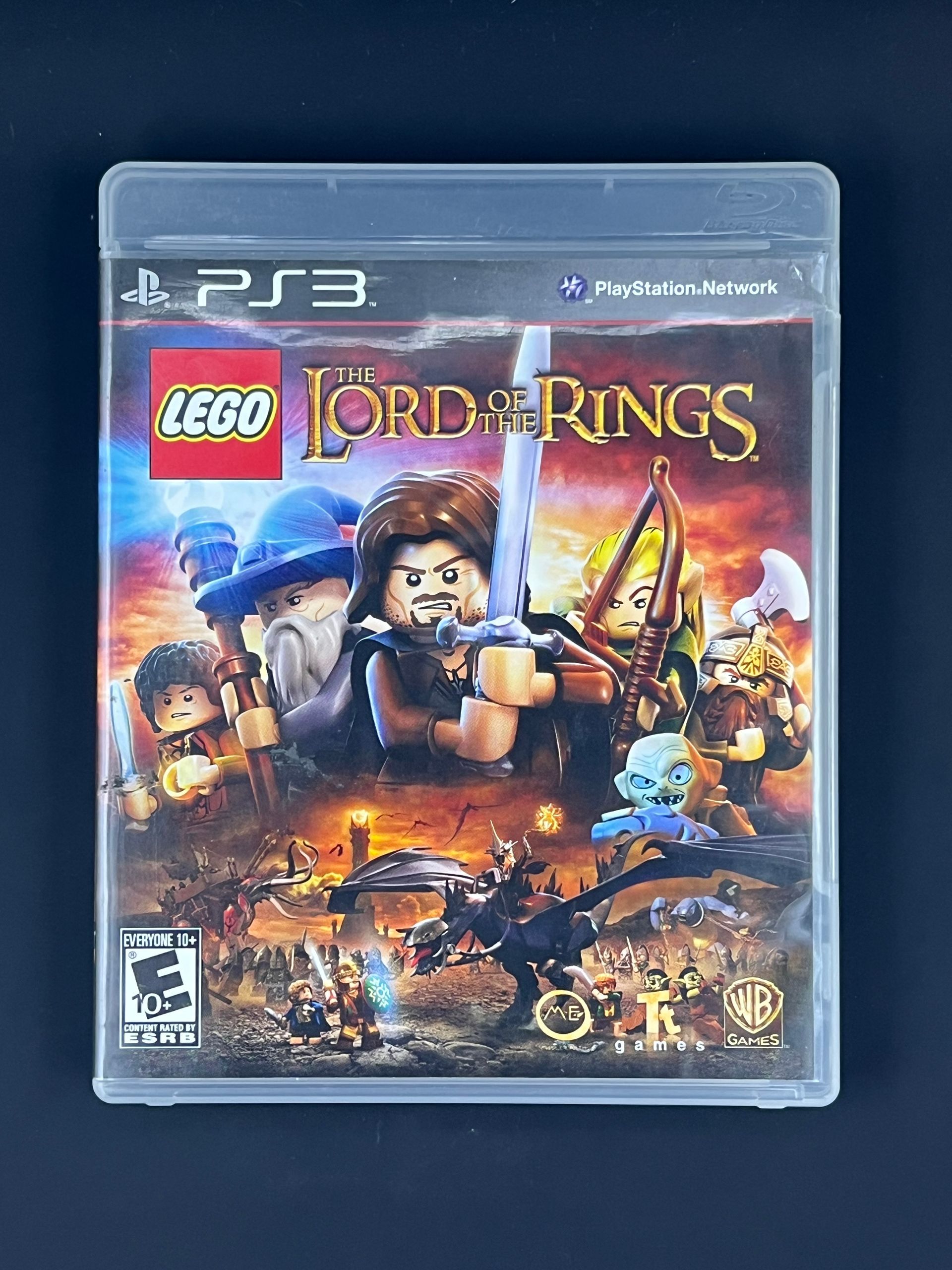
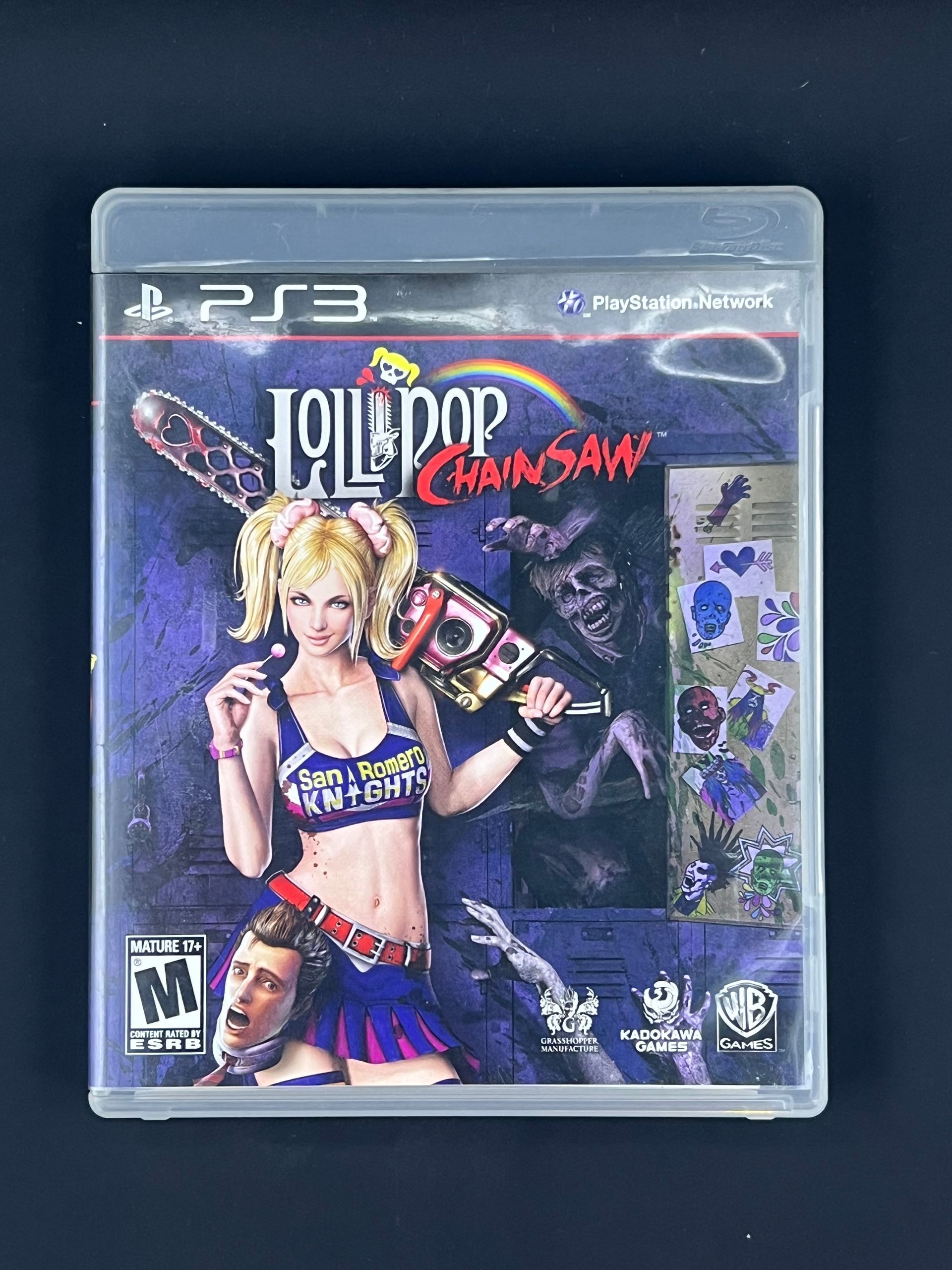
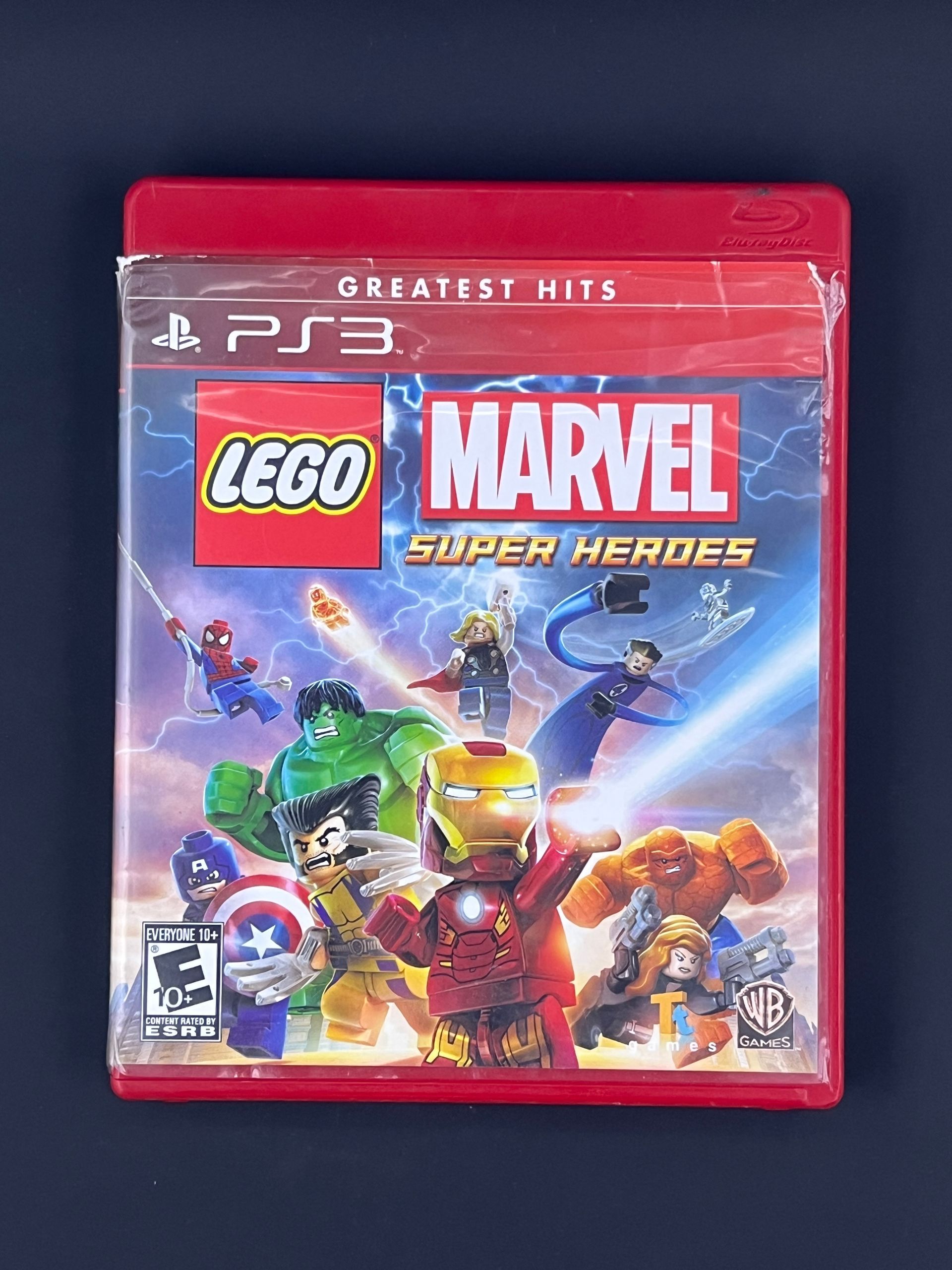
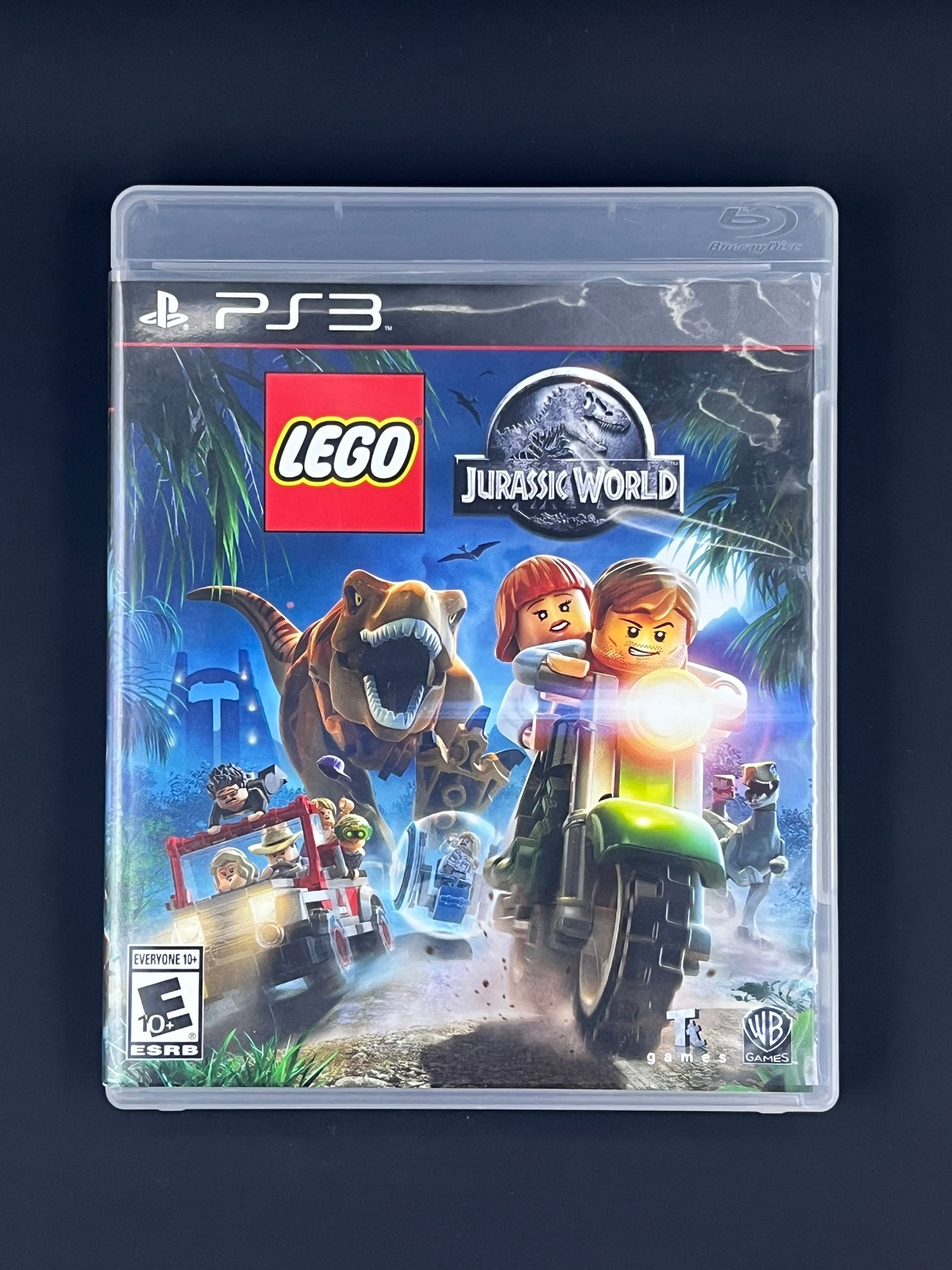
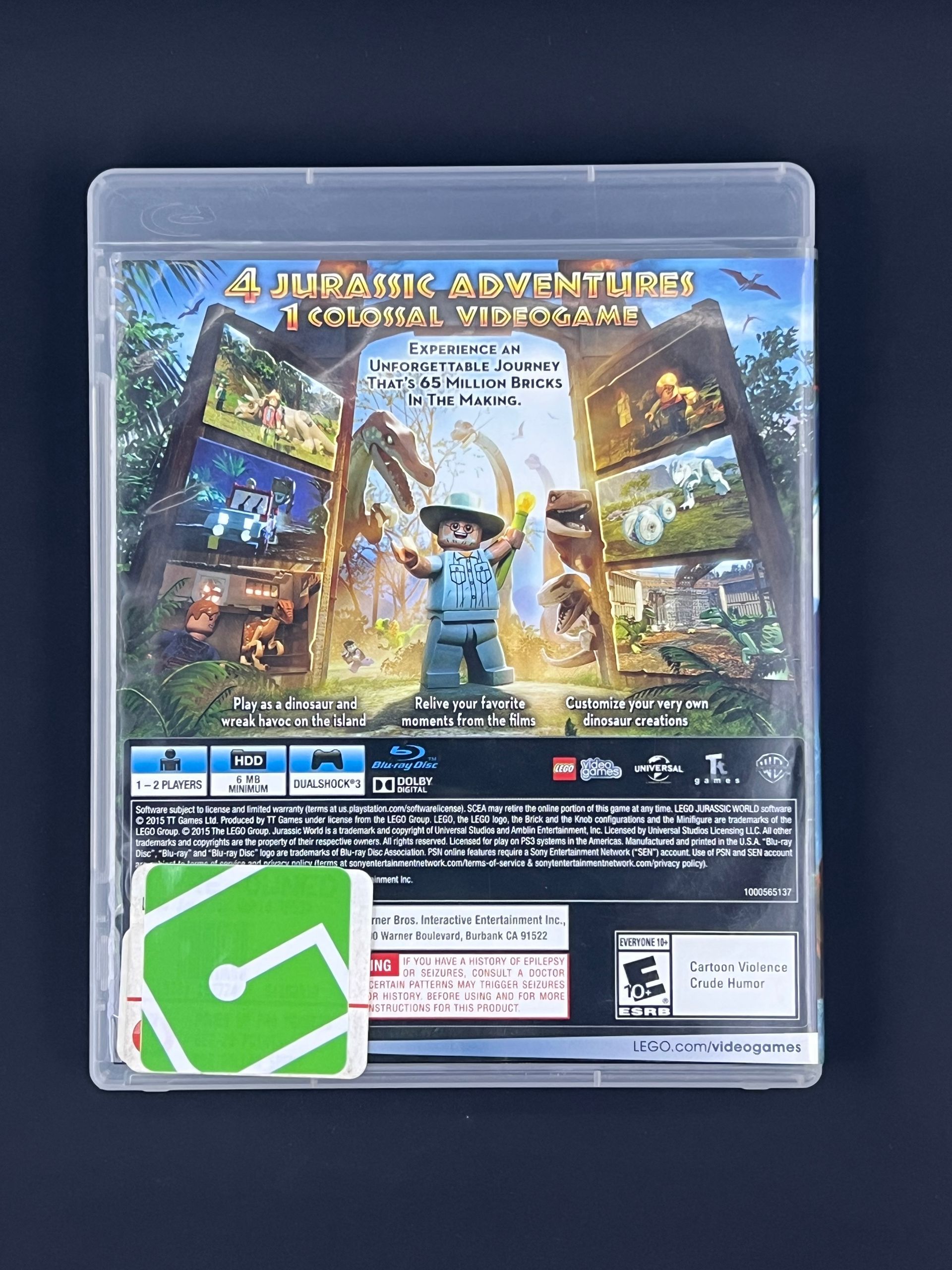
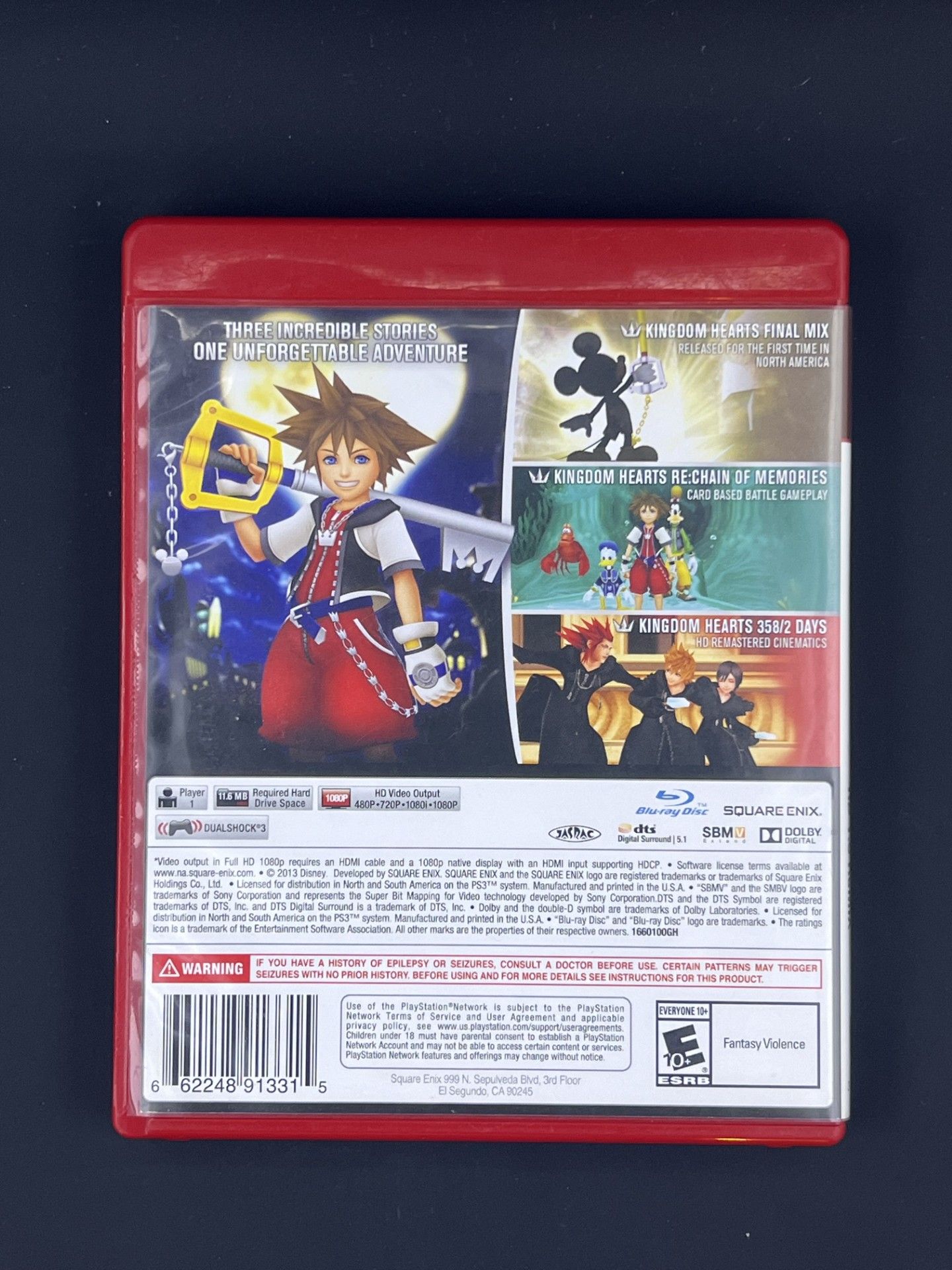
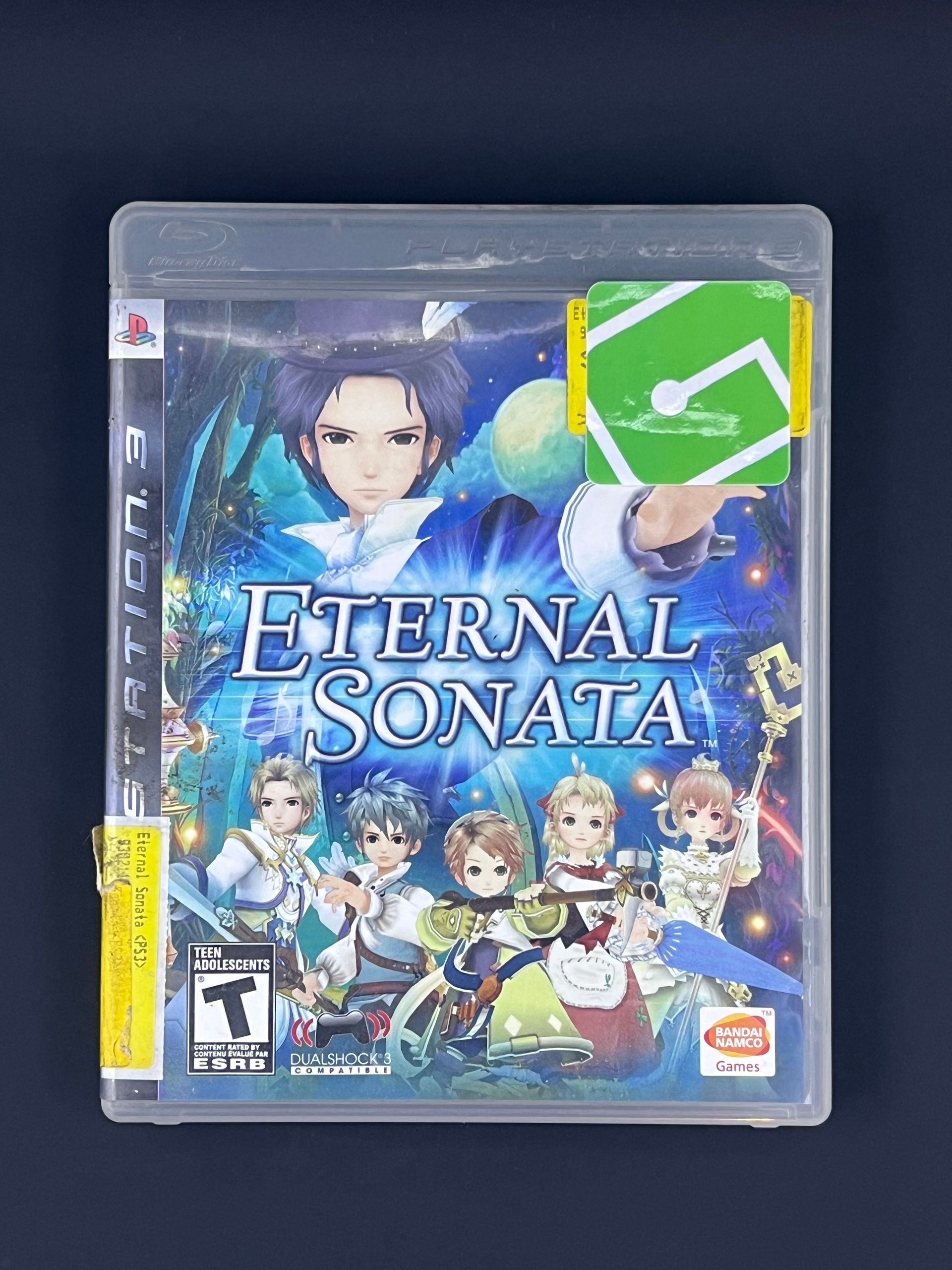
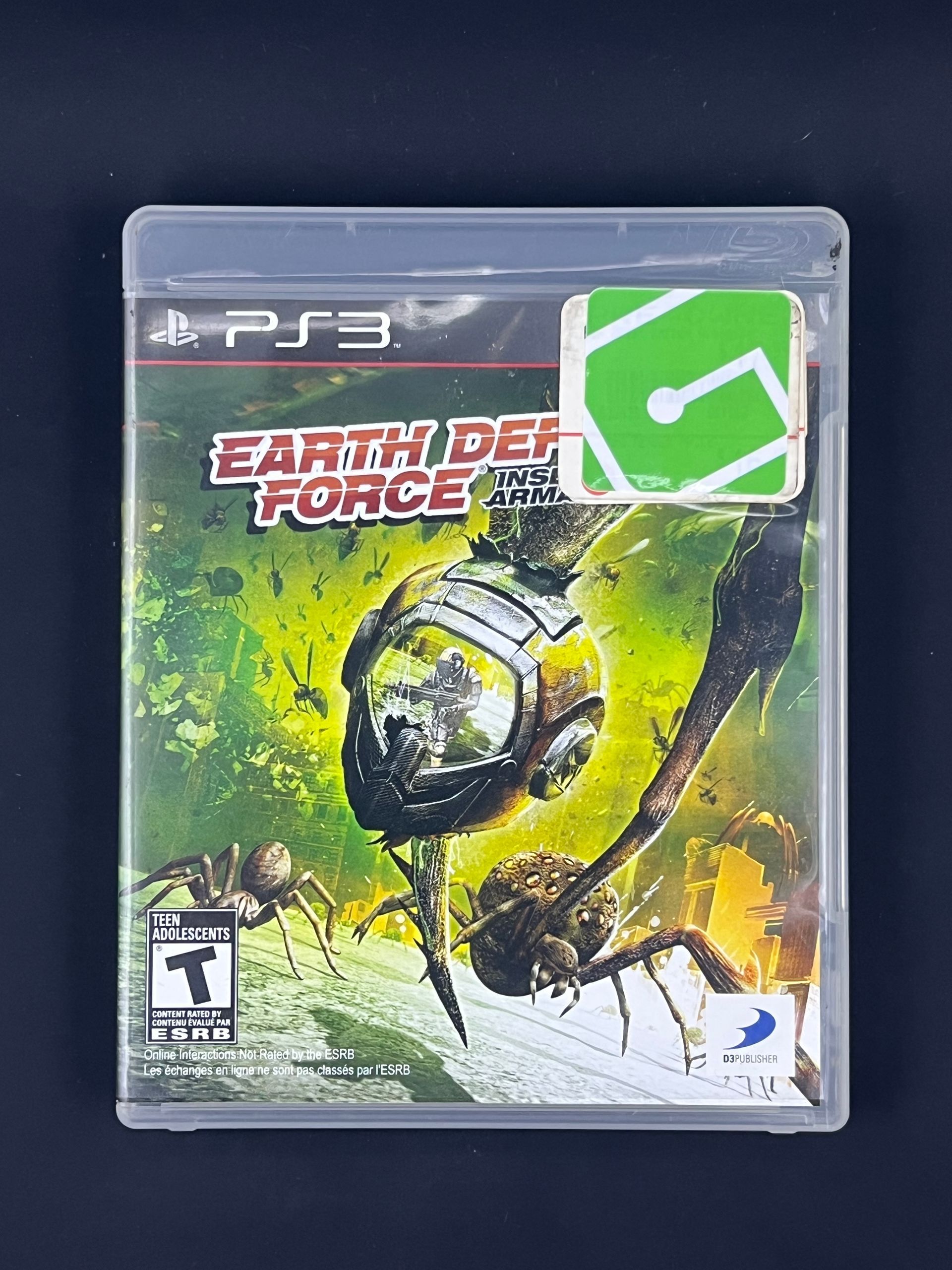
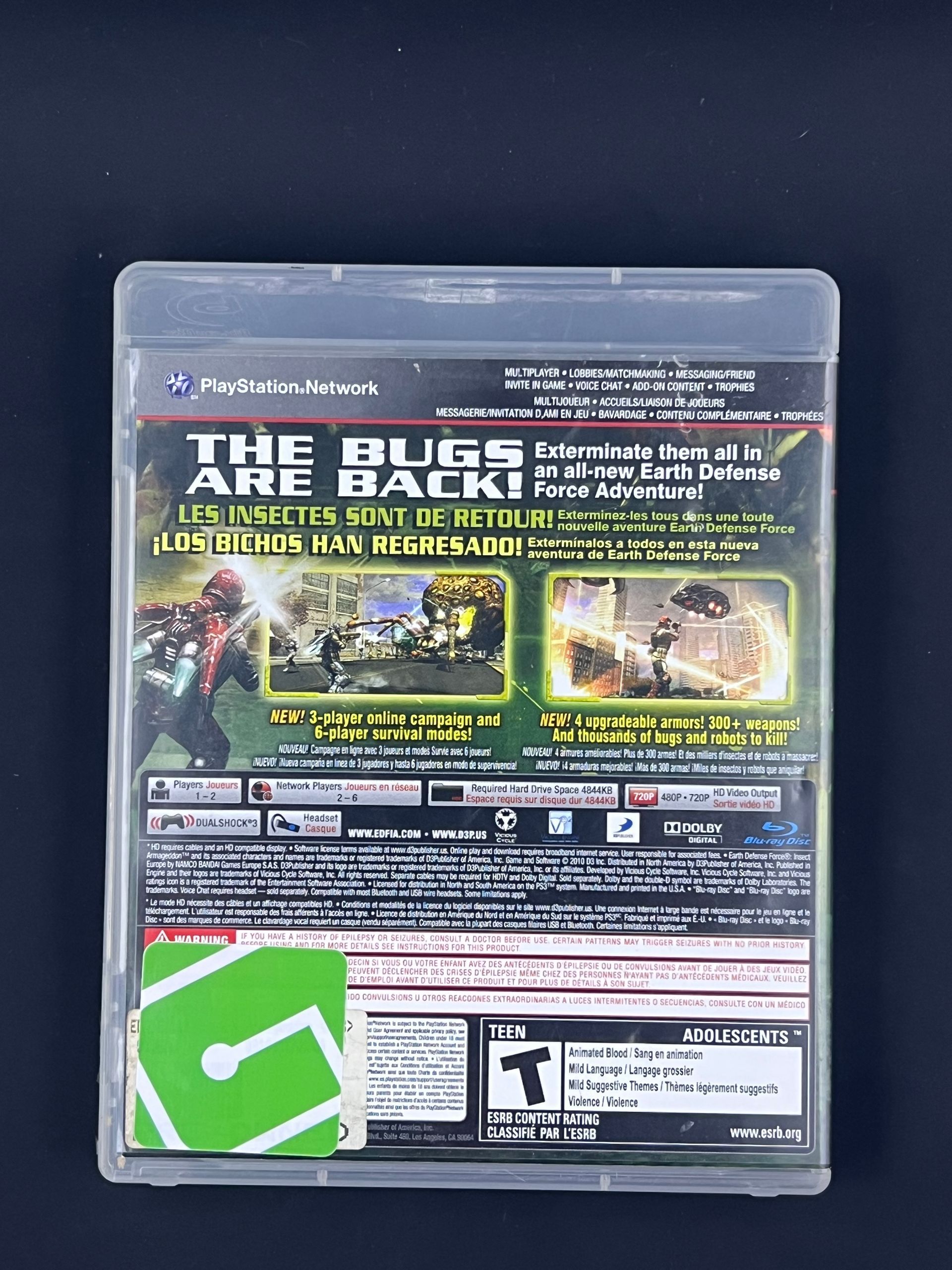
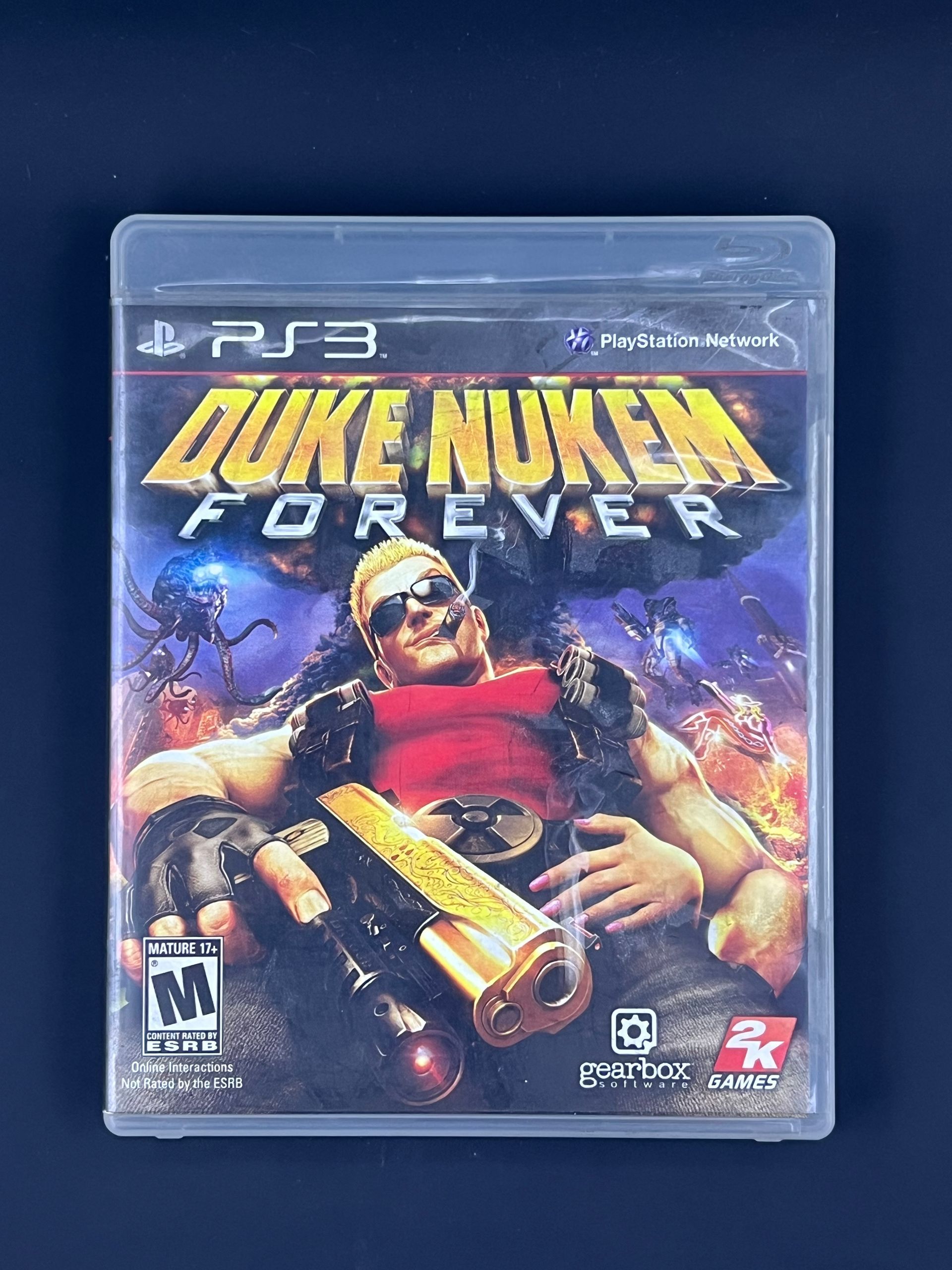
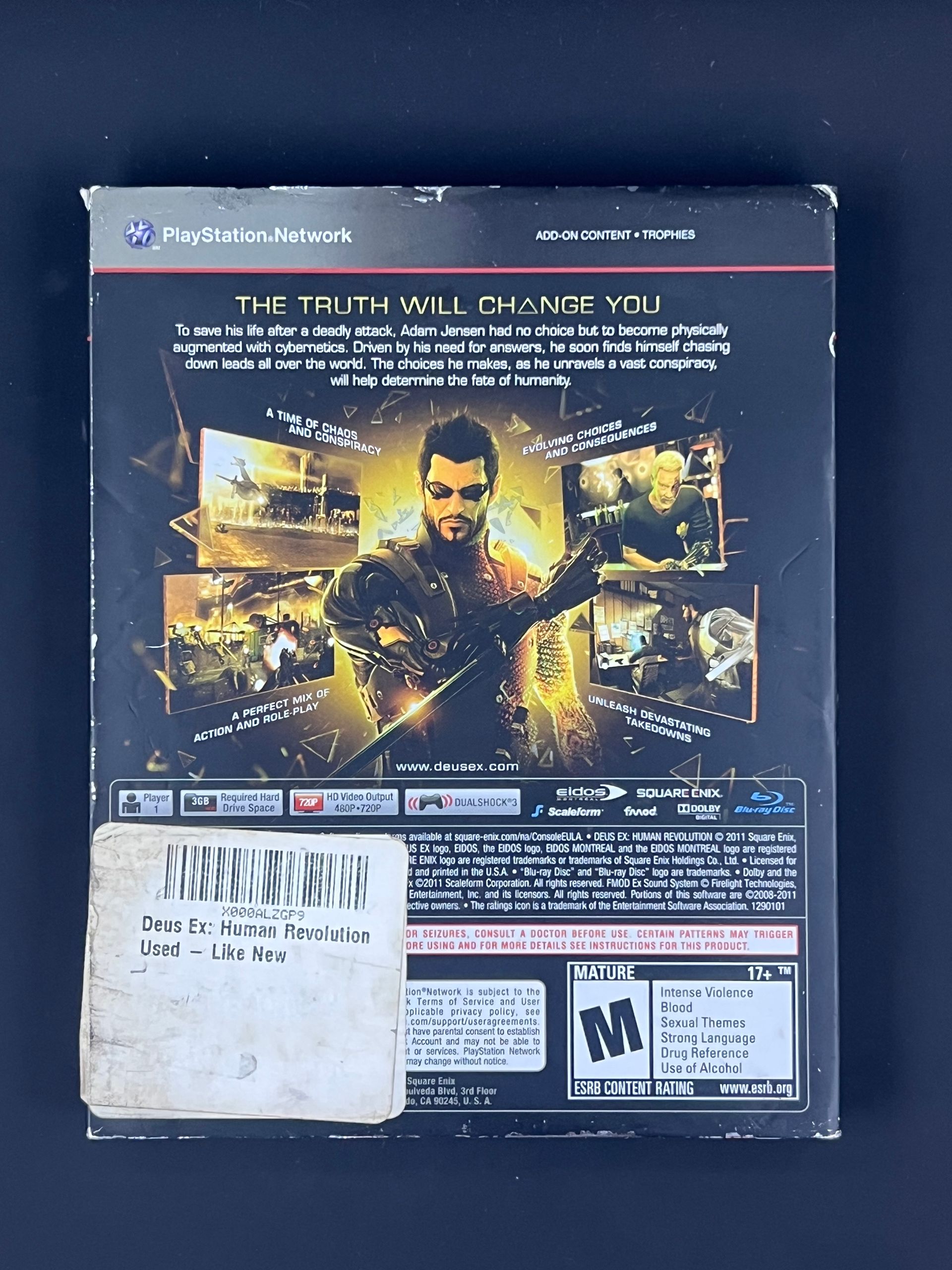
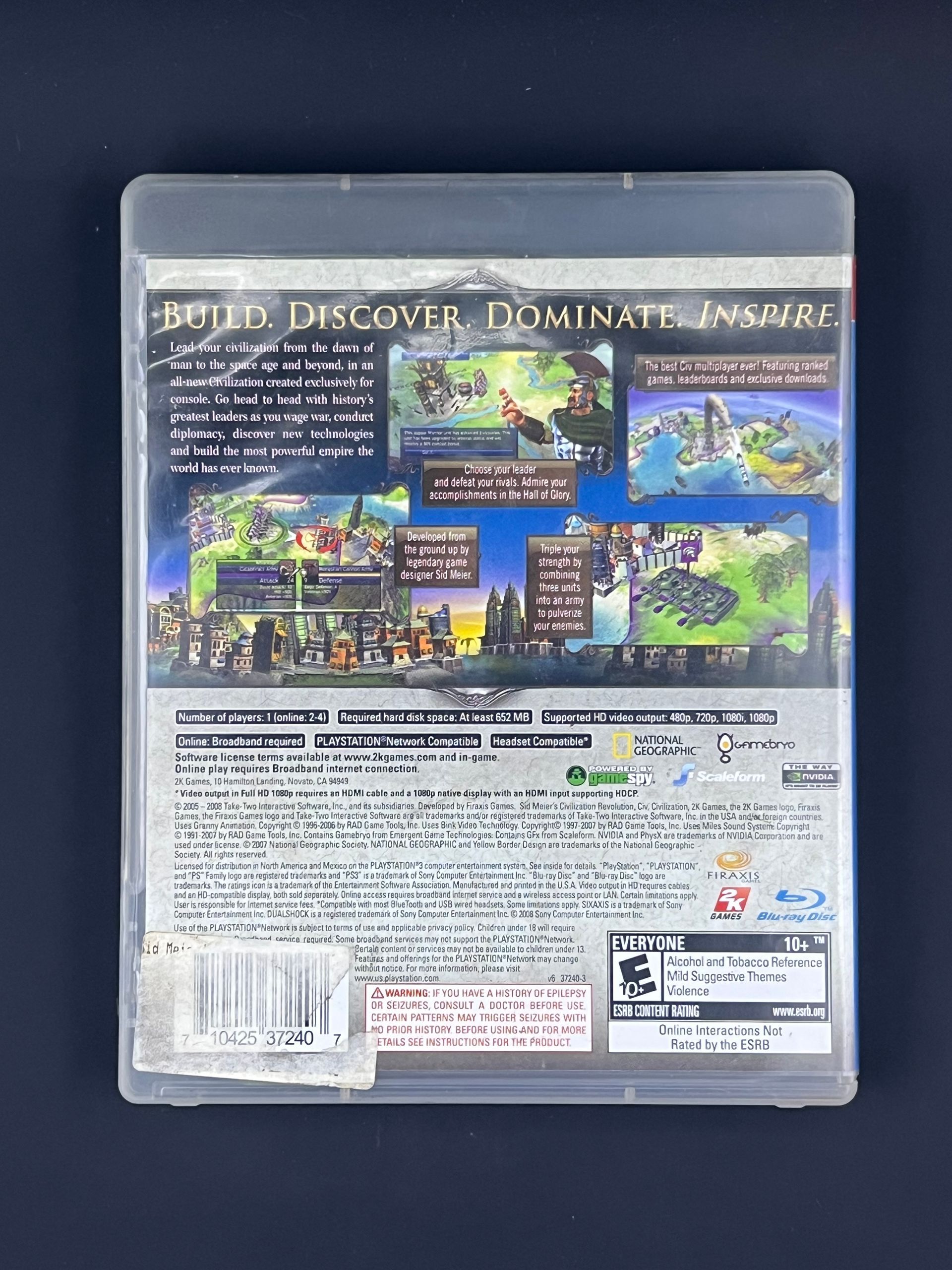
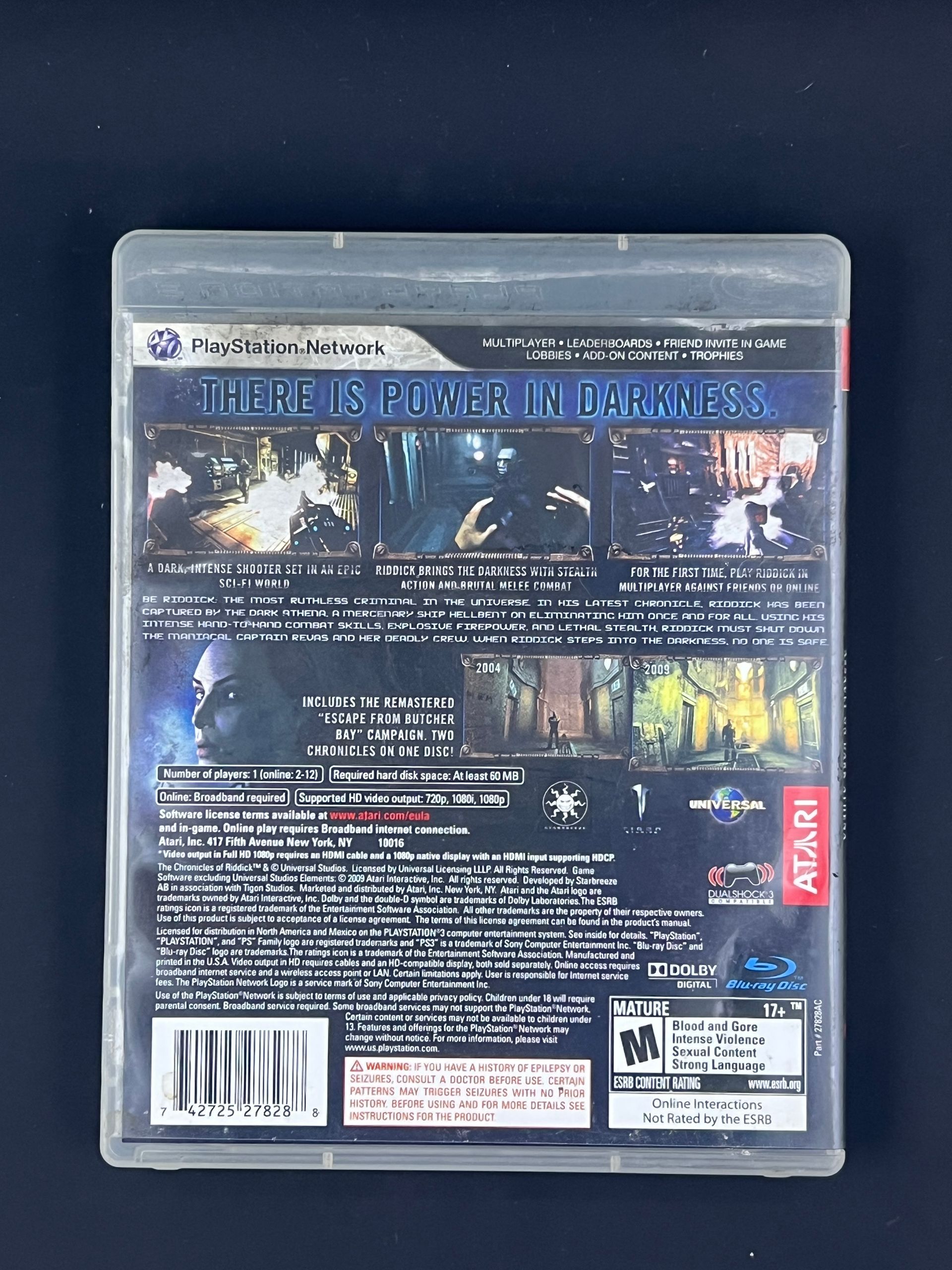
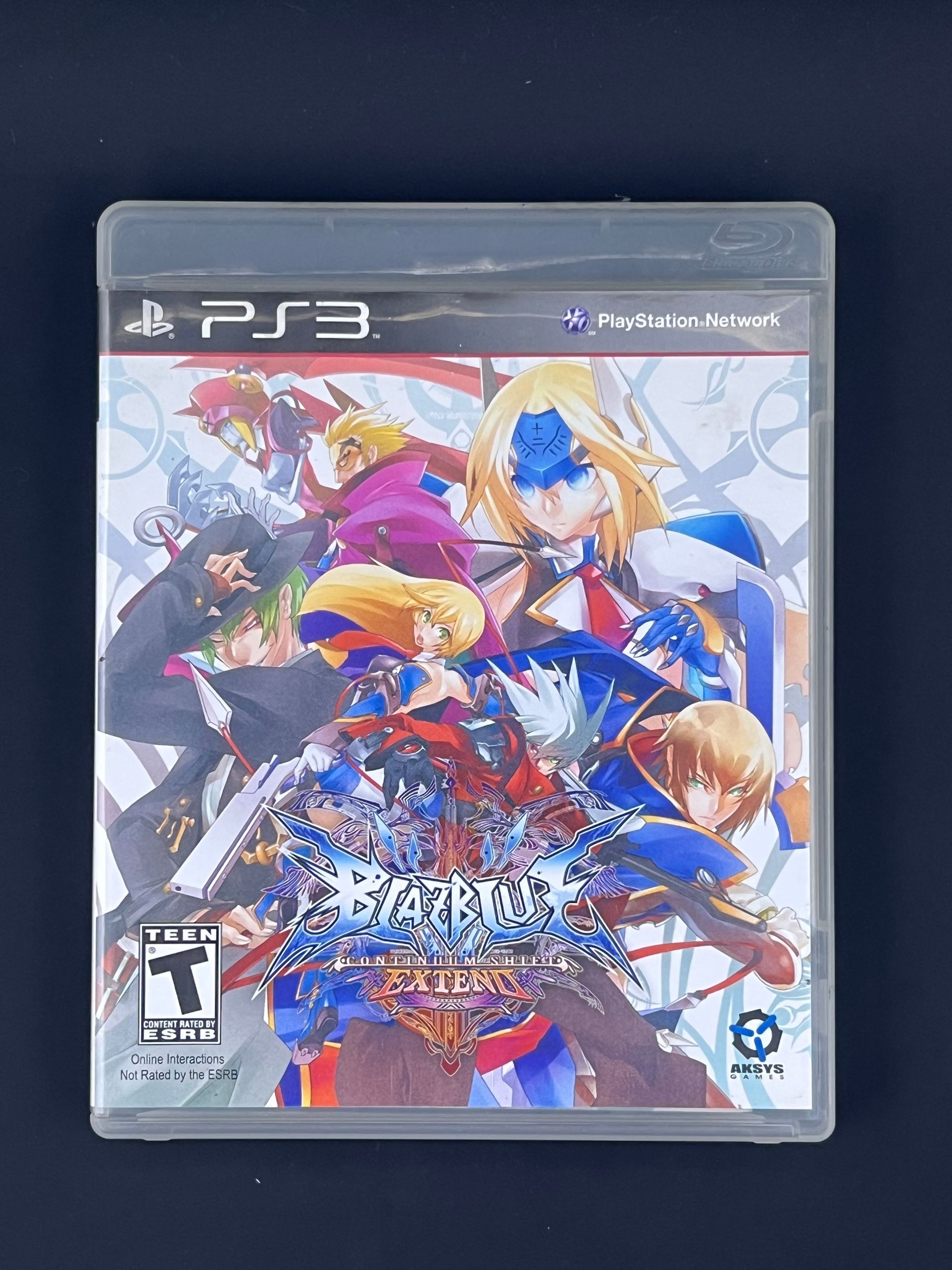
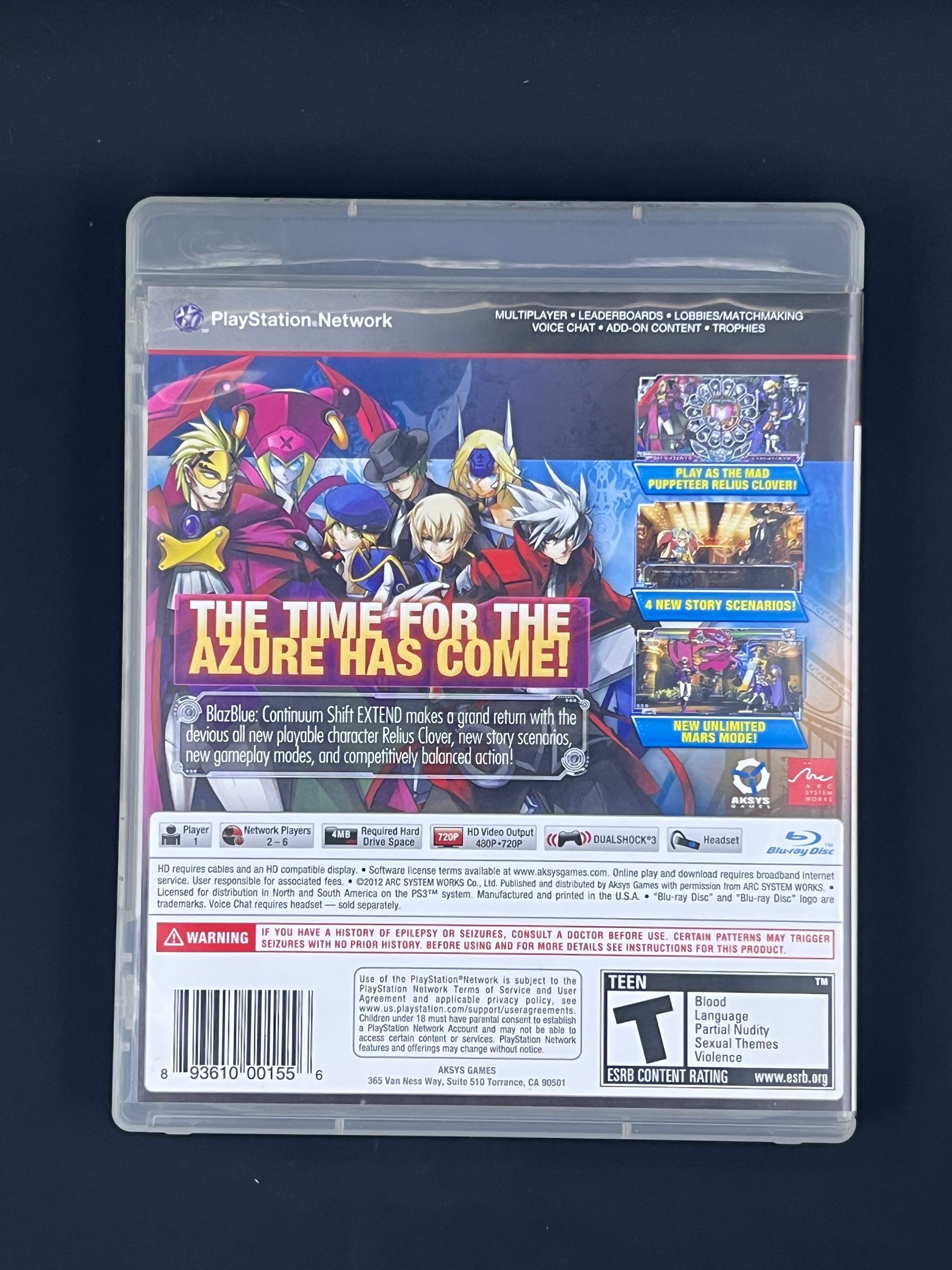
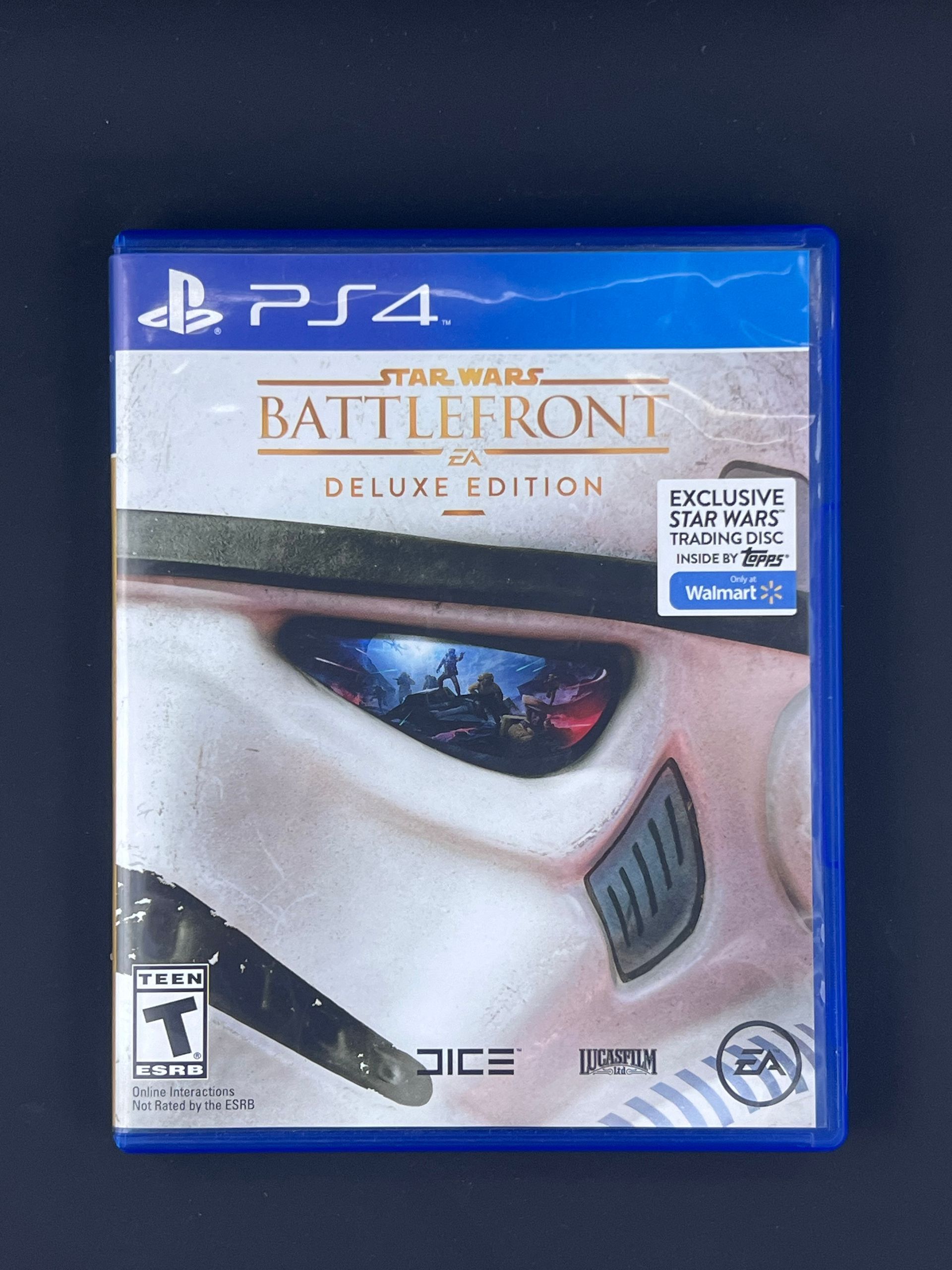
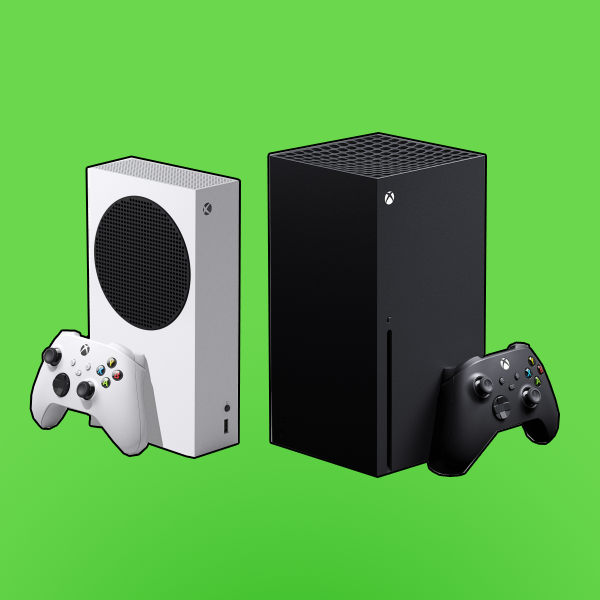
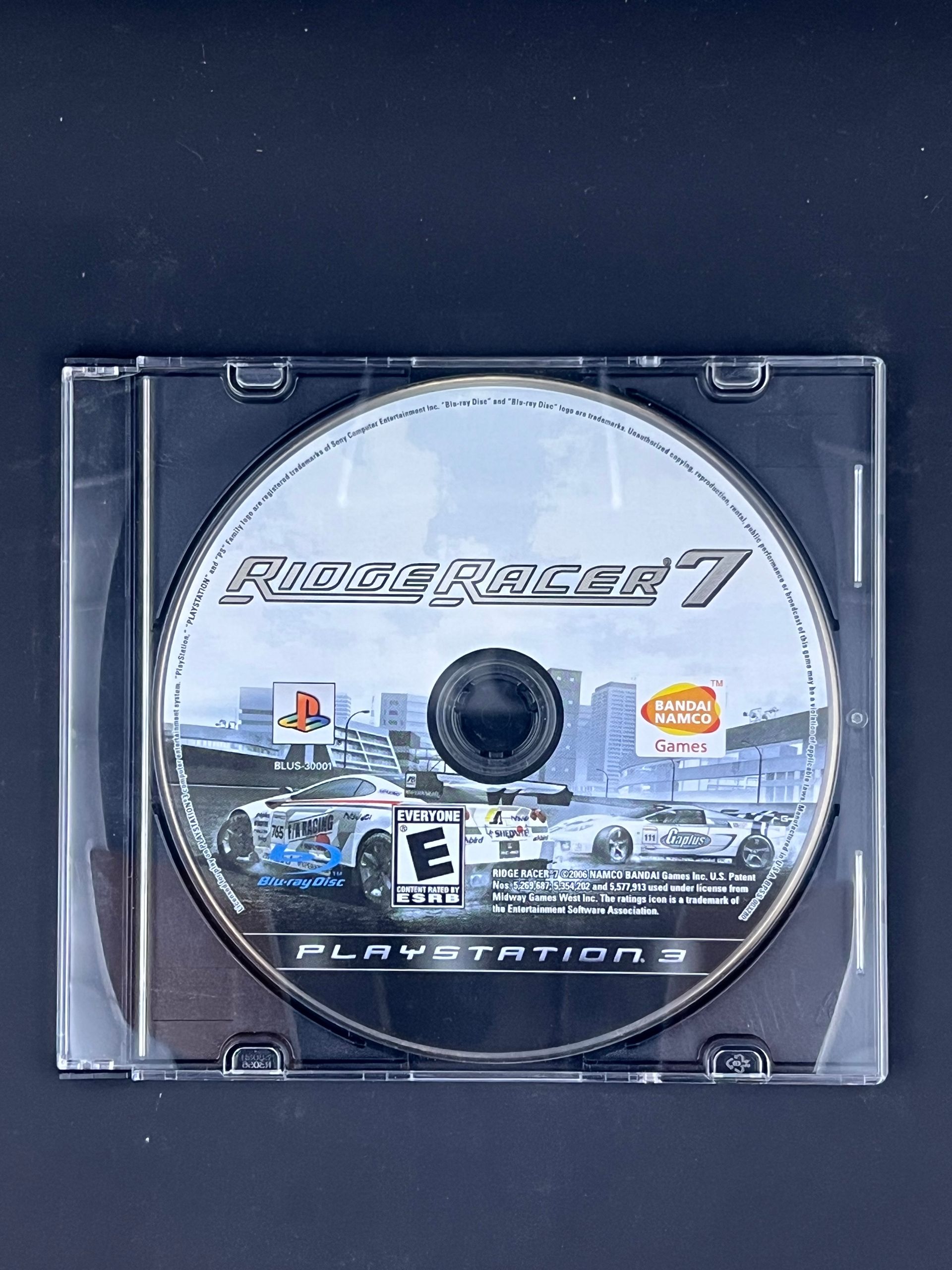
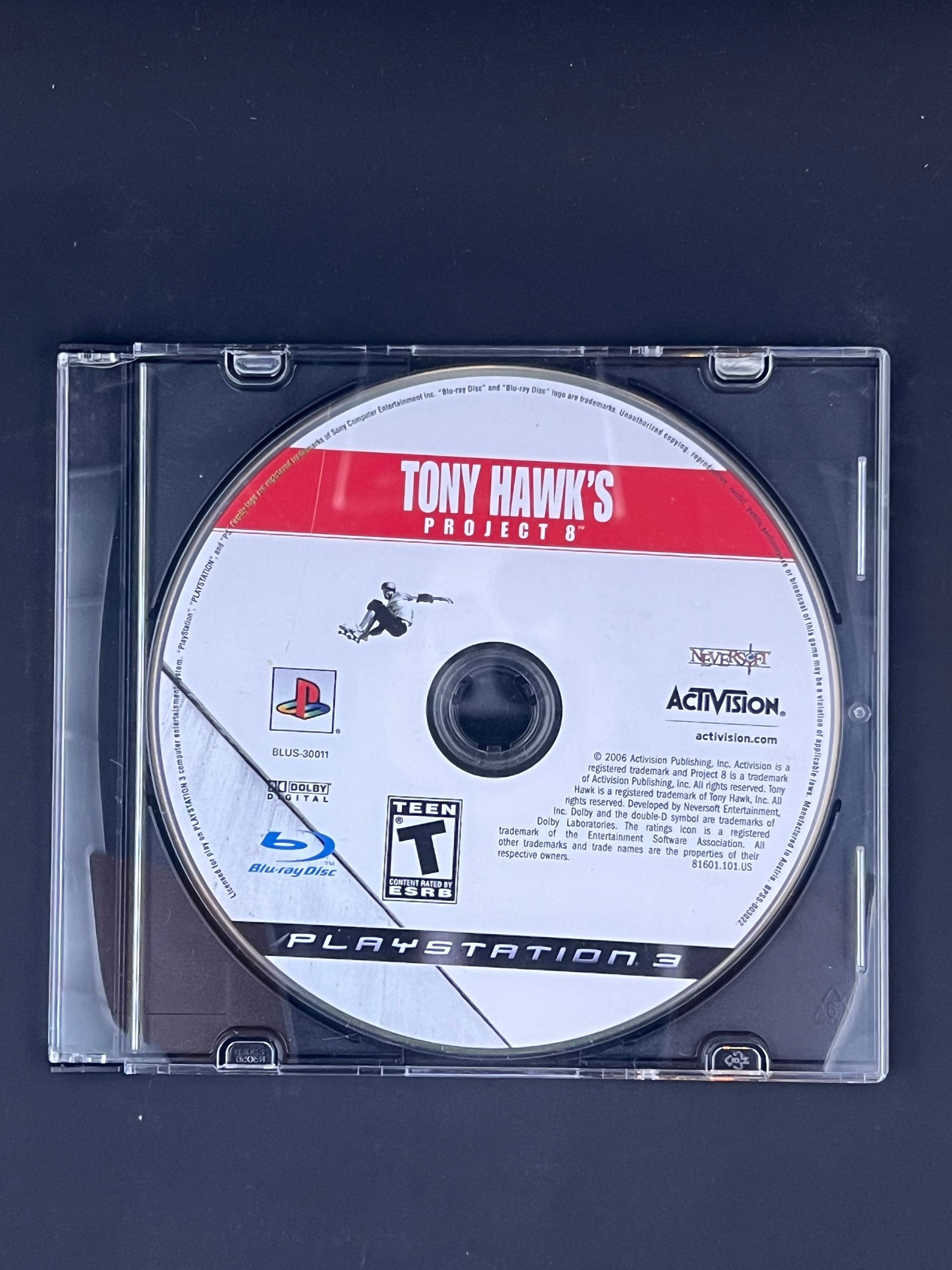
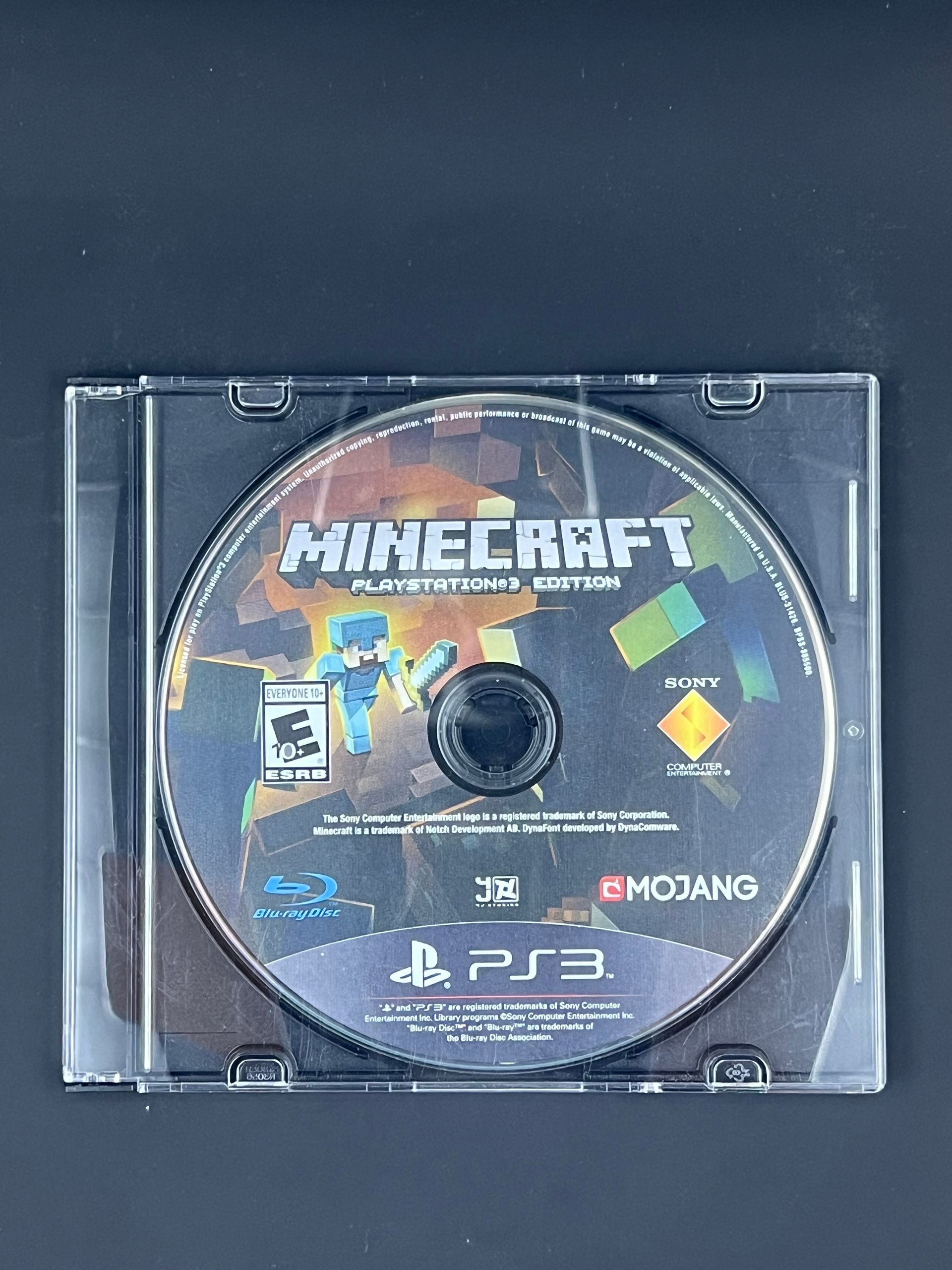
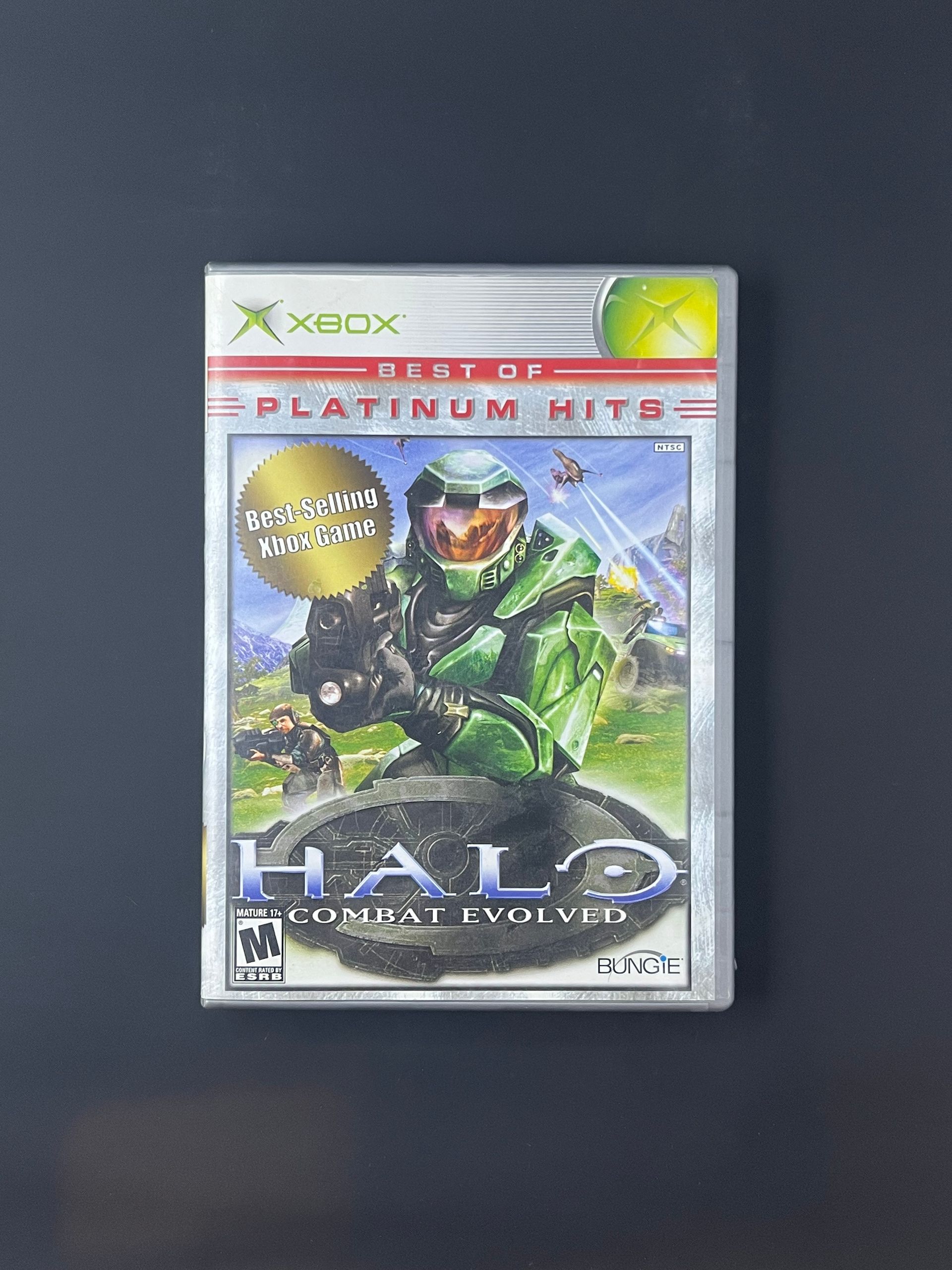
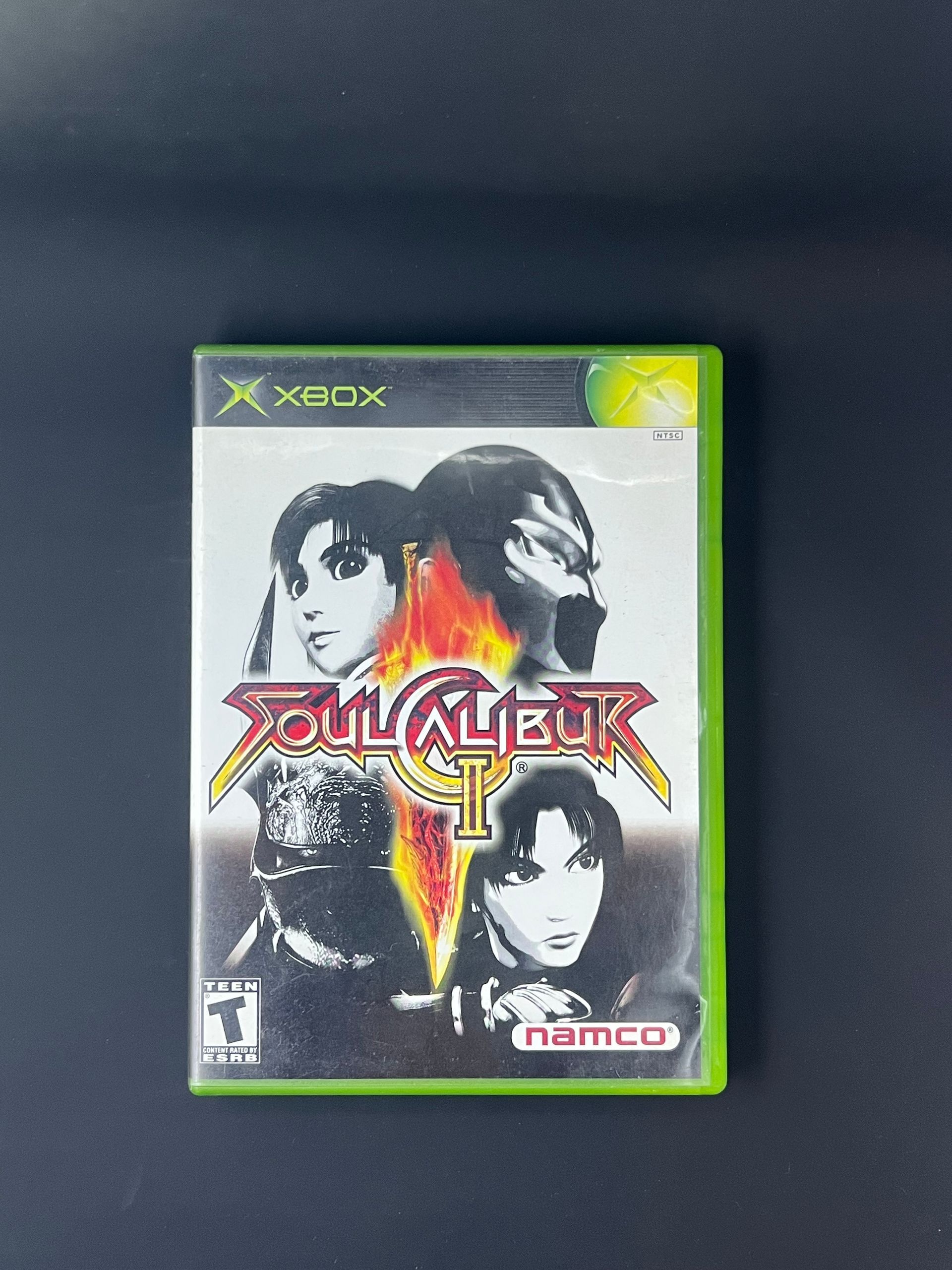
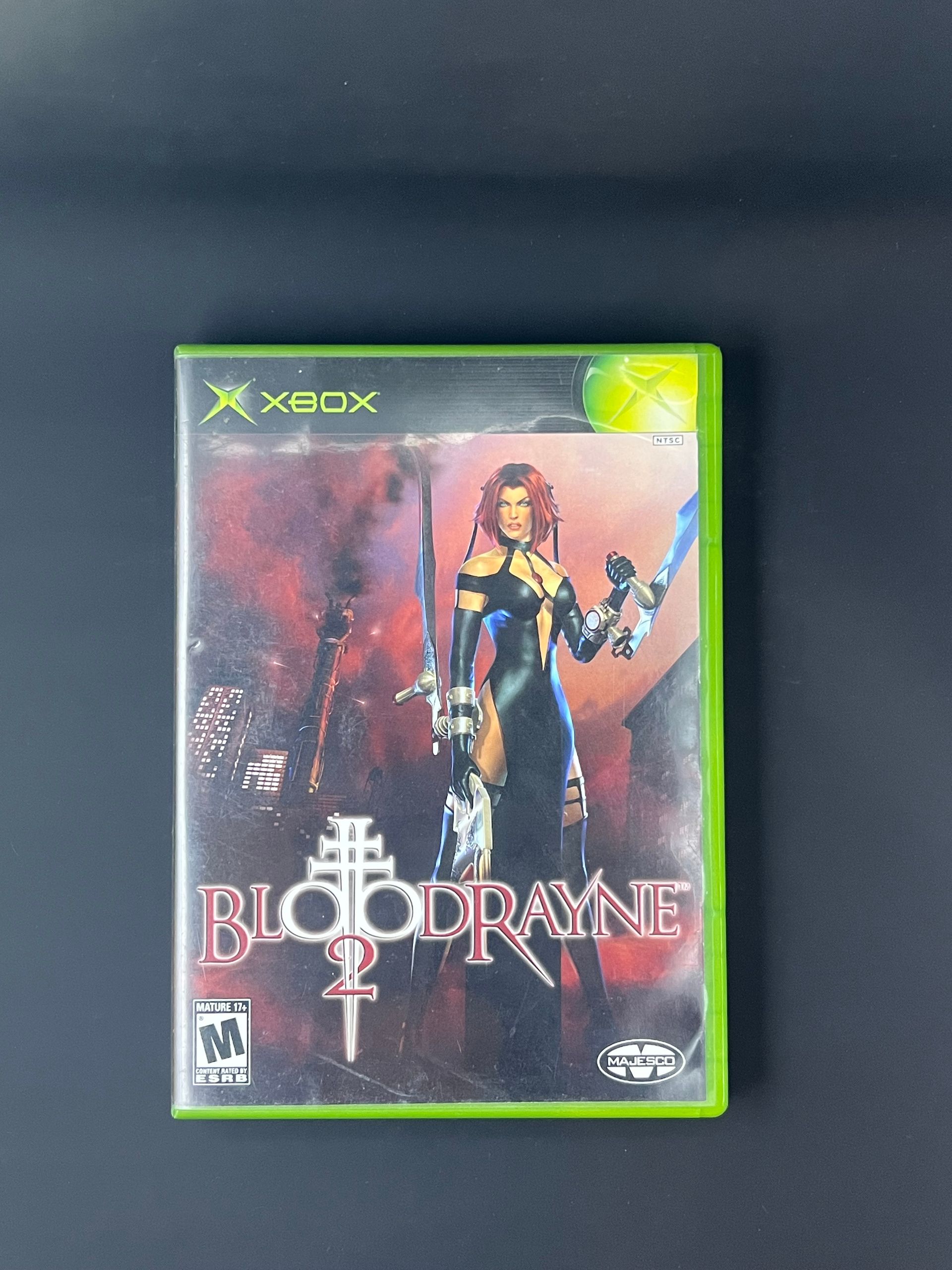
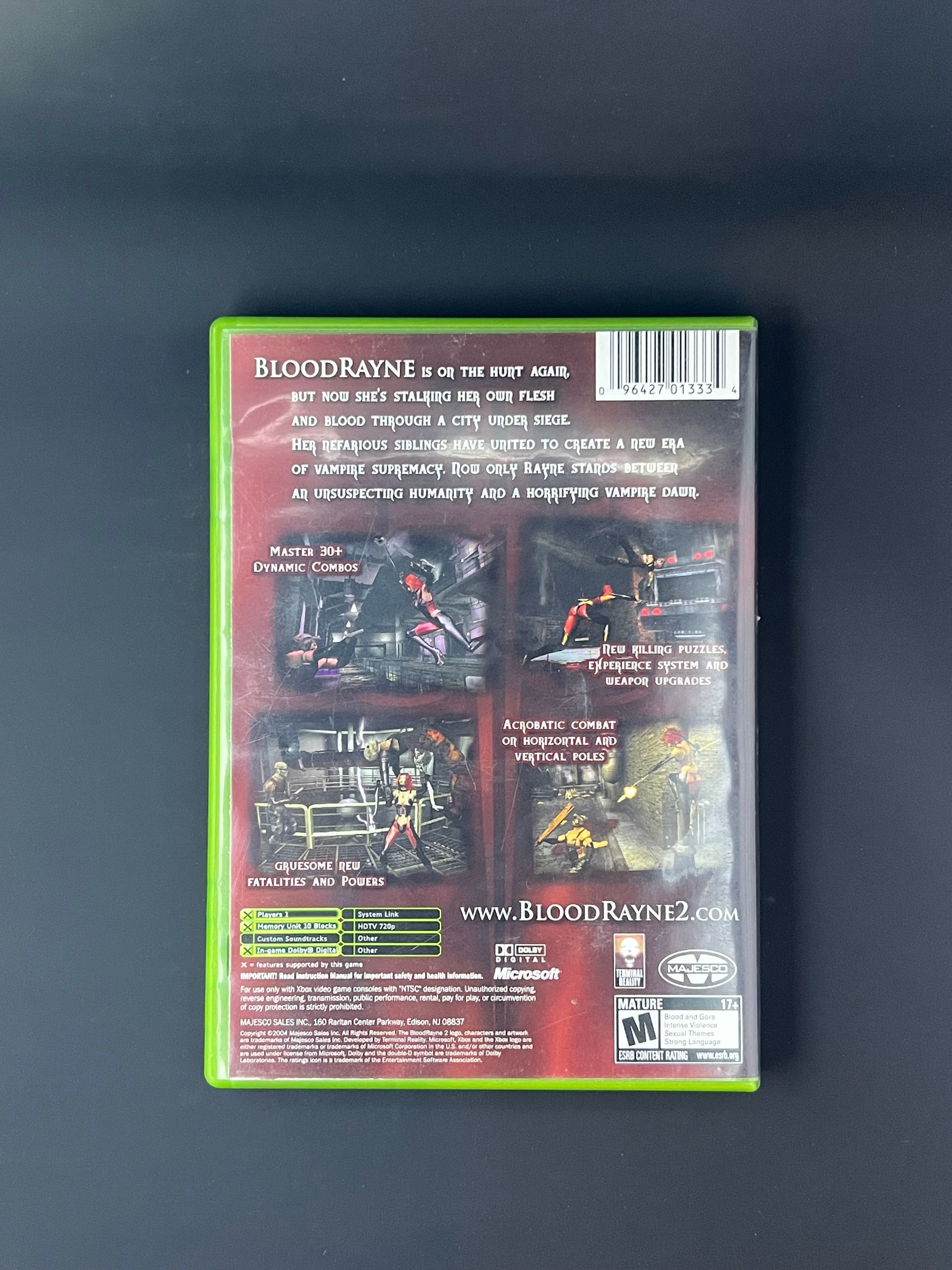
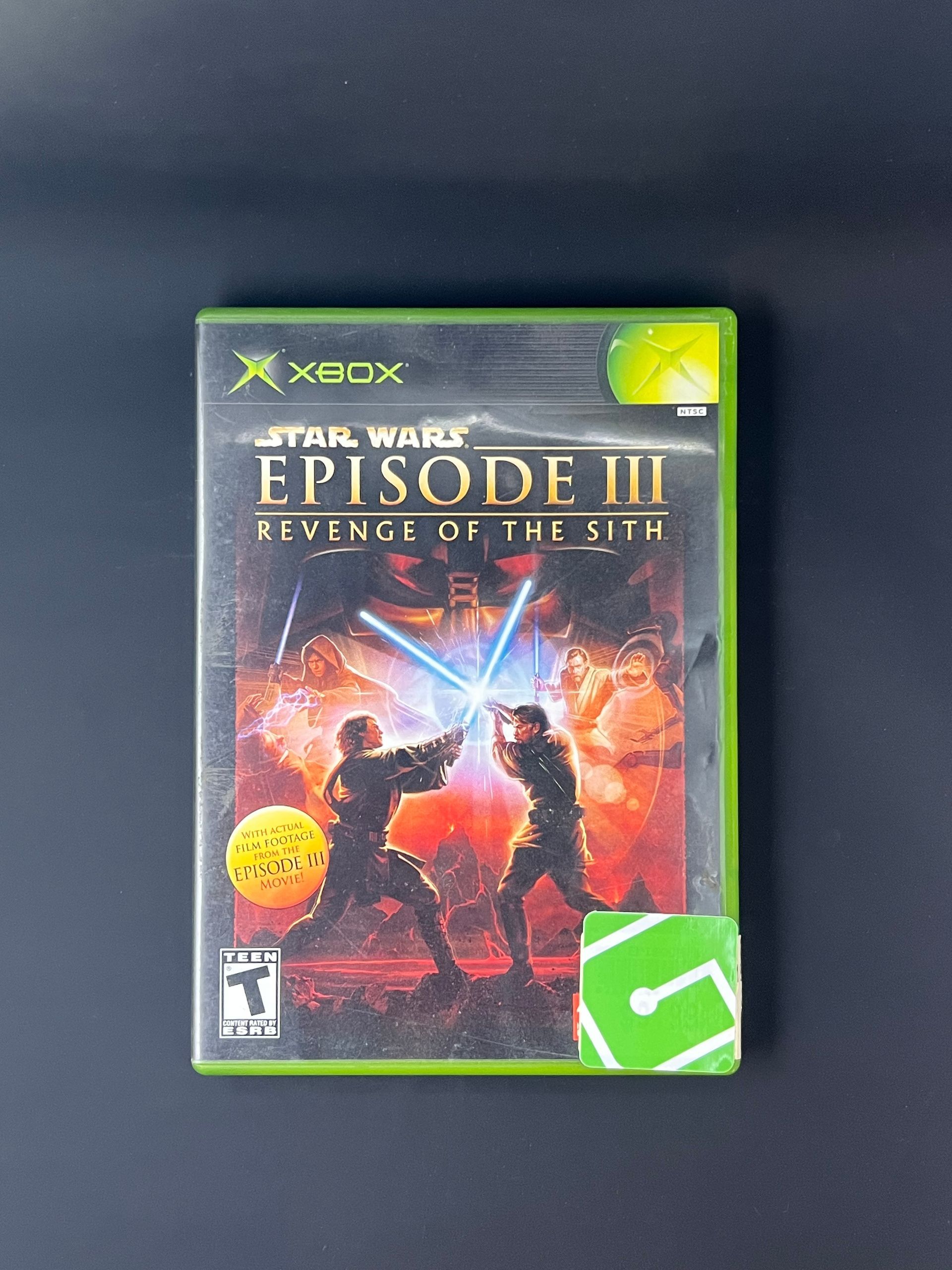
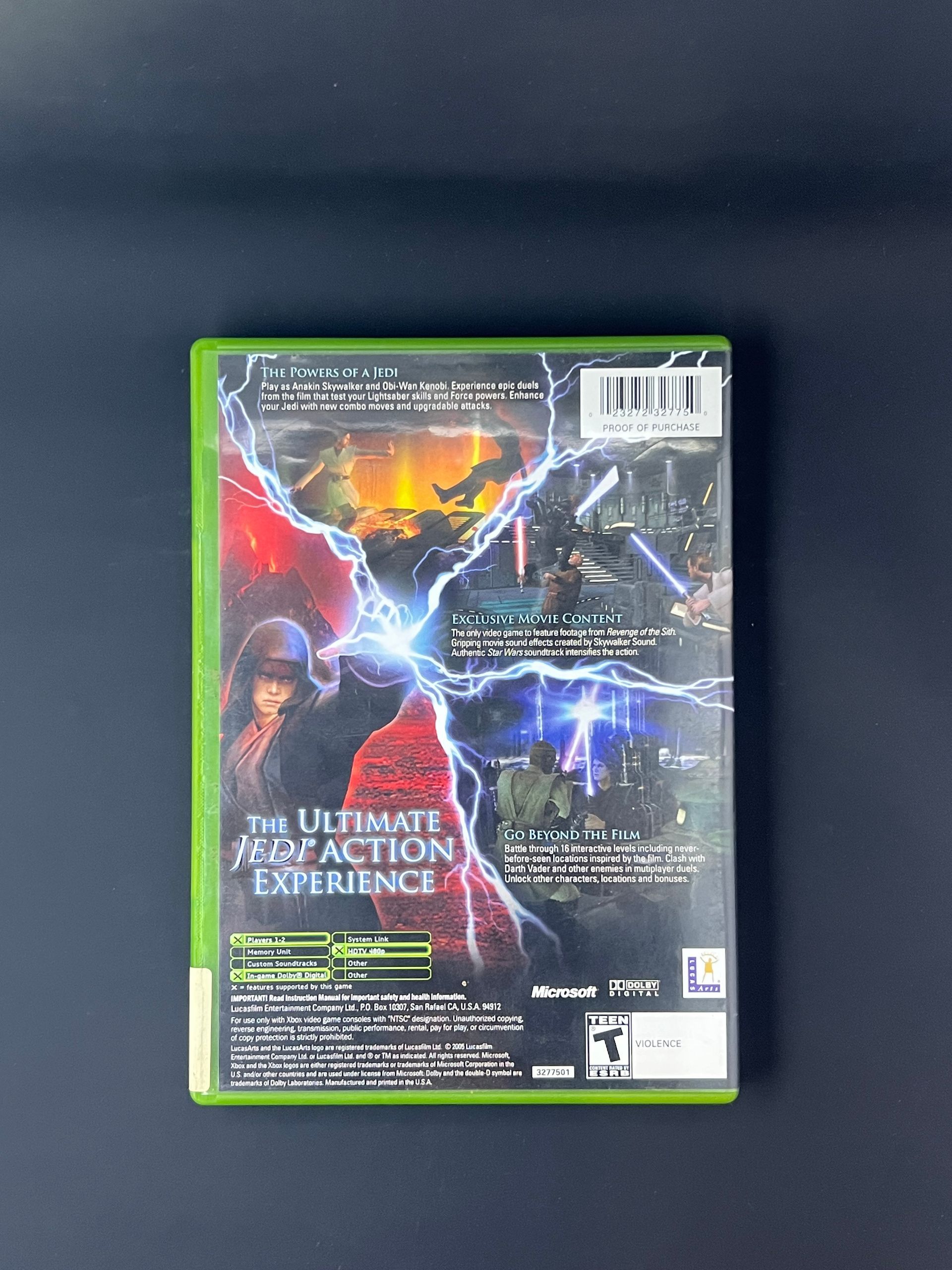
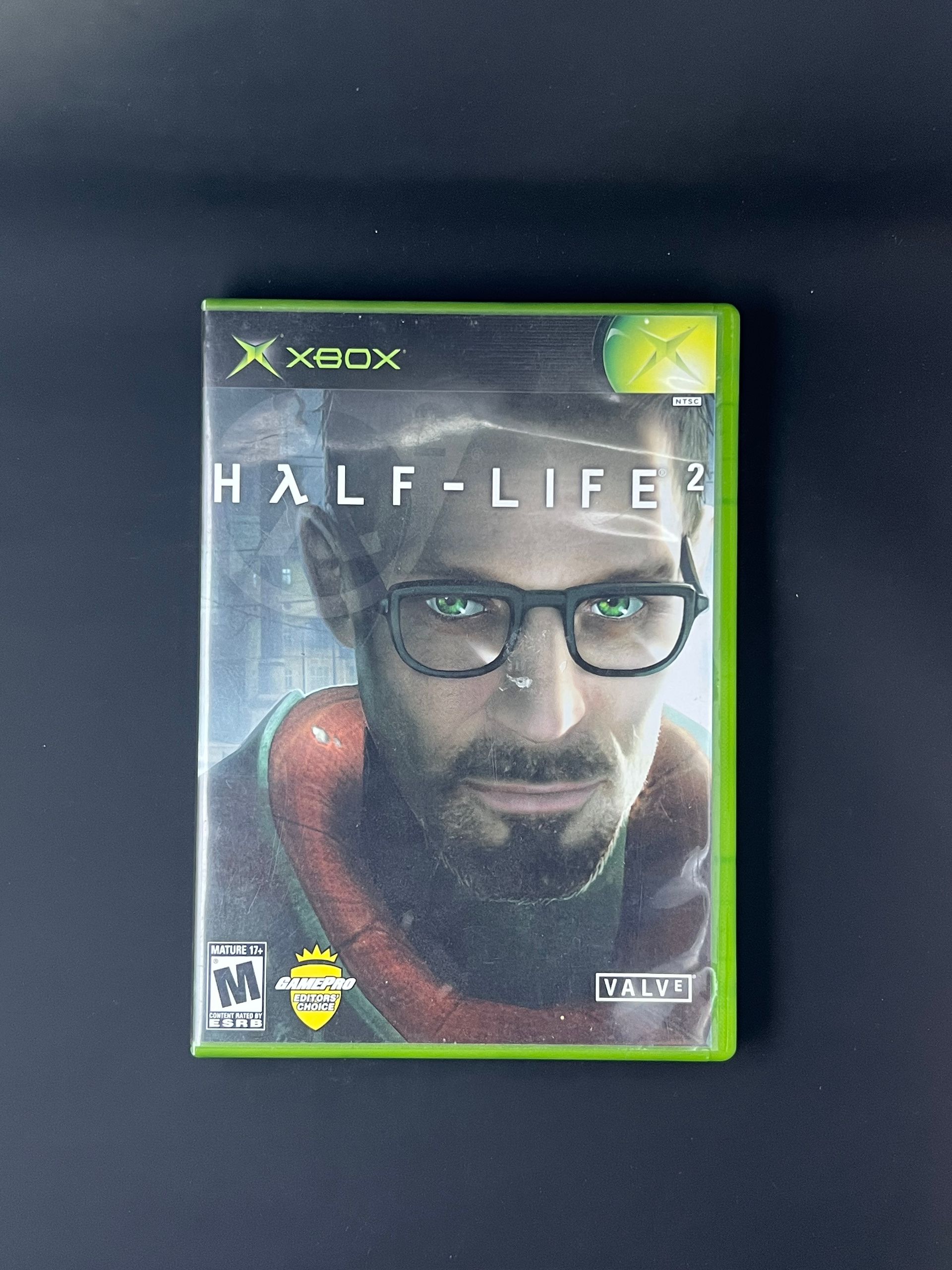
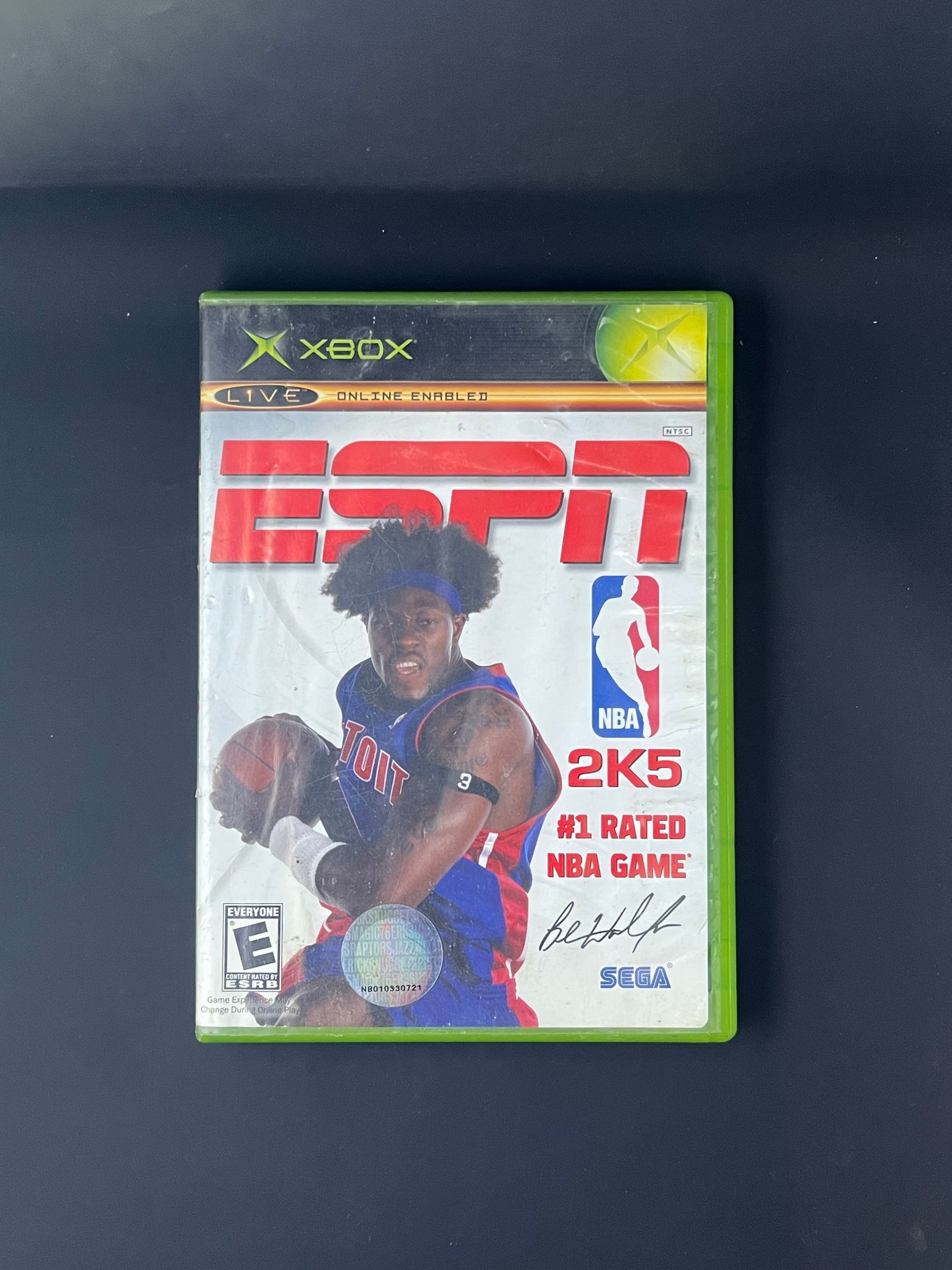
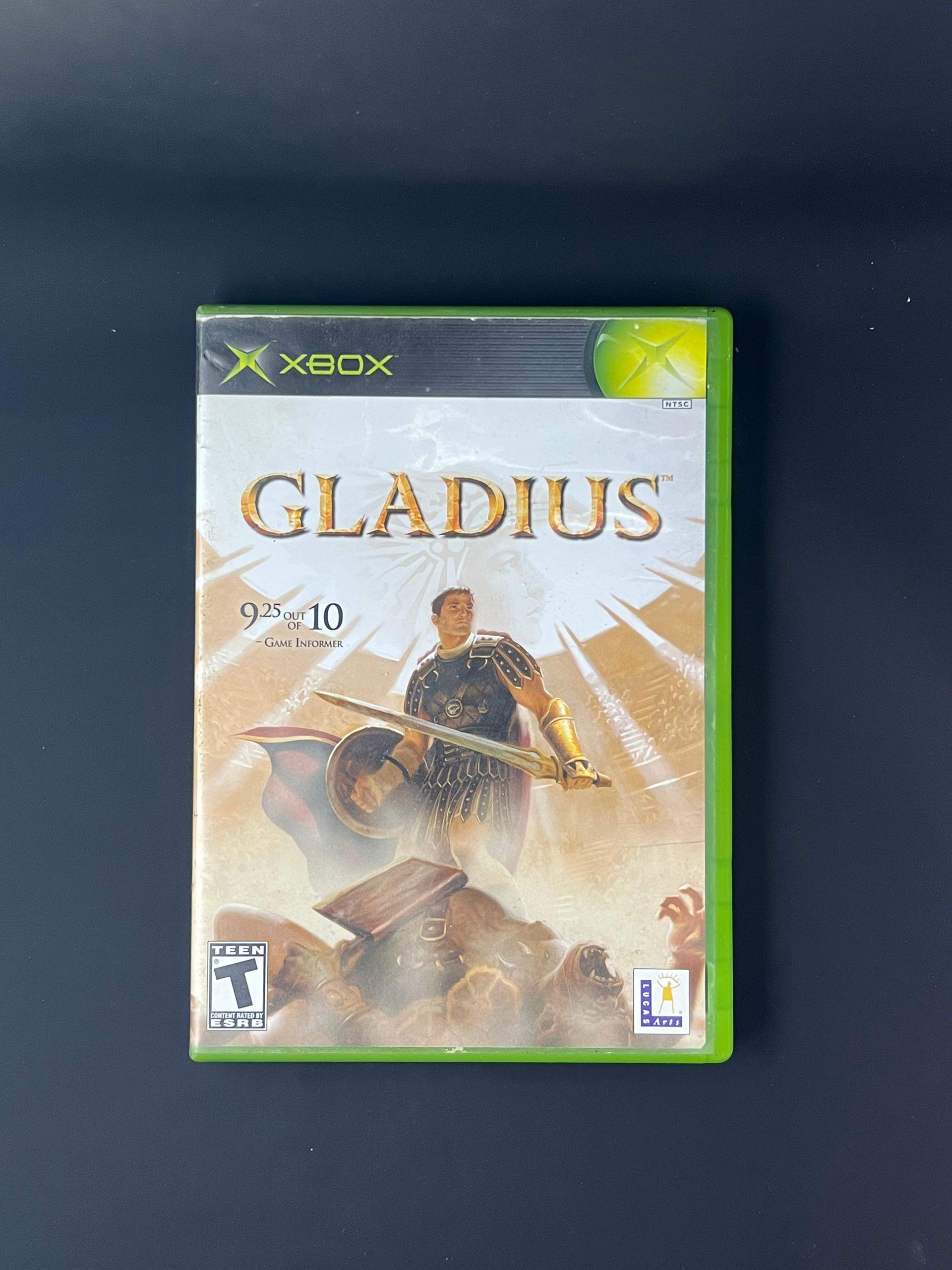
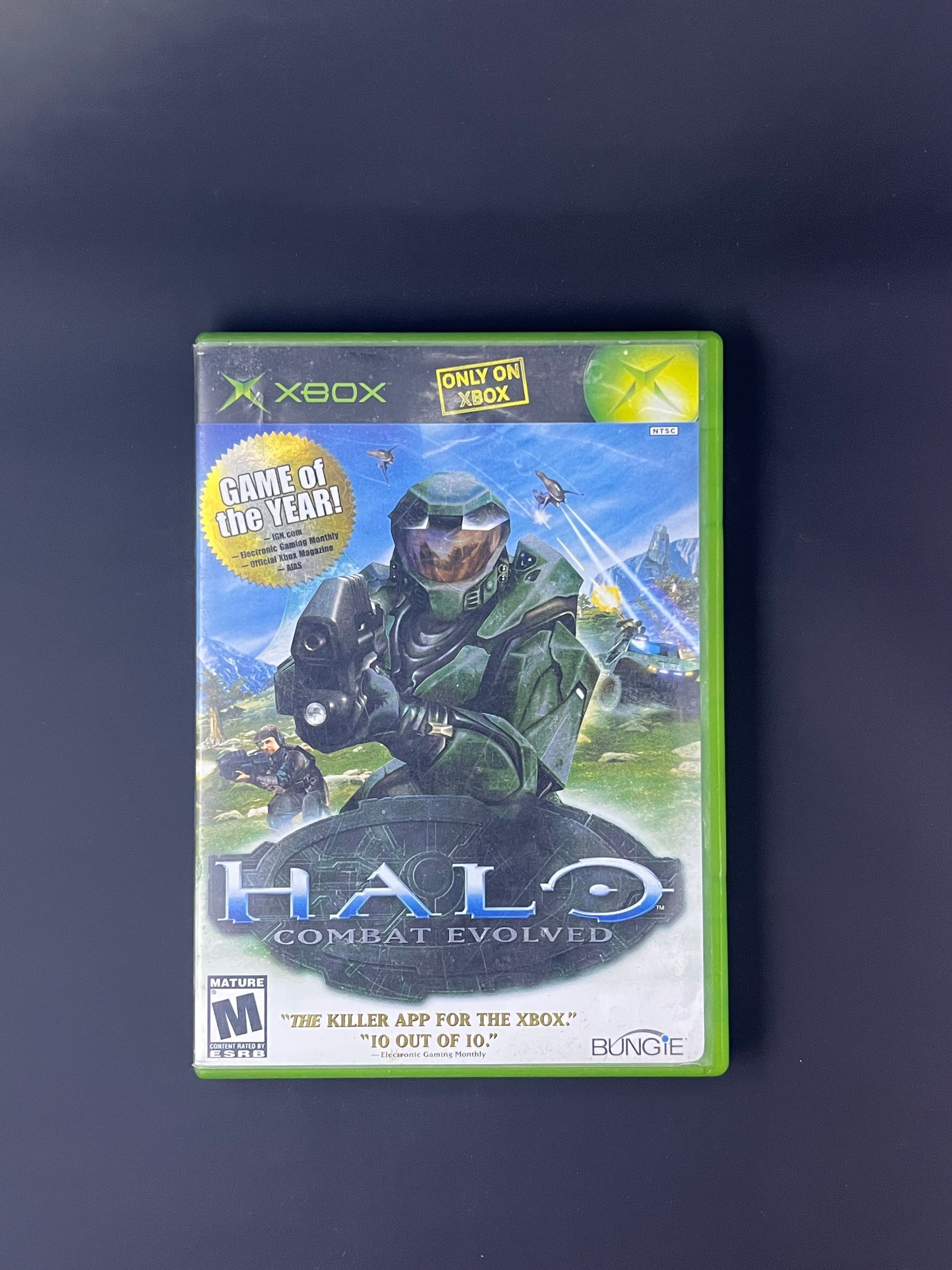
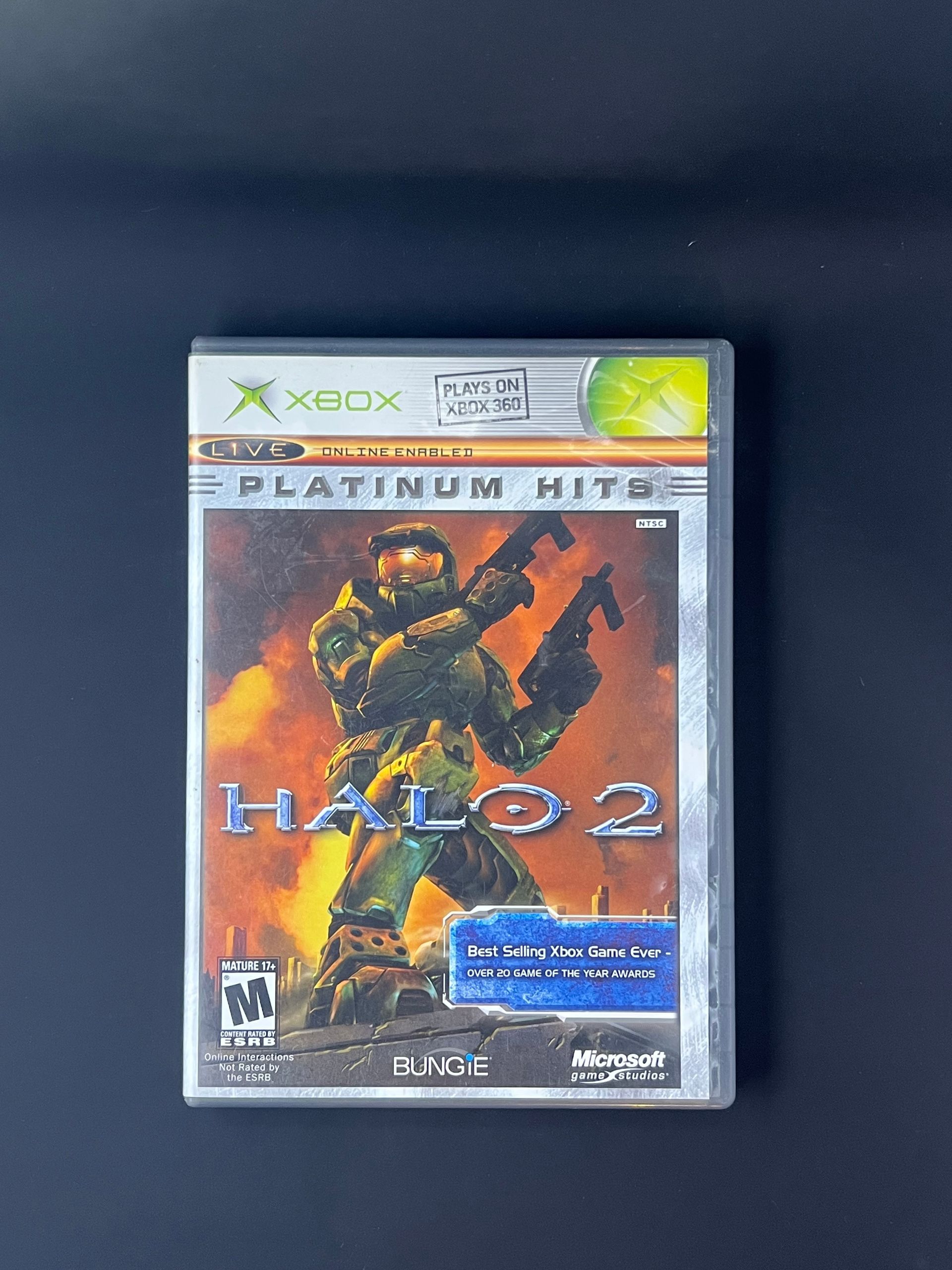
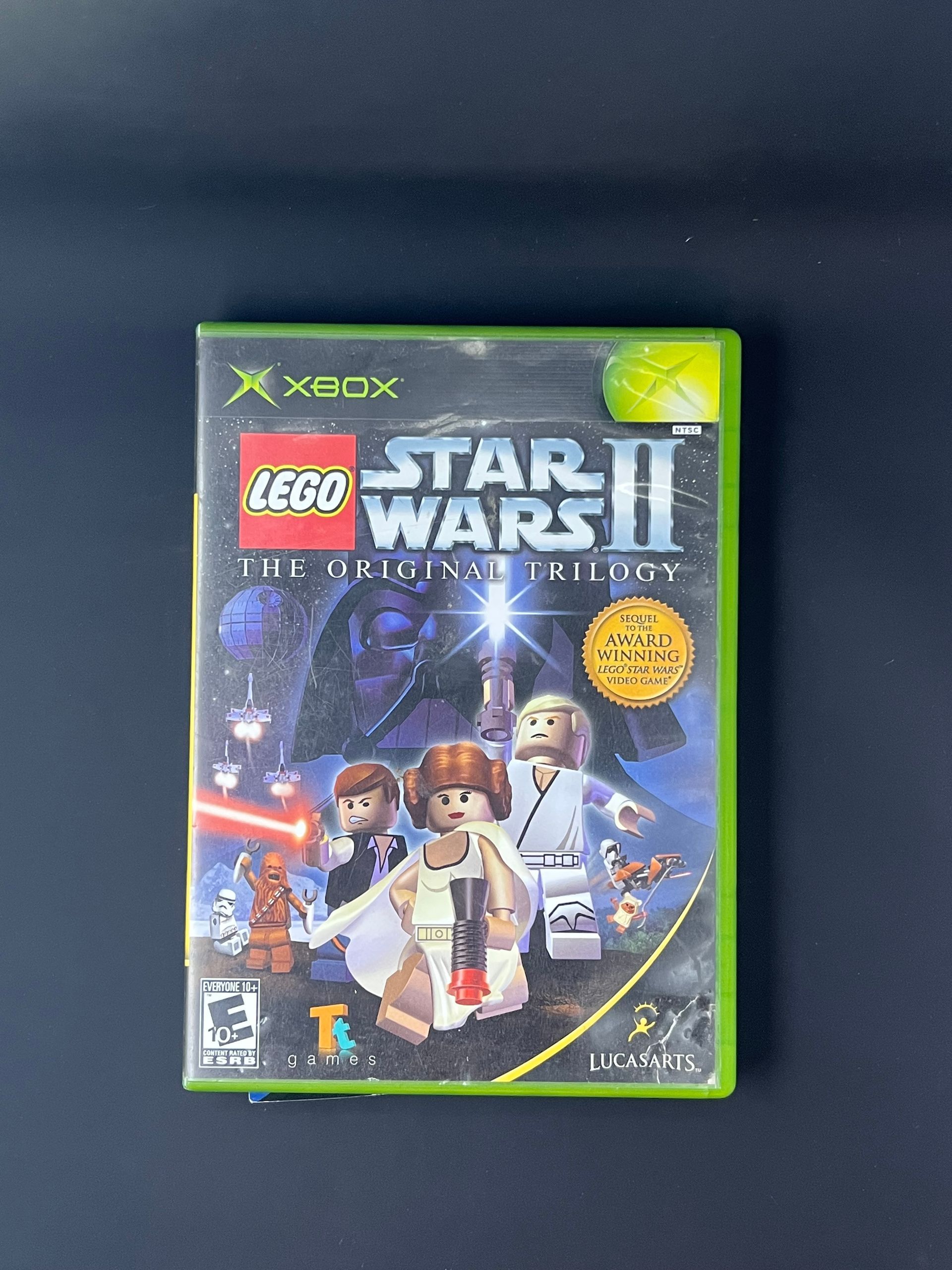
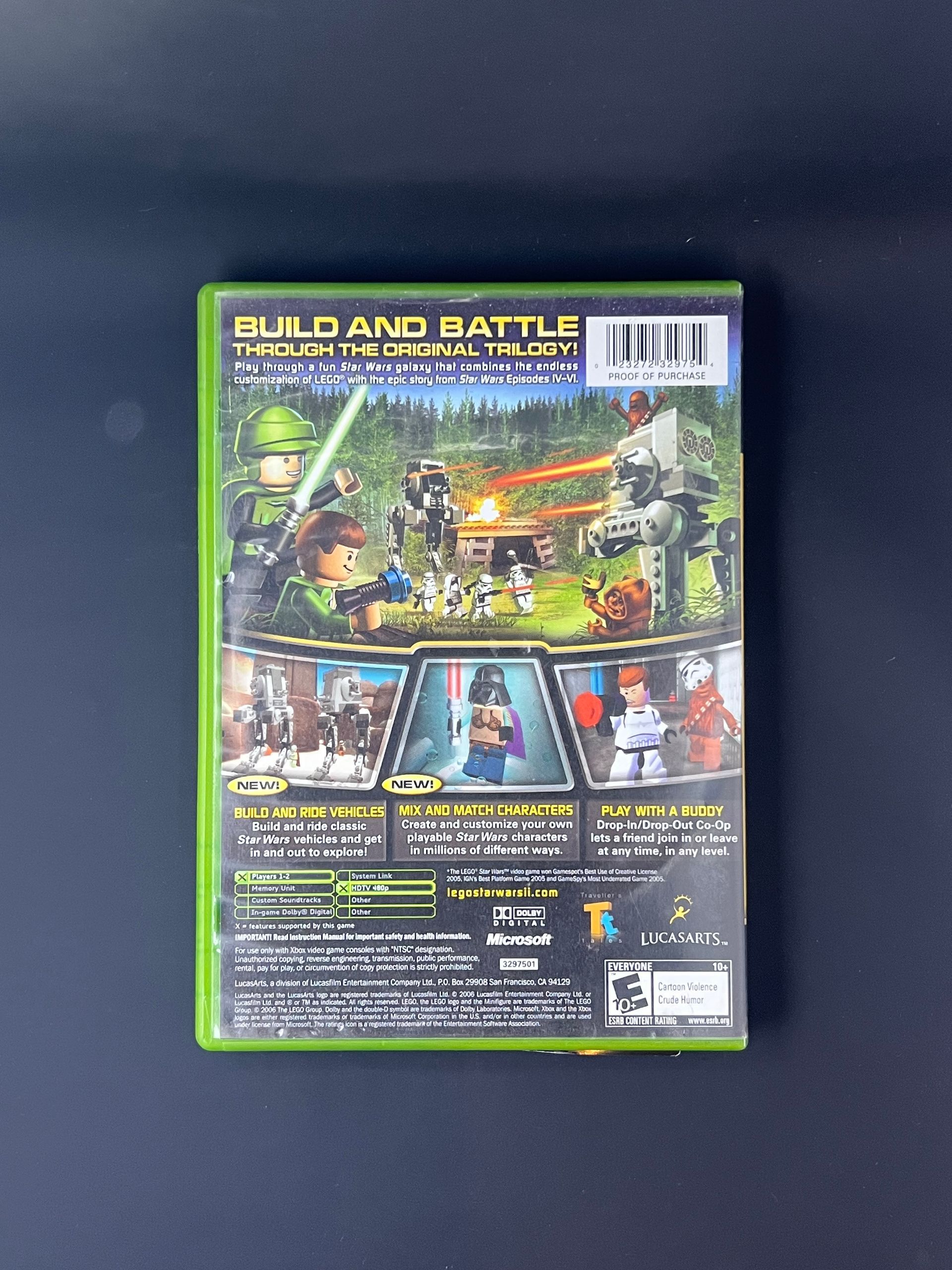
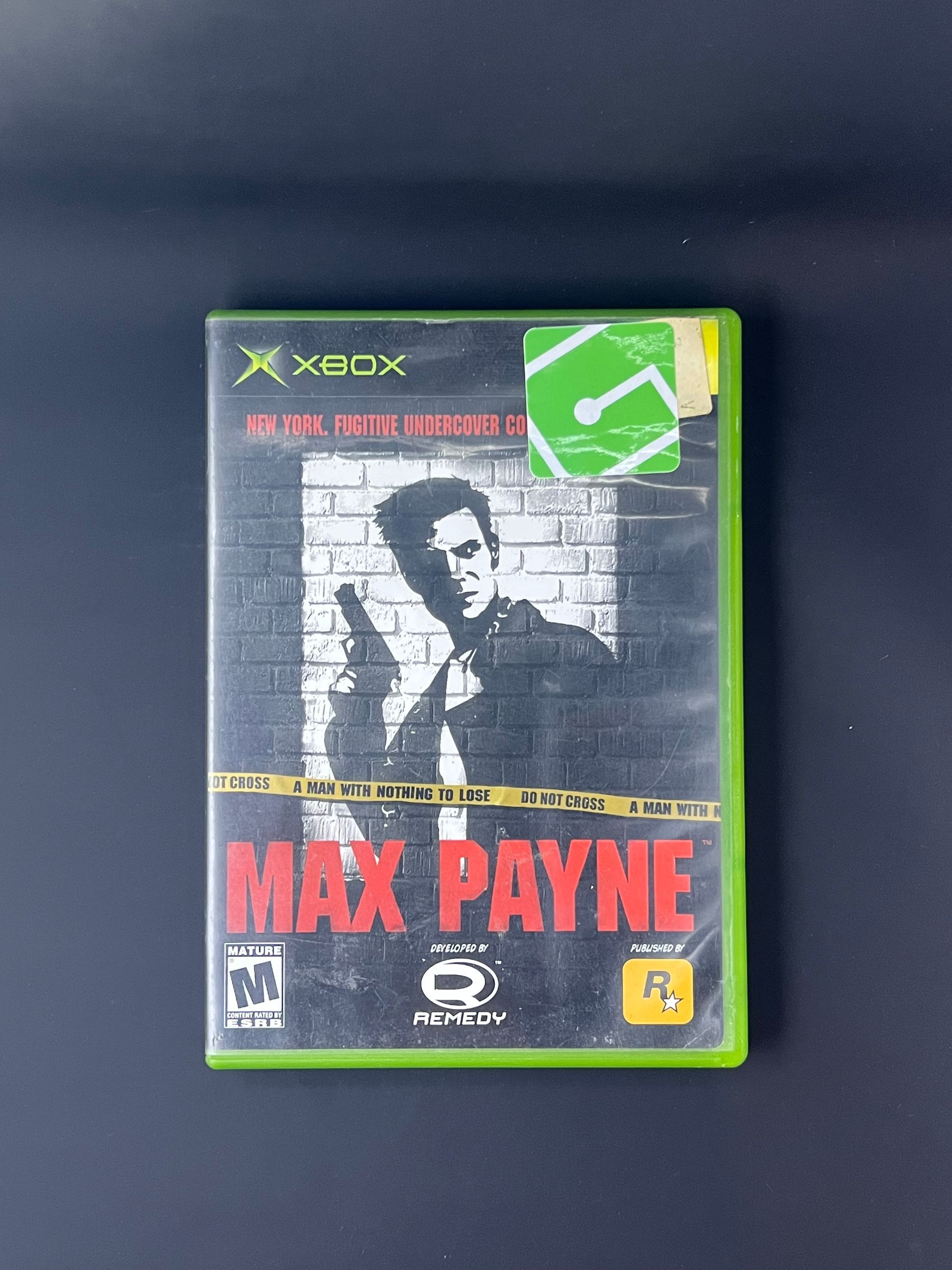
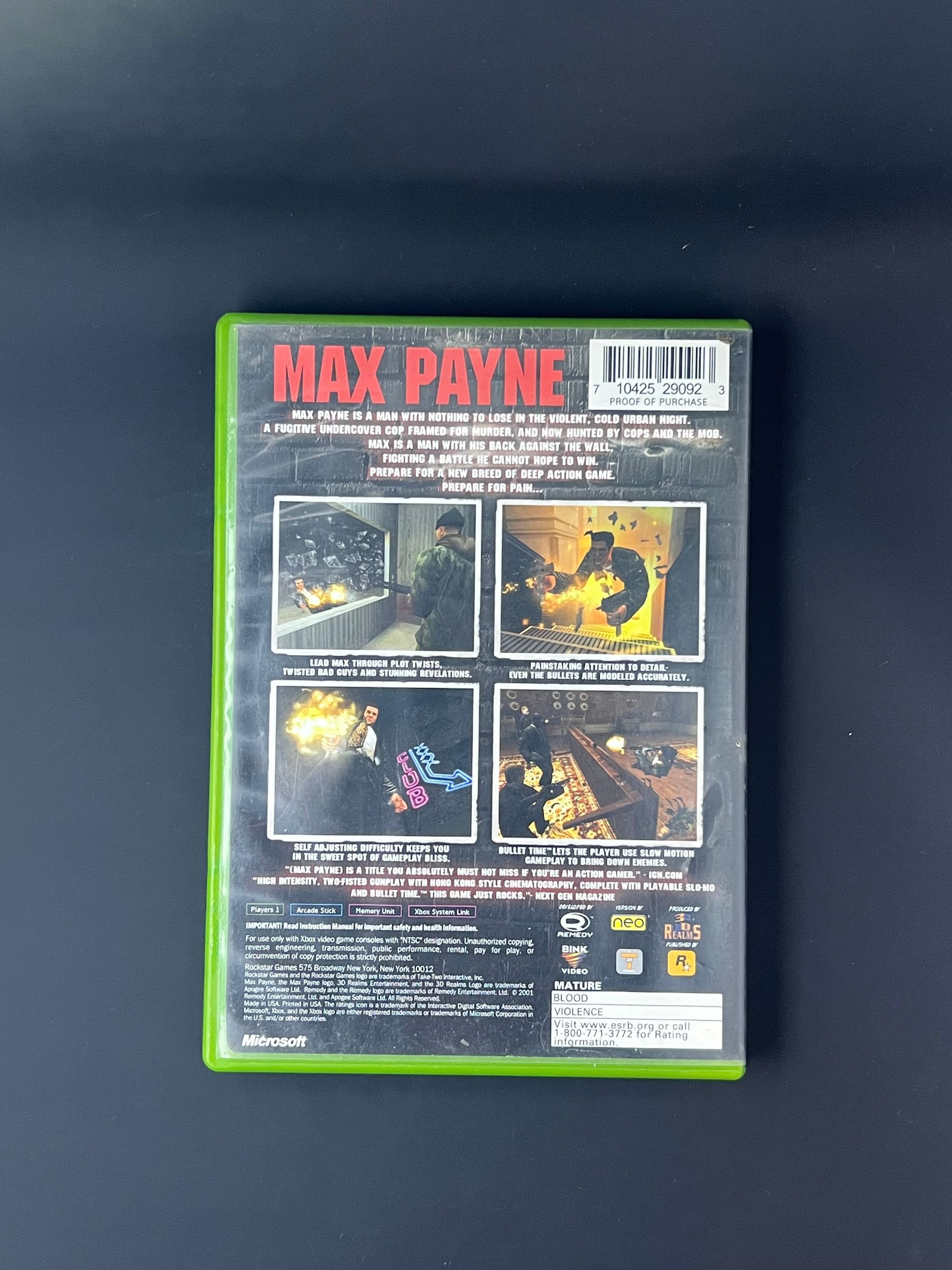
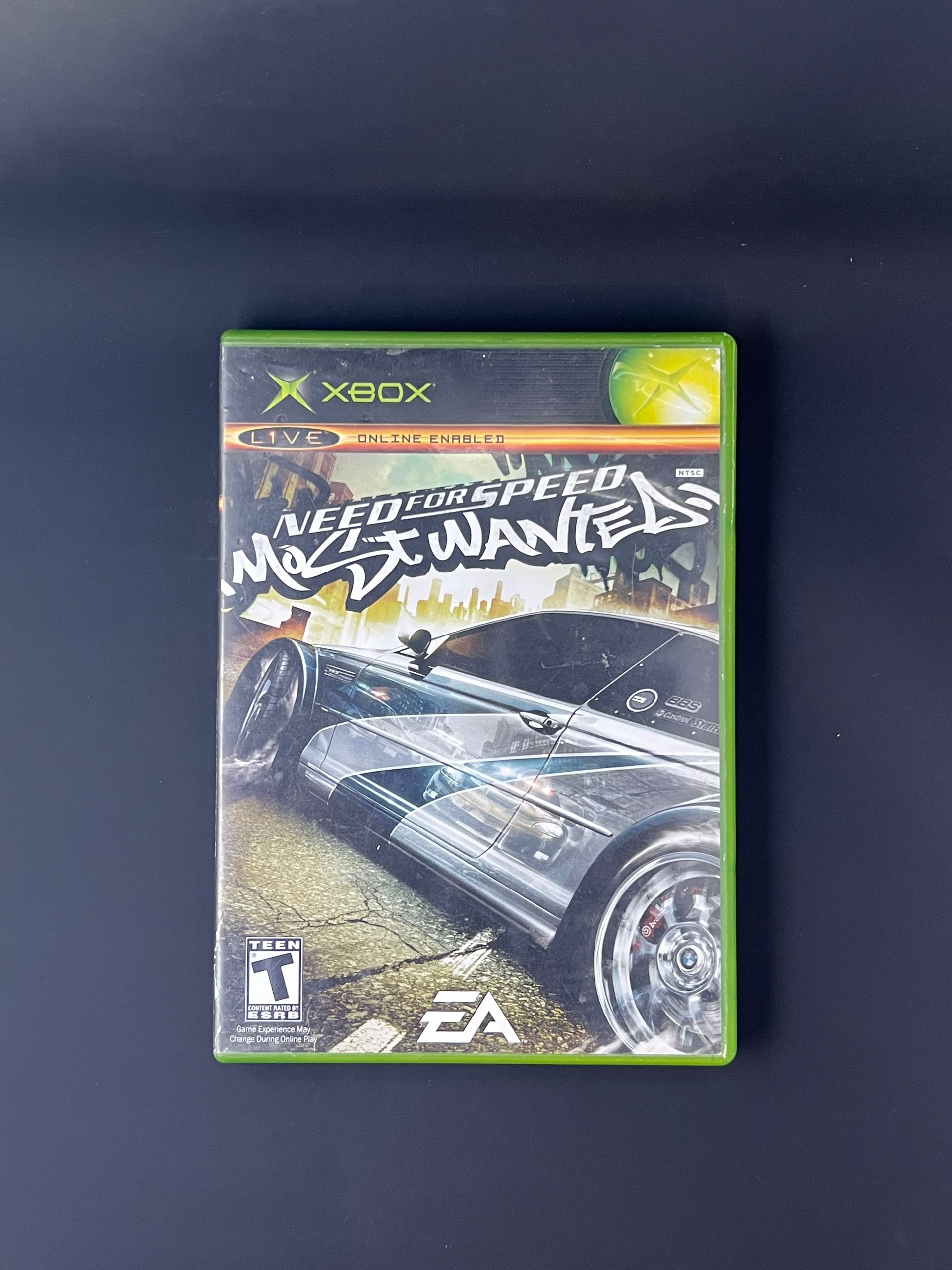
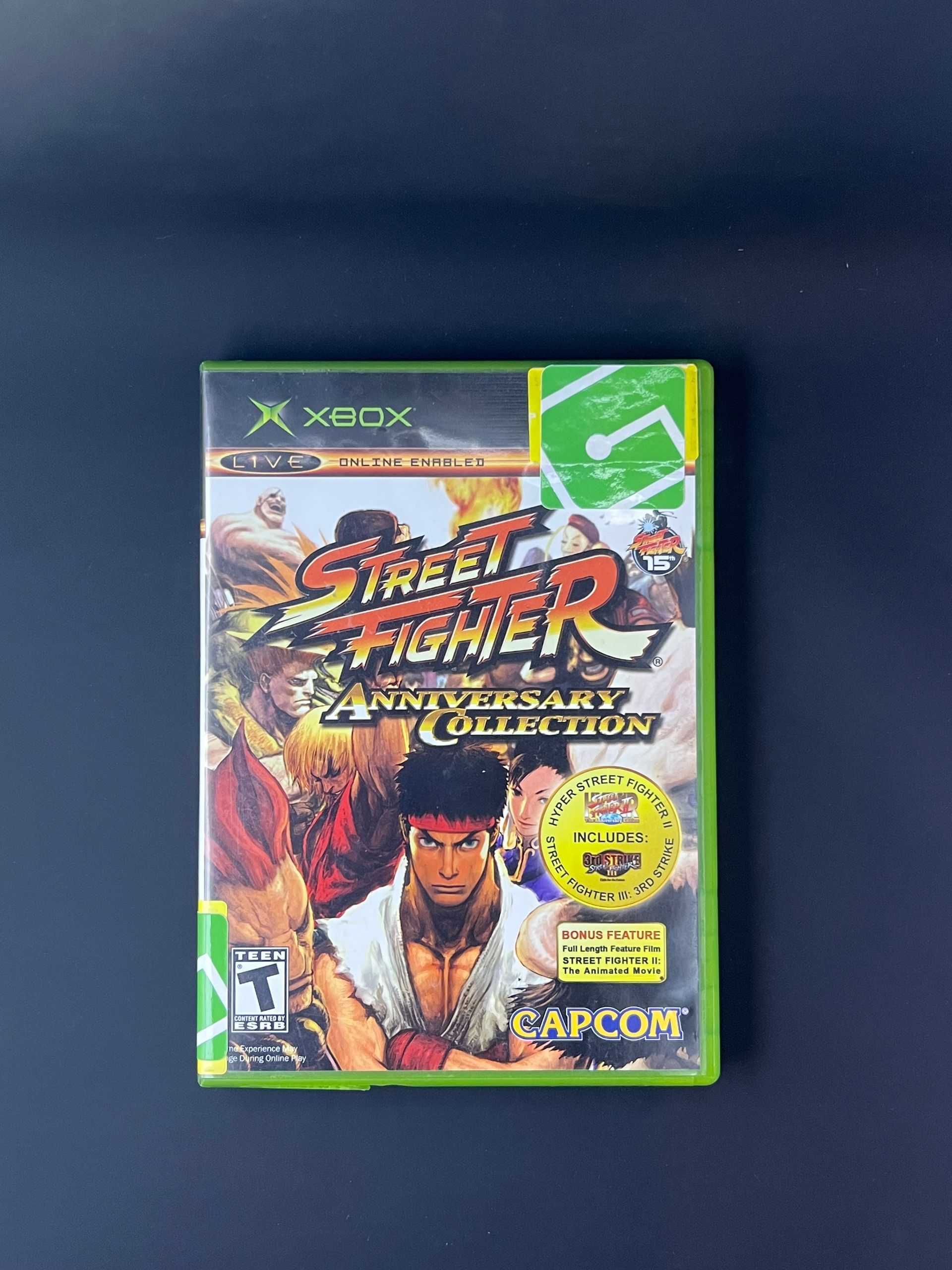
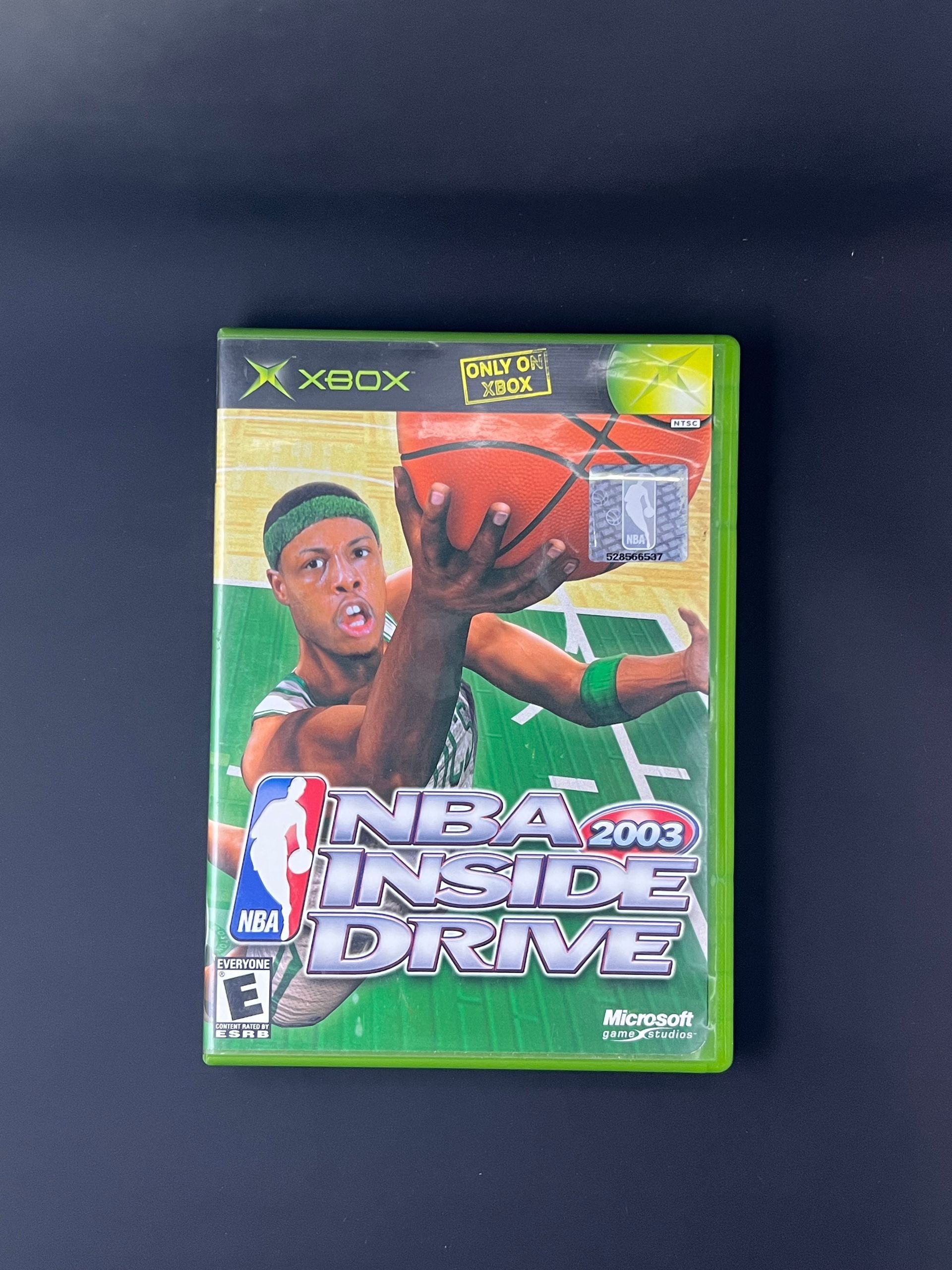
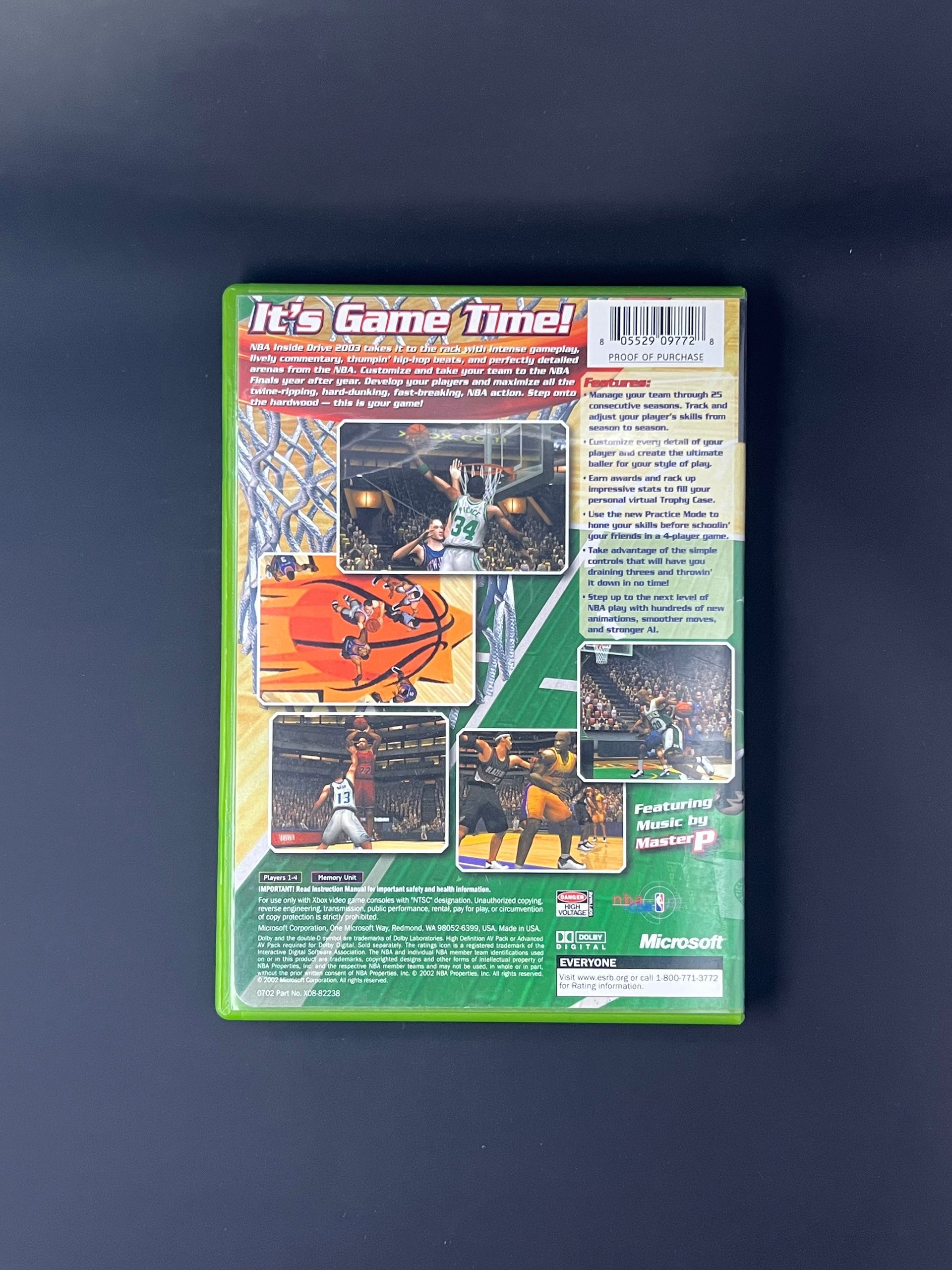
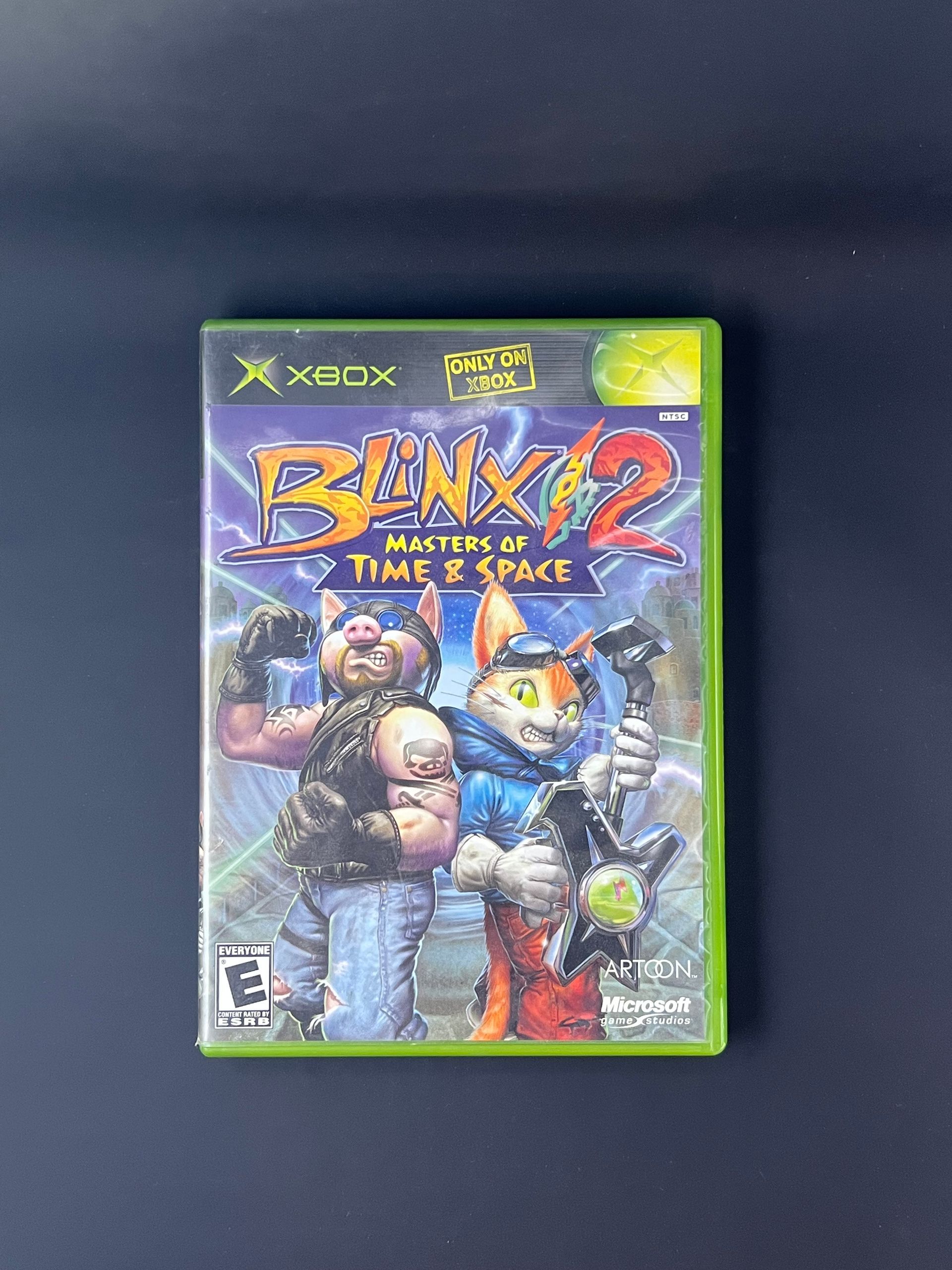
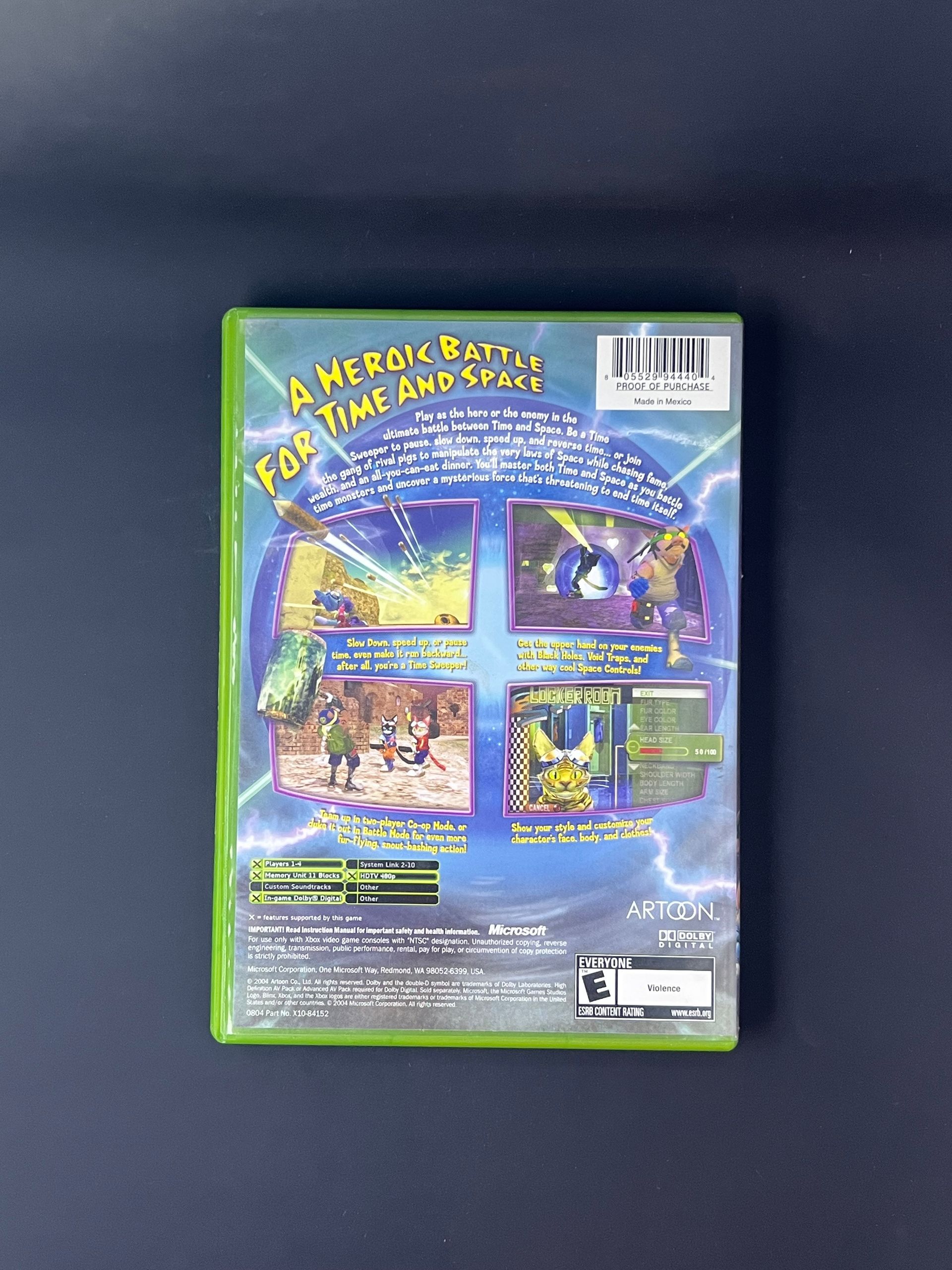
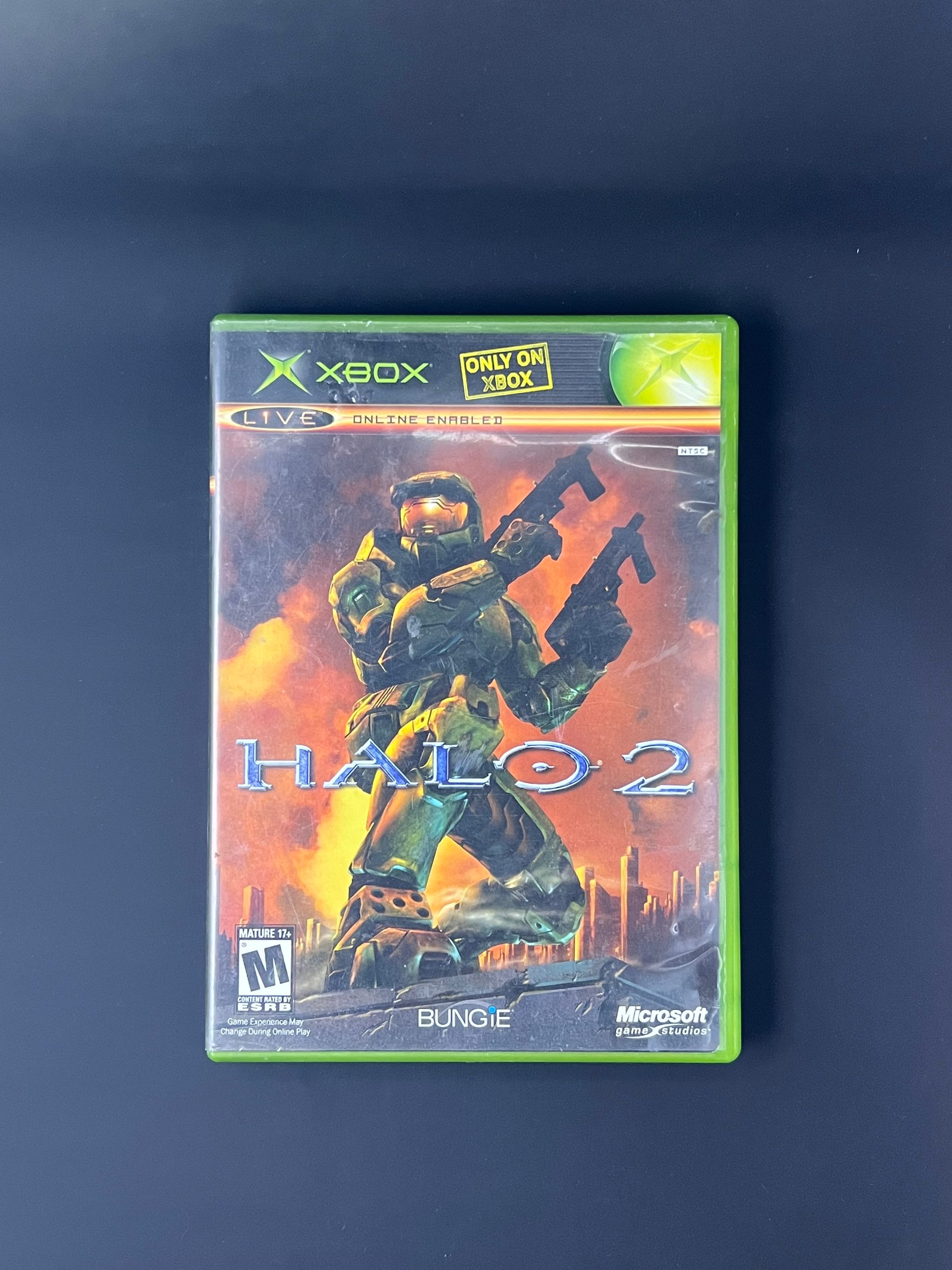
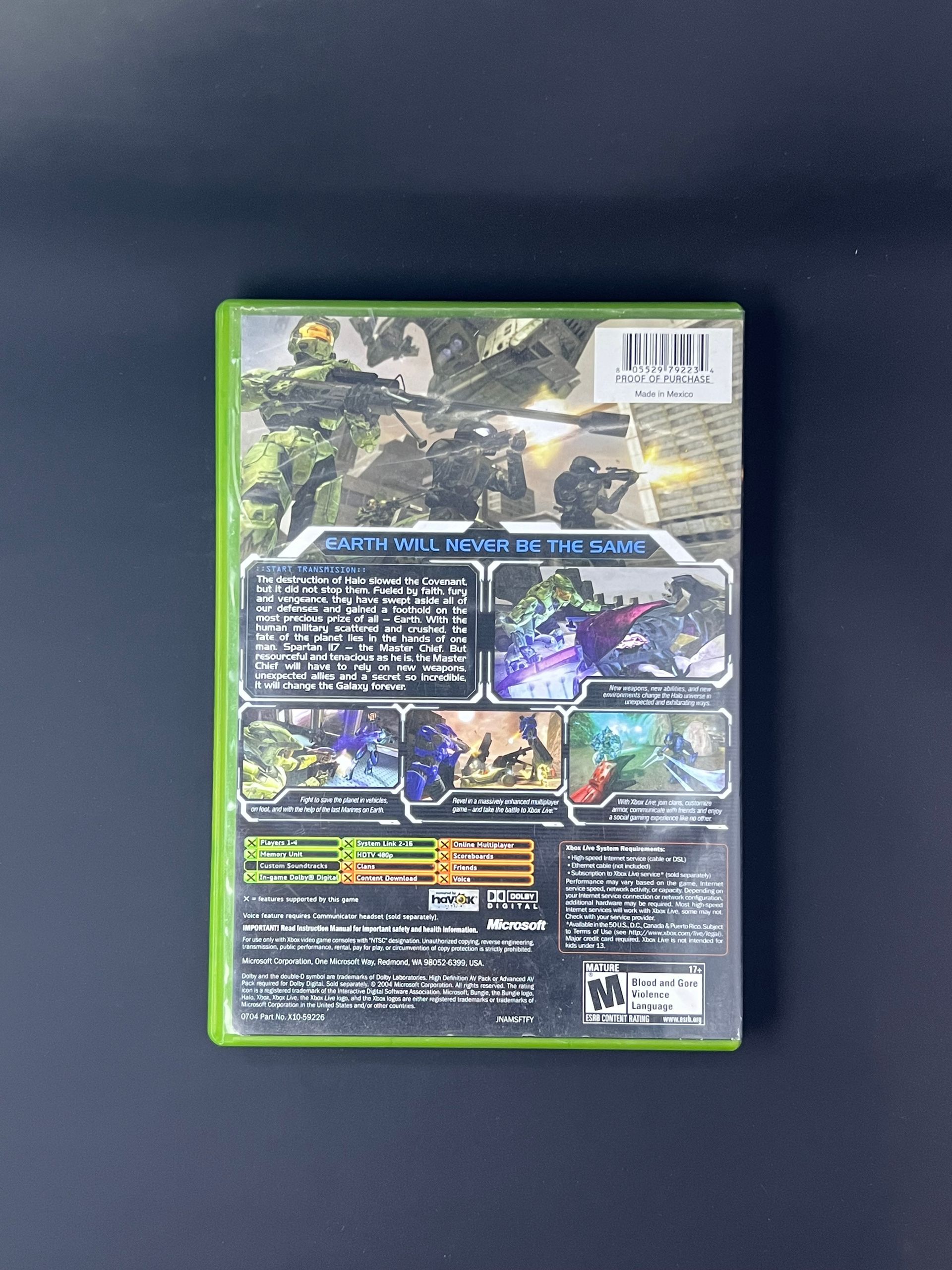
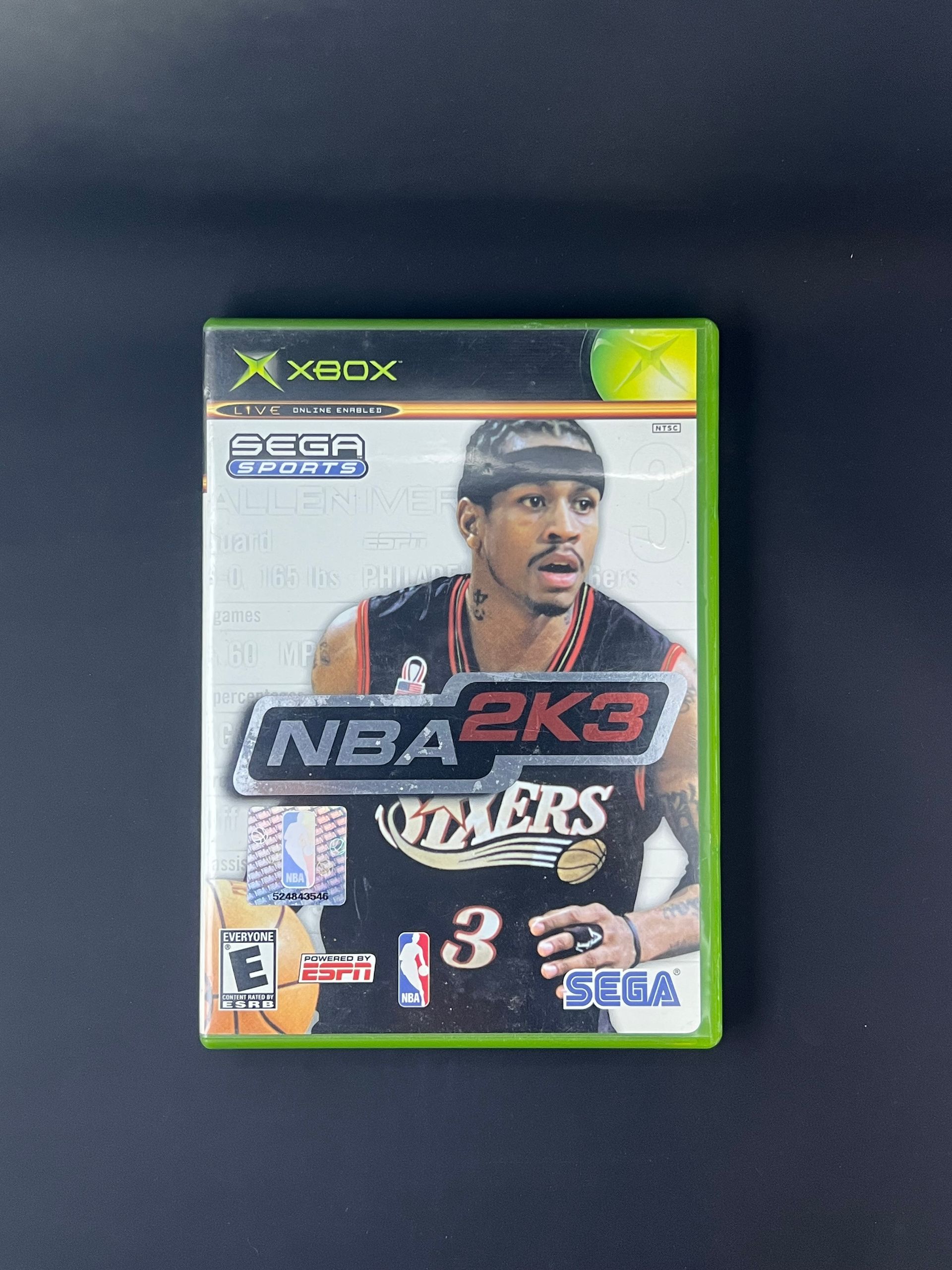
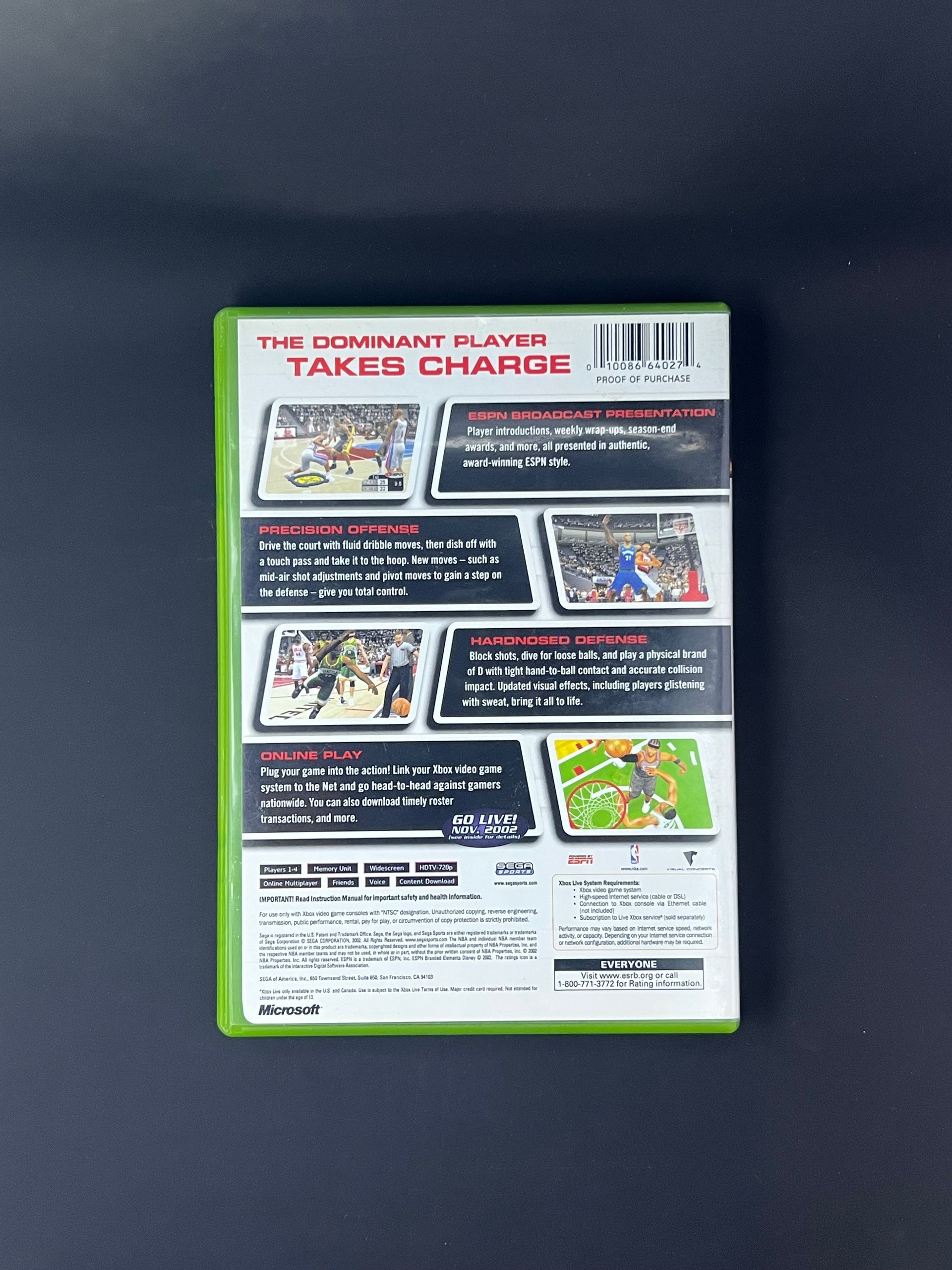
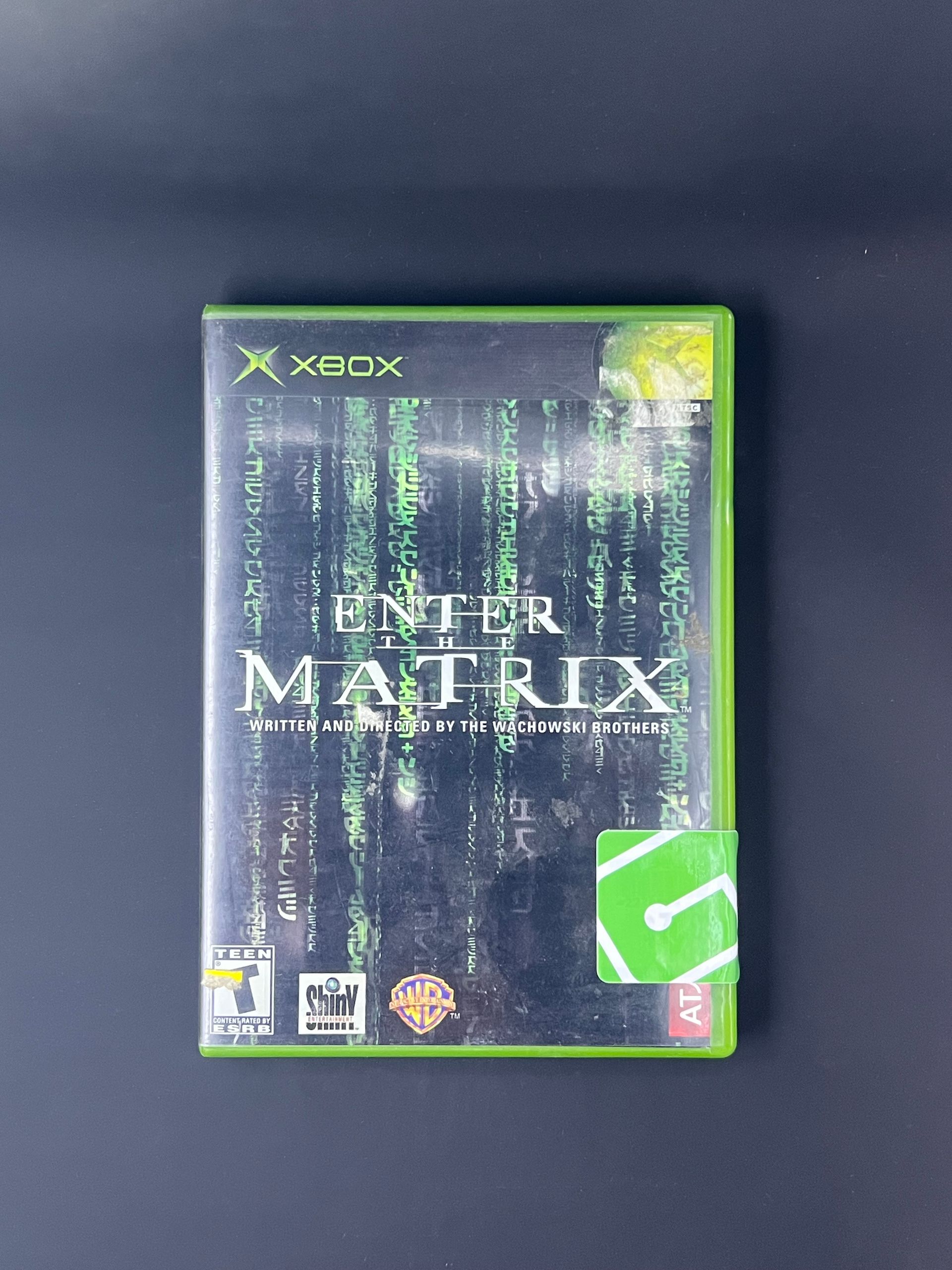
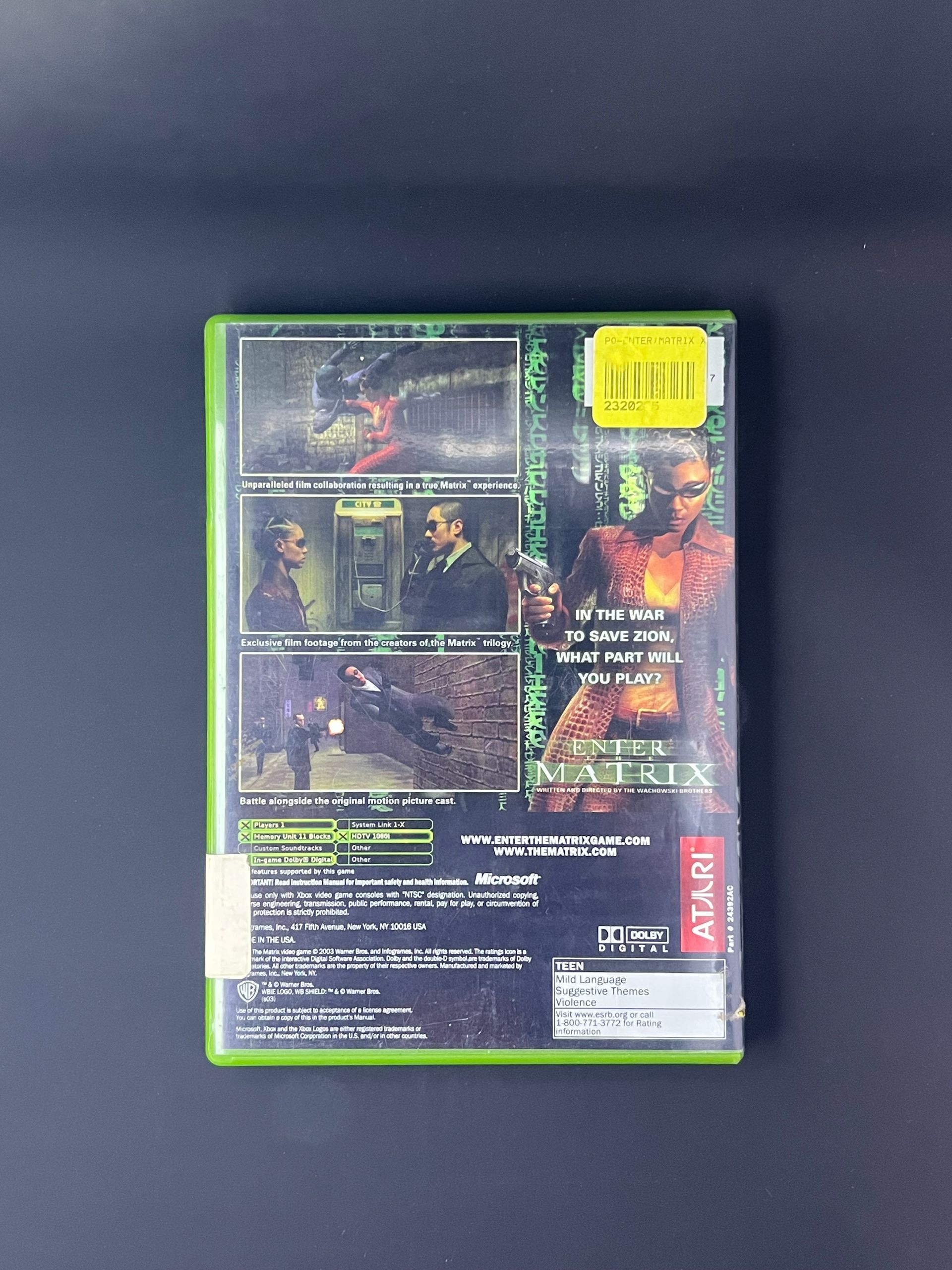
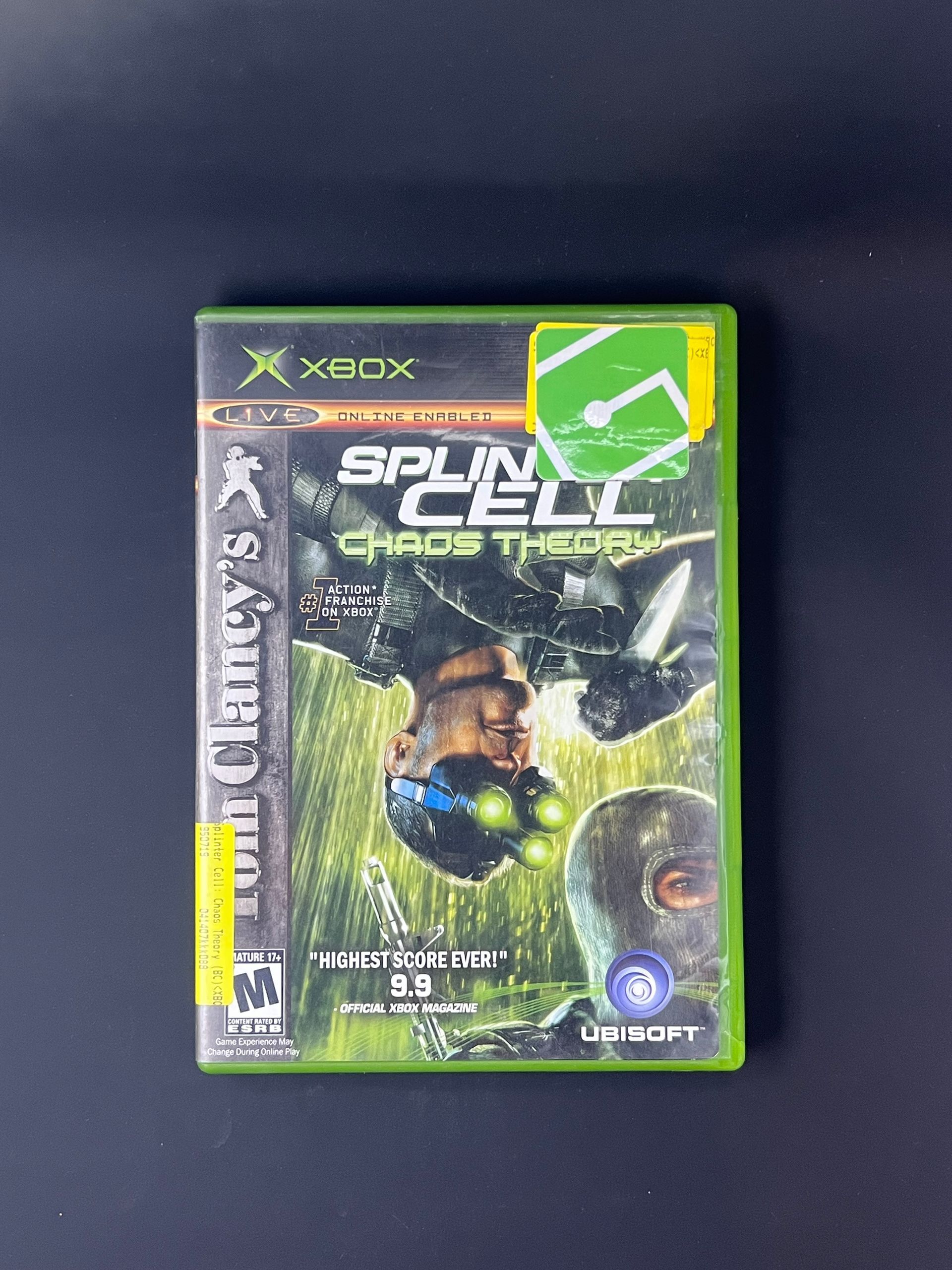
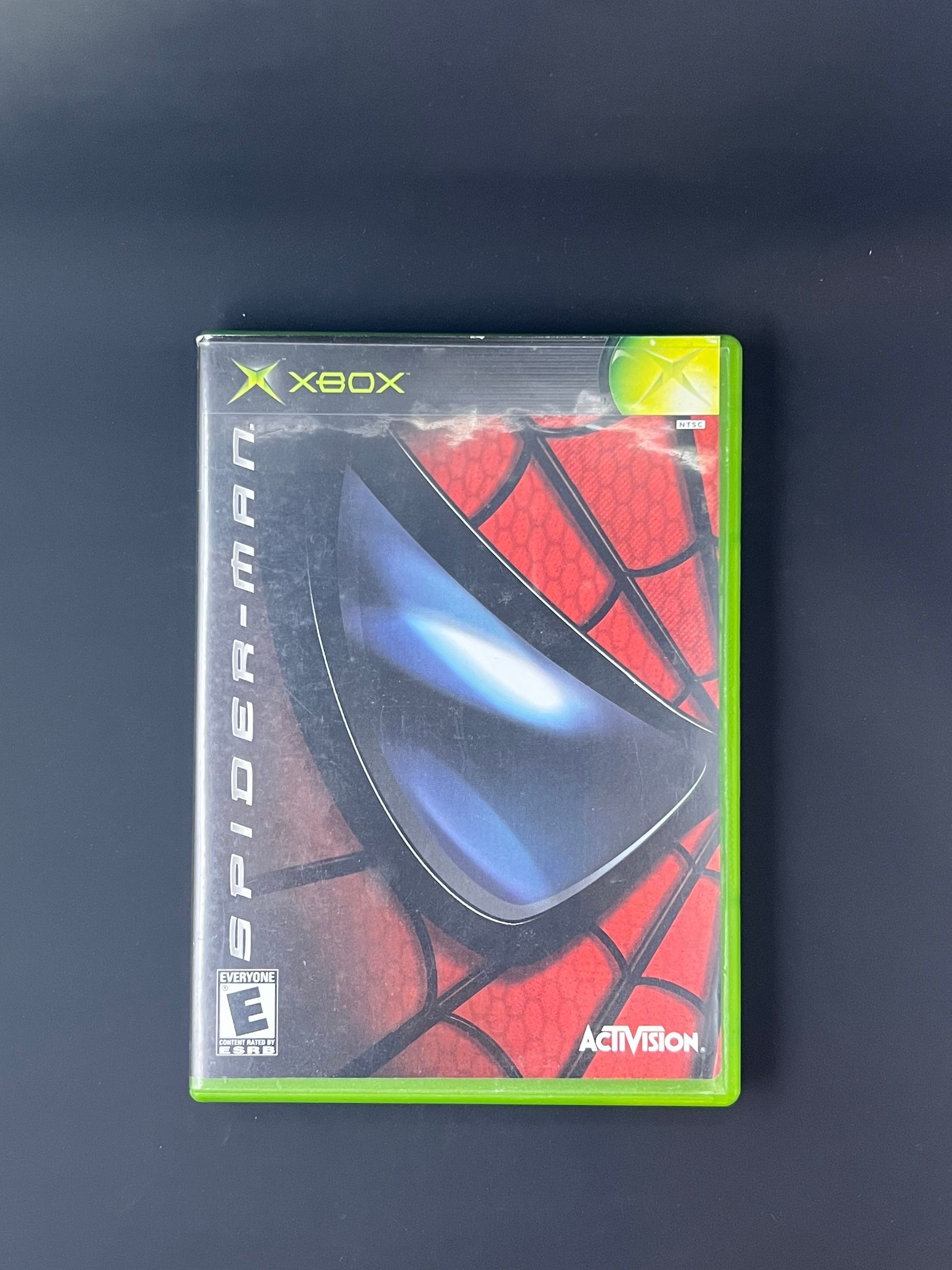
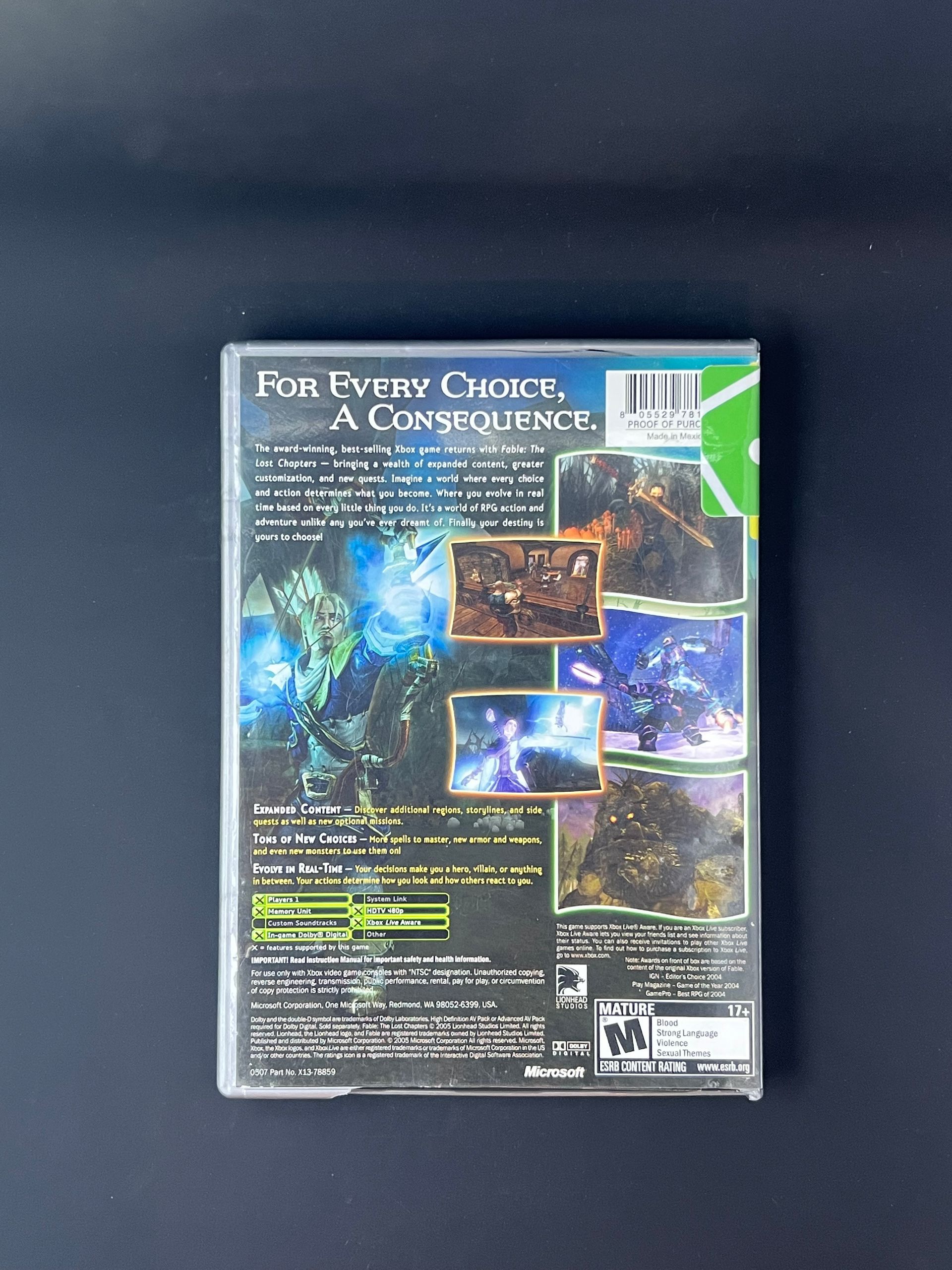
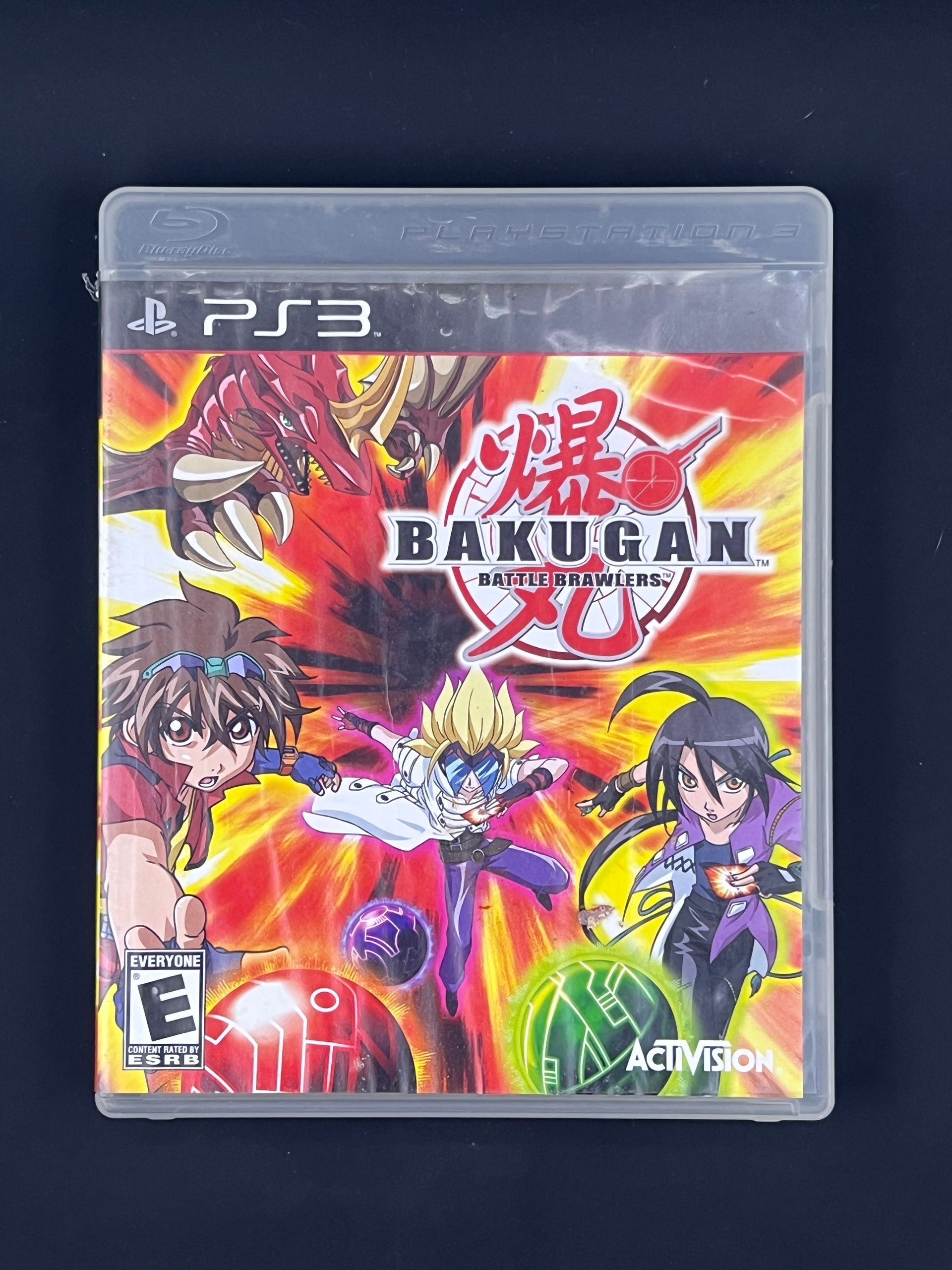
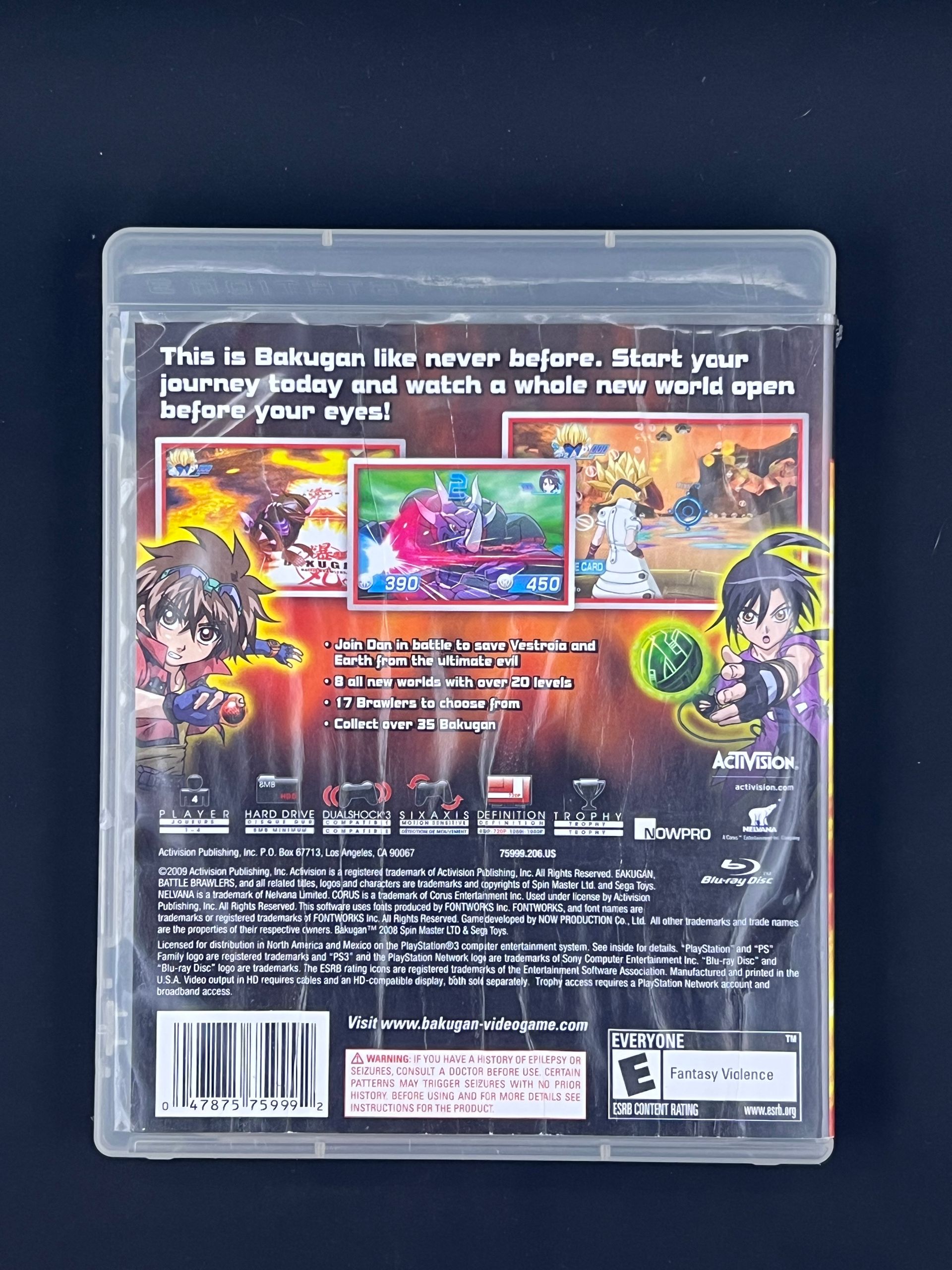
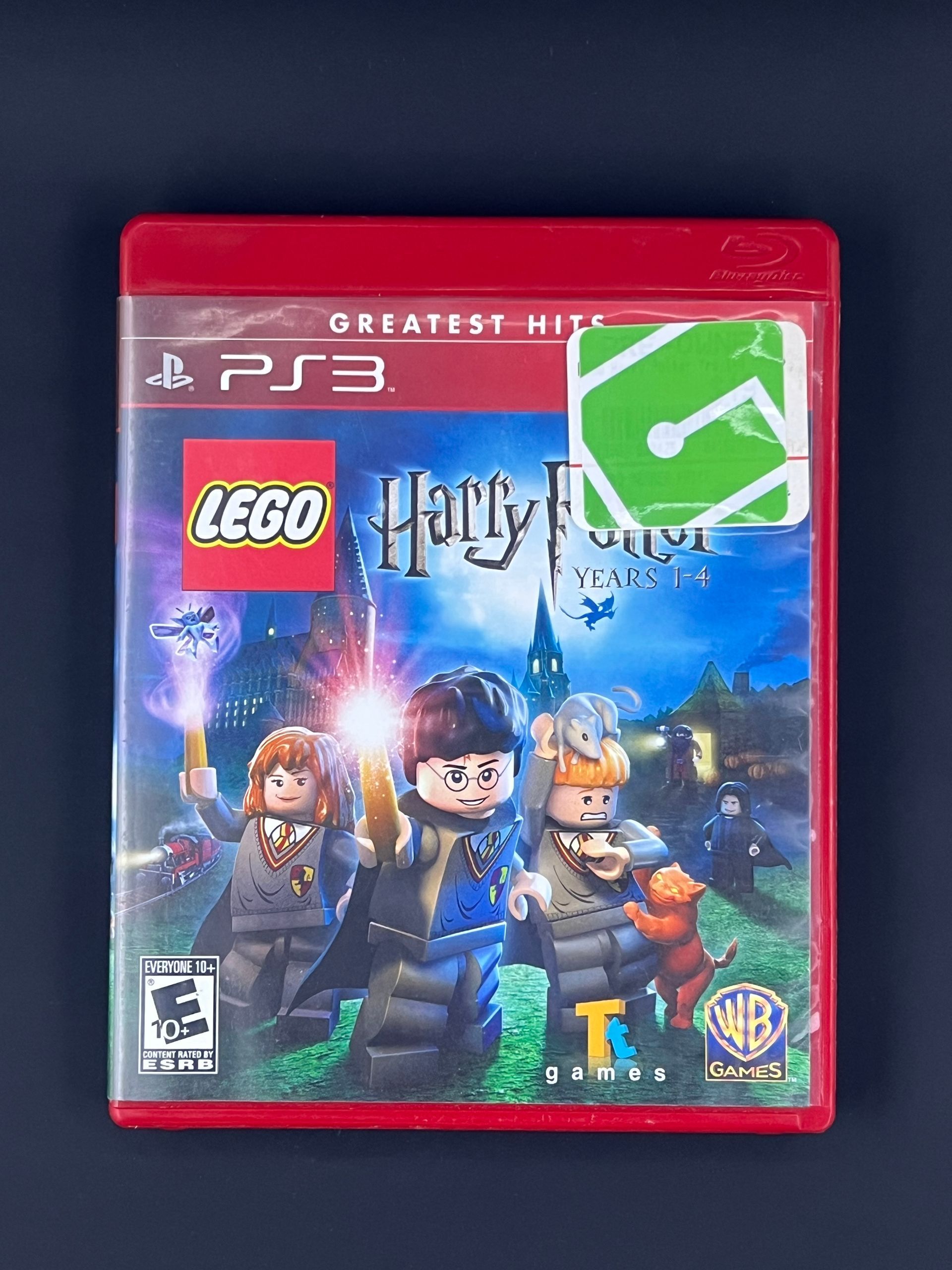
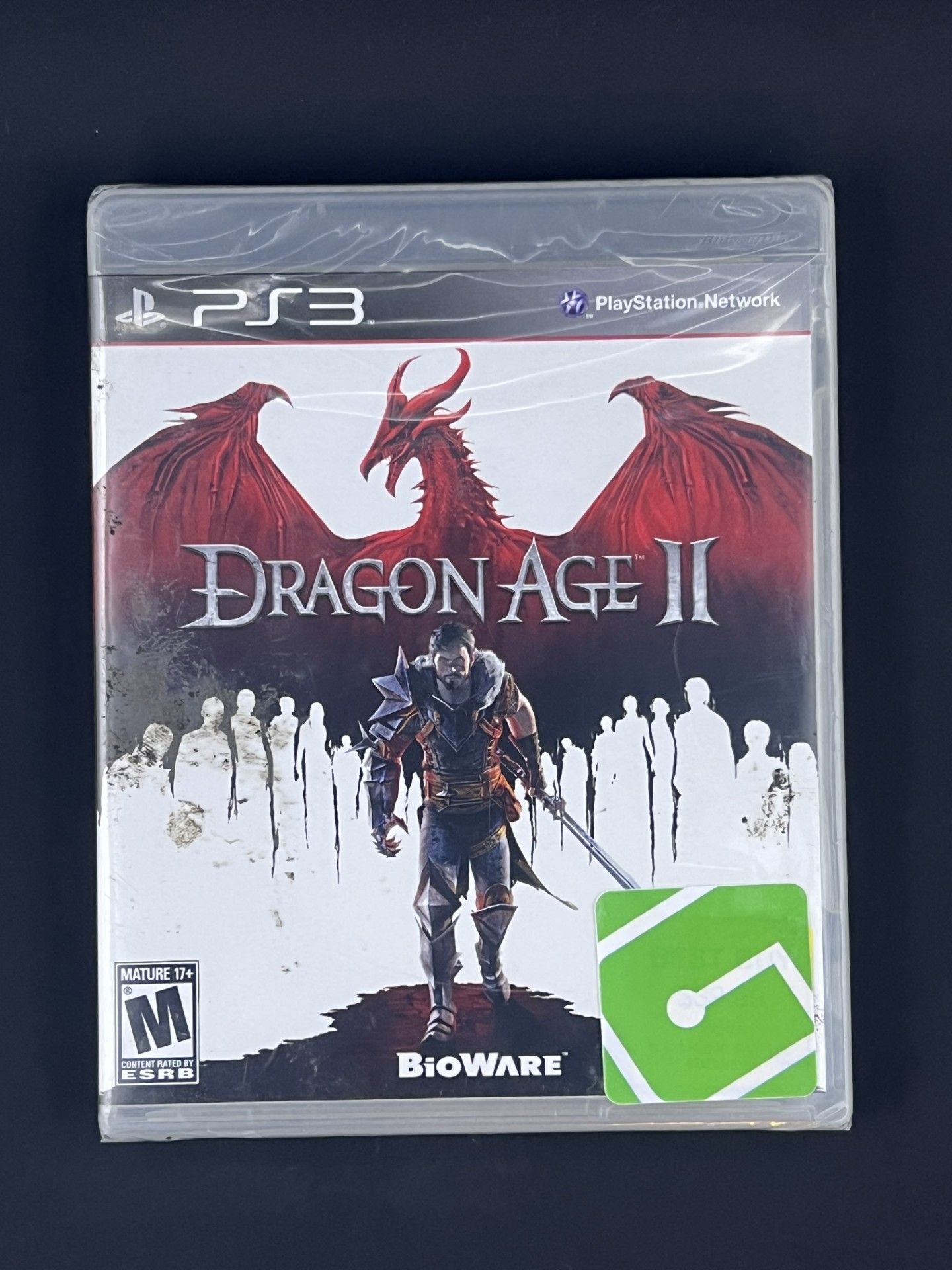
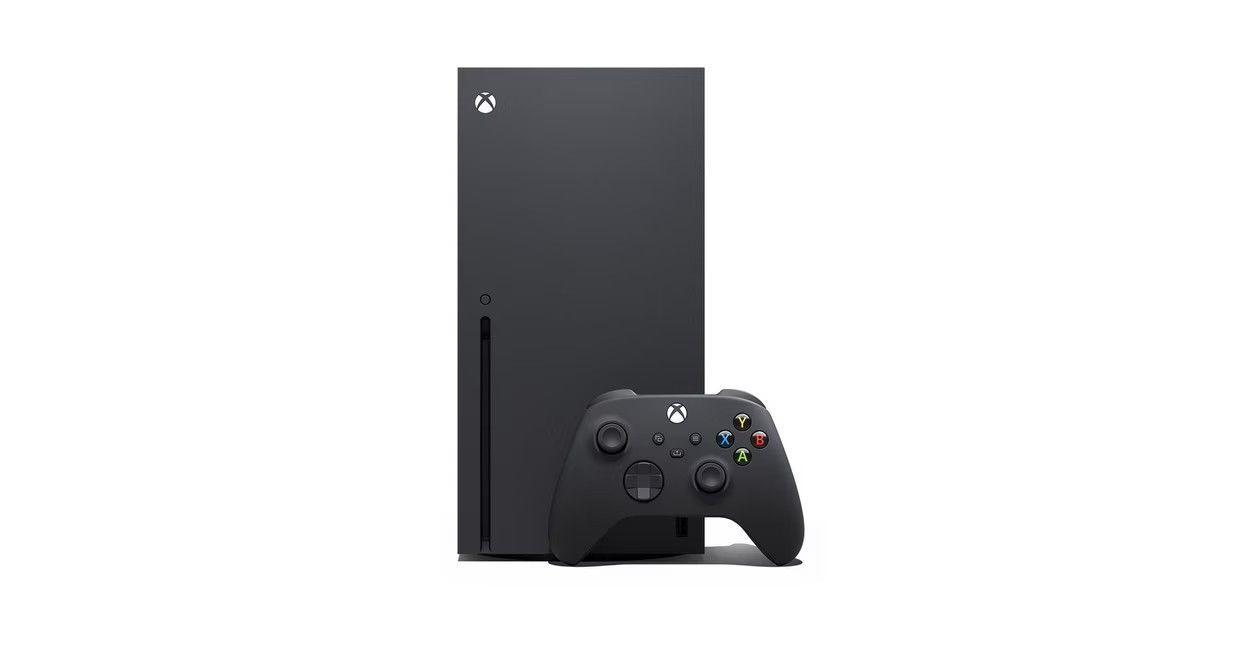
Experience brighter worlds, vivid imagery, and sharper details with 4K gaming and up to 120 FPS that makes everything feel so real it's unreal. Seamlessly switch between your favorite games and pick up right where you left off with Quick Resume. Play four generations of games with backward compatibility, plus games that are optimized for Xbox Series X/S that look and play better than every.
The right games for you!
$699.95
SPECIFICATIONS
Brand Name: Microsoft
Features
4K UHD Display, Bluetooth, High Dynamic Range (HDR), Wi-Fi Compatible, Blu-Ray Player.
Display
Screen Resolution: 4K
Color Support: High Dynamic Range
Compatability
Compatible Platforms: Xbox Series X
Voice Assistrant Built-In: Alexa
Storage
Storage Capacity: 1TB
Storage Type: SSD
HOW TO USE
The Xbox Series X is a powerful, all-digital and disc-based gaming console designed for fast performance and high-quality visuals. Follow the steps below to get started.
Power on the Console
Press the Xbox Power button on the front of the console. The Xbox logo will light up, and the setup screen will appear on your TV.
Connect to the Internet
During setup, connect the console to Wi-Fi or use an Ethernet cable for a more stable connection. An internet connection is recommended for update, downloads, and online play.
Sign In or Create an Xbox Account
Sign in with an existing Microsoft/Xbox account or create one. This allows access to digital games, cloud saves, Game Pass, and online multiplayer features.
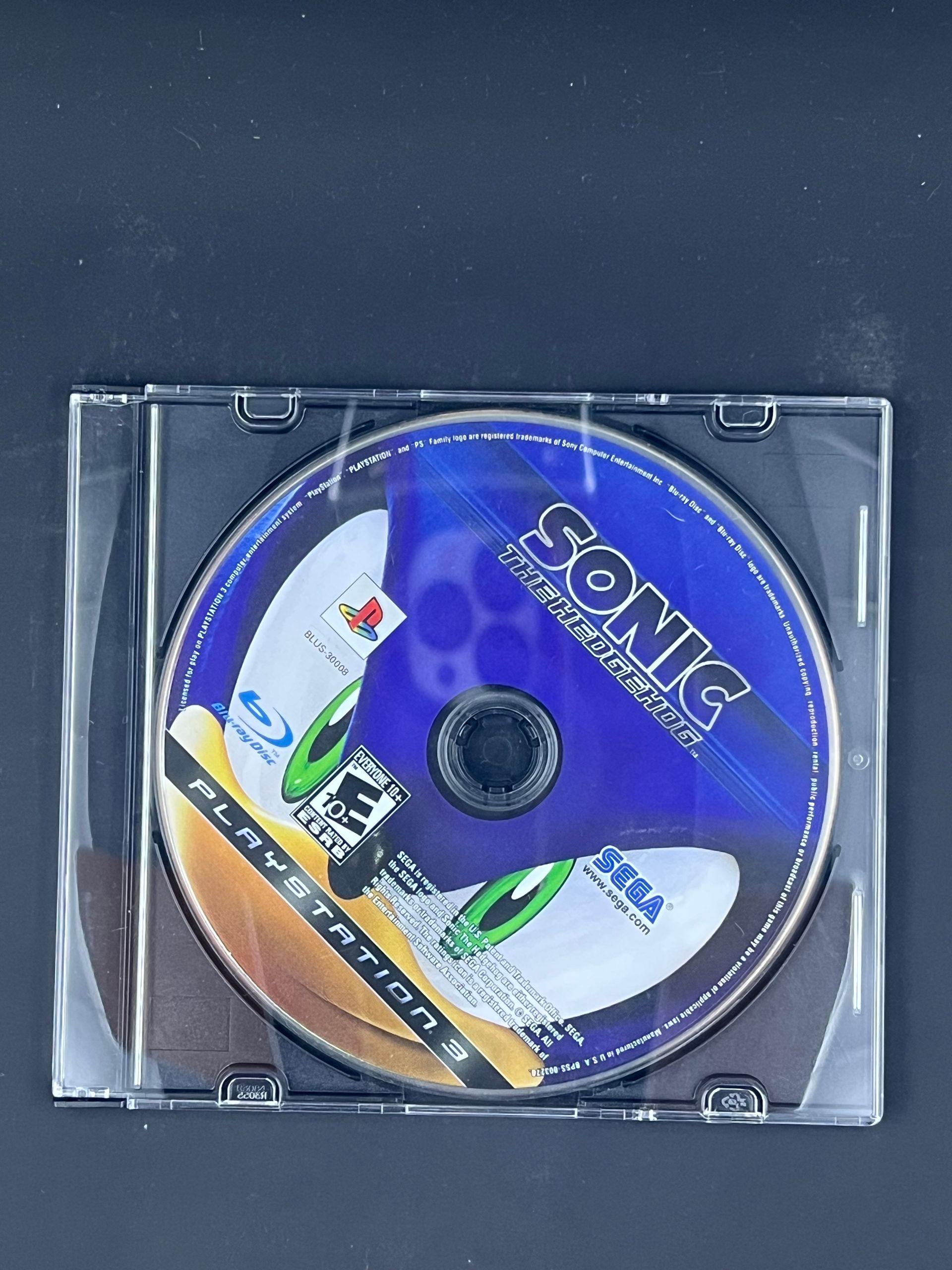
Insert a Game or Download Digitally
- Insert a disc-based game into the disc slot, or
- Browse and download games directly from the Microsoft Store.
Use the Xbox Wireless Controller
Turn on the controller by pressing the Xbox button. The controller will automatically pair. Use it to navigate menus, launch games, and control media.
Adjust System Settings
Access Settings to manage display resolution, audio, storage, network settings, parental controls, and power options. The Xbox Series X supports 4K gaming and high refresh rates when connected to a compatible TV or monitor.
Install Updates and Games
Games and system updates may download automatically. You can monitor progress from the My Games & Apps section.

Powering Off or Sleep Mode
Press the Xbox button on the controller, navigate to Power, and choose Sleep, Shutdown, or Restart depending on your preference.
DETAILS
What's included:
- Xbox Series X console
- Xbox Wireless Controller
- Ultra High Speed HDMI cable

BESTSELLERS