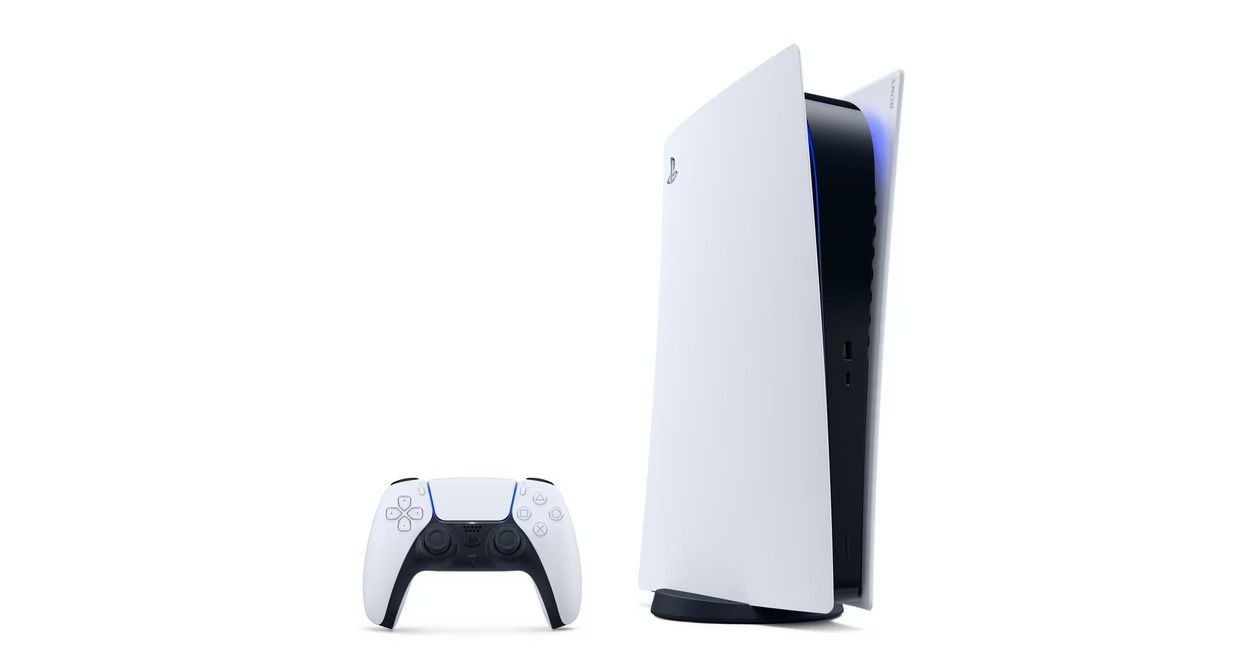
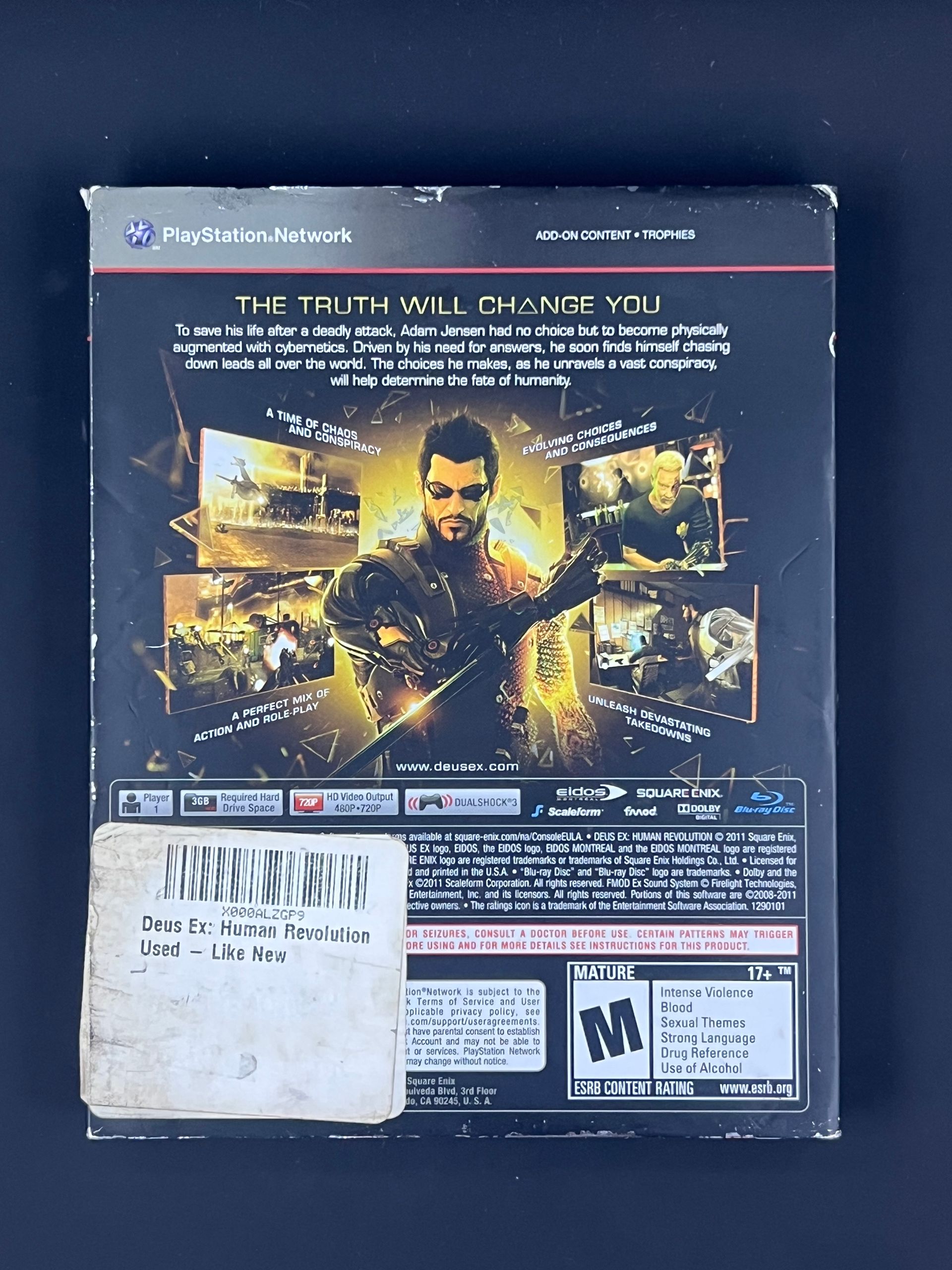
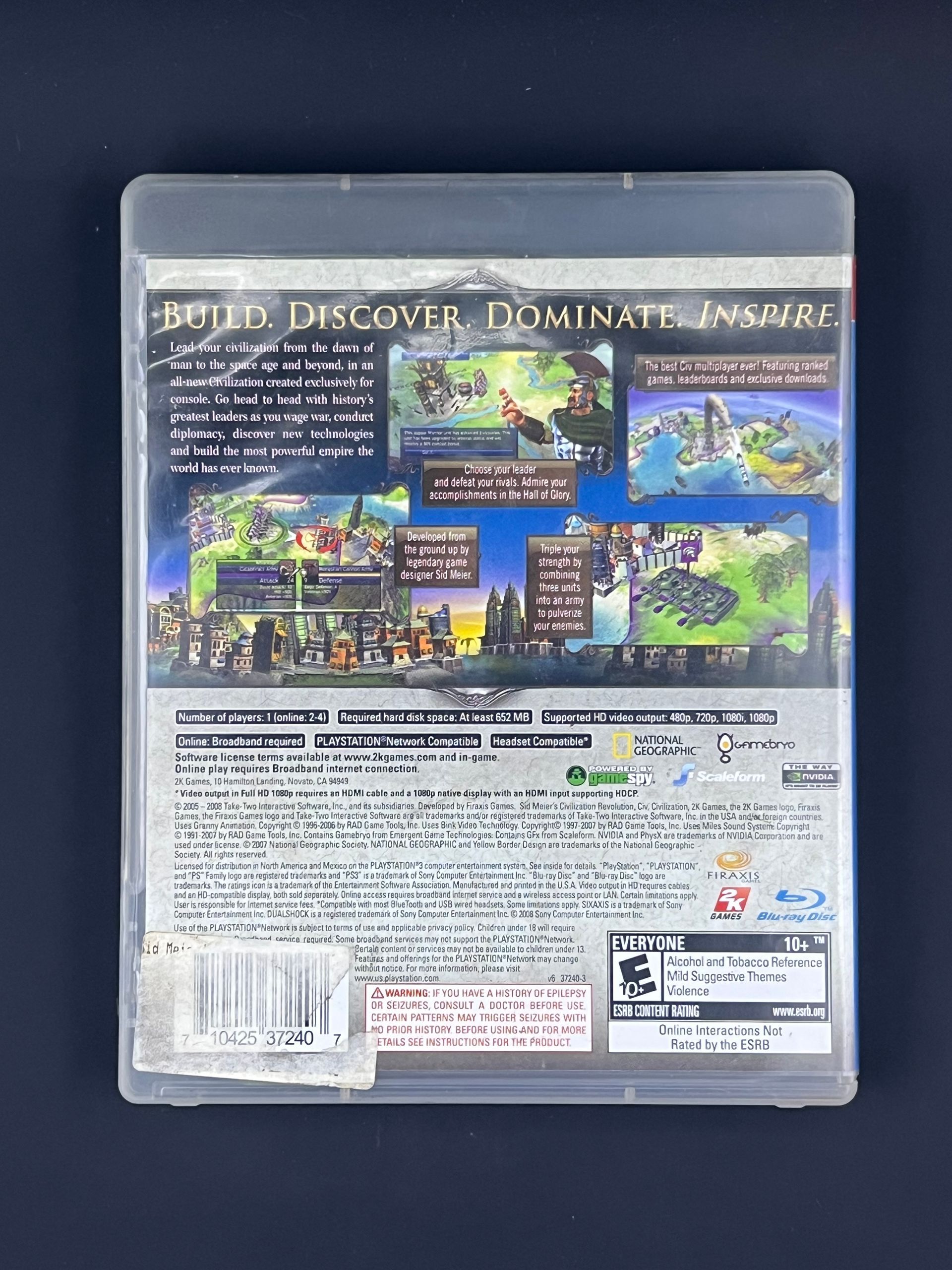
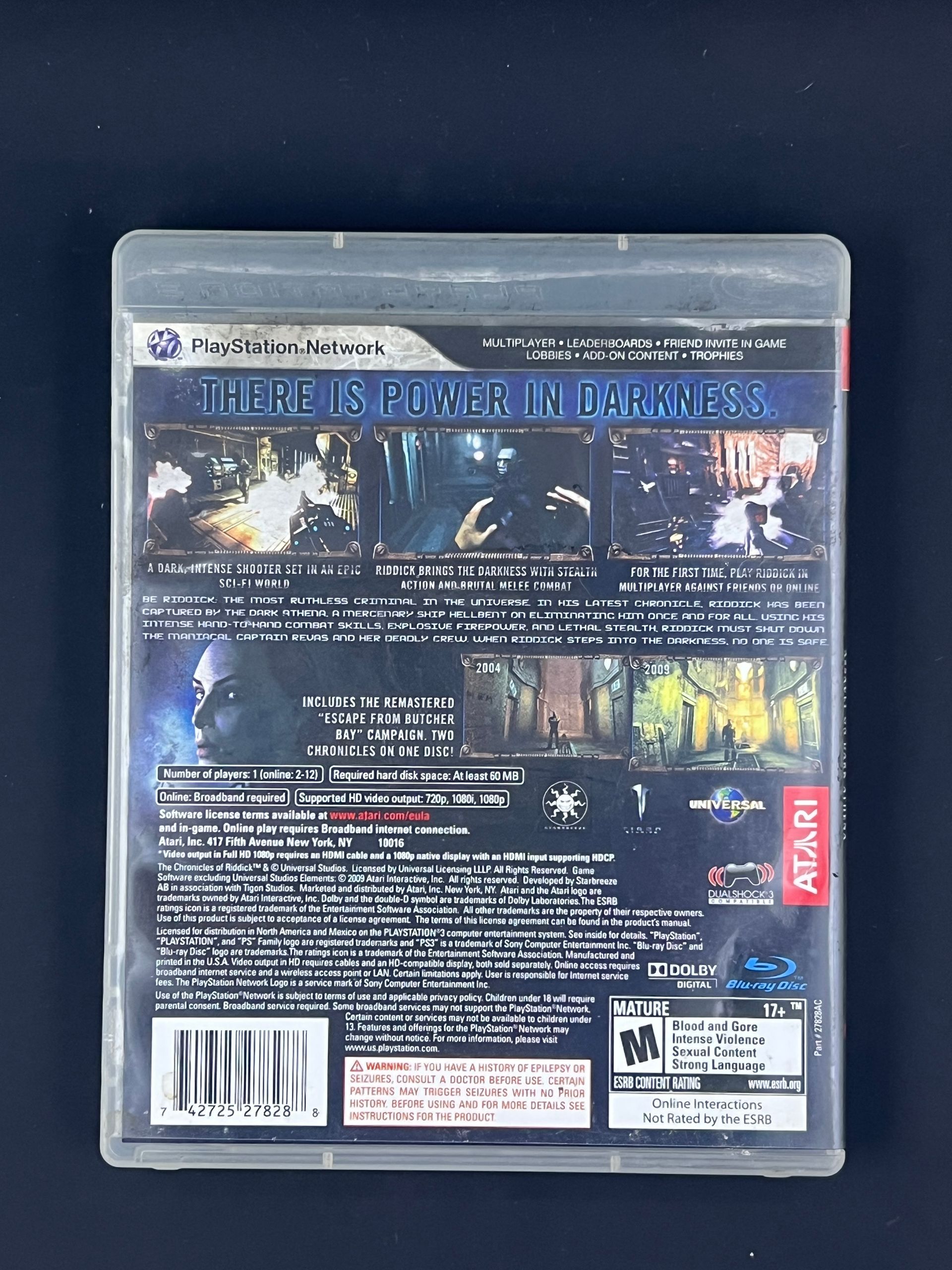
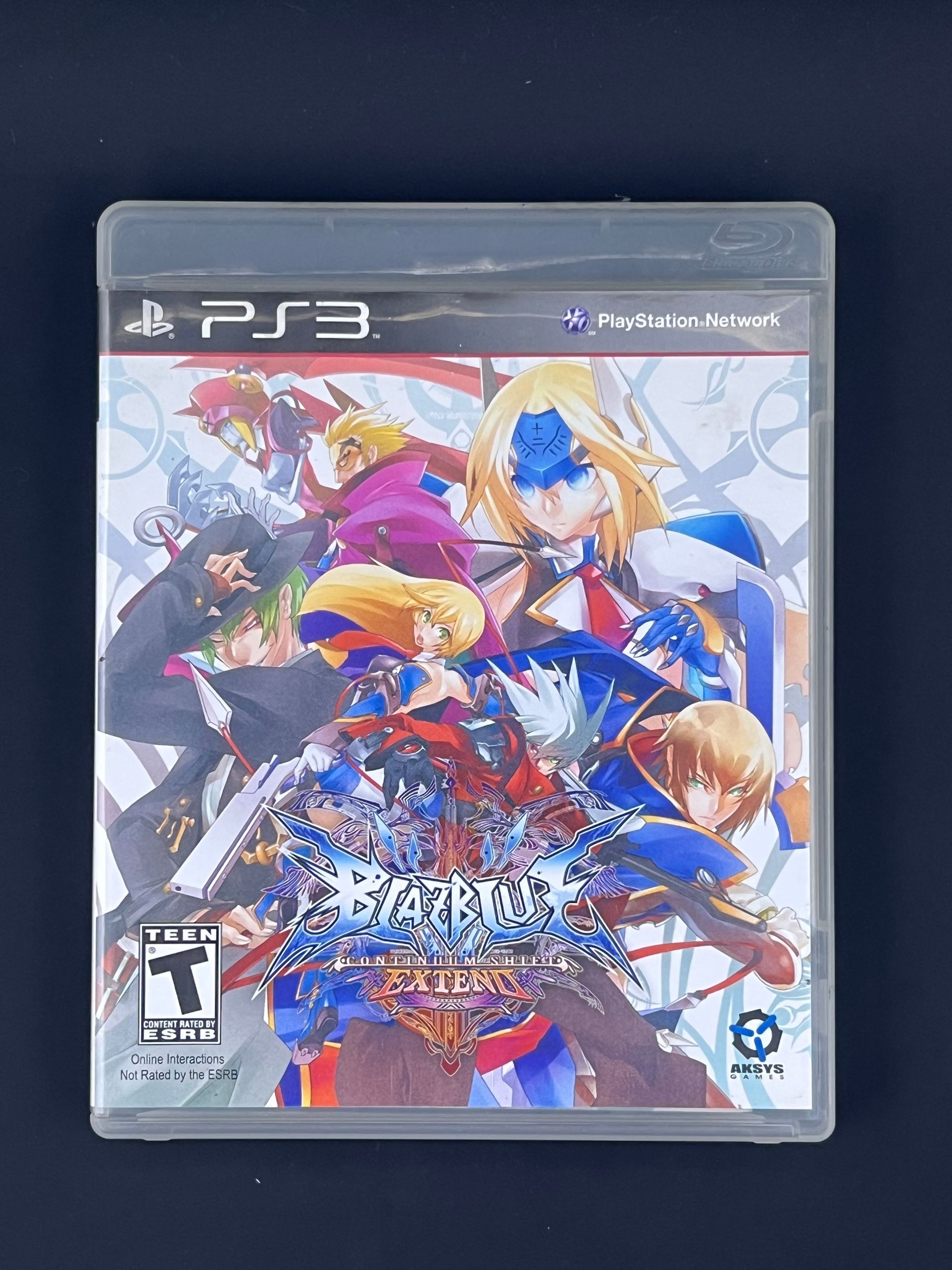
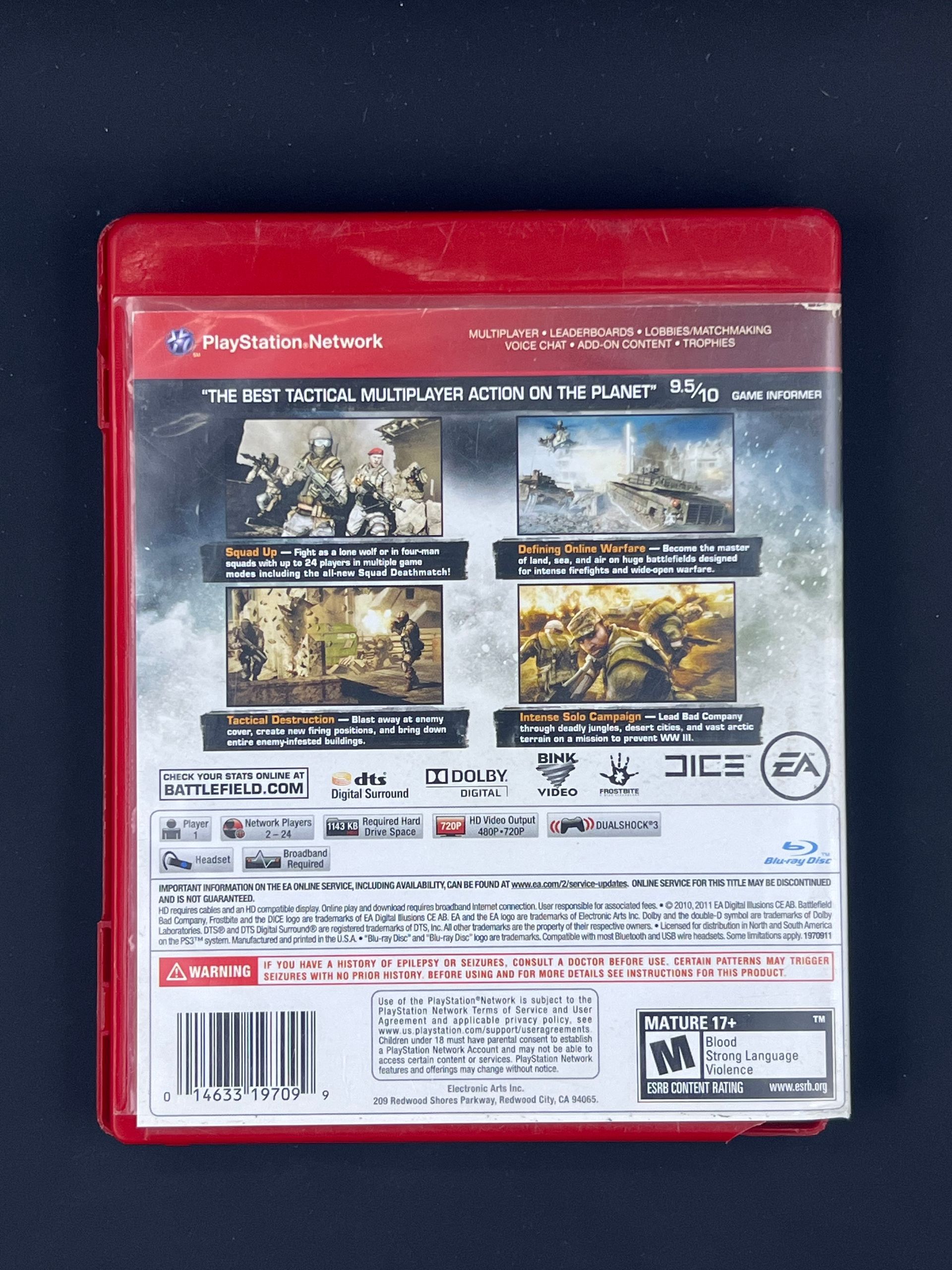
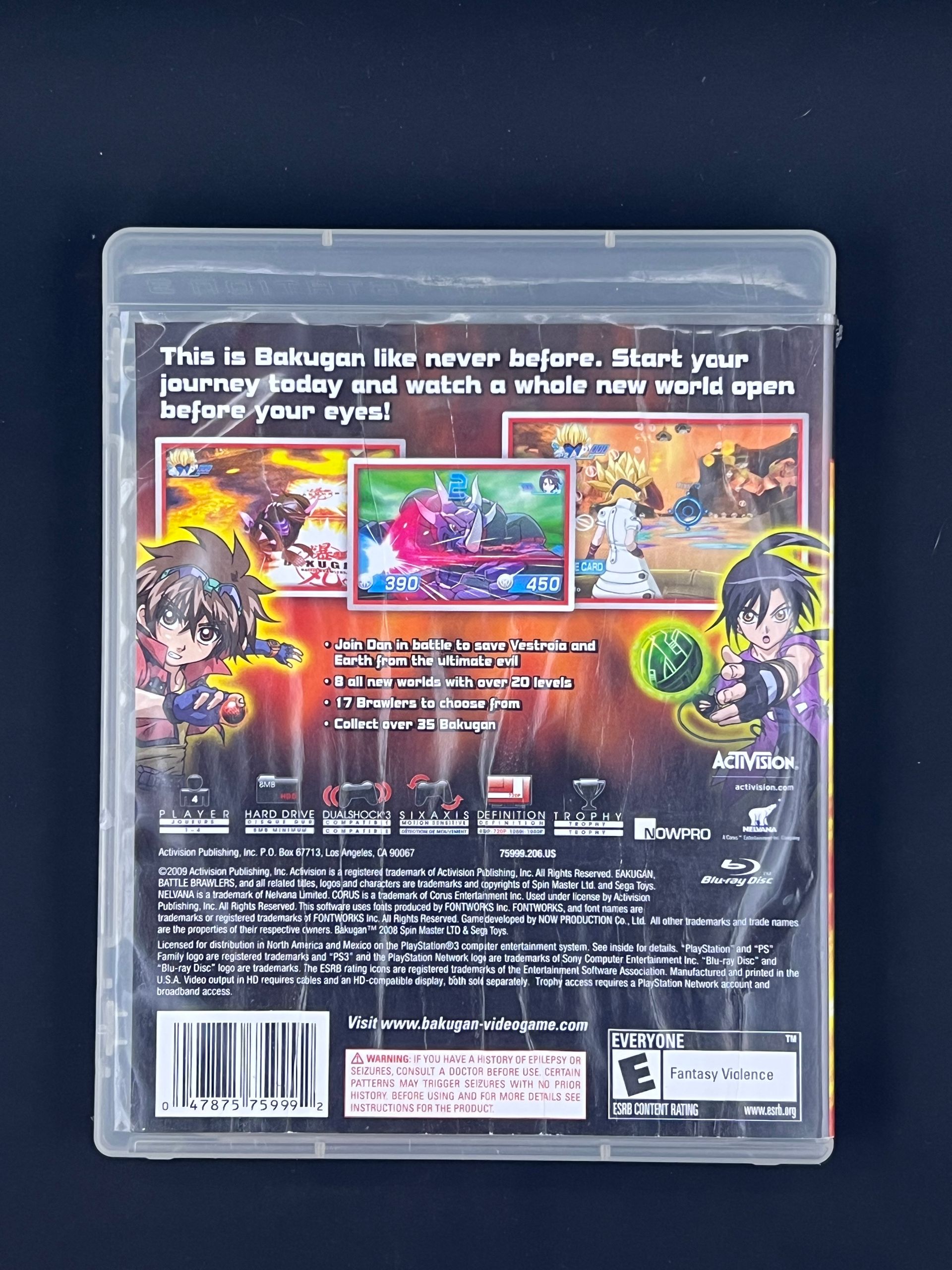
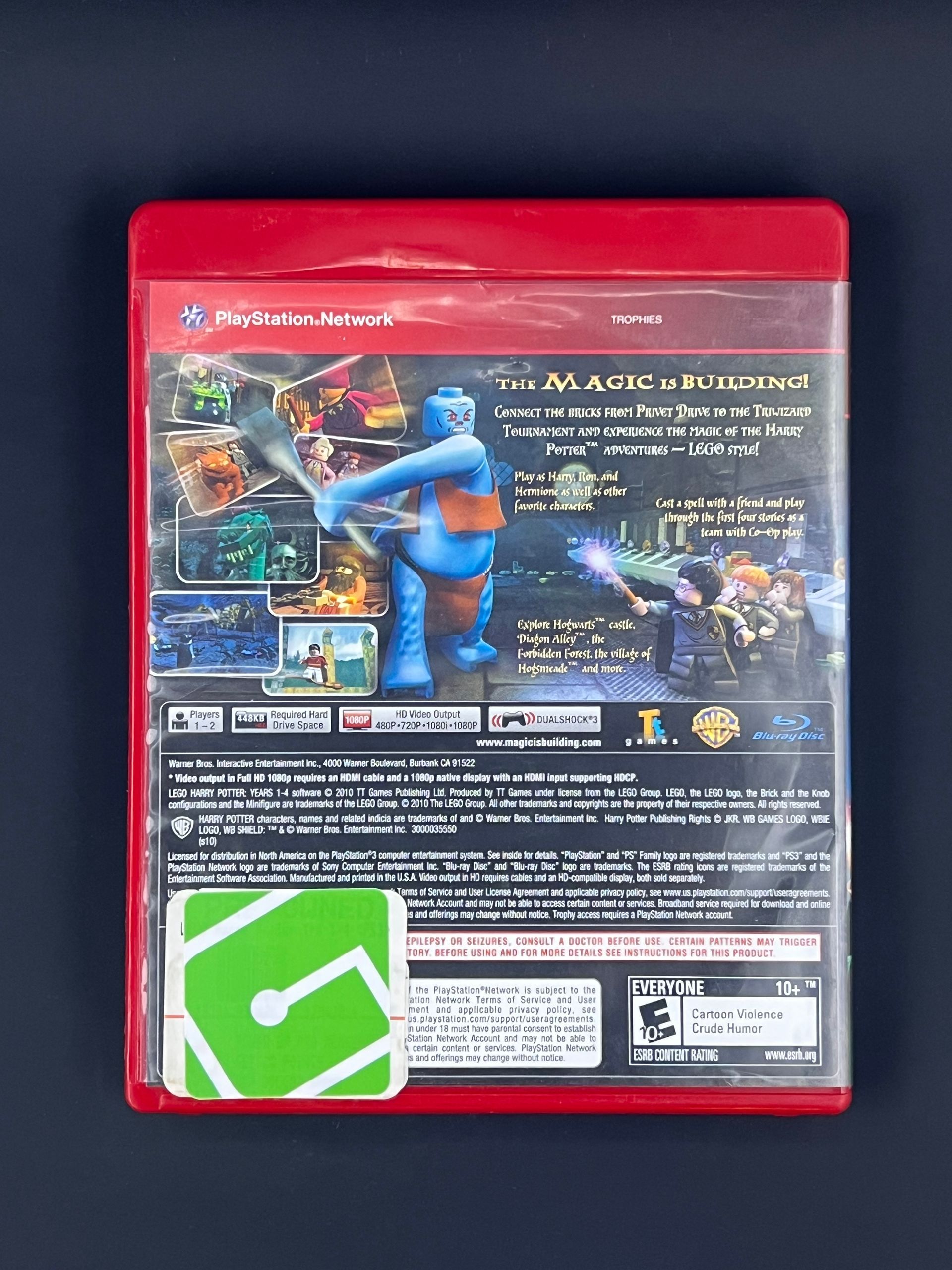
Immerse yourself in the next generation of gaming with the PlayStation 5 Pro console, a revolutionary device that redefines what it means to play. With its cutting-edge technology, the PS5 Pro delivers breathtaking graphics through advanced ra tracing, ensuring that every shadow and reflection is rendered with stunning realism. The PS5 Pro game runs not only enhances graphics but also boosts performance, delivering a gaming experience that surpasses the standard PS5. Experience your favorite games in crystal-clear 4K resolution, optimized for high frame rate gameplay that keeps you at the edge of your seat.


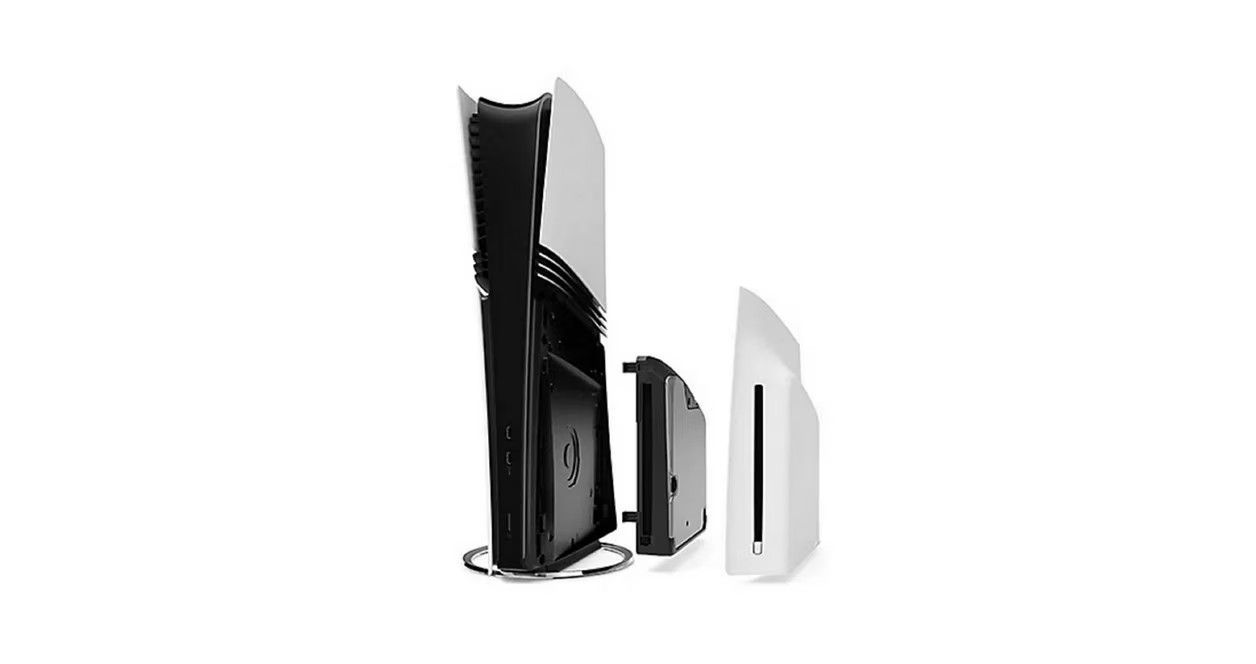
Designed as an all-digital console, the PS5 Pro allows for seamless access to the PlayStation Network, making it easier than ever to browse and purchase the latest titles from the PlayStation Store. For those who cherish physical media, the option to add a separately sold Disc Drive opens up a world of possibilities, enabling you to enjoy not only PS5 and PS4 games on Blu-ray Discs but also a vast library of movies and shows in 4K Ultra HD, Blu-ray, and DVD formats. Elevate your gaming experience and step into a world where every detail matters with the PlayStation 5 Pro.

The right games for you!

$799.95

  • SPECIFICATIONS

    Brand Name: Sony Interactive Entertainment


    Features: 4K UHD Display, Bluetooth, Built-in Speakers, HD Streaming, High Dynamic Range (HDR), Wi-Fi Compatible


    Special Controllers: Adaptive Triggers, Haptic Feedback


    Interactive Elements: Unrestricted Internet


    Compatible Platforms: PlayStation 5


    Connection Type: Wired

  • HOW TO USE

    How to Use a PlayStation 5


    The PlayStation 5 is a high-performance gaming console built for immersive gameplay, fast loading times, and stunning visuals. Follow the steps below to get started.



    Power on the Console


    Press the Power button on the front of the console. The indicator light will turn on and the setup screen will appear on your TV.


    Connect to the Internet


    During setup, connect the PS5 to Wi-Fi or use an Ethernet cable for a more stable connection. An internet connection is recommended for system updates, digital downloads, and online play.


    Sign in or create a PlayStation account


    Sign in with an existing PlayStation Network (PSN) account or create a new one. This allows access to the PlayStation Store, online multiplayer, cloud saves, and digital purchases.


    Insert a Game or Download Digitally


    • Insert a PS5 or PS4 game disc into the disc slot (Disc edition only), or
    • Download games directly from the PlayStation Store.


    Use the DualSense Wireless Controller


    Turn on the controller by pressing the PS button in the center. The controller will automatically pair and can be used to navigate menus, launch games, and access media features. The DualSense controller supports adaptive triggers and haptic feedback for a more immersive experience.


    Adjust System Settings


    Access settings to customize display resolution, HDR, audio output, storage, network preferences, parental controls, and power settings. The PS5 supports 4K gaming and high frame rates when connceted to a compatible display.


    Install Updates and Manage Storage


    System and game updates may download automatically. Manage installed games and available storage from the settings or game library menu.


    Powering off or Rest mode


    Press the PS button, open the control center, select power, and choose rest mode, turn off PS5, or restart system.

  • DETAILS

    What's Included


    • PlayStation 5 Pro console (2TB SSD internal Storage)
    • DualSense Wireless Controller
    • HDMI Cable
    • AC power cord
    • USB cable
    • Two horizontal stand feet - for placing the console flat on a surface.
    • Guides.

BESTSELLERS

You may also like