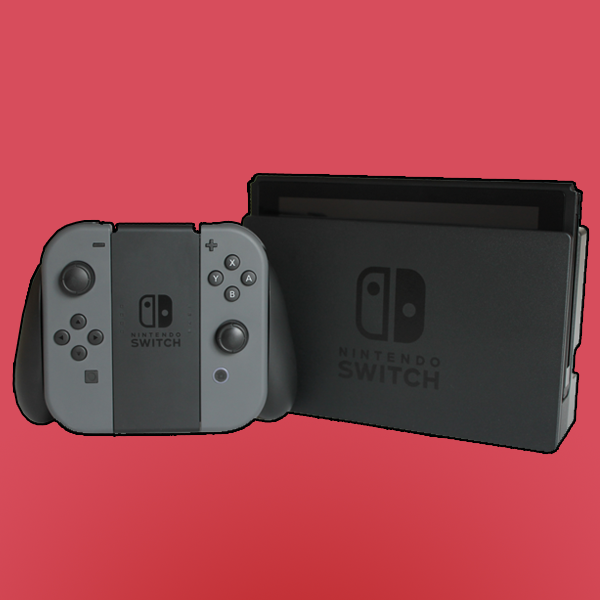
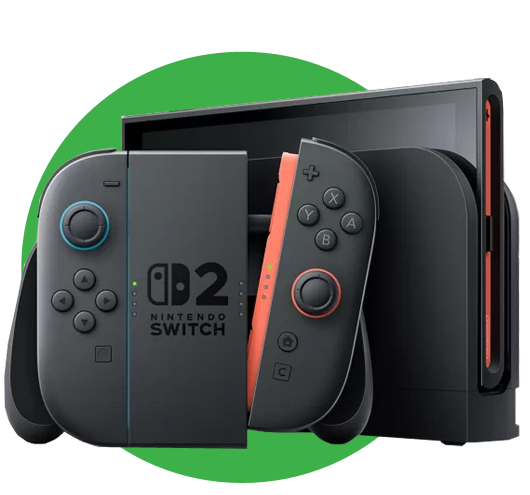
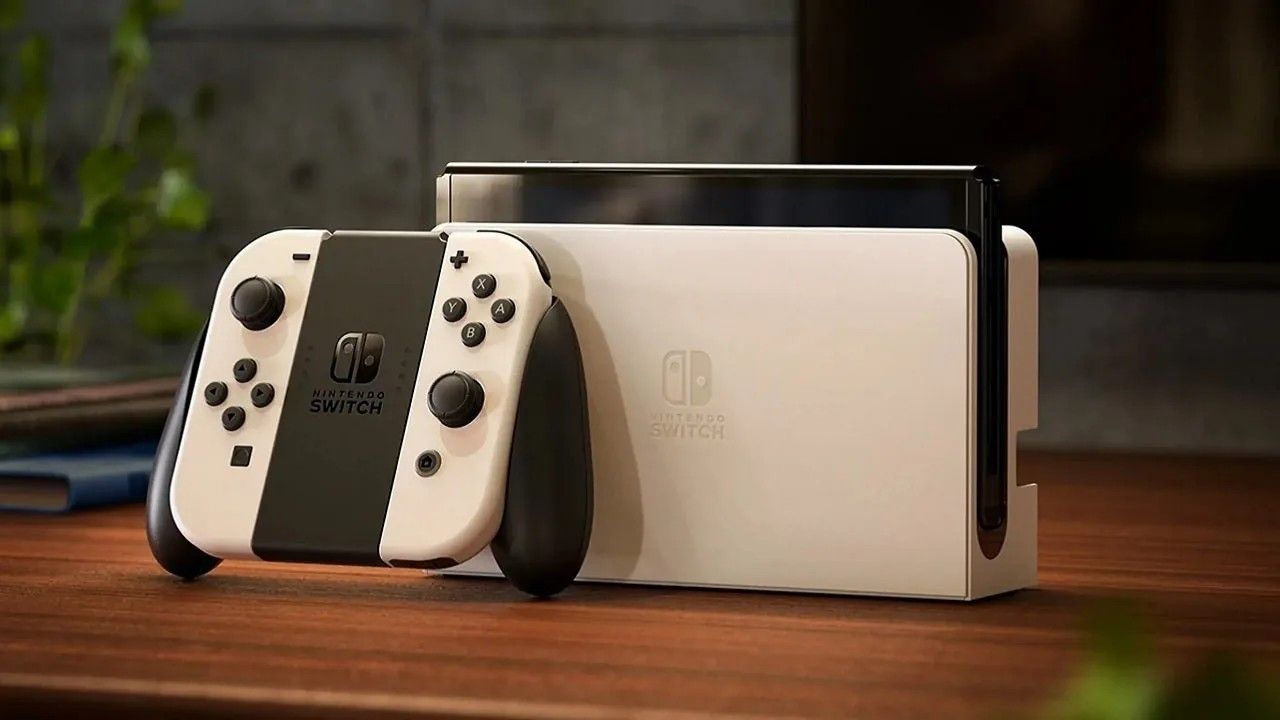
Play at home on the TV or on-the-go with a vibrant 7-inch OLED screen with the Nintendo Switch OLED console with white Joy-Con controllers. In addition to a new screen with vivid colors and sharp contrast, the Nintendo Switch OLED model includes a wide adjustable stand for more comfortable viewing angles, a dock with a wired LAN port for TV mode (LAN cable sold separately), 64GB of internal storage, and enhanced audio in Handheld and Tabletop modes using the system's speakers. Nintendo Switch OLED features white Joy-Con controllers, a black console, and a white dock.

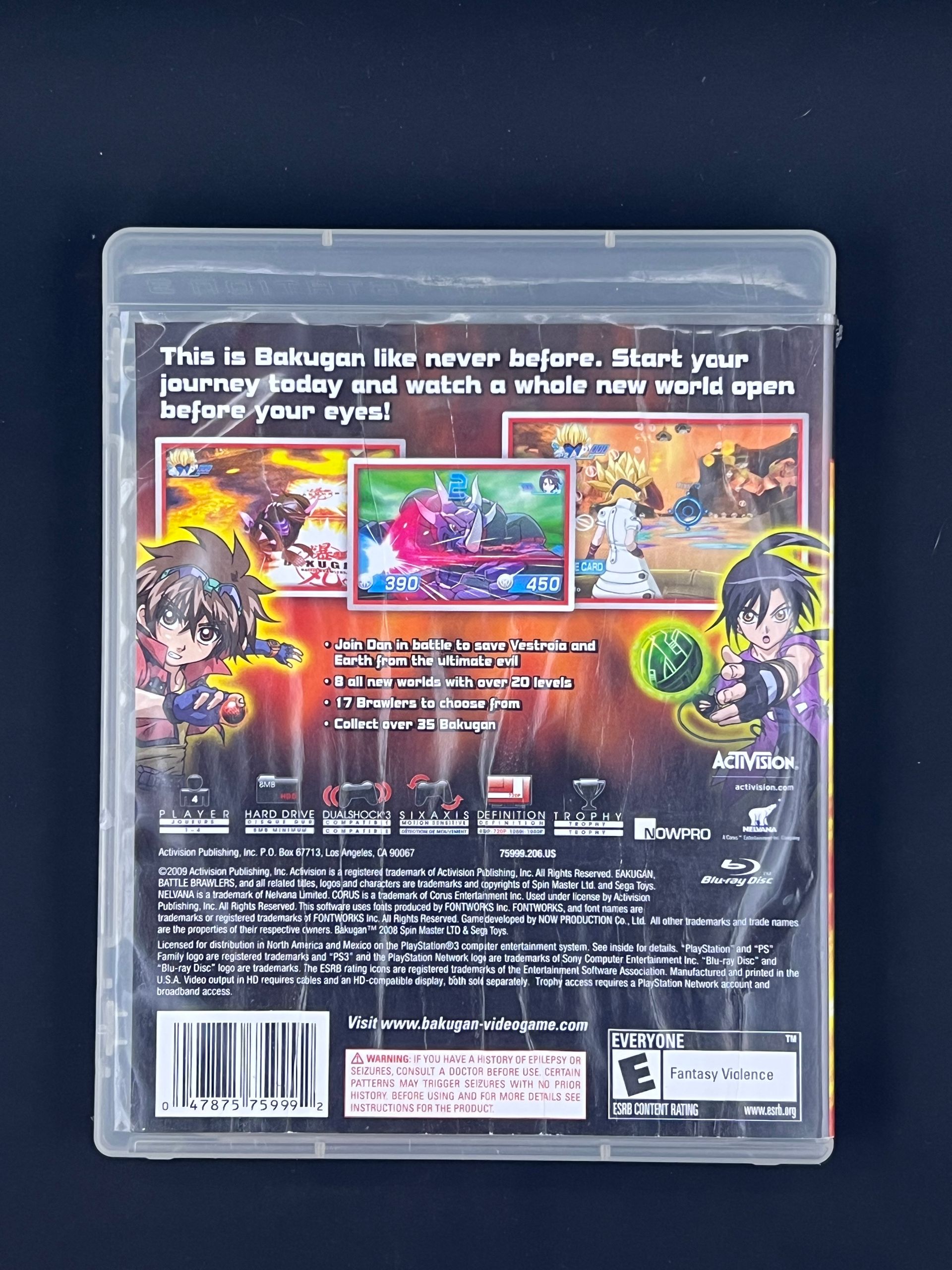
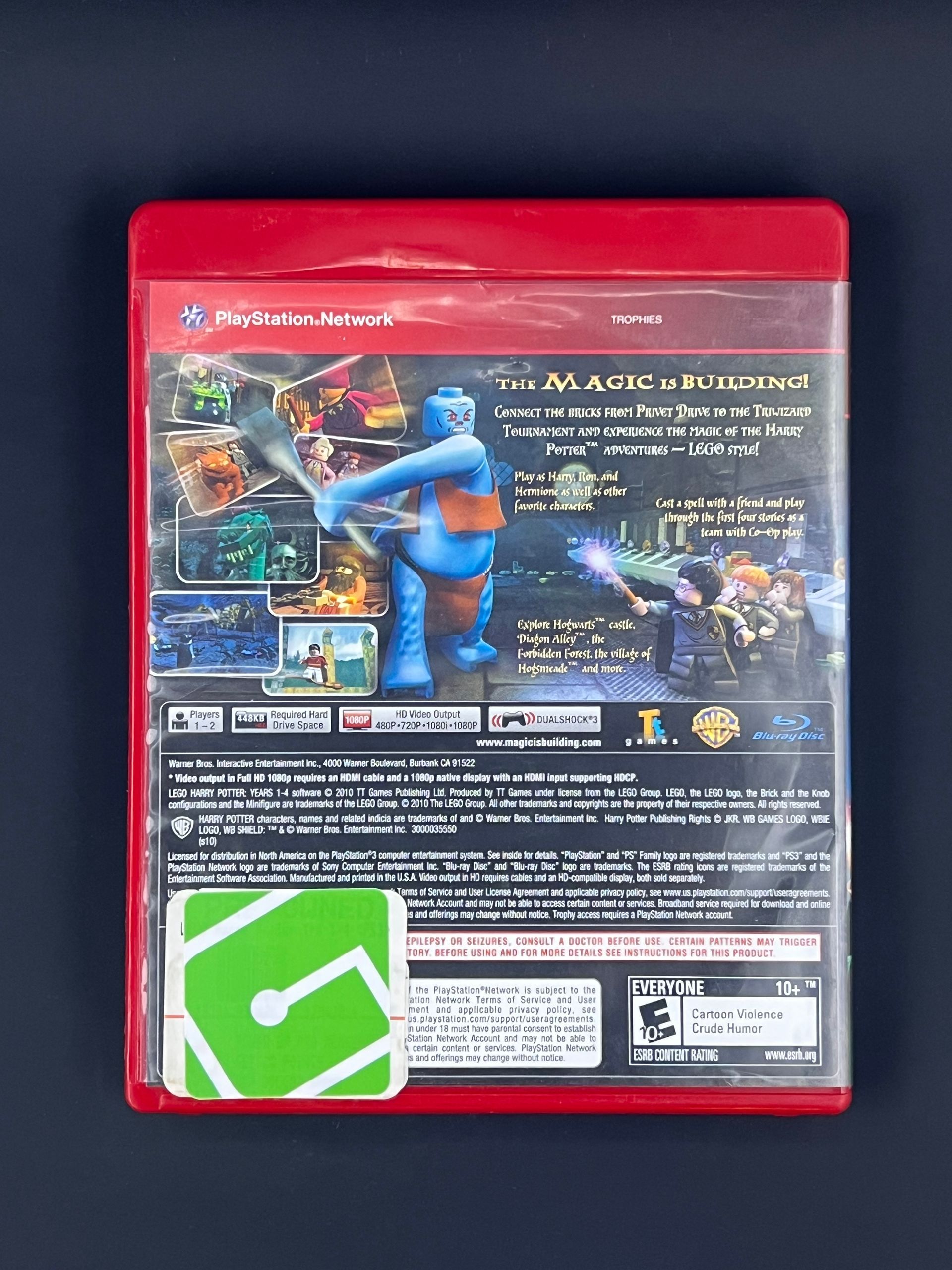
The right games for you!

$399.95

  • SPECIFICATIONS

    General


    Brand Name: Nintendo

    Age: All


    Features


    • Wi-Fi Compatible


    Power


    Battery Life: 4.5-9 hours


    Connectivity


    Connection Type: Wired


    Fandom


    Publisher Name: Nintendo

  • HOW TO USE

    How to Use a Nintendo Switch OLED


    The Nintendo Switch OLED is designed to be easy to use whether you're playing at home or on the go. Follow the steps below to get started.


    Power On the Console


    Press the Power button located on the top left of the console. Once powered on, follow the on-screen prompts to selece a language, region, and connect to Wi-Fi.


    Set up your User Profile


    Create or select a user profile. You can link a Nintendo account to access the eShop, save data, and online features, but it's optional for offline play.


    Choose Your Play Mode


    The Switch OLED supports three play styles:


    • Handheld Mode - Play directly on the OLED screen using attached Joy-Cons
    • Tabletop Mode - Use the adjustable kickstand and detach the Joy-Cons for shared play.
    • TV Mode - Place the console into the dock and connect it to your TV via HDMI.


    Insert a Game or Download Digitally


    • Insert a game cartridge into the slot on the top of the console, or
    • Visit the Nintendo eShop to download games digitally.


    Use the Joy-Con Controllers


    Attach Joy-Cons to the console or use them wirelessly, They can be used together as one controller or separately for multiplayer gaming.


    Adjust Settings for Best Experience


    Access System Settings to adjust display brightness, volume, internet connection, parental controls, and controller settings.


    Charging the Console


    Charge the console using the included USB-C charger or by placing it in the dock. The OLED model also features a wired LAN port on the dock for a more stable internet connection.



    Powering Off or Sleep Mode


    Tap the Power button to put the console into Sleep Mode, or hold it down to fully power off the system.

  • DETAILS

    What's Included


    • Get everything you need to get started. Just buy a game (Sold Separately), insert into console, and play! That simple!
    • Nintendo Switch Console - OLED Model
    • Nintendo Switch Dock - OLED Model
    • Joy-Con (L) White
    • Joy-Con (R) White
    • Joy-Con Wrist Straps
    • Joy-Con Grip
    • High speed HDMI Cable
    • Nintendo Switch AC Adapter

BESTSELLERS

You may also like