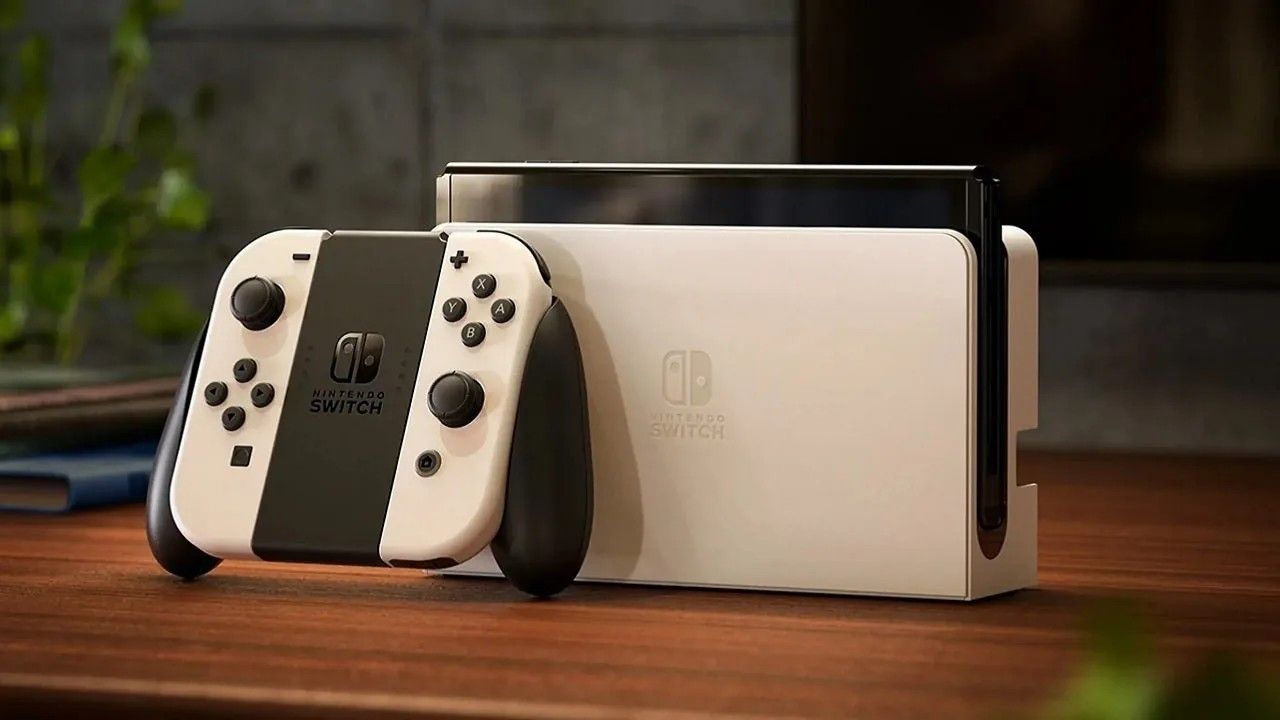
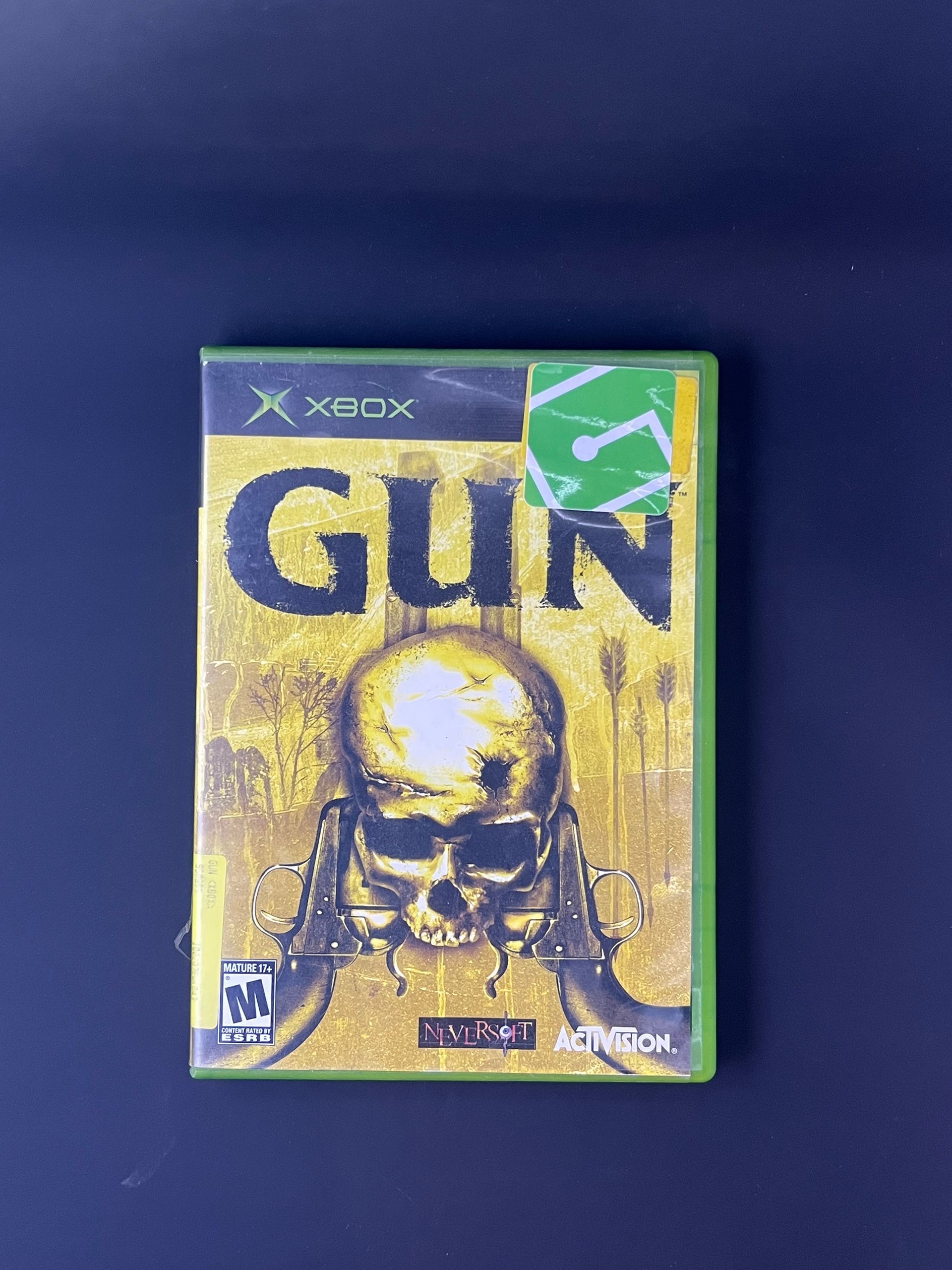
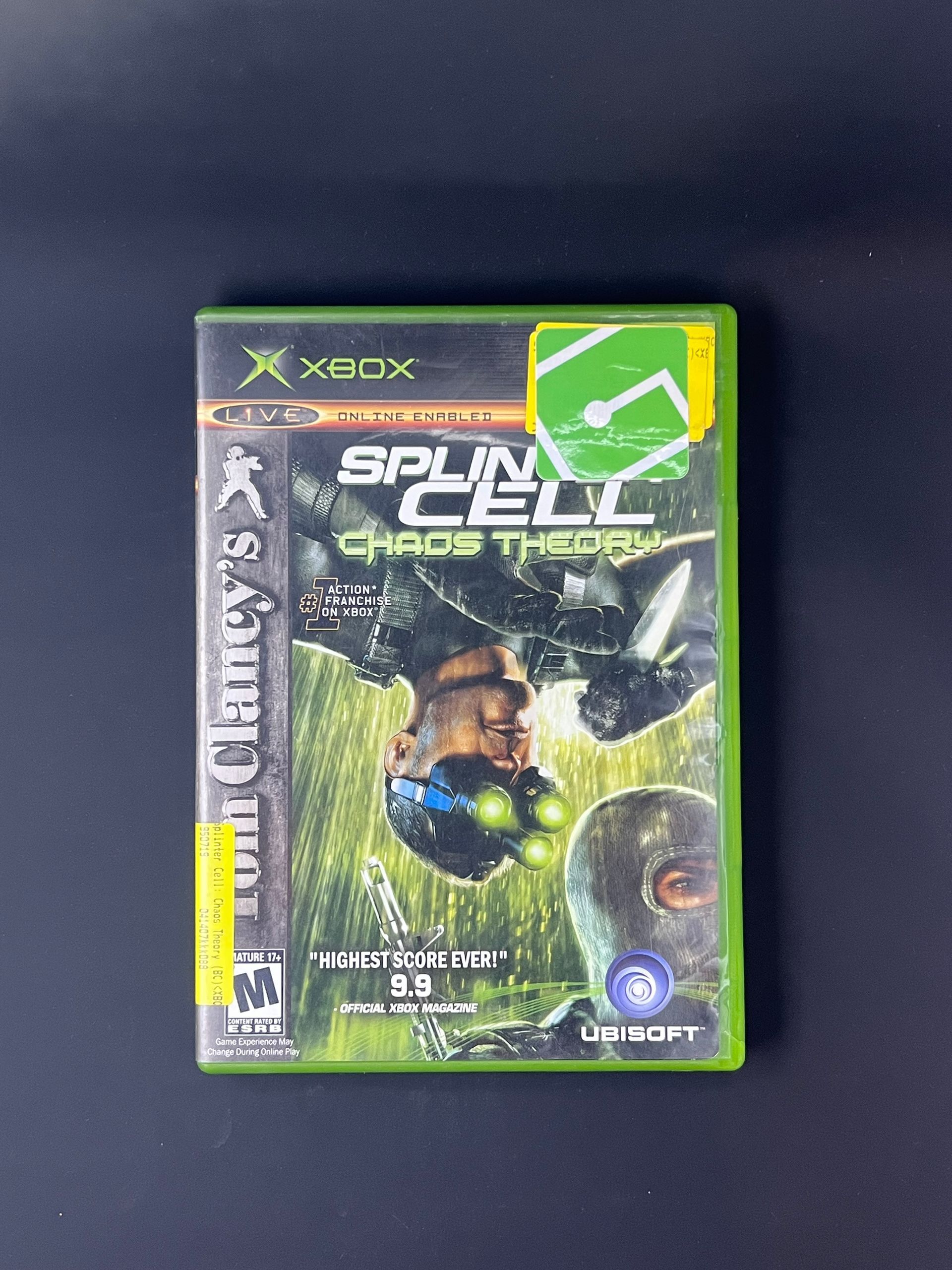
The Nintendo Switch 2 available now on our website! Experience next-gen gaming with faster performance, stunning graphics, and exclusive new titles. Don't miss your chance to own the latest Nintendo console. Shop online today. Limited stock - order the Nintendo Switch 2 before it sells out!
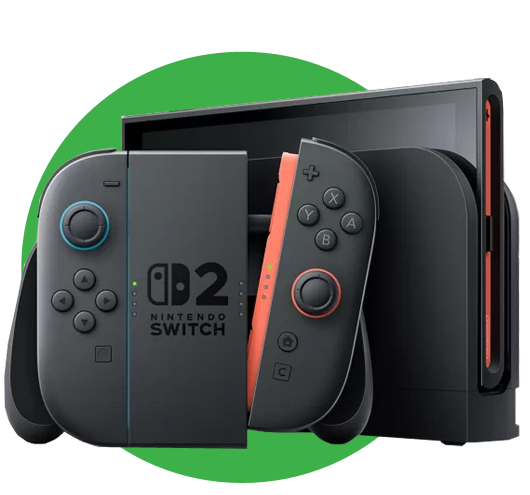
Start your next gaming adventure with the Nintendo Switch 2 system - packed with upgrades and fun ways to connect and play together!
Discover Nintendo Switch 2
Your games will leap to life on the vivid, 7.9" 1080p screen that showcases the system's powerful processing and graphics performance. The updated dock also supports up to 4K resolution and frame rates up to 120fps with compatible games and TVs.
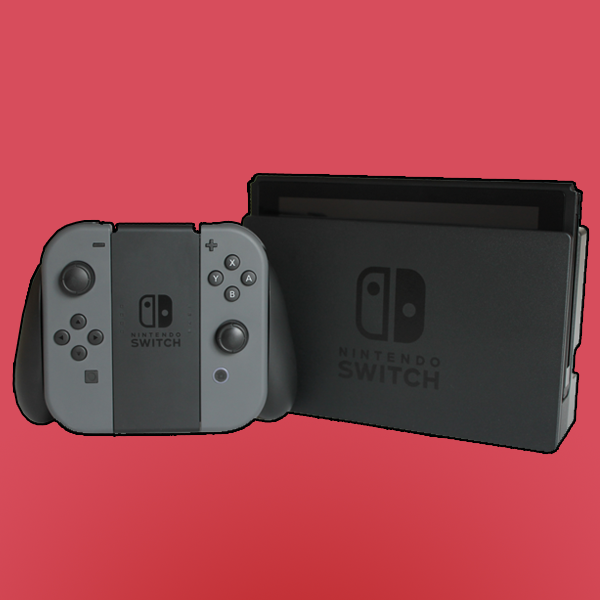
The reimagined Joy-Con 2 controllers snap into place with magnetic connectors - and each controller can even be used as a mouse in compatible games. Plus, you can still enjoy compatible games from your existing Nintendo Switch library.
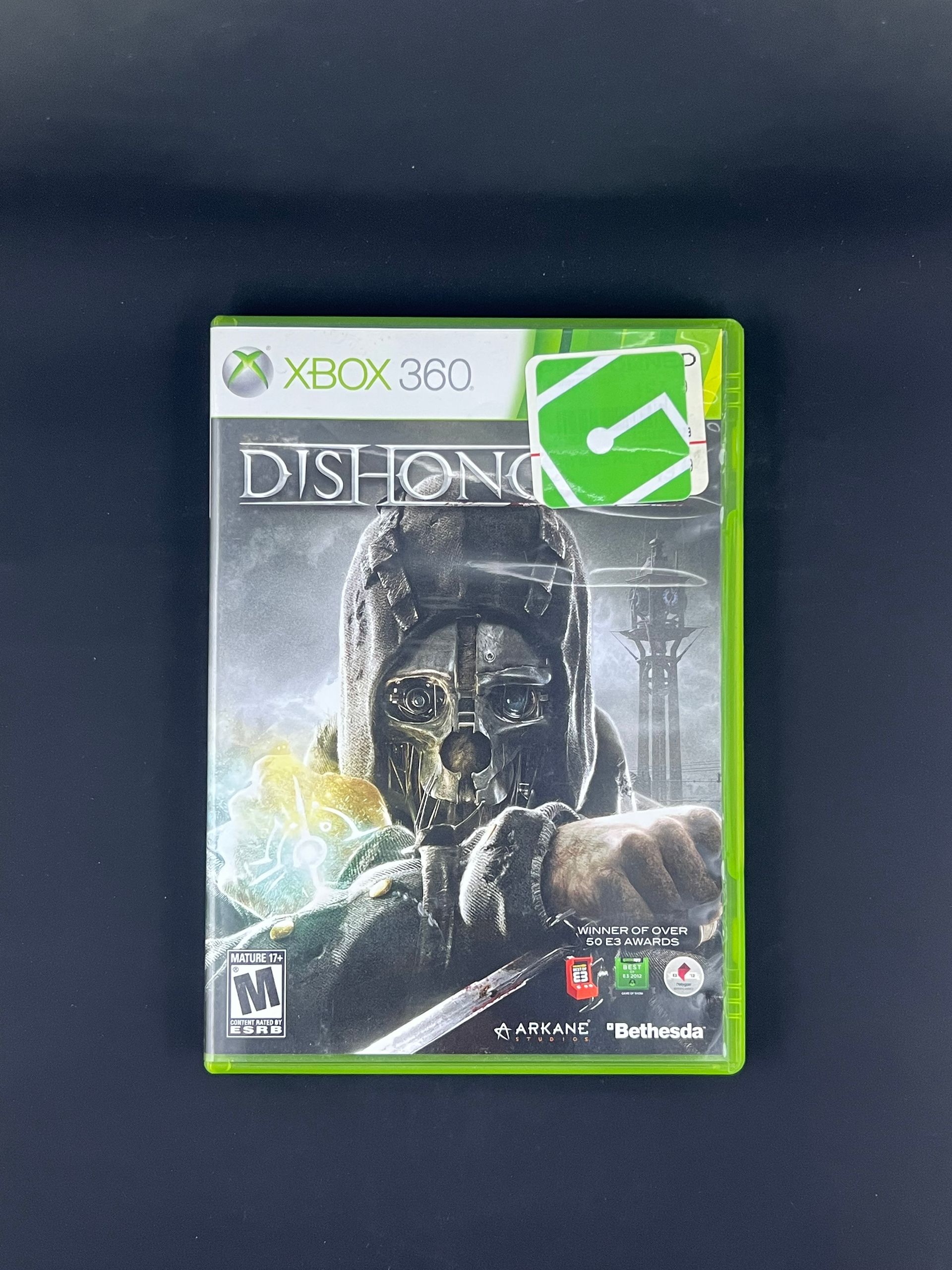
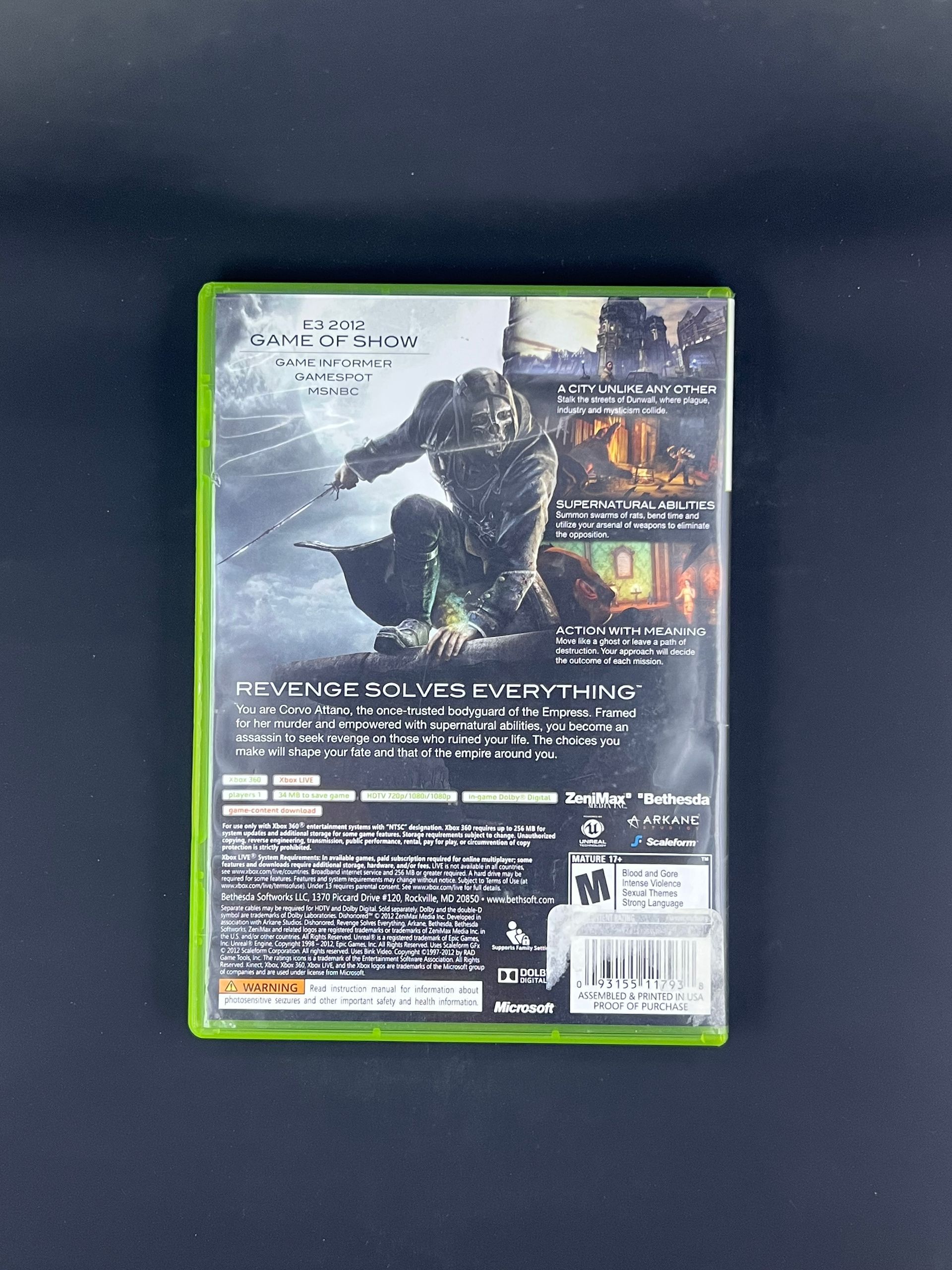
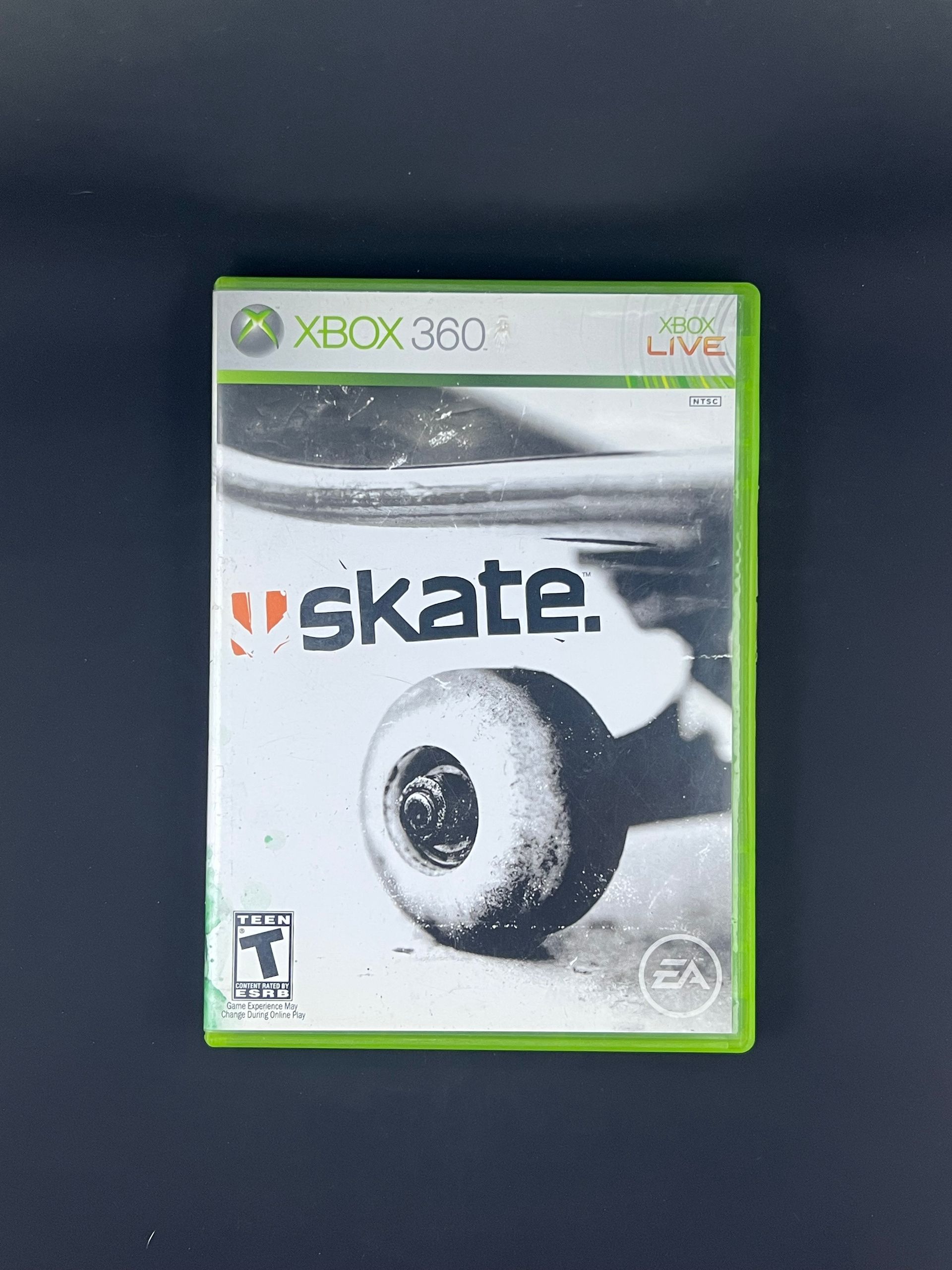
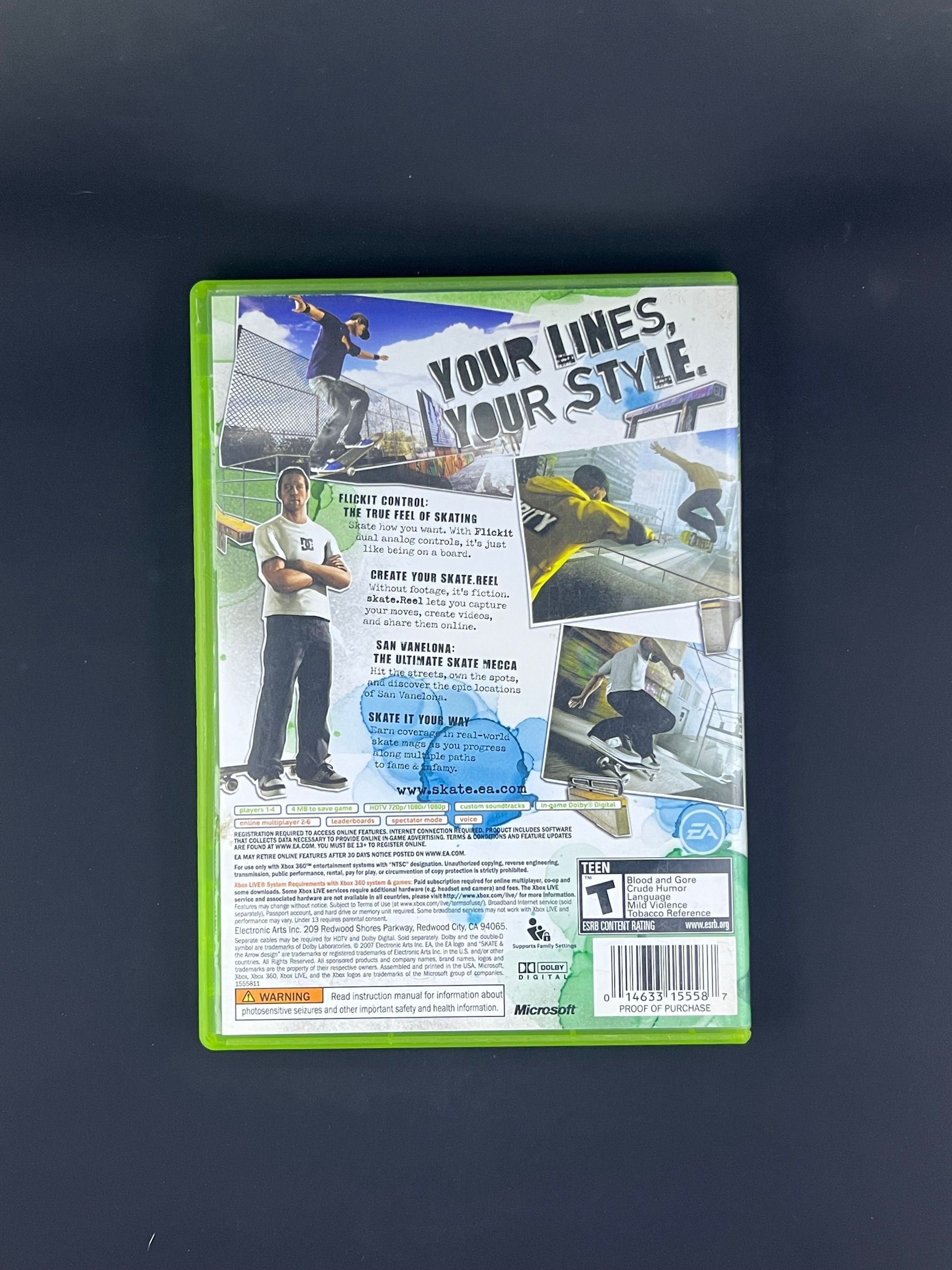
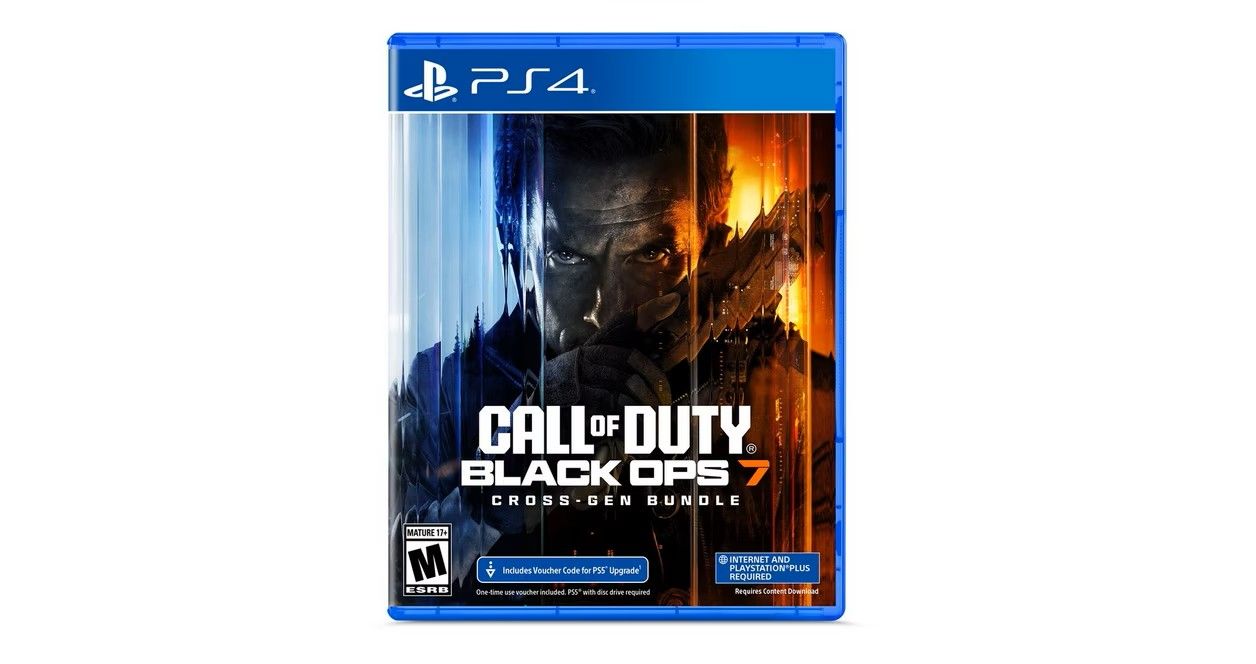
The right games for you!
$499.95
SPECIFICATIONS
Brand Name: Nintendo
Age: All
Features: Bluetooth, Built-in Microphone, High Dynamic Range (HDR), Wi-Fi Compatible.
Display
- Screen Resolution: 1080p
- Video Frame Rate: 120Hz
Special Controllers: Accelerometer, gyroscope, and mouse sensor located in Joy-Con 2 controllers.
Battery Life: 2-6.5 hours
Compatible Platforms: Nintendo Switch 2
External Memory Compatibility: MicroSD
Processor Model: NVIDIA
Storage Capacity: 256GB
Connection Type: Wireless
HOW TO USE
How to Use a Nintendo Switch 2
The Nintendo Switch 2 is a versatile gaming console designed for handheld, tabletop, and TV play, offering enhanced performance and improved visuals. Follow the steps below to get started.
Power on the Console
Press the Power button located on the top of the console. The system will turn on and guide you through the initial setup process.
Complete Initial setup
Follow the on-screen instructions to select your language, region, and connect to Wi-Fi. An internet connection is recommended for updates, digital downloads, and online features.
Create or select a user profile
Create a user profile or select an existing one. You can link a Nintendo Account to access the Nintendo eShop, cloud saves, and online services, though it is optional for offline play.
Choose your Play Mode
The Nintendo Swithc 2 supports three play styles:
- Handheld Mode - Play Directly on the built-in screen with Joy-Con controllers attached.
- Tabletop Mode - Use the adjustable kickstand and detach the Joy-Cons for shared or multiplayer gaming.
- TV Mode - Place the console into the dock and connect it to your TV using an HDMI cable.
Insert or download games
- Insert a game cartridge into the game card slot on the console, or
- Download games digitally through the Nintendo eShop.
Use the Joy-Con Controllers
Attach the Joy-Con controllers to the console or use them wirelessly. They can be used together as one controller or separately for multiplayer gaming.
Adjust System Settings
Access system settings to customize display options, audio, internet connection, controller settings, parental controls, and storage management.
Charging the console
Charge the console using the included USB-C power adapter or by placing it in the dock while connected to power.
Powering off or sleep mode
Briefly press the power button to put the console into sleep mode, or hold the button down to fully power off the syste.
DETAILS
What's Included:
- Nintendo Switch 2 Console
- Joy-Con 2 (L) in Light Blue
- Joy-Con 2 (R) in Light Red
- Nintendo Switch 2 AC Adapter
- USB-C Charging Cable
- Nintendo Switch 2 Dock
- Joy-Con 2 Grip
- Joy-Con 2 Strap (x2)
- Ultra High Speed HDMI Cable

BESTSELLERS